







Artificial intelligence tools have evolved far beyond the phase of merely suggesting a line of code or drafting a quick snippet. Today’s advanced coding agents can actively edit files, install software dependencies, execute test suites, and even launch full-stack applications independently. However, granting an autonomous agent full execution capabilities inside a local development environment raises a critical security and operational question: exactly how much of a developer’s computer should those commands be permitted to affect?
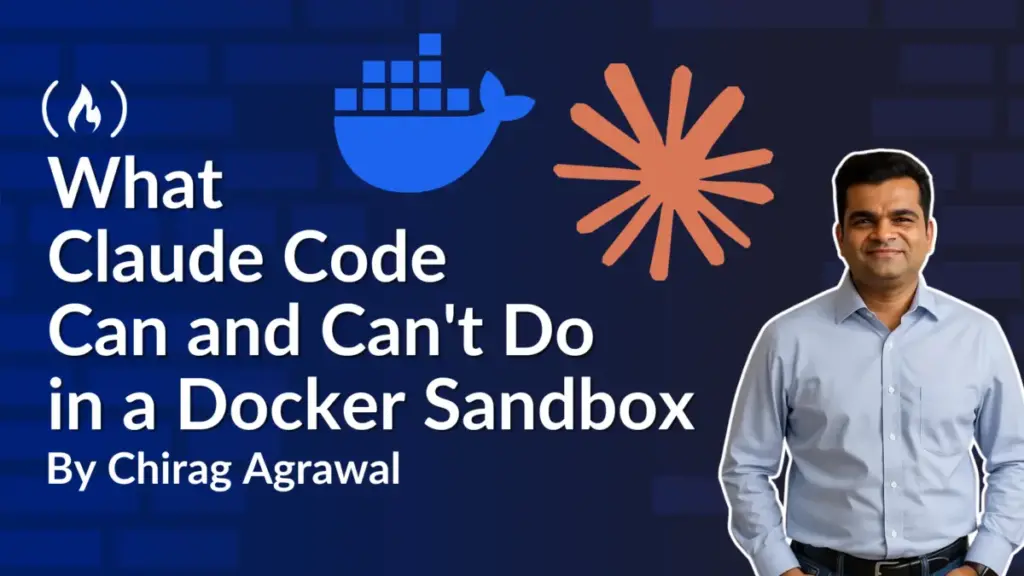
To address this challenge, developers are increasingly looking toward lightweight virtualization boundaries. By isolating AI coding tools inside microVMs, developers can maintain the speed and autonomy of automated agents while restricting their access to local files and external networks. A recent practical experiment utilizing Docker Sandboxes with Anthropic’s Claude Code sheds light on the capabilities, boundary limitations, and operational trade-offs of running fully autonomous AI agents within a controlled Linux virtual machine.
Understanding Sandbox Isolation and Environment Architecture
When operating an AI agent locally, the host computer remains the primary system, while the sandbox functions as a separate Linux environment running on top of it. Unlike ordinary Linux containers that share the core operating system kernel of the host machine, a Docker Sandbox operates with its own dedicated kernel. This architectural separation ensures that process management and hardware interactions within the sandbox remain entirely distinct from the host operating system.
Inside this microVM, Claude Code is granted administrative permissions, allowing the agent to execute commands as a Linux administrator, install required packages, or modify system files local to the virtual environment. Crucially, these elevated permissions remain strictly contained within the sandbox and do not translate to administrative access over the host computer. The project folders chosen for sharing maintain their own distinct access rules and operational boundaries.
The integration typically launches Claude inside the virtual machine with automated permissions enabled, removing the need for continuous tool-approval prompts. This allows the agent to work continuously, relying entirely on the underlying virtual machine architecture and network proxy controls to maintain safety.
To bridge the gap between the host machine and the isolated agent, Docker Sandboxes provides two distinct project interaction modes. In direct mode, the selected project folder on the host computer is immediately accessible, permitting the agent to read, modify, create, and delete files on the fly. In clone mode, the environment creates a separate copy of the Git project inside the sandbox. This allows the AI agent to work freely on the duplicated files while keeping the original project untouched on the host machine until the developer explicitly retrieves and reviews the changes.
The underlying infrastructure also incorporates a specialized network proxy. Outbound TCP connections pass through a host-level policy proxy that validates destination allowances. Furthermore, for services requiring credentials, the proxy can inject authenticated tokens dynamically without storing sensitive API keys inside the sandbox itself. Despite these safeguards, unshared host files, active host processes, and the host’s native Docker daemon remain completely isolated and inaccessible from within the microVM.
Evaluating Performance in Direct Versus Clone Modes
Practical testing of these environments reveals distinct behavioral patterns depending on the chosen configuration mode. When operating in direct mode, instructing the agent to delete a specific project file or introduce a localized Git hook results in immediate changes appearing within the project folder on the host machine. While efficient, this direct visibility also exposes unique review challenges. For instance, file deletions or additions located outside standard tracked code directories—such as internal Git hooks stored within repository subfolders—may not be immediately visible through standard command-line diff utilities, requiring developers to inspect repository states carefully.
Conversely, clone mode isolates modifications within a private repository copy inside the virtual machine. The original project files on the host machine remain completely unchanged, allowing developers to fetch the agent’s remote branch, inspect the exact diff, and evaluate the modifications before merging them into production code.
Despite these isolation mechanisms, experiments highlight important considerations regarding data privacy. While sandboxing prevents unauthorized file editing, it does not inherently prevent an agent from reading sensitive data contained within the shared project directory. Files containing database credentials or API keys that are ignored by version control systems but reside within the project folder remain accessible to the AI agent. Consequently, security experts emphasize the necessity of stripping sensitive credentials and unneeded configuration files from the project workspace before initializing an AI sandbox session.
Network configurations introduce similar variables. While strict presets can block unauthorized external connections, permitted outbound traffic can still transmit data read from the local workspace. Managing network safety therefore relies on establishing explicit destination deny lists and monitoring policy logs when external requests are attempted.
Managing Applications and Retrieving Work
Beyond code editing and testing, sandbox environments provide isolated access to containerized workflows. Agents can build container images and run applications utilizing a dedicated Docker Engine running entirely within the microVM. This ensures that development containers created by the AI agent remain separated from the containers and services running on the host machine.
To interact with applications built inside the sandbox, developers can route specific ports from the virtual machine through the host architecture, allowing local browser access for testing and validation. When development tasks conclude, stopping the sandbox preserves its internal state, installed dependencies, and container configurations, allowing developers to resume their work seamlessly at a later time. Once a task is fully verified and merged into the primary codebase, the sandbox can be safely removed, clearing the isolated virtual environment without leaving residual modifications on the host system.