









In an era where smartphone technology has become increasingly seamless, the physical act of managing our device’s connection—specifically swapping out a SIM card—is often treated as a trivial, "hot-swappable" task. Modern smartphone design, which shifted from the bulky, removable-battery chassis of the early 2000s to the sleek, sealed-glass bricks we carry today, has encouraged a culture of convenience. Most users assume that because the phone doesn’t immediately crash when a SIM card is pulled, the practice is entirely risk-free. While it is true that you technically do not have to power down your device to switch SIM cards, taking a moment to shut off your phone remains a best practice that mitigates small but persistent risks.
The necessity of handling a SIM tray arises for many reasons. You might be switching to a Mobile Virtual Network Operator (MVNO) to capitalize on lower monthly rates, swapping to a local carrier’s card while traveling abroad to avoid exorbitant roaming fees, or simply replacing a damaged card sent by your provider. In every instance, the objective is a quick transition to a new network. While today’s devices are engineered to handle the insertion and removal of these cards while active, the "quick step" of turning the phone off eliminates the slight chance of software conflicts or physical hardware issues that could otherwise consume your time later.
The Evolution of SIM Accessibility
To understand why this debate exists, it is helpful to look at the history of mobile hardware. Prior to the 2010s, accessing a SIM card was a deliberate, manual process that almost always required removing the phone’s back cover and, frequently, the battery itself. Because the battery had to be removed, the phone was effectively powered down by default. As smartphone manufacturers began to prioritize thinner, water-resistant, and more durable chassis designs, they moved toward the external SIM tray system we recognize today.

Early devices that introduced these external trays were sometimes prone to "SIM not found" errors or temporary system hangs if the card was swapped while the device was fully powered on. Over time, software optimization caught up, and most modern operating systems now treat the SIM as a hot-swappable peripheral. However, the legacy of that design shift still impacts how we view the process. While the technology has advanced, the fundamental hardware interaction—the physical contact of metal pins against the SIM’s gold chip—remains a sensitive operation.
It is also important to distinguish between physical SIM cards and the rising standard of eSIM technology. eSIMs, which are built directly into the phone’s circuitry, operate on a completely different paradigm. Replacing an eSIM is a purely digital process, usually initiated by a QR code, a carrier-specific application, or a direct transfer feature between devices. Because there are no moving parts and no physical card to insert or eject, the risks associated with hardware damage are non-existent. Most modern devices can store multiple eSIM profiles, though they are limited by the number of active connections they can maintain simultaneously. For users relying on traditional, physical SIM cards, however, the mechanical aspect of the process remains a variable.
Identifying the Potential Risks
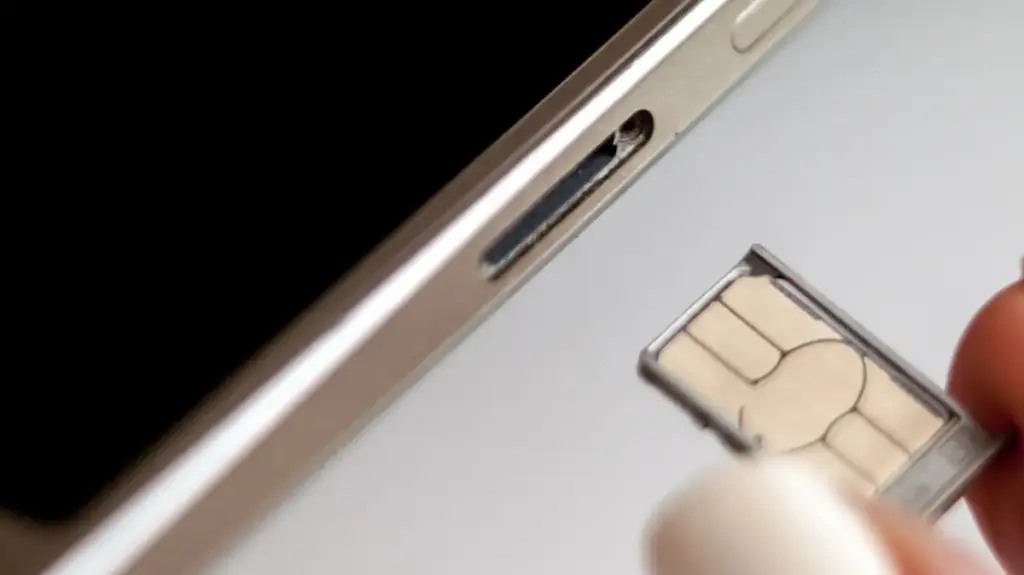
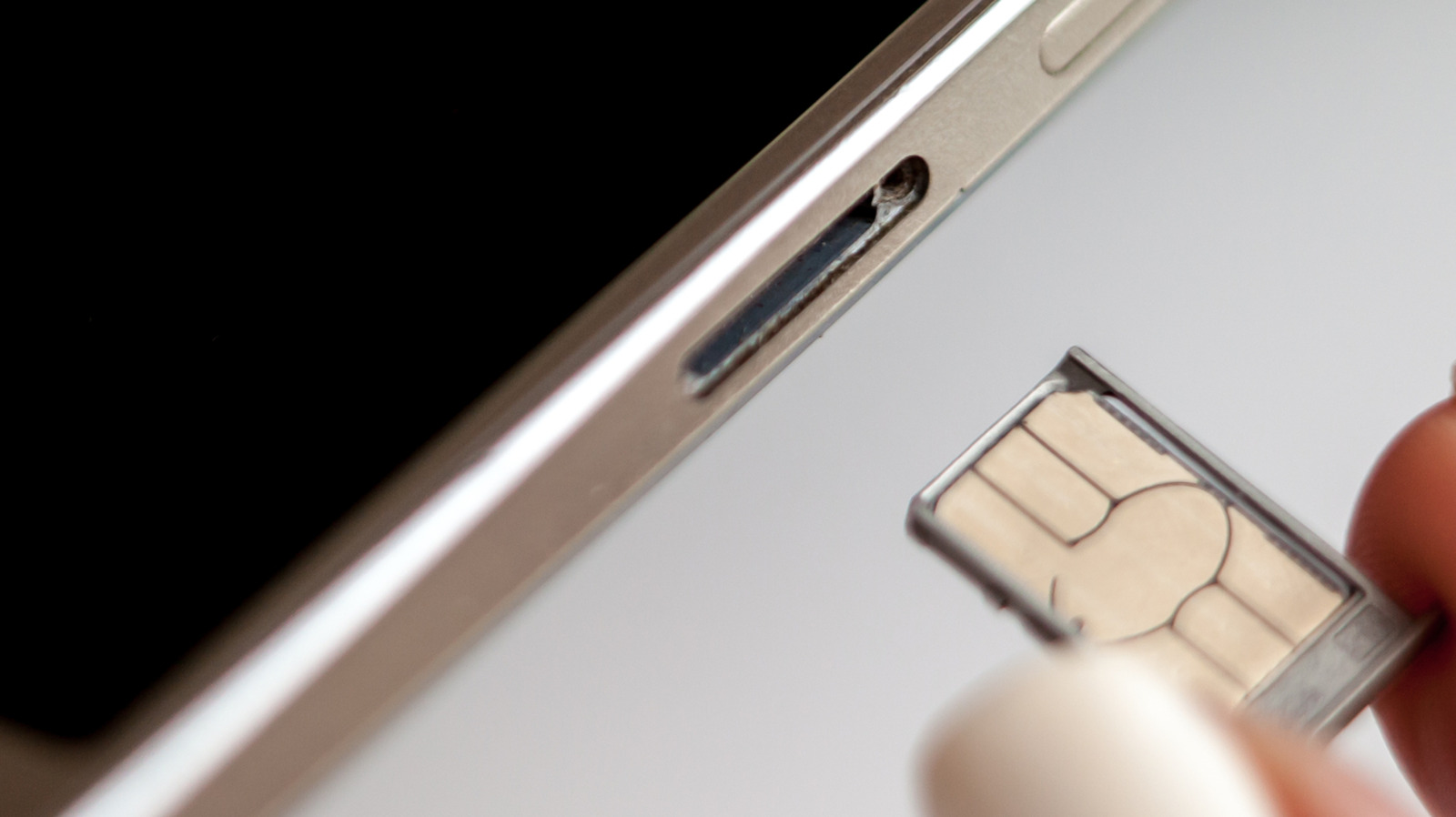
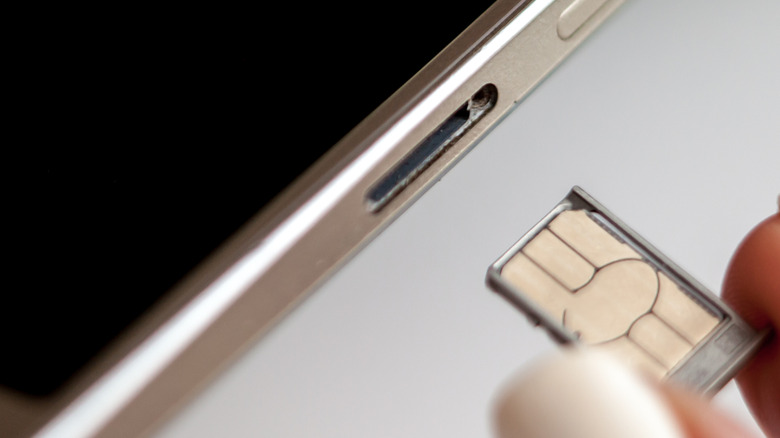
The risks associated with swapping a SIM card while a phone is active fall into two categories: physical and software-based. Physically, the SIM tray is a delicate component. Every time you insert a tool to eject the tray, you are interacting with a small, spring-loaded mechanism. There is always a minor risk of inadvertently introducing dust, lint, or moisture into the internal components of the phone. Furthermore, attempting to force a card that is not seated correctly or using a card that does not match the tray’s specific size—such as trying to jam a micro-SIM into a nano-SIM slot—can damage the contact pins inside the reader.
When a SIM card is improperly seated or damaged during a live swap, the phone may attempt to read the card repeatedly, resulting in an endless loop of searching for a network. This activity is surprisingly taxing on a smartphone’s power management system. A device struggling to identify a faulty or misaligned SIM will often experience rapid battery drain and localized overheating as the modem continuously cycles, trying to establish a handshake with a carrier tower that it cannot properly connect to. While these scenarios are not common, they are entirely preventable by simply removing the power from the equation before manipulating the card.
From a software perspective, the primary benefit of powering down is the clean slate it provides to the device’s modem firmware. When you power off a phone, the operating system performs a proper unmounting of the existing SIM data. When you insert a new card and power the device back up, the phone performs a "cold boot" scan of the hardware. This ensures that the device registers the new carrier settings, APN (Access Point Name) configurations, and network preferences from scratch. Performing this while the phone is already running can occasionally lead to "network error" messages or a failure to switch to the new network, which then forces the user to perform a manual restart anyway. By powering down first, you essentially save time by avoiding these potential software hiccups.
Best Practices for Seamless Swapping
If you are hesitant to power down your device completely, there is an alternative that offers a middle ground: Airplane Mode. By toggling Airplane Mode on and waiting approximately 30 seconds before removing the SIM card, you effectively disable the radio and signal processing functions of the modem. This prevents the phone from actively trying to read the card while it is being removed or replaced, which serves much the same purpose as a full power-off. Once the new card is inserted and the tray is fully seated, you can disable Airplane Mode to allow the phone to refresh its connection to the network.
There is, however, one critical warning for users of certain Android devices that house microSD cards in the same tray as the SIM card. Because these external storage cards are treated by the operating system as secondary drives, removing them abruptly can cause file corruption or data loss. Just as you would "eject" a USB thumb drive from a computer before pulling it out, you should unmount an SD card before removing the tray. On most modern Android interfaces, such as Samsung’s One UI, this is managed through the file manager settings. Navigating to the storage or "My Files" section and selecting the unmount option for the SD card ensures that the operating system has stopped all read/write operations to the storage, keeping your photos and documents safe during the swap.
Ultimately, while the modern smartphone is designed to be resilient, it remains a complex piece of hardware susceptible to minor errors. The decision to power down your phone before swapping a SIM card is a small gesture of maintenance that acknowledges these complexities. By choosing to take those extra thirty seconds to turn the device off, you are prioritizing the health of your SIM tray and ensuring that your transition between networks is as clean and efficient as possible. It is a simple habit that, while not strictly required for the average user, remains a professional and logical approach to device management.