









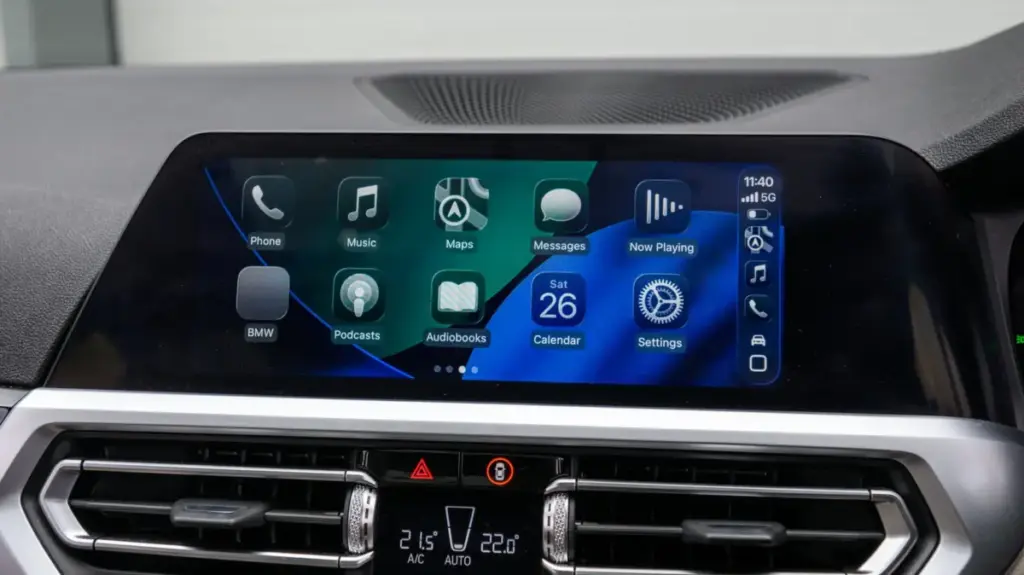
For millions of drivers, Apple CarPlay has become an essential companion on the road, transforming standard vehicle infotainment systems into hubs for navigation, music, and communication. Yet, despite the ubiquity of the platform, a significant divide remains between the "wired" experience and the convenience of a truly wireless setup. While many modern vehicles now roll off the assembly line with wireless connectivity baked into their software, a massive number of existing cars—including relatively recent models—still require a physical Lightning or USB-C cable to bridge the gap between an iPhone and the dashboard display.
This hardware limitation has fueled the rise of a specialized aftermarket industry: the wireless CarPlay adapter. These compact, plug-and-play devices promise to modernize older systems without requiring expensive head-unit replacements or new vehicle purchases. However, as the market floods with low-cost options, consumers are finding that the transition from wired to wireless is not always as seamless as the marketing suggests. Understanding the technical nuances, compatibility requirements, and performance expectations is critical before investing in these devices.
Assessing Your Vehicle’s Compatibility
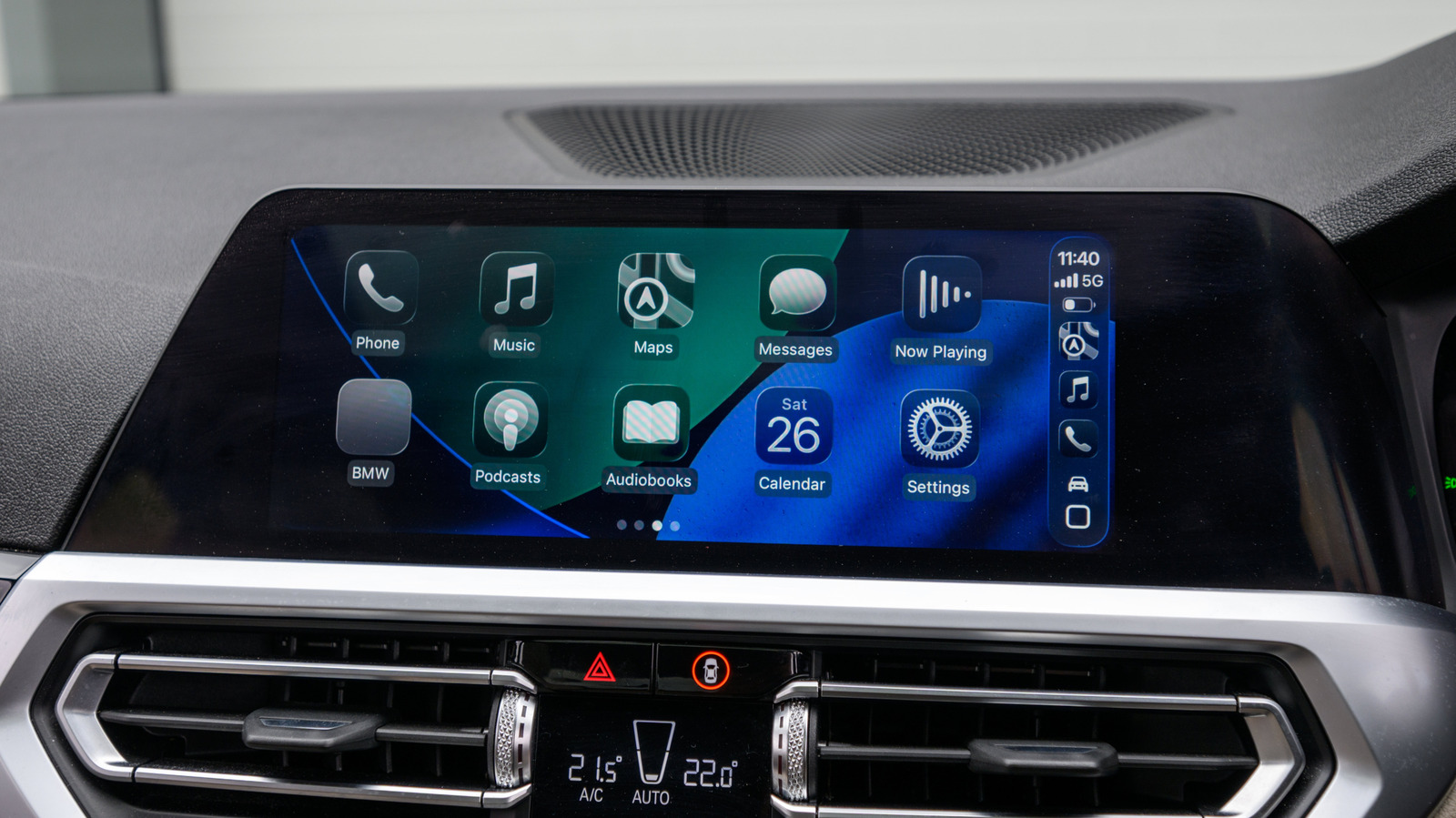
The primary prerequisite for any wireless CarPlay upgrade is an existing, wired CarPlay-capable infotainment system. It is a common misconception that a wireless adapter can "add" CarPlay to a car that lacks the software entirely. In reality, these devices function as a digital translator, intercepting the signal from an iPhone and converting it into a format that the car’s existing USB port recognizes as a wired connection. If your vehicle’s factory system does not support CarPlay, an adapter will remain inert, and you would instead need to look toward portable, aftermarket display solutions that sit atop the dashboard.

For those who do have a compatible system, the compatibility check has only just begun. While the industry has made strides in universal support, "plug-and-play" is not a universal guarantee. Before finalizing a purchase, prospective buyers should conduct thorough due diligence. Manufacturers like Amzfeel and others often provide compatibility lists, but these lists can be inconsistent. Checking automotive forums specific to your vehicle make and model is often the most reliable way to gauge real-world performance. Users frequently share their experiences with specific adapters, noting whether a device consistently boots up or if it struggles with specific infotainment firmware versions.
Physical hardware is another point of potential failure. The automotive world is currently in a transitional phase regarding port standards; many vehicles built within the last five to seven years feature standard USB-A ports, while the newest releases are shifting toward USB-C. Purchasing an adapter with the wrong physical connector creates an immediate headache, often requiring additional dongles that can increase the risk of connection failures or power delivery issues. Selecting an adapter that matches your vehicle’s specific port configuration is a small but vital detail that prevents unnecessary hardware clutter.
Furthermore, the longevity of these devices is tied closely to the rapid pace of Apple’s iOS updates. Because many budget-friendly adapters are essentially standalone computers running their own firmware, they can become obsolete overnight if they are not designed to receive updates. When Apple releases a significant iOS iteration, it can occasionally alter the communication protocols used by CarPlay, effectively bricking adapters that cannot be patched. Consumers should prioritize products that offer a clear path for firmware updates, ensuring that the device can evolve alongside their iPhone.
The Role of Technical Specifications in User Experience
Beyond basic compatibility, the actual user experience—defined by latency, connection speed, and stability—is dictated by the technical specifications under the hood of the adapter. The most frequent complaint among users of low-end adapters is the "handshake" time. A high-quality device should initiate a connection almost immediately upon the ignition being turned on. Cheaper units, conversely, may require the driver to wait tens of seconds, or in some cases, manually intervene to force a connection. Features like "auto-reconnect" are essential, allowing the system to remember the paired iPhone and prioritize it the moment the vehicle starts.
The underlying wireless standards are equally important. CarPlay operates by using Bluetooth to establish the initial handshake, but it quickly switches to a Wi-Fi connection to handle the high-bandwidth data required for mapping, audio streaming, and voice commands. Adapters that rely on older Wi-Fi standards or congested frequency bands often suffer from noticeable input lag. For instance, when skipping a track or interacting with a navigation prompt, the delay can be jarring if the adapter is not optimized. Modern, reliable adapters typically utilize 5GHz Wi-Fi, which provides a more stable, less congested channel compared to the crowded 2.4GHz spectrum. Similarly, utilizing at least Bluetooth 5.0 ensures that the initial pairing process is quick and robust, reducing the likelihood of a failed connection.
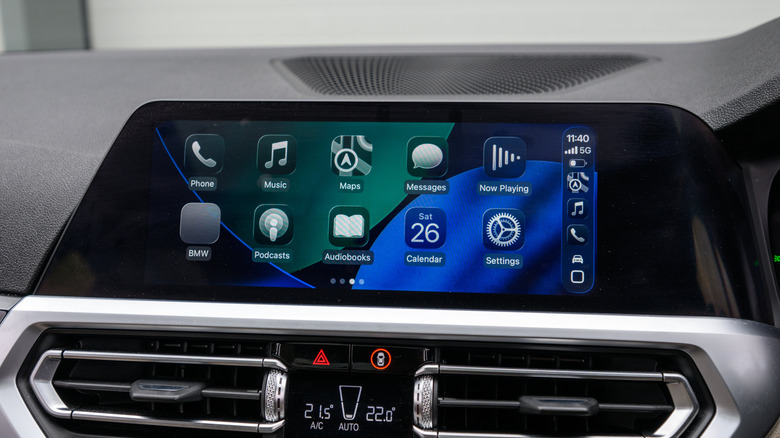
Another factor that often surprises new users is the loss of functionality. Some entry-level adapters strip away support for steering wheel controls or native Siri integration. For a driver accustomed to adjusting volume or skipping songs via buttons on the steering wheel, the loss of this tactile control is a significant downgrade in safety and convenience. Before purchasing, it is important to confirm that the adapter is capable of passing these signals through to the infotainment system.
For households with multiple drivers, the ability to manage multiple devices is a feature worth the premium. High-end adapters often allow for the pairing of multiple iPhones, with intelligent logic to connect to the primary device when both are present or to allow for quick switching between drivers. This is a far more elegant solution than having to manually "forget" and re-pair devices every time a different family member takes the wheel.
Market pricing currently fluctuates between $30 and $50 for standard units, with specialized models from established brands like Ottocast commanding higher price points for added features such as Android Auto compatibility or even the ability to stream video content while parked. While the allure of a budget adapter is understandable, the investment in a higher-quality unit often pays dividends in the form of stability, consistent firmware support, and a more responsive interface. As with most automotive electronics, the goal is to choose a device that acts as an invisible bridge, rather than an obstacle, between your digital life and the road ahead. By carefully vetting the technical specs and ensuring the adapter is designed for long-term compatibility, drivers can effectively modernize their vehicle’s technology without the cost and complexity of a full system replacement.