









For years, writers, developers, and educators have embraced Markdown for its simplicity, readability, and platform independence. Yet, turning those lightweight text files into polished online content has traditionally required a dedicated website setup, a static site generator, or a complex build process. A powerful open-source project called Docsify-This aims to remove those technical barriers entirely, offering a streamlined approach to publishing, sharing, and reusing Markdown files without the headache of managing a hosting environment.
Built on top of the popular Docsify.js framework, Docsify-This provides a versatile mechanism for transforming any publicly available Markdown file into a responsive, standalone web page on the fly. Beyond single pages, users can link multiple Markdown documents together to form cohesive, lightweight websites. Because the project is open source, individuals and organizations can host their own instances under custom domains, effectively eliminating the risk of platform lock-in while maintaining complete control over their digital infrastructure.
The core utility of the platform lies in its ability to bridge the gap between raw text repositories and polished content management systems or learning management systems. Whether deployed via the public service at docsify-this.net or run locally on a private server, the tool caters to anyone seeking a fast track to web publishing.
What is Docsify-This?
At its core, Docsify-This acts as a dynamic rendering engine that interprets raw Markdown and presents it cleanly to web browsers. When content creators point the service toward a public repository hosted on platforms like GitHub or Codeberg, the tool instantly generates a responsive standalone web page complete with a unique, shareable URL.

The platform offers a high degree of visual flexibility. Designers and content creators can alter the appearance of rendered pages using a point-and-click Web Page Builder interface or by appending specific parameters directly to the URL. Furthermore, for teams utilizing Git-based version control, Docsify-This can automatically append an "Edit this Page" link to each rendered document. This feature fosters collaborative authoring environments where contributors can easily propose corrections or additions directly from the public view.
By decoupling the authoring format from the final presentation layer, Docsify-This allows teams to write content in a distraction-free text editor while ensuring it looks professional across diverse digital destinations.
Use the Docsify-This Web Page Builder
Getting started with the rendering process is designed to be straightforward. Users can navigate to the main Docsify-This web interface and locate the dedicated Web Page Builder section. By pasting the URL of a Markdown file located in a public GitHub or Codeberg repository and clicking a single publishing button, the system processes the raw text file into a fully styled web page.
While the web interface natively supports GitHub and Codeberg, URL parameters allow administrators to pull Markdown files from other Git hosts as well. Once published, the resulting URL can be distributed via email, chat, or embedded directly into other web properties.
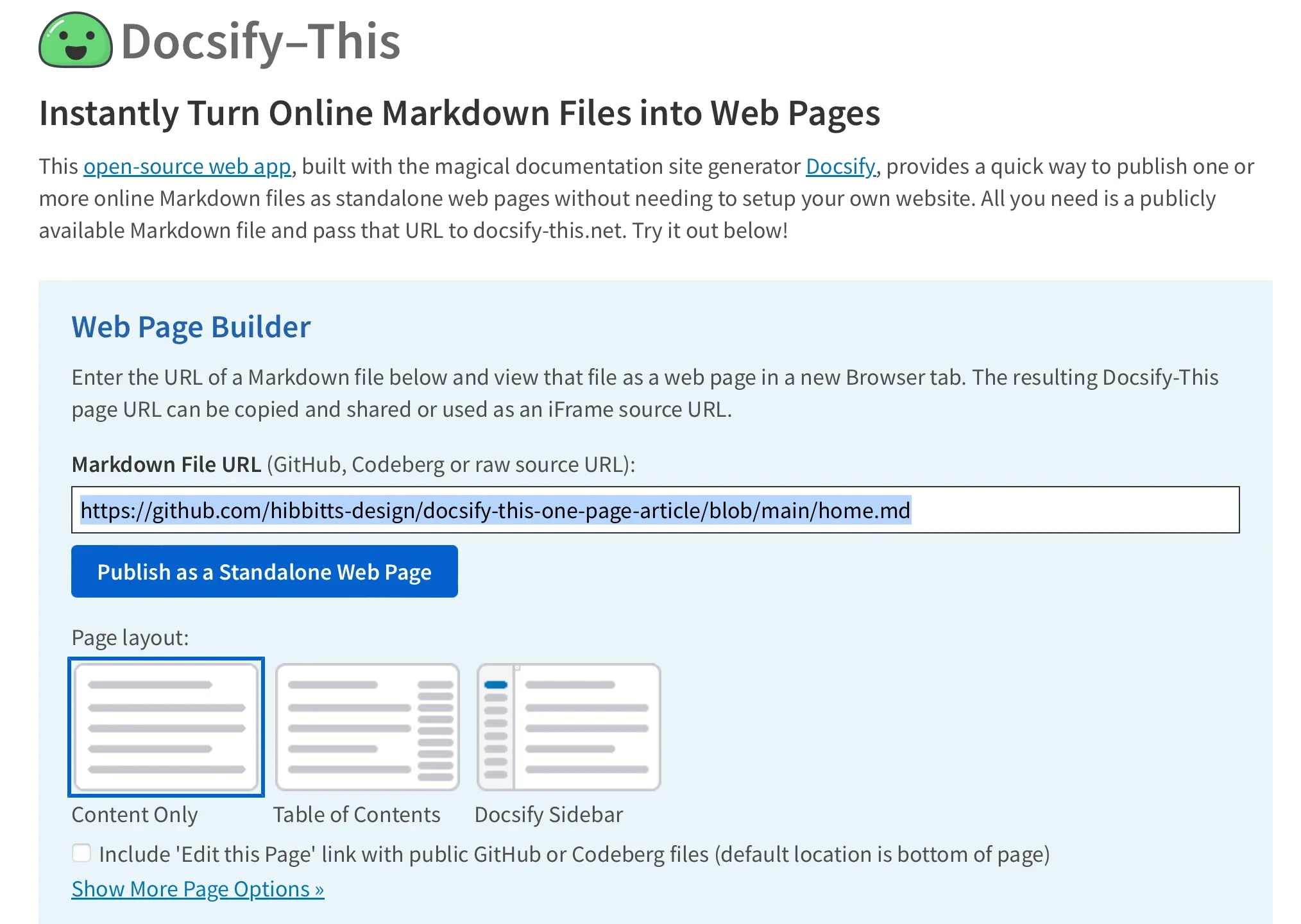
This mechanism allows content to be updated at the source—simply by pushing a new commit to the underlying Markdown file—while the published web view updates automatically without requiring manual file re-uploads or complex server deployments.
Render Other Files in the Same Repository
Managing multi-page content structures is simplified through the manipulation of URL parameters. Creators are not restricted to displaying just a single homepage document; they can easily pivot to render other Markdown files residing within the exact same repository.
By directly editing the "homepage" parameter within the Docsify-This URL string, administrators can swap out the displayed document instantly. This flexibility enables educators, project managers, and documentation teams to maintain an entire library of documents in a single repository while dynamically serving individual files to different audiences or platforms as needed.
Modify the Web Page’s Appearance
A common challenge with embedding external content into existing platforms is ensuring visual consistency. Docsify-This addresses this concern by allowing users to customize the aesthetic presentation of any Markdown file through standard URL parameters. Common Cascading Style Sheet attributes such as font-family, font-size, link-color, and line-height can be passed directly through the web address to match the typography and styling of the host environment.
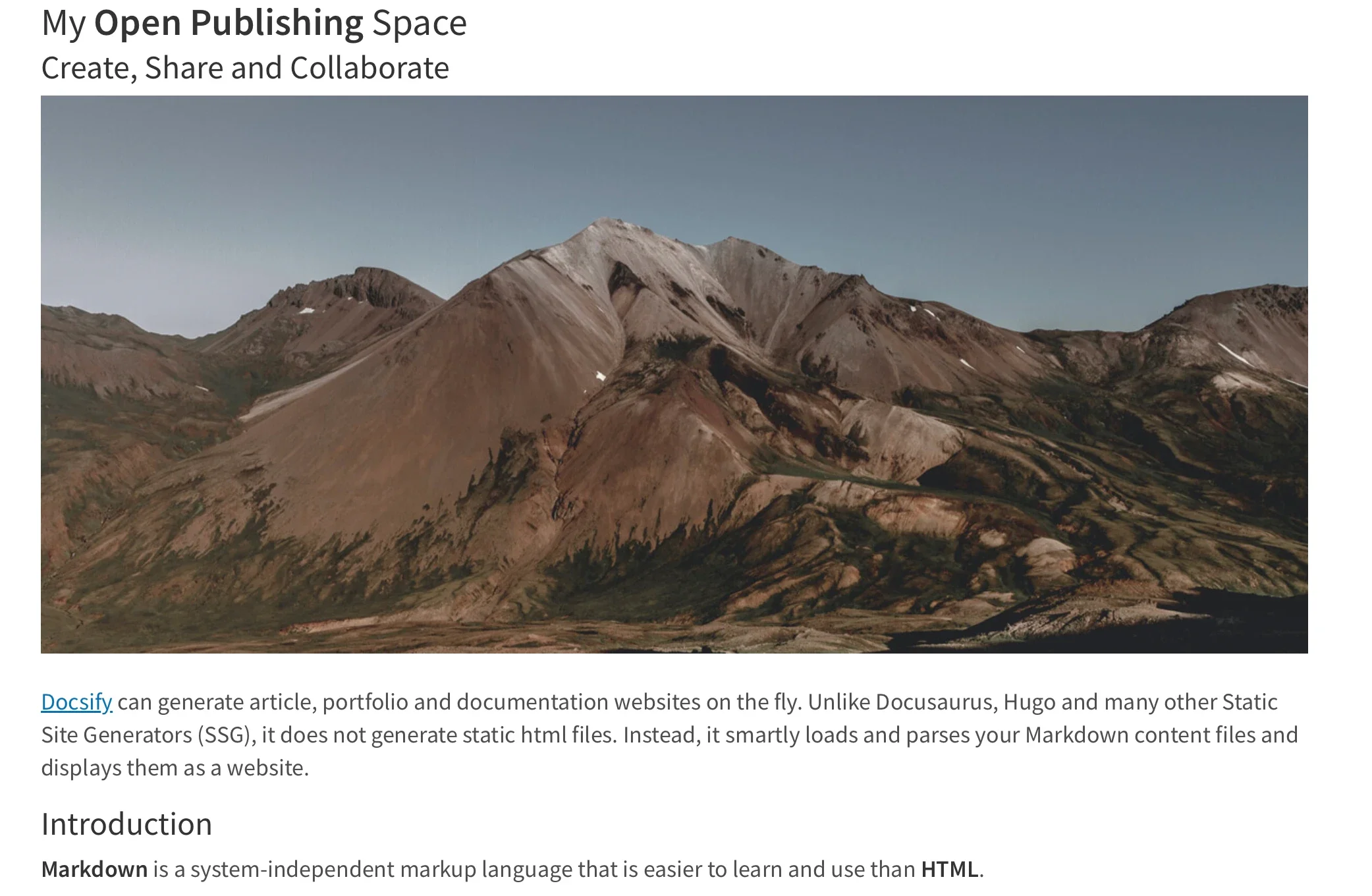
In addition to global styling parameters, the project supports a specialized set of Markdown CSS classes. For instance, authors can transform a standard text link into a styled button simply by appending a specific class identifier to the link syntax within the Markdown document.
For advanced styling needs, creators are not limited to the pre-packaged classes provided by the platform. Authors can define their own custom CSS blocks directly inside their Markdown files. By embedding standard style tags and custom classes, creators can implement unique visual components—such as specialized callout boxes, custom buttons, or distinct color schemes—that render consistently wherever the Docsify-This page is viewed.
Include HTML Snippets and Layout Elements
While Markdown is celebrated for its clean, text-focused syntax, standard implementations often fall short when complex page layouts are required. Docsify-This retains the flexibility of standard Markdown by allowing authors to seamlessly include HTML snippets within their documents.
This capability empowers creators to introduce multi-column layouts, structural dividers, and other advanced design elements directly into their lightweight text files. By combining raw HTML structures with Markdown content, authors can build sophisticated, responsive layouts without abandoning their preferred writing workflow.

Embed Docsify-This as an iFrame
One of the most powerful use cases for Docsify-This is its suitability for embedding. Because the rendered pages are lightweight and responsive, they can be seamlessly integrated into almost any digital platform using a standard HTML iFrame element.
Content administrators can leverage URL parameters to fine-tune the appearance of the embedded content, ensuring it blends harmoniously with the destination platform. Attributes such as font families, text scaling, and credit visibility can all be adjusted on the fly within the iFrame source code, creating a native feel within third-party applications.
Embed Docsify-This with an External URL
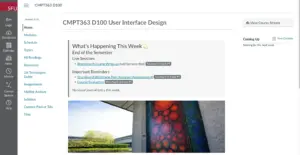
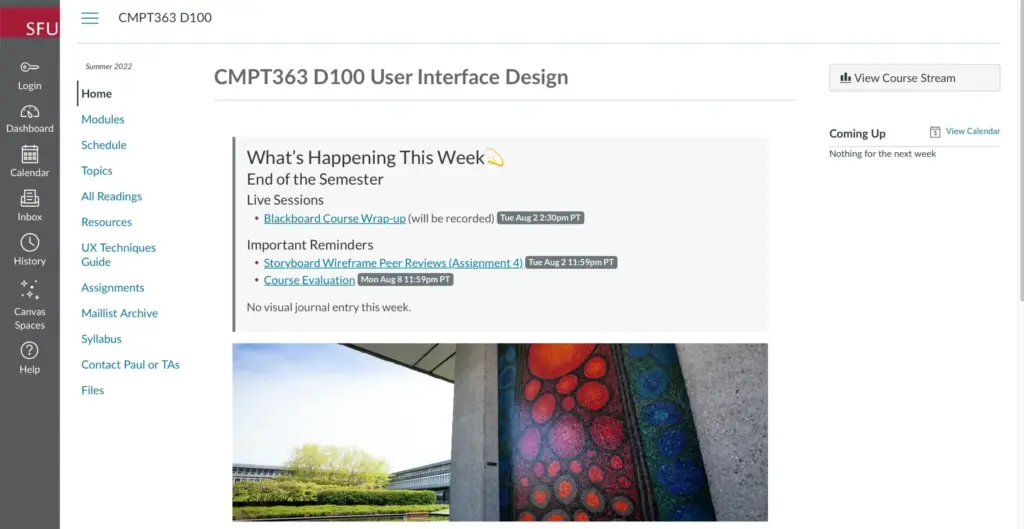
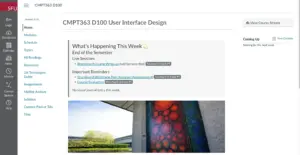
Beyond traditional iFrame embedding, many modern learning management systems and content platforms offer native integrations for external web pages. Widely used open-source platforms like Moodle, as well as proprietary systems like Canvas, frequently provide tools—such as course navigation menu integrations or redirection utilities—that allow administrators to pull external web content directly into an institutional dashboard.
By utilizing these external URL linking features alongside customized Docsify-This parameters, educators and trainers can embed live-updating course materials, resource lists, and documentation directly into their LMS environments. This approach ensures that learners always access the most up-to-date version of a document without requiring instructors to manually re-import files every time a typo is corrected or a resource is added.

Integrate Docsify-This and Git
To fully capitalize on the benefits of version control, collaborative authoring, and automated publishing, Docsify-This is designed to integrate cleanly with standard Git workflows. Storing documentation repositories on platforms like Codeberg or GitHub opens the door to robust history tracking, branch management, and peer review.
A wide variety of open-source tools provide graphical interfaces for managing Git repositories without requiring command-line expertise. Applications such as GitHub Desktop, Git-Cola, and SparkleShare offer intuitive desktop environments for tracking changes and syncing files. Additionally, popular modern text editors like VSCode and Pulsar Edit feature deep, built-in Git integration, allowing writers to draft, commit, and push their Markdown files from a single application interface.
Markdown Publishing Made Easy
The enduring popularity of Markdown lies in its ability to keep authors focused on writing rather than formatting. By bridging the gap between raw text repositories and dynamic web presentation, Docsify-This extends the core philosophy of Docsify to a wider audience, making flexible online publishing simpler and more accessible than ever before.