











Even the most sophisticated consumer technology is ultimately beholden to the laws of physics. While Apple has spent years refining the integration between its proprietary hardware and the iOS operating system to maximize power efficiency, the lithium-ion batteries that power the iPhone are subject to inevitable chemical degradation. Despite the advancements in energy density and power management, every charge cycle takes a small toll on the battery’s overall lifespan. Over time, factors such as extreme temperature fluctuations, the natural aging of chemical components, and the rigors of daily usage patterns begin to impact the device’s performance.
Understanding these limitations is the first step toward maintaining a reliable device. Apple’s own technical resources emphasize that a better understanding of battery chemistry can lead to more informed usage, which in turn extends the functional life of the hardware. Recognizing the symptoms of a failing battery is essential for users who wish to avoid the frustration of sluggish performance, unexpected software instability, or the sudden, premature shutdowns that often characterize a battery reaching the end of its life. Fortunately, diagnosing these issues has become significantly more transparent than it was in previous years, thanks to integrated diagnostic tools within the iOS environment that provide clear indicators of hardware health.
Understanding the Diagnostics of Battery Health
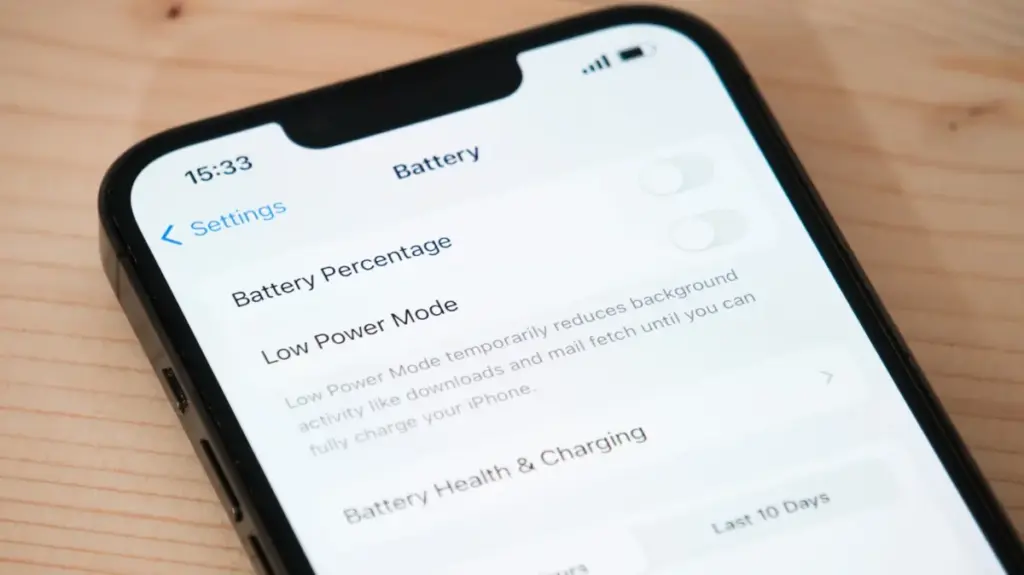
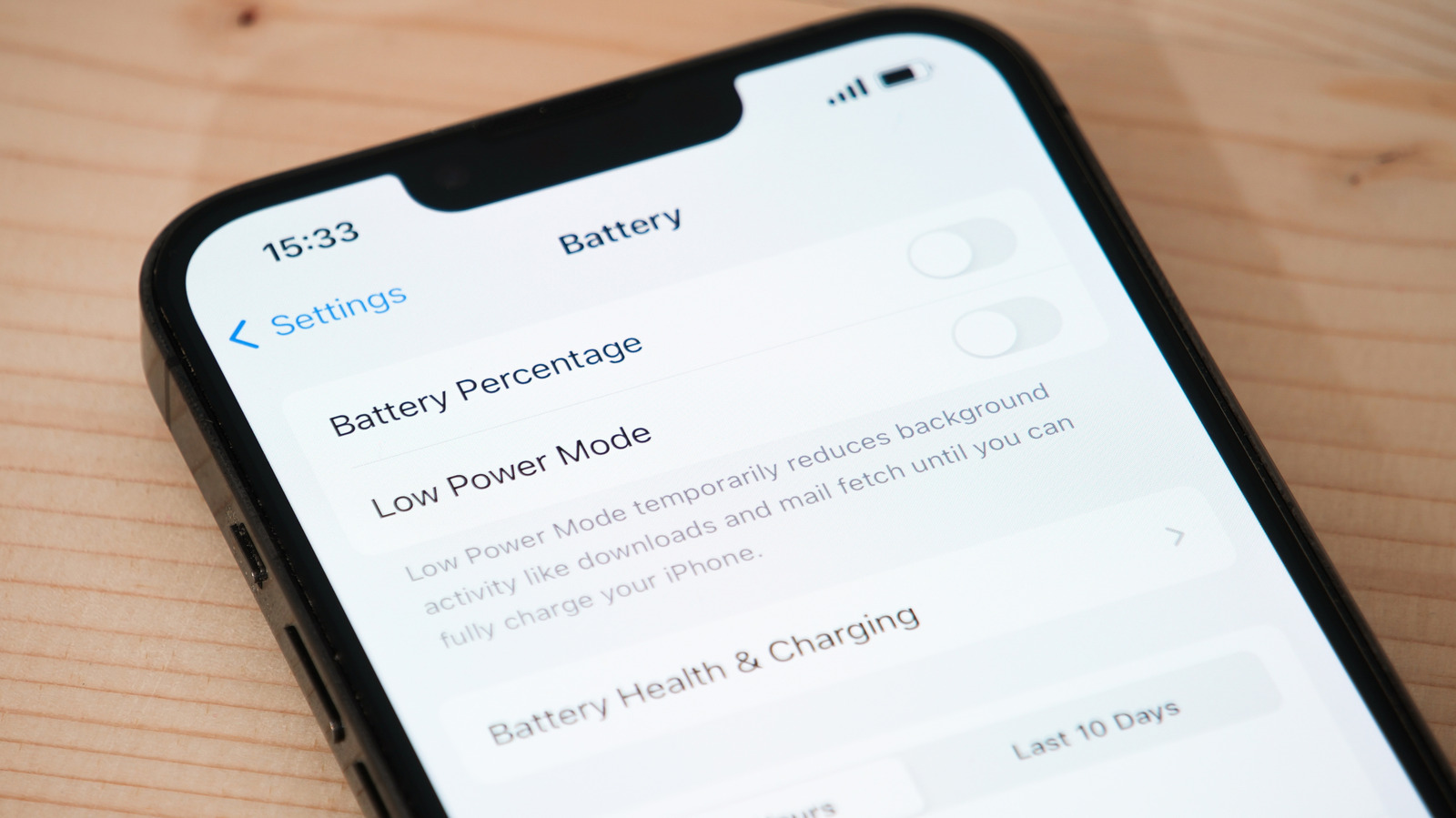
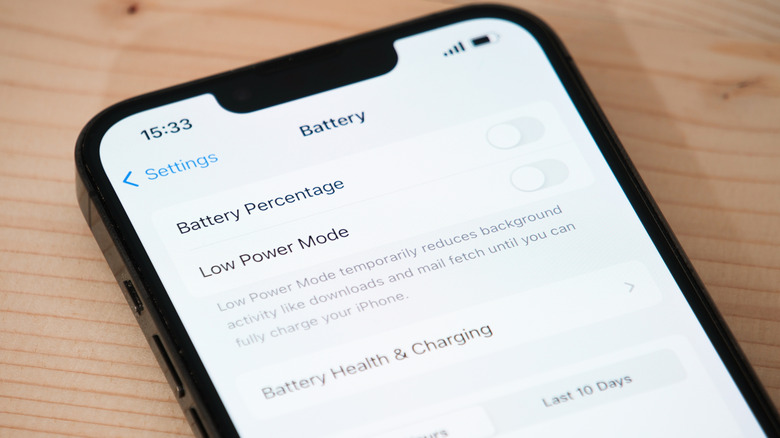
The most straightforward method for determining the current state of an iPhone’s battery is through the built-in diagnostic menu. By navigating to the Battery section within the Settings application, users can access the Battery Health menu. This interface provides a definitive overview of the battery’s status, labeling it as either "Normal" or "Significantly Degraded." If the software identifies that the component is no longer performing at its intended capacity, it will often provide a direct notification or a disclaimer suggesting that a professional replacement is necessary to restore the device to its full operational potential.

For those using more recent iterations of the iPhone, such as the iPhone 15 series and beyond, Apple has introduced additional granularity by including the total charge cycle count directly within the interface. This metric provides a concrete look at how much the battery has been used throughout its existence. The design philosophy behind these components has evolved; while earlier models, such as the iPhone 14 and its predecessors, were engineered to maintain approximately 80 percent of their original capacity after 500 complete charge cycles, newer hardware has been optimized to reach that same threshold at 1,000 cycles.
The most critical indicator in this menu is the "Maximum Capacity" percentage. This figure represents the current energy storage capability of the battery relative to when it was brand new. When this number dips below 80 percent, Apple officially classifies the battery as "worn out." At this stage, users will typically notice a marked decrease in daily battery life, as the phone can no longer hold the same amount of charge it did when it left the factory. While the software provides an excellent baseline for health, it is rarely the only signal that it is time for a replacement. Often, the physical and operational behavior of the device will provide far more immediate, and sometimes more disruptive, evidence that the internal power system is failing.
Identifying Behavioral Red Flags
When a battery is severely compromised, the need for a replacement usually becomes apparent in the daily routine of the user. One of the most common indicators is a sudden and drastic change in how long the device lasts on a single charge. If a user finds themselves tethered to a power bank throughout the day or consistently searching for a wall outlet just to complete a standard work shift—after having already ruled out excessive power consumption from rogue applications—it is a strong indication that the battery’s capacity is no longer sufficient for their needs.
Beyond simple longevity, there are more alarming symptoms that point to a hardware failure. Rapid fluctuations in the battery percentage indicator—where the power levels appear to drop unexpectedly—are a frequent complaint. Even more concerning are random, sudden shutdowns that occur while the device is still displaying a significant amount of charge, often well above the single-digit percentage range. These shutdowns happen because the battery is no longer capable of delivering the peak power required for the processor to handle intensive tasks, leading the system to force a reboot to protect the internal components.
Performance throttling is another critical symptom that many users misinterpret as a software issue or a lack of storage space. When the battery can no longer provide the necessary voltage to sustain the device’s CPU, the iOS operating system may automatically throttle the processor’s performance. This manifests as a noticeably sluggish user experience, particularly during demanding tasks such as high-fidelity gaming, exporting large video files, or streaming high-resolution 4K content. By slowing down the processor, the system prevents the battery from crashing, but the trade-off is a significantly less responsive interface.
Thermal management issues can also serve as a red flag. If an iPhone begins to heat up rapidly while it is unplugged or during periods of very light, idle usage, it is a sign that the battery is working under excessive stress to maintain a stable output. This heat is a byproduct of the battery struggling to cope with the power demands being placed upon it. In the most severe and rare instances, a user might notice the battery beginning to bulge, causing the screen or the back glass to lift slightly from the frame. If this occurs, it represents a significant safety hazard. In such cases, users should immediately cease using the device, refrain from charging it, and contact Apple Support or an authorized service provider to address the situation with the urgency it requires.
Planning for Service and Maintenance
For those who have invested in AppleCare, the process of replacing a battery is relatively seamless and cost-effective. The service plan covers battery replacements at no additional cost once the capacity drops below the 80 percent threshold, provided the battery is determined to be failing under normal usage conditions. For users operating outside of an active AppleCare subscription, the cost of a replacement is handled as a standard out-of-warranty repair.
Pricing for these services varies depending on the specific model of the iPhone. For older legacy devices, such as the iPhone 6s, the cost is significantly lower, while the latest, high-end models like the iPhone 16 Pro Max command a higher service fee, currently reaching up to $129. These fees reflect the labor, original components, and professional diagnostic procedures required to safely replace a battery.
Ultimately, the decision to replace a battery often comes down to the user’s tolerance for the device’s declining performance. While the software provides the technical data, the day-to-day experience—the need to carry external power, the sluggishness of the UI, and the instability of the system—is what usually drives the decision to seek service. By staying informed about the health of the battery and keeping an eye on the physical warning signs, users can extend the life of their devices and ensure they remain productive and reliable tools, rather than becoming sources of daily frustration.