











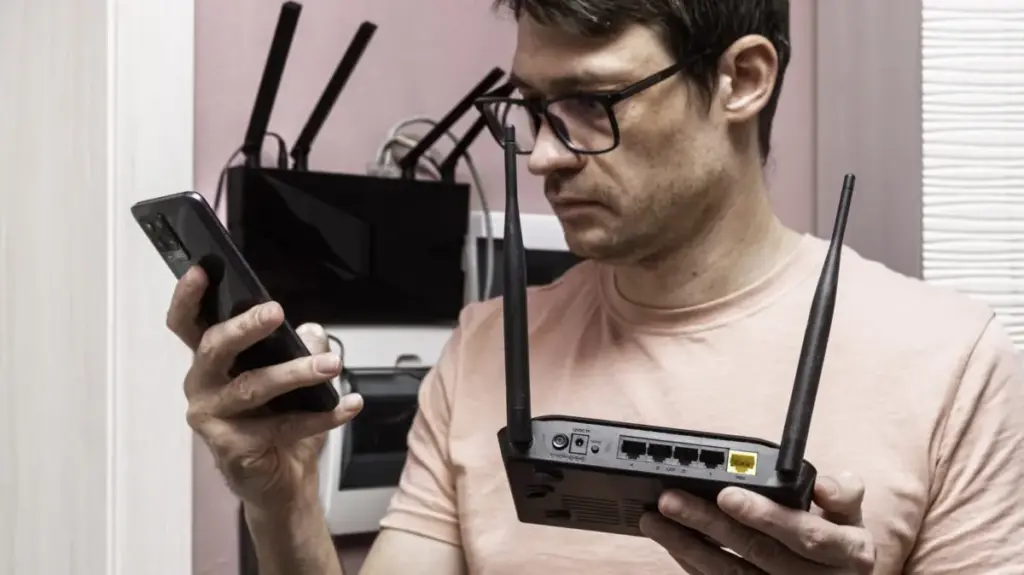
In an era where technology cycles move at breakneck speeds, the humble Wi-Fi router often finds itself unfairly relegated to the back of a junk drawer or, worse, the local landfill. Consumers are frequently nudged toward the latest standards—transitioning from Wi-Fi 5 to Wi-Fi 6, and now eyeing the promise of Wi-Fi 7—leaving older, yet perfectly functional, hardware behind. Because routers are often "set it and forget it" devices, users rarely consider their longevity. When a device no longer receives security patches or fails to support the newest wireless protocols, it is easy to assume its utility has expired. However, networking fundamentals have remained remarkably consistent over the last two decades, meaning that an aging router still possesses significant potential for those willing to repurpose it.
Upgrading to a state-of-the-art router is undoubtedly the right choice for your primary network connection. Newer models provide superior security protocols, expanded range, and the high-speed throughput necessary for modern smart homes, 4K streaming, and low-latency gaming. Yet, replacing your primary router does not necessitate the disposal of the old one. By treating your older hardware as a secondary or tertiary asset, you can optimize your home network, expand coverage, and save money on dedicated networking peripherals that would otherwise cost dozens, if not hundreds, of dollars.
Expanding Coverage and Enhancing Connectivity
One of the most immediate benefits of keeping an old router is the ability to extend your home’s wireless footprint without investing in expensive mesh systems or dedicated wireless extenders. If your primary router struggles to reach the far corners of your home, or if you have a "dead zone" in a home office or garage, your old router can serve as a secondary access point.

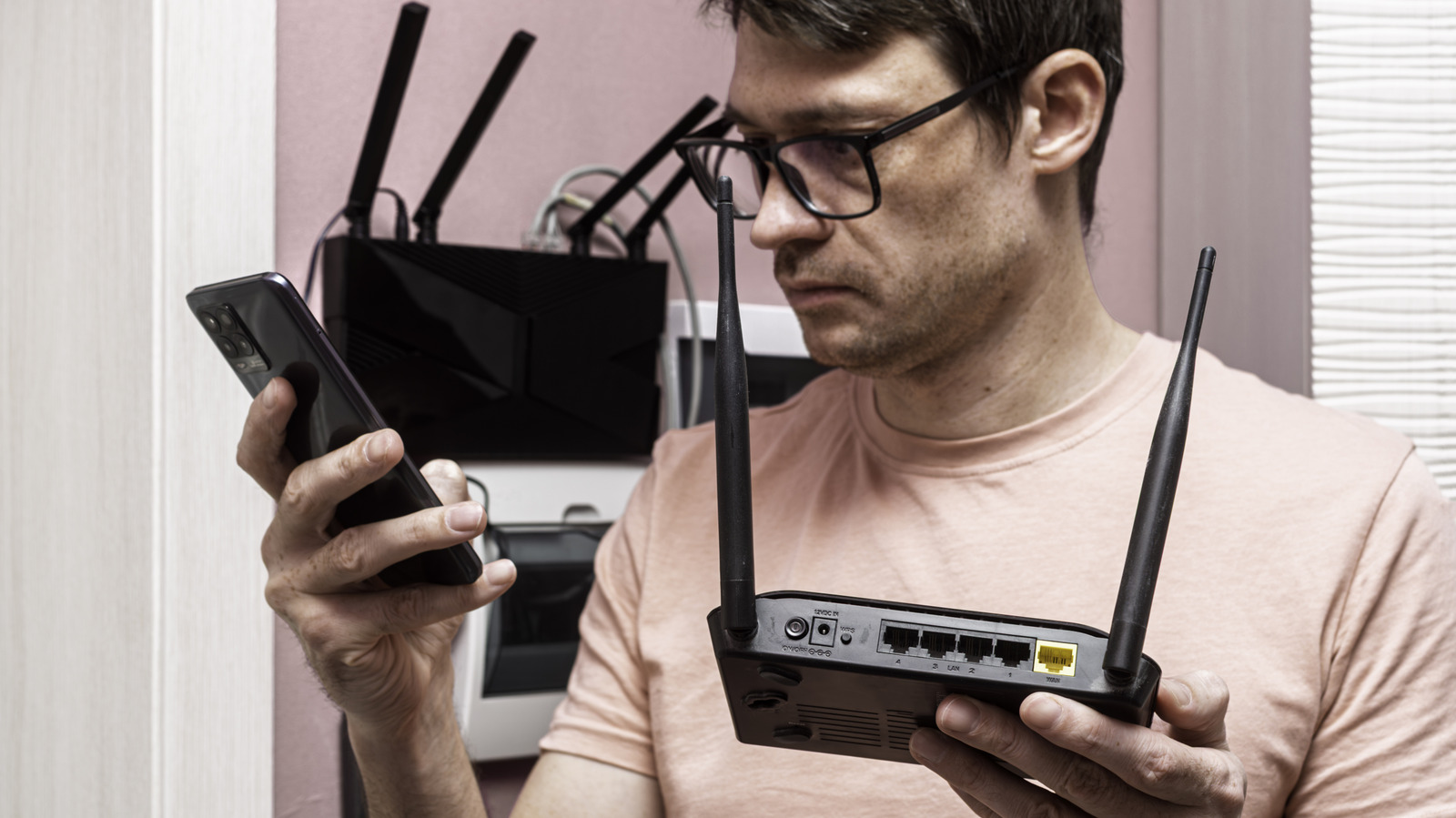
There are two primary ways to approach this: wired and wireless. A wired backhaul, where an Ethernet cable connects the primary router to the secondary one, is always the preferred method for performance. It ensures the most stable connection and the fastest data transfer speeds. While running Ethernet through walls can be a daunting task for some homeowners, the reliability it offers is unmatched. Conversely, for those who cannot route cables, many older routers support wireless bridge or repeater modes. By checking the administrative manual for terms like "WDS bridging," users can often find a configuration that allows the router to pick up the signal from the main unit and rebroadcast it.
When using a secondary router, it is important to be mindful of signal congestion. Broadcasting two competing Wi-Fi signals in close proximity can create interference, which ironically leads to worse performance. A sophisticated approach involves segmenting your frequencies. Many users find success by configuring the old router to broadcast exclusively on the 2.4GHz band while disabling it on the primary unit, which can then be dedicated to the more efficient 5GHz or 6GHz bands. Because 2.4GHz signals are superior at penetrating walls and obstacles, this strategy allows the older hardware to handle background devices and legacy equipment, leaving the newer, faster bandwidth open for high-performance needs.
For those who have invested in a modular mesh system, some manufacturers, such as Asus with its AiMesh technology, allow users to integrate older routers from the same product family into a unified network. This provides a cost-effective way to build a robust, whole-home mesh network without purchasing an entirely new suite of proprietary nodes.

Repurposing Hardware as a Network Switch
Beyond wireless capabilities, an old router is, at its core, a high-quality network switch. If your primary router lacks sufficient LAN ports to accommodate a growing number of wired devices—such as smart TVs, desktop workstations, gaming consoles, and home automation bridges—the old router can fill this void perfectly.
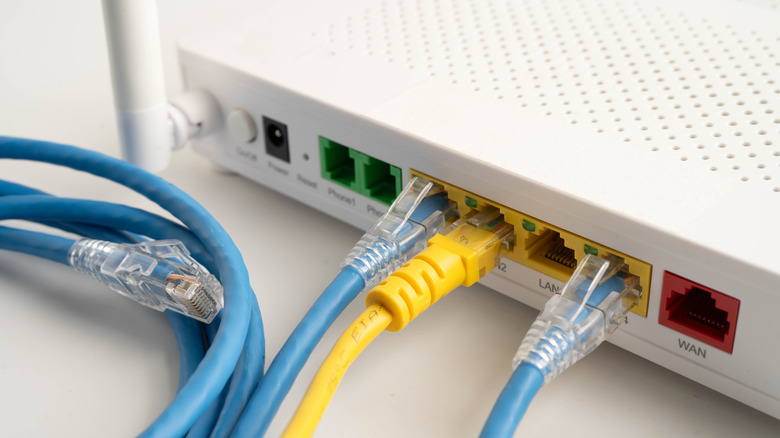
Instead of purchasing a dedicated unmanaged switch, which typically retails for $10 to $20, you can simply use the legacy router. The setup process is straightforward: connect an Ethernet cable from a LAN port on your primary router to a LAN port on the secondary unit. It is vital to avoid the WAN (Wide Area Network) port on the old router, as that port is intended for incoming internet traffic from a modem. Once connected, you can disable the old router’s DHCP server and routing functions through its administrative settings. By turning the old unit into a "dumb" switch, you gain several extra Ethernet ports for your wired devices, effectively centralizing your network architecture without added expense. As with the wireless configuration, it is advisable to completely disable the wireless radios on the old router if you are using it solely as a wired switch, further reducing unnecessary electromagnetic interference.
Centralized Storage and Print Serving
Many consumer-grade routers from the last decade include a USB port that is often overlooked. While these ports may not offer the blazing speeds of a high-end Network Attached Storage (NAS) device, they are more than capable of serving as a simple, centralized repository for files. By plugging an external hard drive or a large-capacity thumb drive into the router, users can turn the device into a basic file server. This allows anyone on the local network to access shared documents, photos, or media files.
Similarly, these USB ports can often host older, non-wireless printers. By connecting a printer directly to the router, you can effectively add a wireless printing feature to a legacy device that was never designed for it. This allows for convenient, network-wide printing from laptops, tablets, or smartphones. While this does not replace the security and backup redundancy of a dedicated NAS, it serves as a highly efficient, low-cost method for basic file sharing and office productivity.
Implementing VPN Functionality
Privacy concerns have led many to adopt Virtual Private Networks (VPNs) for their entire home network. While many modern routers support VPN client functionality out of the box, running a VPN on your main router can be resource-intensive, potentially slowing down the connection for other users in the house. Alternatively, installing a VPN app on every individual device can be cumbersome and lead to significant battery drain on mobile hardware.
Repurposing an old router as a dedicated VPN gateway offers a clever middle ground. By connecting the old router to the primary one and configuring it as an access point with VPN settings enabled, you create a dedicated "privacy zone" within your home. You can connect your devices to this secondary network whenever you require the added security of the VPN, leaving the primary network running at full speed for activities that do not require encryption.

Leveraging Open-Source Firmware for Advanced Control
Perhaps the most compelling way to extend the life of a router is by replacing its factory software with custom, open-source firmware. Routers are, fundamentally, low-power computers running a specialized operating system. When manufacturers cease support for these devices, they become vulnerable to security exploits. However, communities built around projects like OpenWRT, DD-WRT, and FreshTomato have developed robust, highly flexible operating systems that can be flashed onto a wide range of older hardware.
Custom firmware removes the restrictions imposed by manufacturers, allowing users to unlock advanced features that were never included in the original software. This includes granular traffic management, the ability to run third-party applications like torrent clients or ad-blockers at the network level, and significantly improved support for bridge and repeater modes. For the tech-savvy, this is the ultimate way to maintain control over a device that the manufacturer has officially abandoned. While compatibility varies by model, checking the documentation for these open-source projects can often reveal that an "obsolete" router is actually a highly capable piece of hardware waiting for a new, more powerful software foundation.
Ultimately, the decision to discard an old router is rarely based on the device’s actual hardware limitations, but rather on the perceived convenience of newer models. By taking the time to explore these repurposing options, users can reduce electronic waste, save money, and gain a deeper understanding of how their home networks function. Whether as a simple switch, a dedicated VPN node, or an advanced system running custom firmware, your old router has plenty of work left to do.