







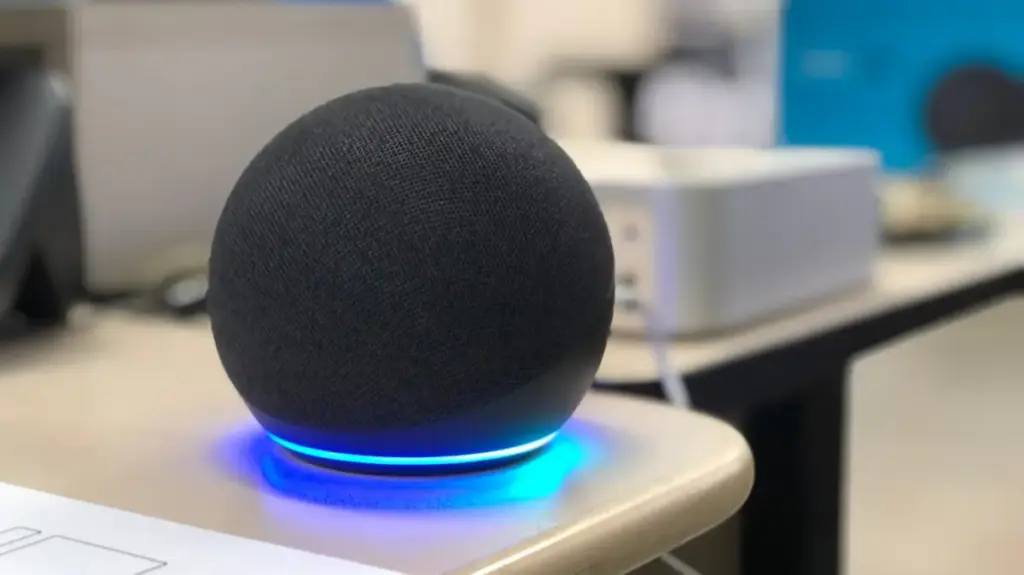
Smart speakers have fundamentally transformed the modern household, acting as the central nervous system for everything from climate control and lighting to entertainment and scheduling. As these devices have become more integrated into our daily routines, manufacturers have made significant strides in natural language processing and acoustic echo cancellation. Yet, for all their advancements, these devices are far from infallible. Even the most sophisticated AI assistants often falter, leaving users staring at a glowing ring of light as they repeat a command for the third time.
The frustration of a misunderstood command is a common experience, but it is rarely a sign that your hardware is failing. More often than not, these issues stem from environmental variables or simple configuration oversights. Whether you are relying on Amazon’s Alexa, Google’s Assistant, or Apple’s Siri, the principles of optimizing these devices remain remarkably similar. Understanding why these speakers stumble—and knowing how to recalibrate them—can be the difference between a seamless smart home experience and a device that ends up relegated to a forgotten corner of the room.
Universal Methods to Improve Comprehension
When a smart speaker begins to struggle with voice recognition, the solution often starts with physical maintenance. It is easy to forget that these devices are, at their core, sensitive acoustic instruments. Over time, the microphone arrays on the top or sides of a speaker can accumulate dust, lint, or other household debris. A simple, gentle cleaning with a dry, lint-free cloth can often restore the microphone’s ability to pick up sound waves clearly. If the device is located in an area prone to humidity or kitchen grease, this buildup can be particularly detrimental to the tiny, delicate components inside.
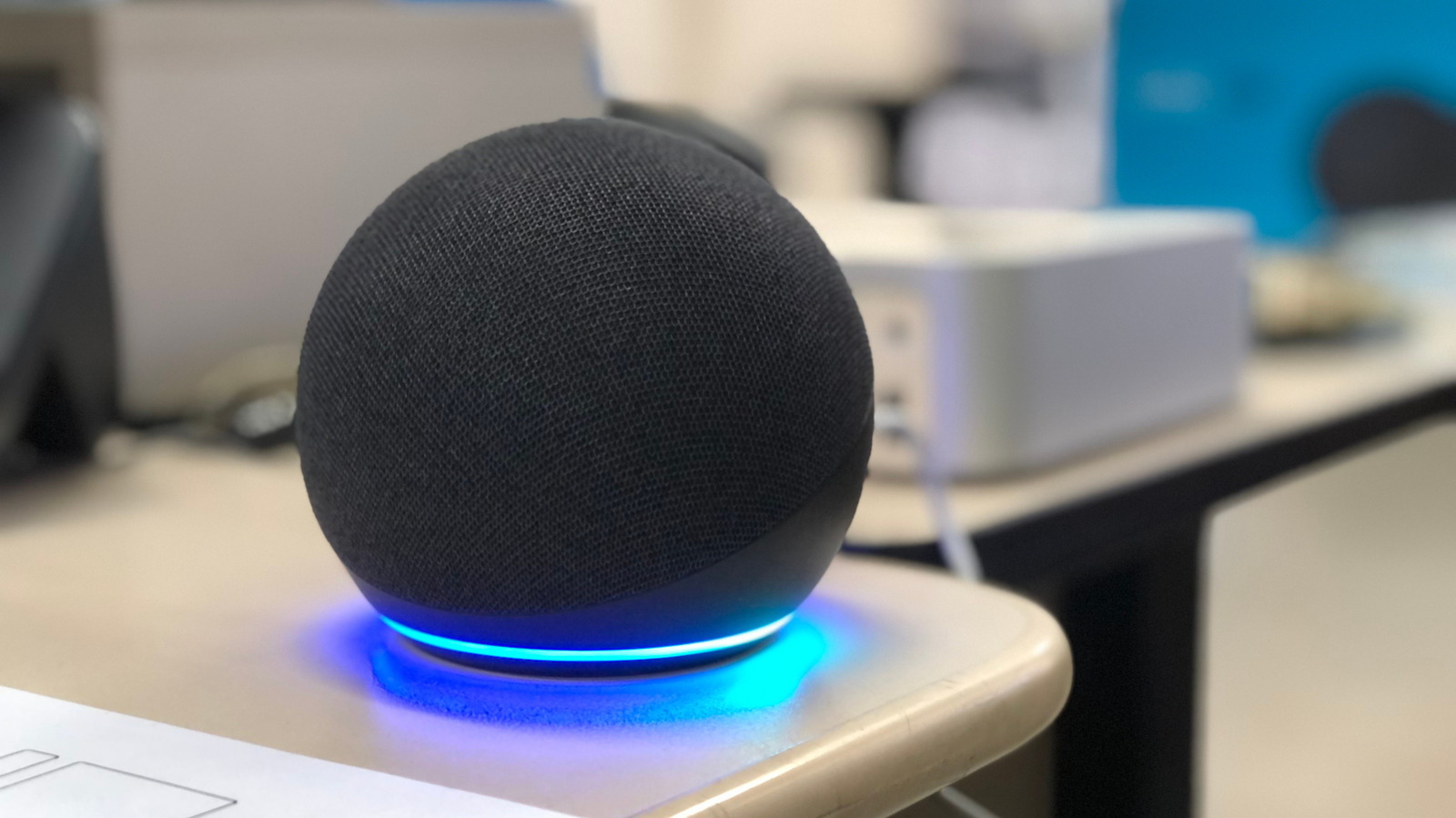
Beyond cleanliness, the environmental context of your speaker plays a massive role in its efficacy. The placement of a smart speaker is often dictated by aesthetics or convenience, but acoustics should be the primary consideration. Ideally, a speaker should be positioned in an open space, at least one foot away from walls or corners, which can reflect sound and cause unnecessary interference. Placing a device too close to noise sources—such as HVAC vents, rotating fans, or even secondary speakers like soundbars—creates a "noise floor" that makes it difficult for the device’s software to isolate your voice from the surrounding ambient chaos.
The proliferation of smart devices in a single home can also lead to "device collision." If you have multiple speakers in an open-plan home, they may all detect your voice simultaneously, leading to confusion as the system tries to determine which device should process the request. In such cases, proximity is not the only factor; the system’s sensitivity settings matter. Many manufacturers allow users to adjust the wake-word sensitivity within their respective apps. Furthermore, if you are using Amazon Echo devices, you can assign different wake words to speakers in adjacent rooms. This ensures that the speaker in the kitchen doesn’t accidentally trigger when you are trying to give a command to the device in the living room.
Beyond physical placement, the naming conventions of your smart home devices can cause friction. If you have several smart lights or plugs with similar names, the assistant may struggle to distinguish between them. It is best practice to use distinct, descriptive names for every device—avoiding generic labels like "lamp" in favor of "living room floor lamp" or "reading nook light." Ensuring that each device is also correctly assigned to a specific room within the app helps the AI build a more accurate map of your home, allowing it to better understand the context of your requests.
Troubleshooting Alexa, Google Home, and Apple HomePod
While universal hardware fixes handle most issues, there are specific software configurations that can significantly sharpen a device’s ability to identify your voice. Most modern smart speakers now feature voice recognition technology that creates a unique biometric profile of your speech patterns. This is perhaps the most effective way to eliminate misunderstanding, as it allows the speaker to differentiate your voice from others in the household.
For users within the Amazon Alexa ecosystem, this is handled through the Voice ID feature. By navigating to the Alexa app and accessing the settings menu under "Your Profile," users can initiate the Voice ID setup. The system will guide you through a series of vocal prompts, effectively training the AI to recognize your specific cadence, pitch, and tone. This not only improves accuracy but also allows the speaker to provide personalized responses based on who is speaking.
Google Home users have access to a similar feature known as Voice Match. By accessing the Google Home app and navigating to the Google Assistant settings, users can enable Voice Match for all connected hardware. A single Google Home setup can support up to six distinct voices, ensuring that every member of the family has a tailored experience. This is particularly useful for shared devices where one user’s specific pronunciation of a command might consistently trip up the AI.
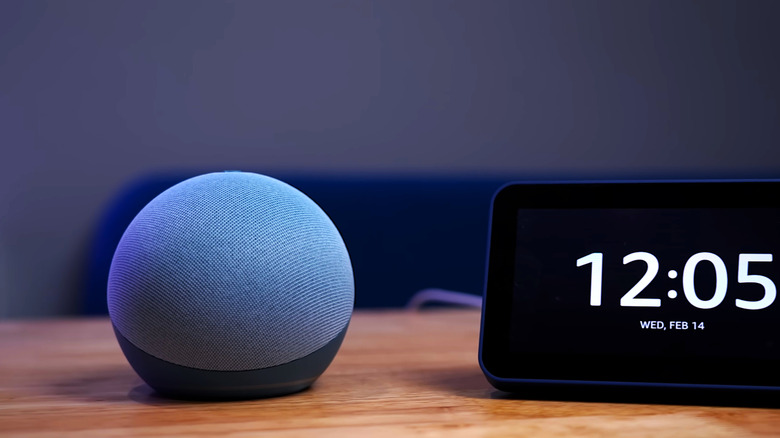
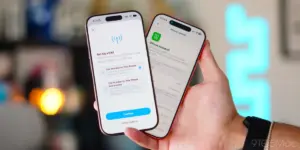
Apple’s HomePod requires a slightly different approach, rooted in the broader Apple ecosystem. Users should open the Home app and access "Home Settings" via the menu button. Within their user profile, there is an option to "Recognize My Voice." To ensure that this functionality is robust across all Apple devices, it is also advisable to check the iCloud settings on your iPhone or iPad. By ensuring that Siri is enabled within the "Saved to iCloud" section of your account, you allow the system to sync your voice recognition data across your entire network of Apple products.
If you have tried adjusting the physical environment and recalibrating the software, but the device remains stubborn, a "hard reset" may be in order. Sometimes, the software cache on a smart speaker can become corrupted, or a firmware update may have failed to install correctly. The first step in this process is a simple power cycle: unplug the device from the wall outlet, wait for at least sixty seconds to allow the capacitors to discharge, and then plug it back in. This simple action often clears minor memory errors and restores standard operation.
If a power cycle does not resolve the persistent issues, a factory reset is the final resort. It is important to remember that a factory reset will erase all custom settings, routines, and device associations. You will essentially be starting from scratch, as if the device were brand new. While this is an effective way to eliminate deep-seated software glitches, it should only be performed after you have exhausted all other troubleshooting avenues. By systematically addressing the physical environment, the logical naming conventions, and the biometric profile of your device, you can usually resolve even the most frustrating cases of smart speaker misunderstanding, returning your home to a state of seamless, voice-activated convenience.