











Publishing online content has long required navigating complex website setups, static site generators, and intricate build processes. For many writers, educators, and developers, simply wanting to share a plain-text document means dealing with hosting configurations, theme deployments, and pipeline management. A new open-source project called Docsify-This is aiming to change that paradigm by offering a streamlined way to publish, share, and reuse Markdown content without any website setup required.
Built on top of Docsify.js, Docsify-This provides a streamlined mechanism to turn any publicly available Markdown file into a responsive, standalone web page instantly. Beyond single-page publishing, users can link multiple Markdown files together to establish simple websites, or seamlessly embed constraint-free Markdown and HTML into a variety of external platforms, ranging from content management systems to learning management systems.
What is Docsify-This?
At its core, Docsify-This acts as a bridge between raw text files stored in public repositories and polished, responsive web presentation. When a user inputs a Markdown file URL into the system, the project renders the content into a standalone web page complete with a unique, shareable URL.


The utility of the project extends beyond basic rendering. Designers and content creators can alter the visual appearance of displayed pages dynamically using either a point-and-click Web Page Builder interface or simple URL parameters. Furthermore, the platform accommodates a set of specialized Markdown CSS classes designed to enhance text elements into visual components like custom buttons.
For collaborative authoring environments, Docsify-This offers seamless integration with Git hosting providers such as Codeberg and GitHub. When content is hosted in these repositories, an optional "Edit this Page" link can be automatically generated for each rendered page, encouraging community contribution and straightforward document maintenance. Because the project is open source, organizations and individuals can also host their own independent instances using custom domains, completely mitigating the risk of platform lock-in and ensuring long-term data sovereignty.
Navigating the Web Page Builder and Rendering Options
Getting started with the platform involves accessing the primary Docsify-This website or launching a locally hosted instance. Within the Web Page Builder section, users can input the direct URL of a Markdown file located within a public repository on platforms like GitHub or Codeberg. Clicking the publish button immediately transforms the raw text into a responsive standalone web page.
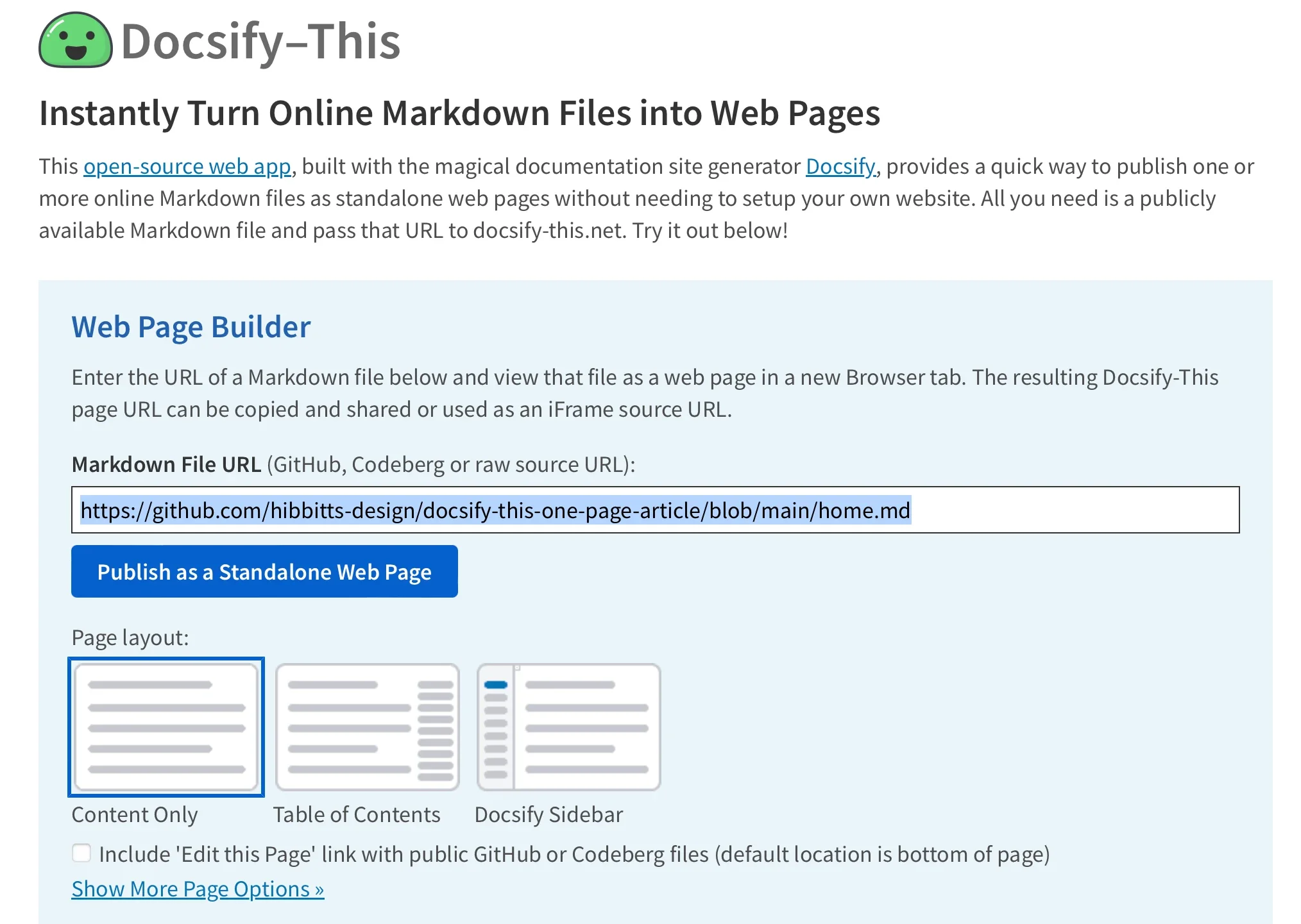
While the Web Page Builder interface officially supports GitHub and Codeberg repositories out of the box, advanced users can leverage custom URL parameters to pull Markdown files from other Git hosts as well. Once a page is published, the generated URL can be distributed across digital channels or embedded directly into other applications.
Managing multi-page documentation or switching between different files within the same repository does not require generating entirely new base URLs. By directly editing the homepage parameter within the Docsify-This URL structure, publishers can instantly redirect viewers to alternative Markdown documents residing in the exact same upstream repository. This flexibility allows maintainers to manage extensive document libraries directly from their preferred version control systems without touching the publishing layer.
Modifying Visual Appearance and Embedding Content
One of the defining features of Docsify-This is its high degree of visual customizability through URL parameters and CSS classes. Administrators and writers can fine-tune aesthetic attributes such as font families, font sizes, link colors, and line heights directly within the query string of the page link. This capability ensures that rendered documents can closely match the branding or style guidelines of external environments.
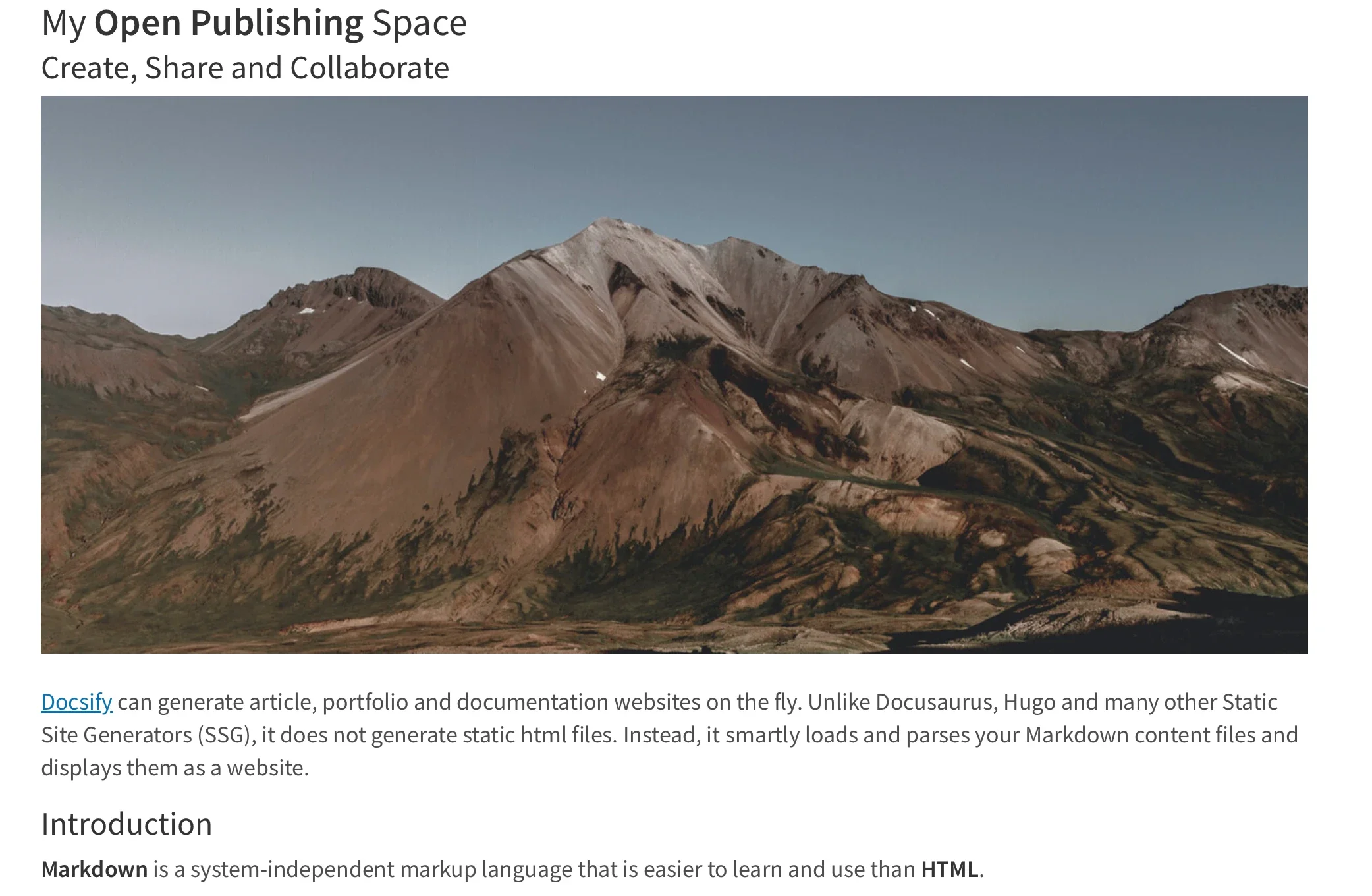
In addition to global style adjustments via URL parameters, creators can employ specialized Markdown CSS classes to transform standard text elements. For example, appending specific class tags to a conventional link syntax can automatically render that link as a polished, clickable button rather than plain hyperlinked text. For advanced styling needs, authors are not limited to the default toolkit; they can define custom CSS blocks directly inside their Markdown files to craft unique UI elements, bespoke containers, and specialized presentation styles that render consistently across different viewports.
Standard Markdown capabilities regarding HTML snippets are also fully supported, allowing writers to construct complex layout elements like multi-column rows using foundational HTML structures. This blend of Markdown simplicity and HTML layout control makes the platform exceptionally versatile for designing rich instructional materials or project documentation.
The utility of Docsify-This is particularly evident when integrating content into third-party platforms. Publishers can embed Docsify-This web pages seamlessly using standard HTML iFrames. By utilizing targeted URL parameters—such as hiding default credits or adjusting font scales—developers can ensure that the embedded frame blends harmoniously with the design language of the host application, whether it is an enterprise intranet, a blog, or an academic portal.

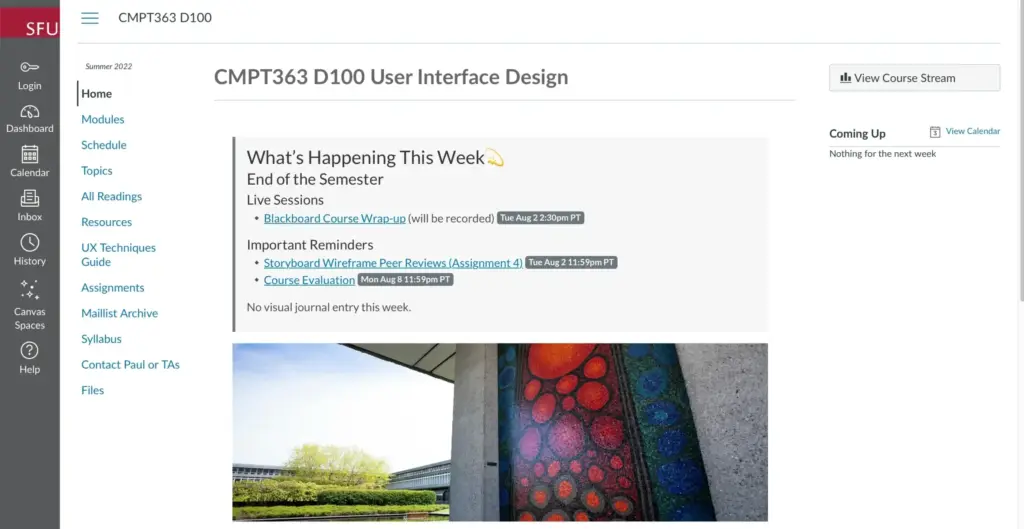
Furthermore, integration extends to learning management systems like Moodle and Canvas, where external web pages can be linked directly into course navigation menus or embedded using redirection tools. This allows educators to maintain their course readings and resource guides in version-controlled Markdown repositories while delivering a native-feeling reading experience directly inside the learning environment.
Integrating Version Control and Collaborative Workflows
To fully capitalize on the benefits of version control, collaborative authoring, and automated update pipelines, Docsify-This is designed to work in tandem with Git-based hosting platforms. Storing documentation in repositories on GitHub or Codeberg opens the door to robust tracking of revisions, issue discussions, and community contributions.
Authors who prefer working outside of web browsers can manage their files using a variety of open-source graphical Git interfaces, including GitHub Desktop, Git-Cola, and SparkleShare. Additionally, popular modern text editors such as Visual Studio Code and Pulsar Edit come equipped with robust native Git integrations, allowing writers to commit, push, and review changes to their documentation without ever leaving their development environment.

By combining the writing simplicity of Markdown with the powerful distribution capabilities of Docsify-This and the version-control architecture of Git, publishers across industries gain a lightweight, resilient, and highly adaptable publishing workflow. The project lowers the technical barriers traditionally associated with online content distribution, offering an open alternative for anyone looking to share text-based information across the web.