









For digital creators, educators, and developers who rely on Markdown for writing, setting up a traditional website or managing a complex static site build process has long been a necessary chore. However, a growing open source project called Docsify-This is aiming to eliminate that overhead entirely. Built on top of the popular Docsify.js framework, the platform offers a streamlined, serverless approach to publishing, sharing, and reusing Markdown content across multiple digital ecosystems without requiring any dedicated website infrastructure.
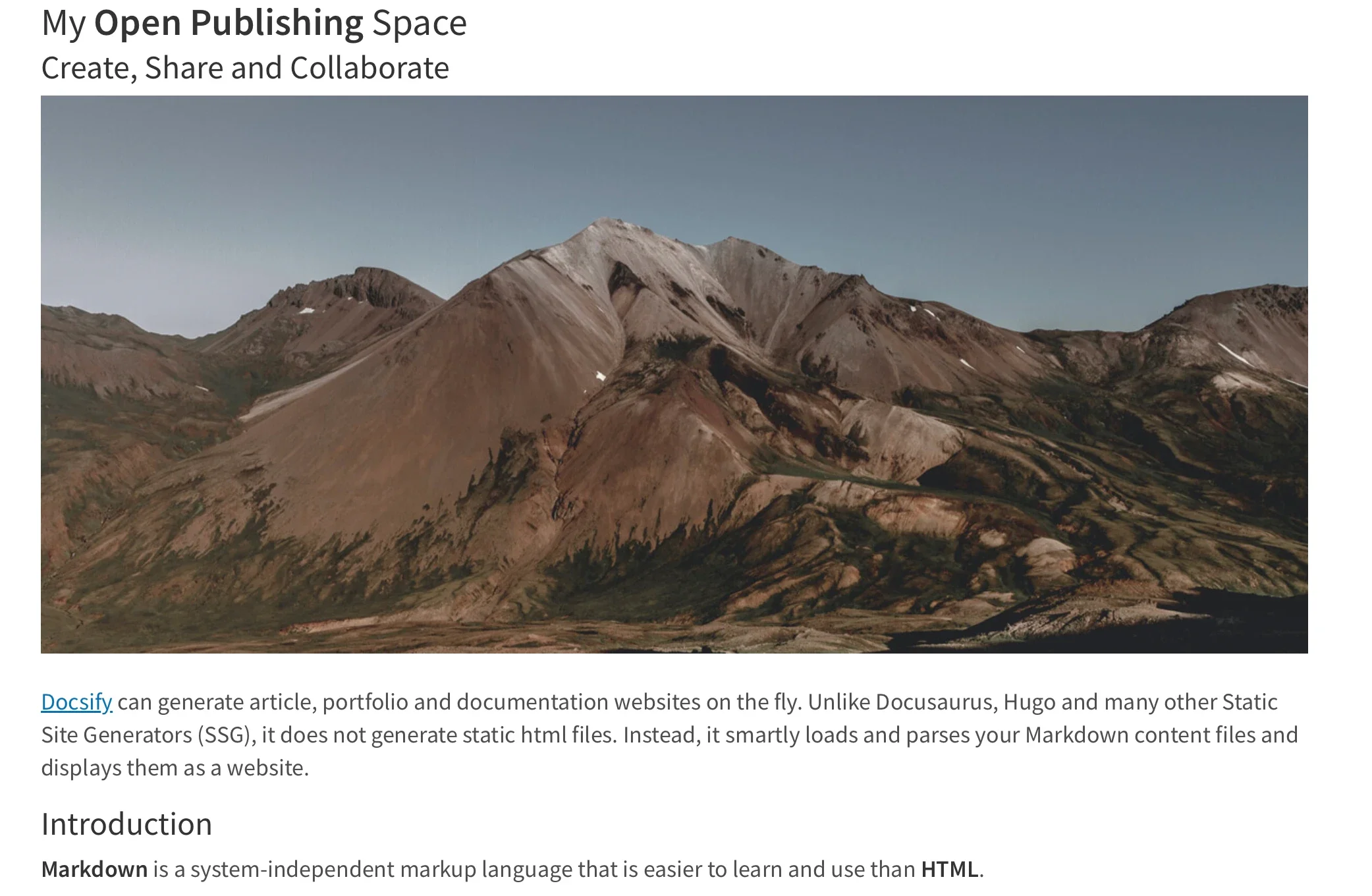
The core utility of Docsify-This lies in its ability to instantly transform any publicly available Markdown file into a responsive, standalone web page. Beyond single-page publications, users can link multiple Markdown files together to construct lightweight, cohesive websites. Because the project is open source and hosted independently, creators maintain complete ownership of their data and can easily host their own instances on custom domains, effectively avoiding platform lock-in.

What is Docsify-This?
At its foundation, Docsify-This provides a bridge between raw text files stored in version-control repositories and polished web presentations. When utilizing platforms like GitHub or Codeberg to store content, authors can take advantage of an optional "Edit this Page" feature that automatically appends a direct editing link to every rendered document. This functionality fosters a collaborative authoring environment, making it particularly useful for teams, open source contributors, and educators who want to empower students or colleagues to suggest quick revisions directly from the browser.

Designers and content managers are not locked into a single default visual presentation. The project provides a point-and-click Web Page Builder interface alongside a robust set of URL parameters that allow administrators to customize the visual appearance of displayed pages on the fly. Furthermore, a specialized library of Markdown CSS classes is available to help authors style their content natively without diving deep into external stylesheet management, though custom CSS can also be injected directly into the source documents for advanced tailoring.
Utilizing the Docsify-This Web Page Builder
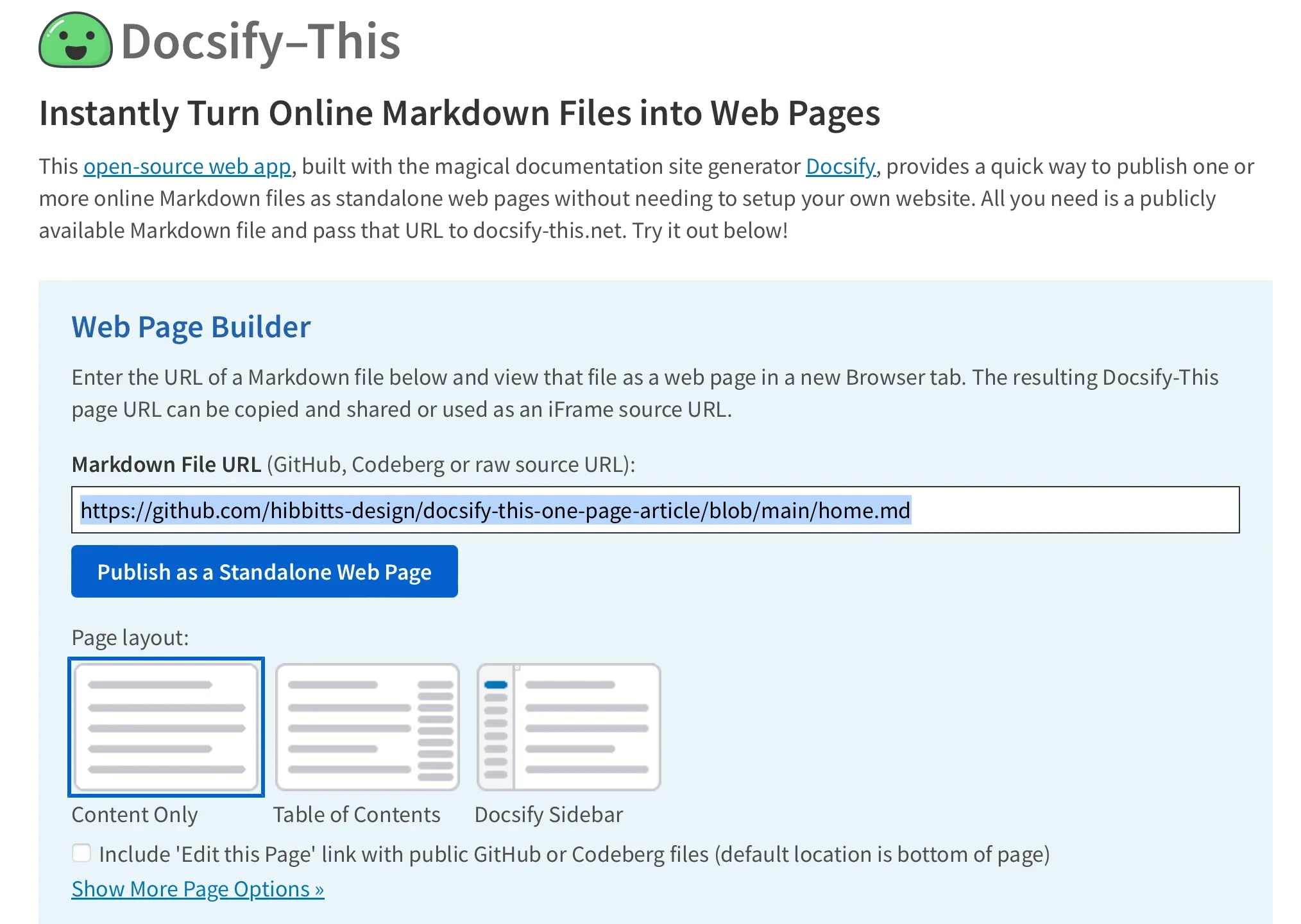
The primary entry point for creators is the Docsify-This web interface, which simplifies the publishing workflow into a matter of pasting a link. By navigating to the public web application or a locally hosted instance, users can access the Web Page Builder section. Entering the URL of a public Markdown file hosted on repositories like GitHub or Codeberg—with additional Git hosts supported via direct URL parameter manipulation—and clicking the publishing button instantly generates a clean, standalone web page complete with a unique, shareable URL.
This generated link can point dynamically to a base repository while calling specific files through URL parameters, such as designating a homepage parameter to load individual documents from the same repository tree. This parameter-driven architecture allows content maintainers to update text in their Git repositories and have those changes instantly reflected wherever the Docsify-This page is linked or embedded.
Customizing Page Appearance and Styling
Managing the aesthetic presentation of text-based documents is traditionally constrained by the limitations of the publishing platform, but Docsify-This circumvents this hurdle through flexible URL-based styling and specialized classes. Administrators can modify fundamental typography and layout attributes directly within the URL string by passing standard CSS parameters such as font family, font size, link colors, and line heights. This ensures that content rendered through the service can closely mimic the visual branding of any parent website or host platform.
Beyond global styling parameters, authors can leverage special Markdown CSS classes to elevate ordinary elements into interactive components. For instance, appending a class identifier to a standard Markdown link automatically transforms simple text into a styled button image. For creators requiring advanced design systems, custom CSS blocks can be embedded directly within the Markdown files themselves. This enables the creation of proprietary buttons, callout boxes, and unique layout components that render consistently wherever the document is displayed.

Embedding Content and Integrating with Learning Management Systems
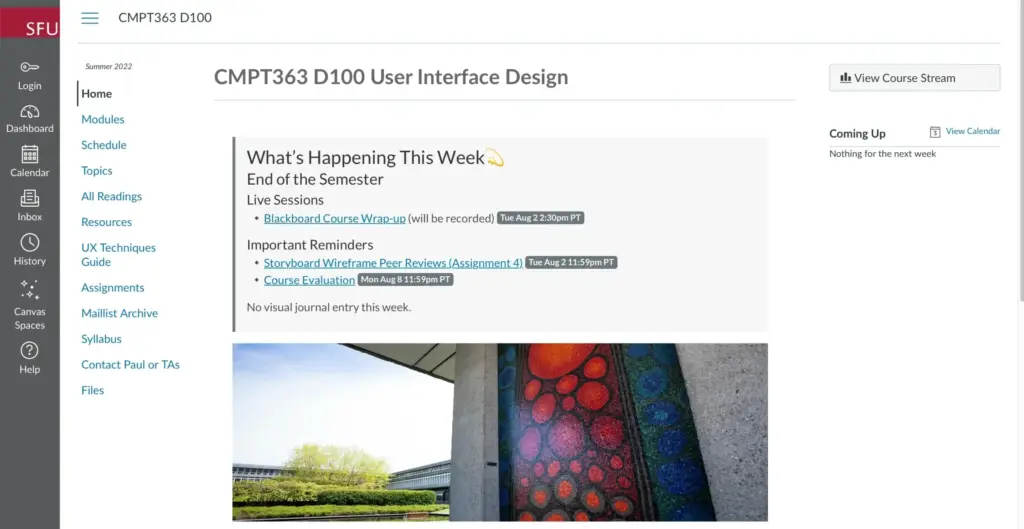
One of the most powerful use cases for Docsify-This is its seamless integration capabilities with external content management systems and learning management platforms. Because the rendered output functions smoothly inside responsive iFrames, educators and web administrators can embed dynamic Markdown pages directly into institutional platforms without losing formatting fidelity. Parameter adjustments can be appended to the iFrame source URL to ensure that embedded articles match the exact font scaling, background colors, and padding requirements of the destination environment.
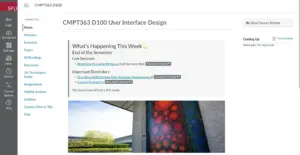
This embedding flexibility extends to external URL integrations within platforms like Canvas and Moodle. Instructors can utilize administrative tools, such as the Canvas Redirect Tool, to link external Docsify-This web pages directly into course navigation menus or module pages. By configuring the target URL with customized font parameters, hidden credits, and direct repository editing links, educators can maintain and update course materials via a simple Git repository while students view the living documents seamlessly integrated into their learning portal.

Integrating Docsify-This and Git Workflows
To maximize the benefits of version control, collaborative editing, and transparent change histories, Docsify-This pairs naturally with standard Git hosting services like GitHub and Codeberg. Authors can manage their document libraries using an array of open source graphical user interfaces for Git, including GitHub Desktop, Git-Cola, and SparkleShare, or leverage built-in Git integrations within popular modern text editors such as VSCode and Pulsar Edit.
By streamlining the path from raw text files stored in version-controlled repositories to polished, responsive web pages and embedded components, Docsify-This removes the technical barriers traditionally associated with online publishing. The project demonstrates how open source tools can empower writers, educators, and developers to share their work wherever their audience happens to be, all while retaining full control over their content pipeline.