









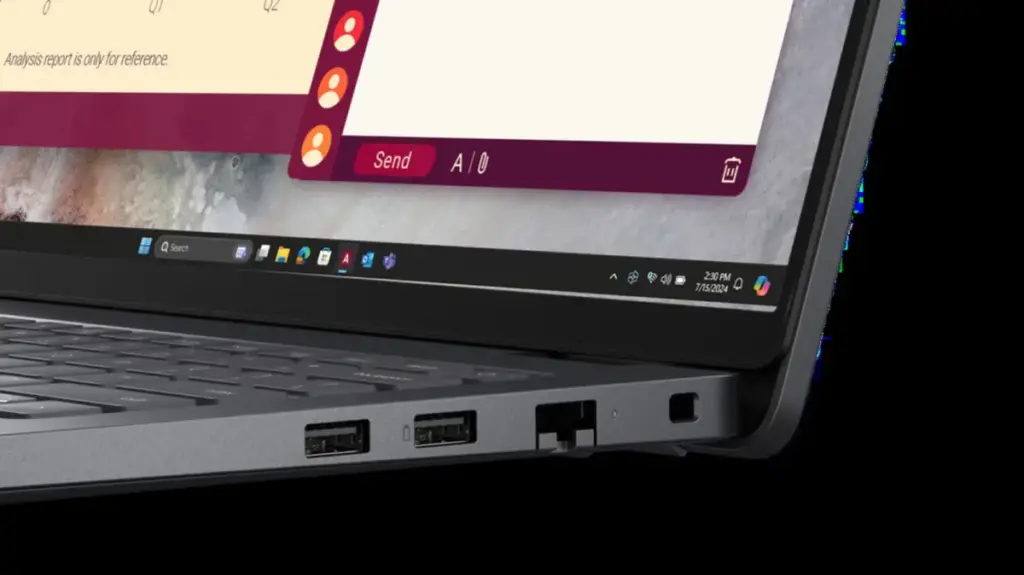
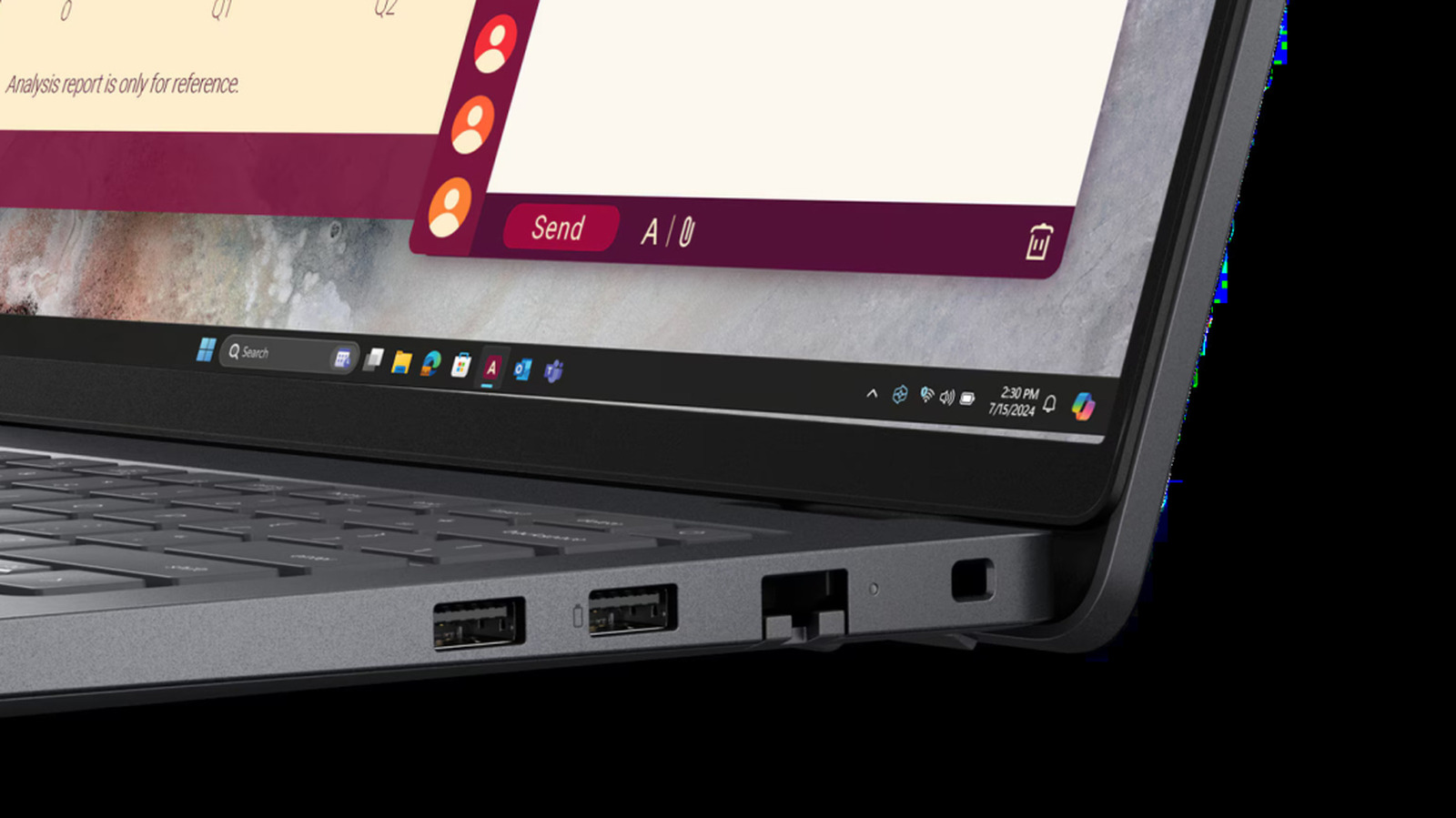
In the landscape of modern consumer electronics, the proliferation of USB ports has become a double-edged sword. While having a multitude of connectivity options is objectively better for productivity, the lack of standardization regarding port markings often leads to user confusion. Among the various icons etched into the chassis of laptops, docking stations, and monitors, the battery symbol remains one of the most significant—and frequently misunderstood—indicators. When users encounter this specific marking, it is rarely merely decorative; it typically serves as a visual shorthand for USB Power Delivery (USB PD) capability, signaling that the port is engineered to handle higher power throughput and, in many cases, bidirectional energy flow.
Understanding what this symbol represents is essential for anyone looking to optimize their workflow, whether they are charging a high-end laptop or attempting to power peripheral devices. At its core, the presence of a battery icon next to a USB port indicates that the port supports the USB Power Delivery protocol. Unlike standard USB ports, which were historically designed primarily for data transfer with modest power output, USB PD is a sophisticated communication standard. It allows the connected device and the charger to engage in an "intelligent digital handshake." During this brief, automated process, the devices negotiate the optimal voltage and current levels required for the specific battery, ensuring the device charges efficiently and safely without the risk of thermal runaway or hardware damage.
The history of this technology is surprisingly long, predating the ubiquity of the modern USB-C connector. The USB PD protocol was first introduced in 2012, long before the industry moved toward the slim, reversible connectors that define current hardware. However, the technology has evolved dramatically in the years since. A major milestone arrived in 2021 with the release of the USB PD 3.1 specification, which expanded the power delivery capabilities of the standard to as much as 240W. This leap in capacity means that these specialized ports are no longer limited to charging smartphones or small tablets; they are now capable of powering demanding hardware, including high-performance laptops, professional-grade peripherals, and even certain external monitors that require significant wattage to operate.

The Multifaceted Utility of Battery-Marked Ports
The presence of the battery symbol often suggests more than just a faster charge for the primary device. It frequently denotes that the port is equipped for bidirectional charging. This feature allows the port to act as both an input and an output, depending on the configuration of the devices involved. For many users, this is a transformative feature. For example, a laptop equipped with a USB PD-compliant port can, in theory, receive power from a monitor while simultaneously sending data back to it. Conversely, if a user is away from a wall outlet, that same port can be utilized to charge smaller mobile devices, such as smartphones, wireless earbuds, or tablets, by leveraging the stored energy in the laptop’s internal battery.
One of the most convenient, albeit sometimes battery-draining, features associated with these marked ports is "Always On" charging. Many modern laptop manufacturers include this functionality, which permits the port to continue supplying power to a connected peripheral even when the laptop is in sleep mode or completely powered down. This effectively turns the laptop into a portable power bank. While incredibly useful for keeping a phone charged during a long commute, it is a feature that requires user awareness. Because the laptop is drawing from its own internal energy reserve to maintain the charge of the external device, it is entirely possible to wake up to a depleted laptop battery if a smartphone was left plugged in overnight. Recognizing the potential for this unintended discharge, most major laptop manufacturers—such as Dell, Lenovo, and HP—have integrated software or BIOS-level controls that allow users to toggle this "Always On" feature, granting them the ability to disable it entirely or restrict it to times when the laptop itself is connected to AC power.
Navigating the Inconsistency of Industry Standards
Despite the utility of these icons, there is a lingering issue of standardization that continues to confuse consumers. As much sense as a consistent battery icon makes for user interface design, the industry has struggled to achieve a unified visual language. According to the USB Implementers Forum (USB-IF), the nonprofit organization responsible for setting official USB standards and specifications, the designated official symbol for USB Power Delivery is a stylized battery shape rendered in negative space. While this symbol is the industry benchmark, it is by no means the only icon users will encounter in the wild.
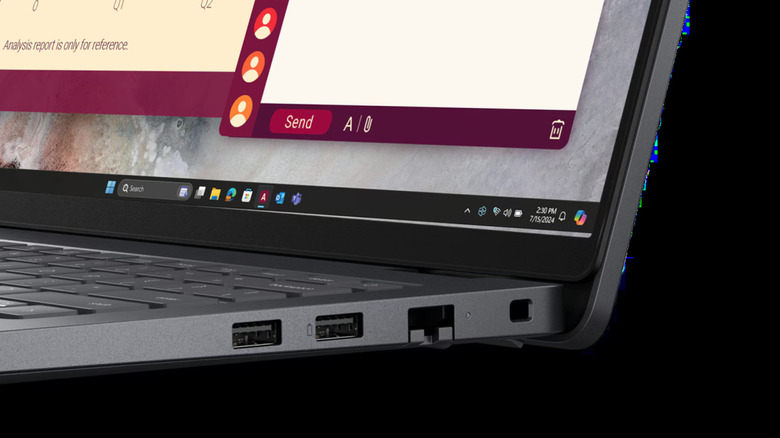
The inconsistency stems from the fact that while major technology companies like Apple, Microsoft, and HP are members of the USB-IF, they do not always adhere strictly to the organization’s suggested iconography. Consequently, the user experience varies wildly from one product line to another. On some devices, users may find the official USB-IF battery logo; on others, they might see a variation of a battery icon, a lightning bolt symbol—which creates significant confusion because it is often visually similar to the icon used for Intel’s Thunderbolt technology—or even just the letters "PD" printed next to the port.
Furthermore, some manufacturers have opted to forgo labeling altogether, even when the port is fully capable of USB PD. Apple’s MacBook lineup serves as a prime example of this design philosophy. Many of the company’s Thunderbolt-compatible ports are fully capable of handling the Power Delivery protocol, yet they are rarely marked with a battery symbol. This leaves users in a position where visual inspection is insufficient to determine the true capabilities of their hardware.
This lack of uniformity underscores the importance of consulting the manufacturer’s technical specifications. Because symbols can be misleading or absent, the user manual or the official product support page remains the most reliable source of information. In an era where power management is critical to the longevity and performance of our devices, understanding the nuances of these ports is not just a matter of convenience, but a necessary step in maintaining the health and efficiency of a modern digital ecosystem. Whether one is looking to utilize high-speed charging or simply trying to understand why their phone is draining their laptop battery, identifying the capabilities of these ports is an essential skill for any modern power user. As charging standards continue to evolve toward higher wattages and more integrated device ecosystems, the reliance on these specialized ports will only grow, making it increasingly important for manufacturers to move toward a more transparent and consistent approach to port labeling. For now, however, the burden of verification largely remains with the user, who must navigate a landscape of varying icons and hidden features to get the most out of their hardware.