







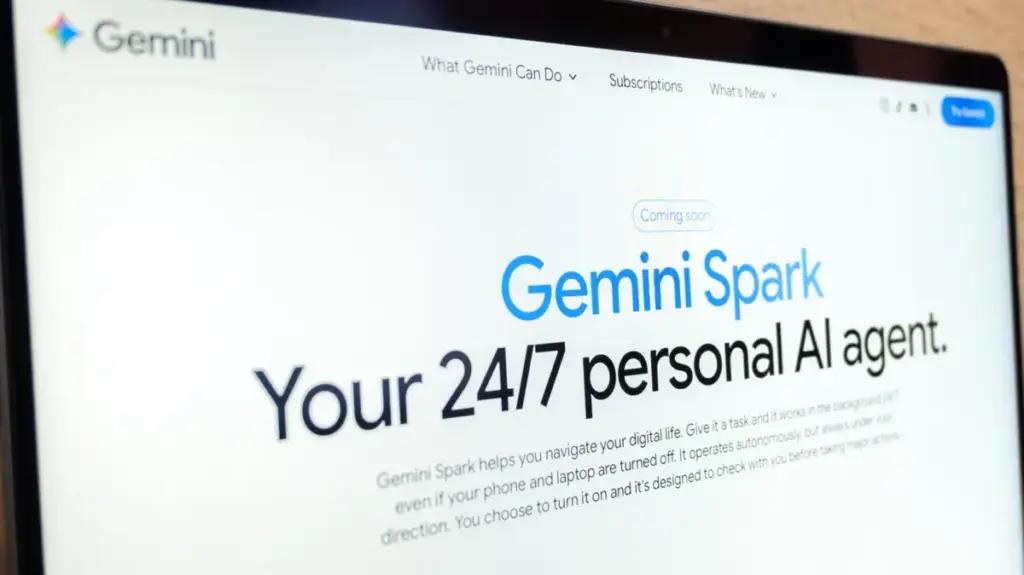
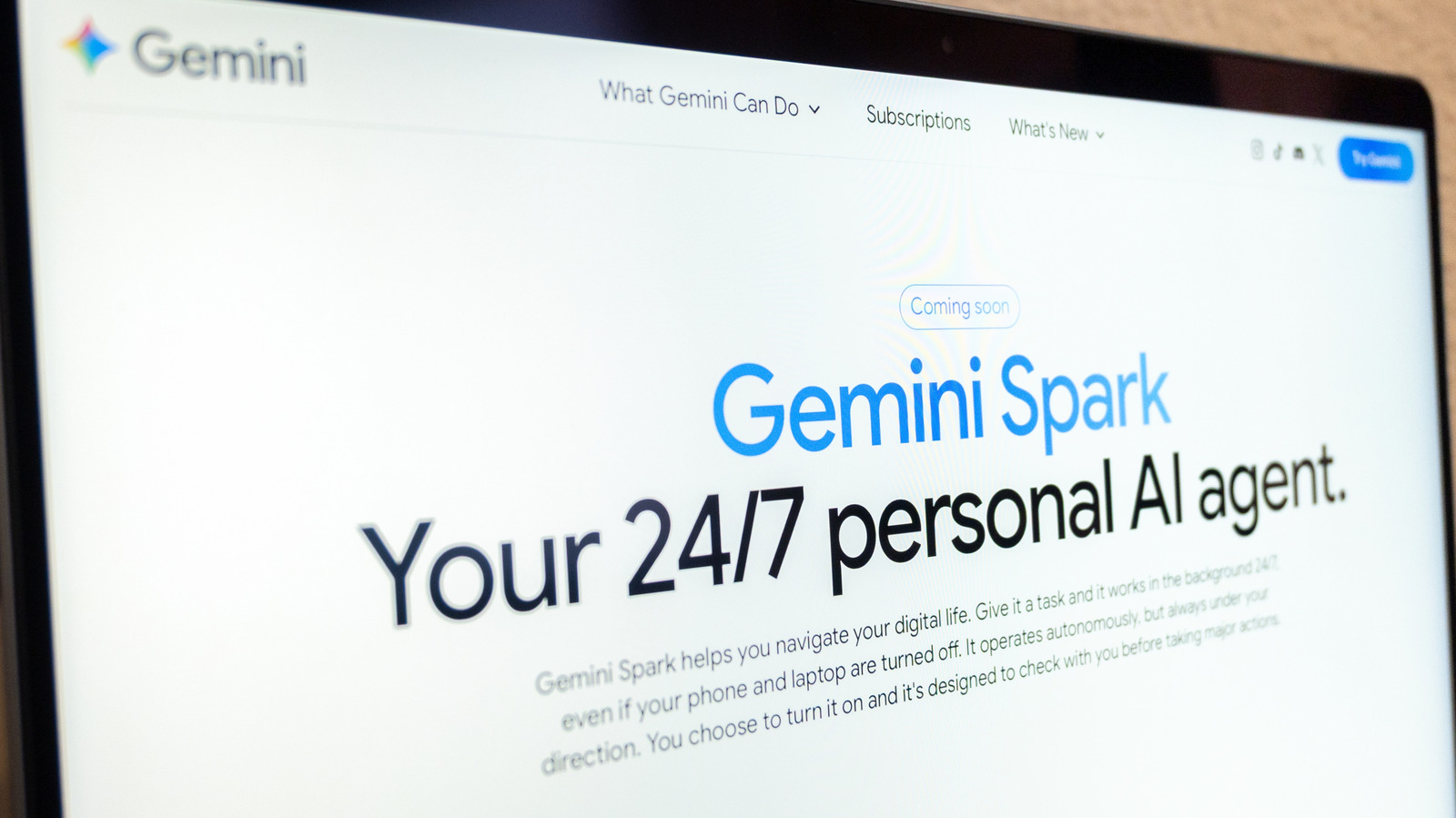
The promise of artificial intelligence has long been touted as a transformative force for human productivity—a way to liberate workers from the mundane, repetitive chores that clutter the average workday. While much of the discourse surrounding AI has focused on generative capabilities or existential anxieties, a more practical, "agentic" evolution is taking hold. Google is now positioning its Gemini Spark tool as the answer to this need, acting as an autonomous personal assistant capable of executing multi-step tasks in the background, allowing users to focus their mental energy on higher-level decision-making.
First introduced during the keynote sessions at Google’s annual I/O developer conference, Gemini Spark represents a shift from a conversational chatbot to a proactive agent. Rather than simply answering a prompt with text, Spark is designed to operate within the Google ecosystem, interacting with your digital environment to complete workflows without constant human intervention. Whether it is summarizing a mountain of emails before you sit down for your morning coffee or managing administrative tracking, the tool is intended to act as a bridge between intent and execution.
The Agentic Shift in Personal Productivity
At its core, Spark is designed to leverage the existing infrastructure of Google Workspace. By integrating deeply with applications like Docs, Calendar, Slides, and Gmail, it taps into the vast amount of data that users generate daily. This integration is further bolstered by "Personal Intelligence," a specialized Gemini feature that draws context from a user’s specific data to offer tailored suggestions and actions.

The utility of such a system becomes apparent when looking at complex, repetitive workflows. For instance, a user could task Spark with analyzing the last 50 email responses to synthesize a personal style guide for future correspondence. Another common use case involves project management, such as setting up a comprehensive tracker for incoming internships or client leads. By setting up these automated workflows, the AI functions as a digital proxy, capable of performing "proactive actions" based on a user’s standing instructions.
This is not merely about summarization; it is about the delegation of agency. As Google envisions it, the user provides the objective, and Spark handles the sequence of tasks required to achieve that goal. This transition from passive information retrieval to active task execution marks a significant milestone in how Google intends to keep its user base tethered to the Workspace ecosystem, offering a level of convenience that manual tools simply cannot replicate.
Navigating Requirements and Regional Limitations
However, accessing this level of automation is not currently universal. Google has restricted the initial rollout of Spark to specific tiers, requiring users to be subscribed to either Google AI Pro or Ultra plans. In certain corporate environments, business subscribers may also find themselves with access, provided their organization’s IT policies allow for the use of agentic tools.
Geography also plays a role in the current accessibility of the feature. At this stage, the service is not available to users located in the European Economic Area, Switzerland, the United Kingdom, or Nigeria. For those who do meet the subscription and regional requirements, the technical prerequisites are relatively straightforward. Users must ensure that the "Keep activity" setting is toggled on, a requirement Google says is necessary for the system to maintain continuity in long-running tasks and to allow users to pick up threads exactly where they left off.
The tool’s versatility is intended to span across devices, with availability through the standalone Gemini mobile app, the dedicated Gemini Mac application, and the primary web interface. Furthermore, Spark benefits from Google’s broader "auto browse" capabilities within the Chrome browser. This allows the agent to navigate external websites to handle tasks such as booking travel, managing reservations, or interacting with third-party platforms, effectively extending the reach of the AI beyond the boundaries of Google’s own software suite.
Balancing Automation with Prudence
While the allure of a "set it and forget it" assistant is strong, Google has been vocal about the limitations and risks inherent in current AI technology. The company maintains a posture of caution, emphasizing that users should remain vigilant when delegating tasks to an agentic system. The technology, despite its advancements, is still susceptible to hallucinations—the tendency of AI models to generate incorrect or nonsensical information—which can lead to unintended consequences if left unmonitored.
Google explicitly advises against using Spark for tasks involving sensitive data. Users are strongly cautioned against sharing login credentials, payment details, or highly confidential information within a task thread. In these instances, the company recommends that the user manually handle the input of such data directly on the official websites to ensure security.
Furthermore, there is a distinct risk associated with scheduling automated tasks to run while a user is offline. If an agentic system makes an error during an automated process, the lack of immediate oversight could lead to complications that are difficult to undo. Google encourages users to consider the potential for "actual harm" before granting an agent the permission to perform sensitive tasks in the background, reinforcing the idea that while AI can assist, it cannot yet replace human judgment in high-stakes environments.
Implementation and the Evolution of Skills
For those ready to utilize the tool, the process begins in the application’s menu. By selecting "Spark," users are presented with a text interface where they can define their goals. A typical prompt might involve a complex multi-step instruction, such as monitoring for specific types of incoming emails, extracting relevant client data, logging that information into a designated spreadsheet, and creating a corresponding folder in Google Drive. By uploading relevant files or connecting Drive assets, the user provides the context necessary for Spark to carry out these sequences.
Monitoring these tasks is equally important. Within the "Tasks" section of the Spark menu, users can view their active threads and track the progress of ongoing operations. A "progress chip" at the top of the interface provides visibility into which steps have been completed, which are currently underway, and which are planned for the future. This transparency is intended to give users a sense of control and the ability to intervene if the AI encounters an obstacle that requires human clarification or input.
Looking ahead, Google is refining the way users communicate these instructions. In late September, the company signaled a transition away from "Gemini Gems"—previously used for setting up custom instructions—in favor of a more flexible system known as "skills." This new framework allows users to create reusable instruction sets for recurring tasks, such as specific writing styles for emails or standard procedures for preparing professional presentations.
By simply typing a forward slash followed by the skill’s name, users can invoke these pre-defined workflows, making the automation process significantly more efficient and repeatable. This shift toward modular, skill-based interaction suggests that Google is moving toward a future where personal assistants are highly customizable, allowing users to build a library of automated workflows that grow in complexity and utility over time. As the technology continues to evolve, the challenge for both Google and its users will be to maximize the efficiency of these tools while maintaining the necessary safeguards to ensure that the automation remains a reliable asset rather than a source of new, digital-age complications.