










Reviewing long PDF documents page by page has long presented a bottleneck for creators, editors, and educators who need to analyze the overall sequence of visual materials. Whether dealing with presentation decks, scripts, reports, comic pages, or lesson plans, understanding the macro narrative often requires opening every page individually—a tedious process that drains productivity. Addressing this common workflow friction, developers have introduced a new client-side application designed to transform standard multi-page documents into structured, multi-panel storyboard sheets entirely within the web browser.
The utility, which operates under a local-first architecture, processes uploaded files directly on the user’s machine rather than transmitting sensitive data to external web servers. This approach ensures privacy while delivering a streamlined interface for organizing, customizing, and exporting visual document sequences. By combining several core JavaScript libraries, the project bridges the gap between static PDF viewing and dynamic storyboard creation.
The Problem of Linear PDF Review
Traditional PDF readers are optimized for reading documents sequentially, from top to bottom and page to page. However, disciplines that rely on visual storytelling—such as filmmaking, animation, UI/UX design, and presentation prep—require a holistic view of multiple assets simultaneously. A traditional presentation containing twenty slides, for example, forces reviewers to flip back and forth to check narrative flow, continuity, and pacing.

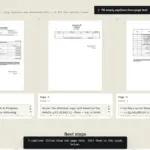
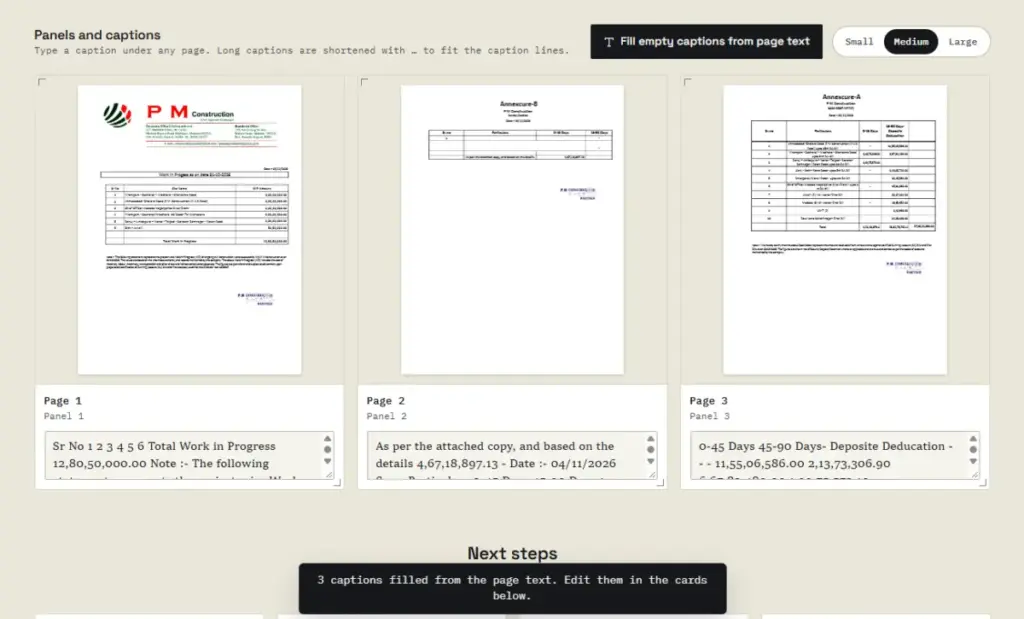
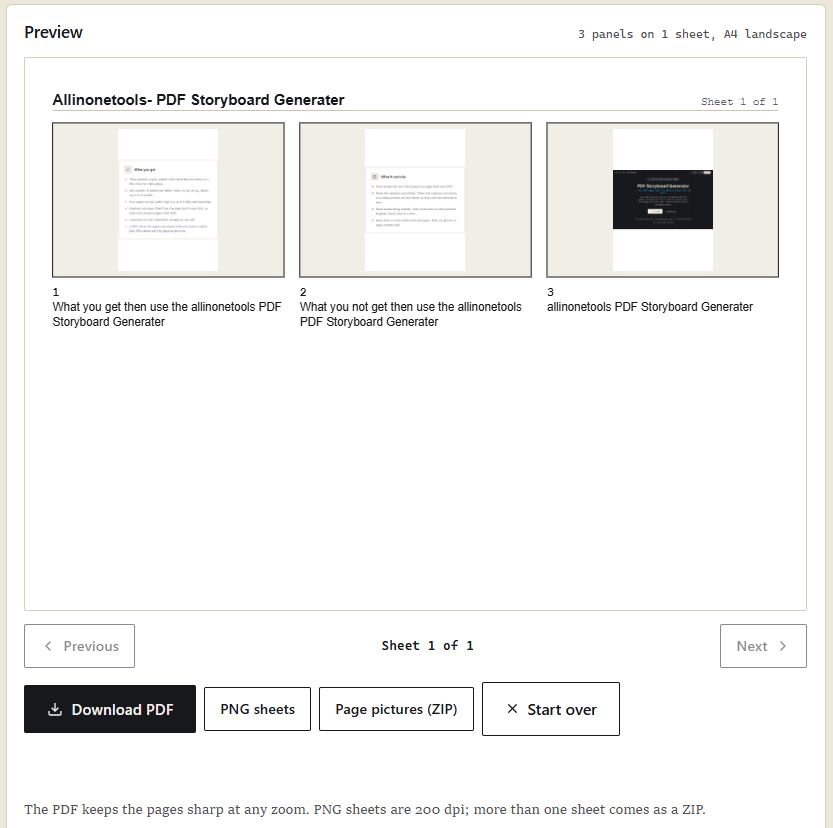
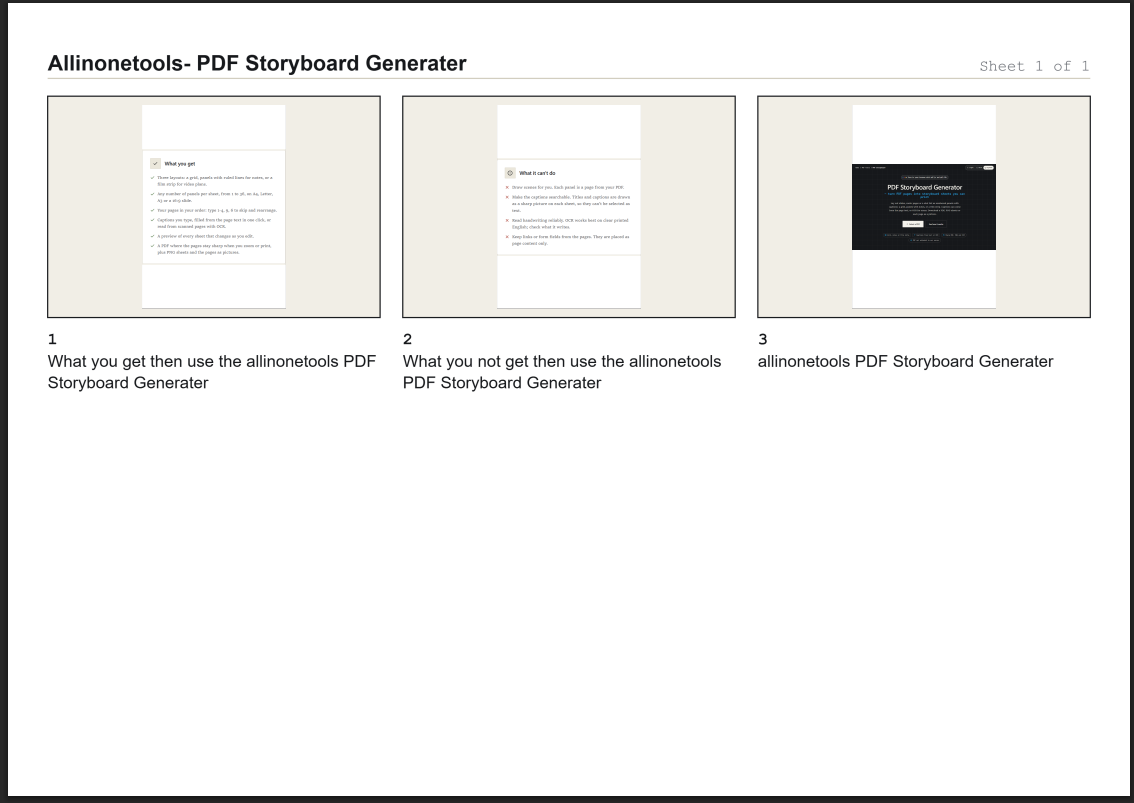
A storyboard solves this structural challenge by aggregating multiple visual elements onto a single, cohesive sheet. Instead of evaluating individual pages in isolation, users can view multiple panels equipped with page numbers, visual previews, and accompanying descriptive text. The new browser application automates this aggregation process, converting raw PDF pages into printable storyboard layouts without requiring heavy desktop design software.
Core Architecture and Library Ecosystem
Building a browser-based PDF storyboard generator requires a careful division of labor among specialized JavaScript libraries. Rather than relying on a single monolithic framework, the application integrates three primary tools, each handling a distinct phase of the document pipeline.
At the ingestion and rendering stage, PDF.js serves as the engine that opens PDF documents, extracts their metadata, measures page dimensions, and draws individual pages onto HTML canvases. This step ensures that users can visually inspect selected pages before committing them to a storyboard layout.
Once the source document has been mapped, PDF-lib takes over the generation of the final output document. While PDF.js reads and interprets the source file, PDF-lib constructs the new storyboard PDF. By embedding original PDF pages as vector graphics whenever possible, the application preserves text clarity and line sharpness, ensuring that exported documents remain crisp when printed or zoomed. For password-protected or restricted files, a raster-based fallback mechanism maintains compatibility.
To address documents that consist of scanned images rather than selectable text, the application incorporates Tesseract.js for optional Optical Character Recognition. When enabled, the engine processes scanned pages to extract printed words, translating image data into usable text captions without forcing users to type descriptions manually.
Workflow Integration and Customization Options
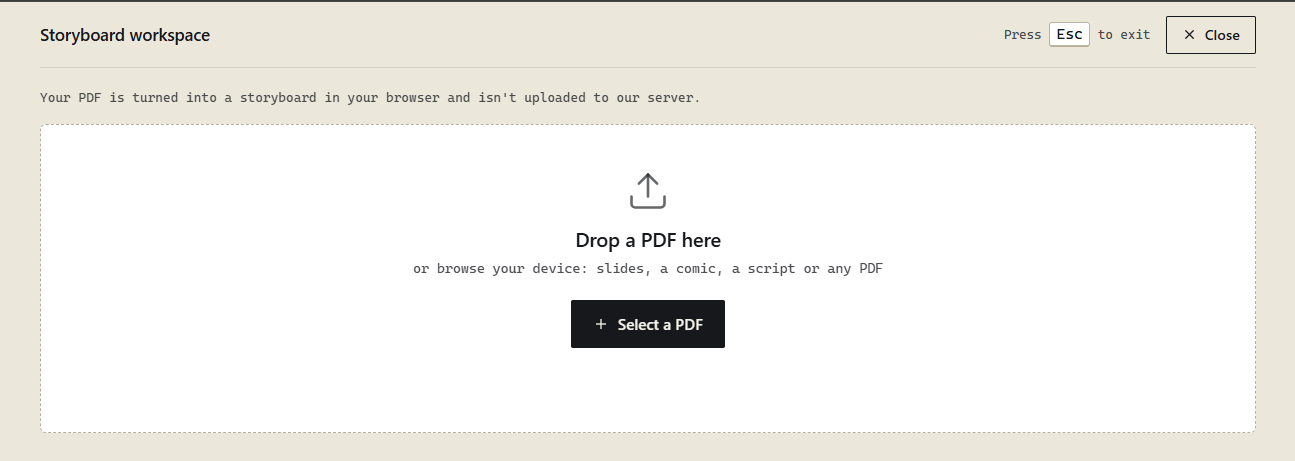
The application workflow is designed around flexibility. Users initiate the process by dragging and dropping a PDF file into the browser workspace or selecting it through a standard file picker. Once loaded, the system measures every page in the document to ensure accurate layout calculations.
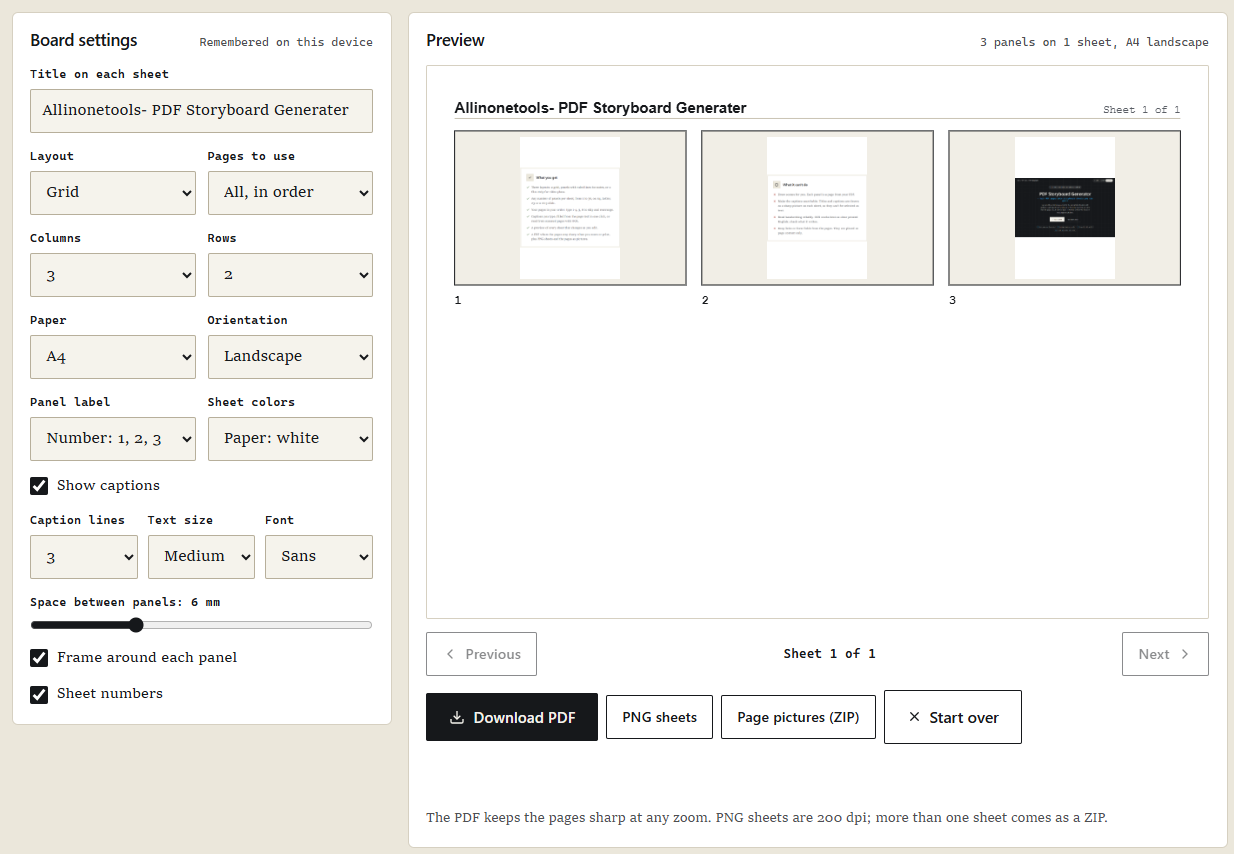
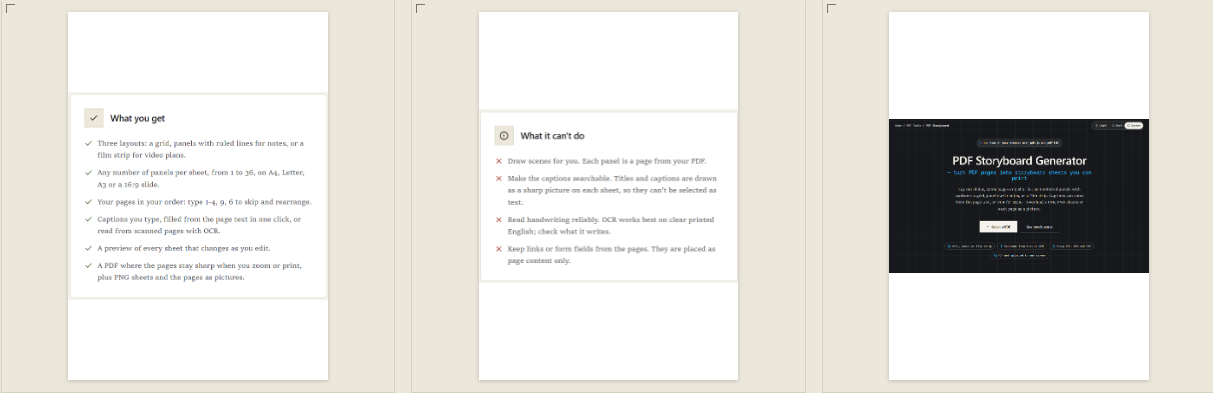
Users can choose from multiple storyboard layouts, including a traditional grid configuration, a panel layout with dedicated writing notes, and a film strip sequence. These layouts adapt dynamically to various paper sizes, such as A4, Letter, A3, and widescreen slide formats, in both portrait and landscape orientations.
Furthermore, the application provides robust page selection controls. Users are not restricted to the original document sequence; they can specify custom page ranges or enter specific page numbers in any order. The system validates these inputs to prevent out-of-bounds errors, capping custom selections at reasonable limits to maintain smooth browser performance.
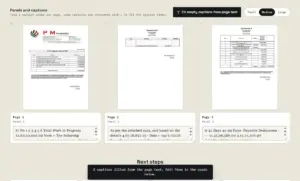
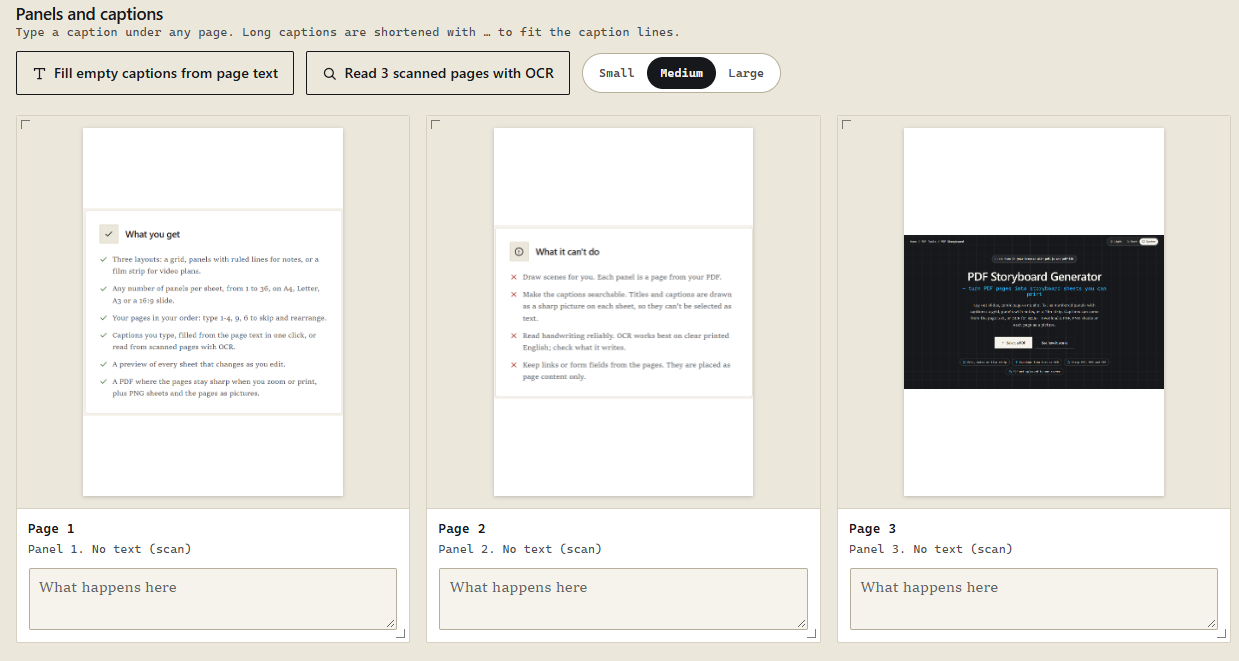
Caption management is similarly flexible. Users can type descriptions manually, leverage the application’s text-extraction capabilities to automatically populate empty fields, or deploy the OCR engine for scanned pages. Crucially, the automatic text-filling function leaves existing user-written captions intact, preventing accidental data loss during edits.
Export Flexibility and Local Processing
Once the storyboard layout, frames, and captions meet the user’s requirements, the application offers multiple export formats. Users can download the finished work as a multi-page PDF document complete with professional metadata. Alternatively, they can export individual storyboard sheets as high-resolution PNG images or package them into a compressed ZIP archive. For those who prefer working with raw assets, the tool also supports exporting individual page pictures in their correct storyboard order.
Because all processing occurs locally within the browser memory, the application eliminates upload wait times and safeguards confidential documents from third-party server exposure. The implementation relies on asynchronous rendering, caching strategies, and progress indicators to handle larger documents efficiently without locking up the user interface.
The introduction of this browser-based generator highlights the expanding capabilities of modern client-side web technologies. By merging document parsing, text recognition, and PDF generation into a unified interface, the tool provides a practical solution for professionals and educators seeking to streamline visual review workflows.