










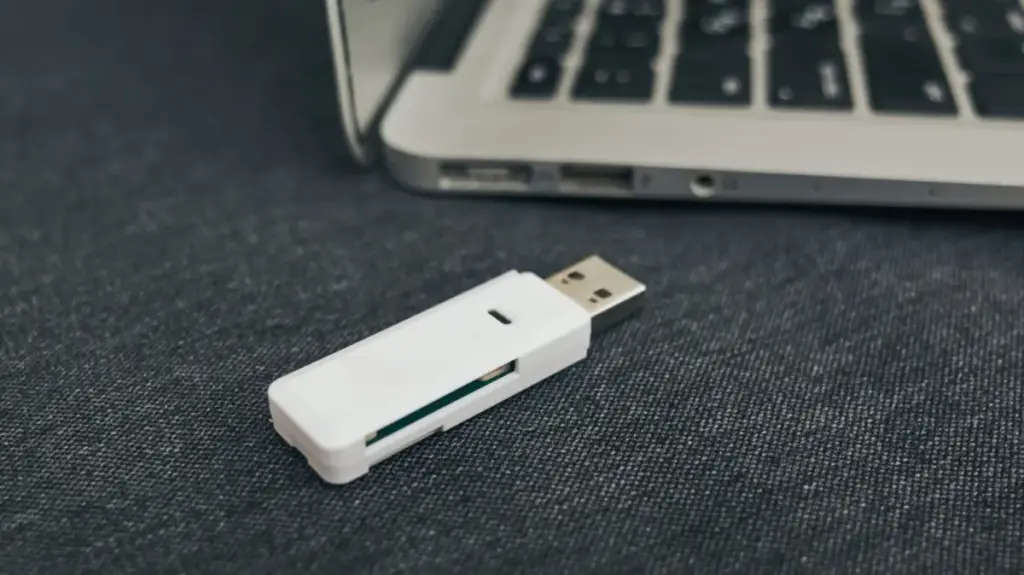
For many, the USB thumb drive was once the ultimate digital utility. These pocket-sized marvels promised a revolution in portability, allowing us to carry documents, photos, and projects from the classroom to the office with ease. Yet, in an era defined by ubiquitous high-speed internet, seamless cloud synchronization, and the rise of massive-capacity solid-state drives, the humble thumb drive has begun to fade into the background. While they haven’t disappeared entirely, their role has shifted from a primary storage medium to a legacy repository for files we haven’t looked at in years.
This decline in daily usage, however, masks a growing problem. As these drives sit neglected in junk drawers, laptop bags, and forgotten coat pockets, the data stored on them faces an increasing threat of total loss. While it might be tempting to view these sticks as permanent, archival-grade storage, the reality is far more precarious. From physical fragility to the inevitable degradation of flash memory, the window of time to safely migrate your data from these older devices is closing.
The shift away from USB drives is largely a testament to how the digital landscape has evolved. Technologies like email attachments, instant messaging platforms, and wireless transfer protocols like AirDrop have rendered the physical "sneakernet" of transferring small files obsolete. For larger assets, the convenience of cloud-based services like iCloud, Google Drive, and Dropbox—or the sheer performance of high-capacity external SSDs—has made the traditional, slow, and often unreliable thumb drive look like a relic of a bygone era.

Yet, many users still harbor a deep, perhaps sentimental, attachment to their old drives. They are convenient, they require no subscription fees, and they represent a "offline" form of security that appeals to those wary of the cloud. However, this reliance is built on a foundation that is physically and chemically destined to fail. If you have not taken the time to audit and back up the contents of these aging devices, you are effectively gambling with your personal history.
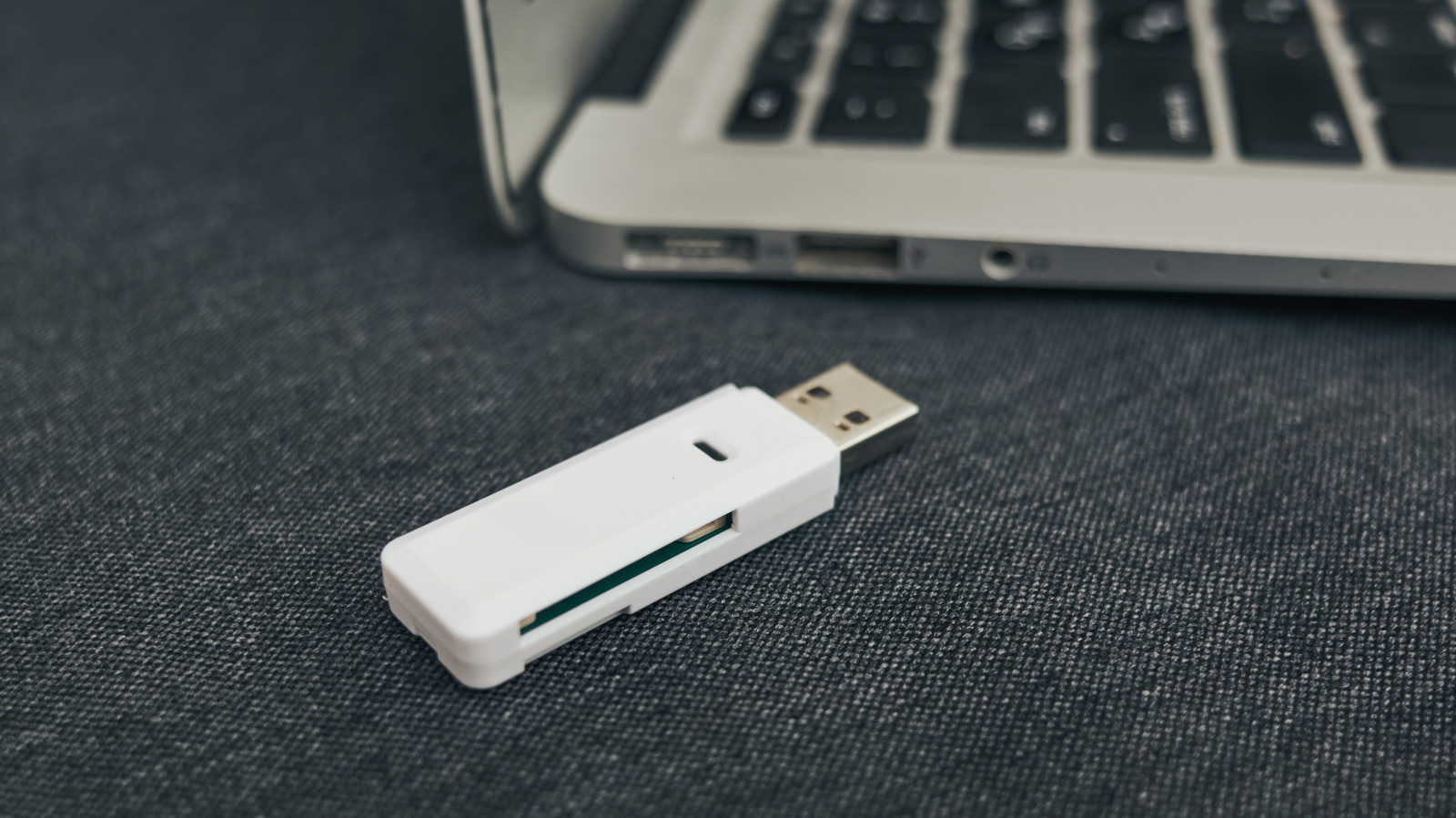
The Physical and Chemical Limits of Flash Memory
It is a common misconception that because USB drives lack the spinning platters of a mechanical hard drive, they are immune to physical failure. While they do not suffer from the mechanical head crashes that plague traditional hard drives, they are bound by the unforgiving laws of physics and the specific architecture of NAND flash memory.
Anything as small as a thumb drive is inherently at a higher risk of simple, everyday destruction. Their diminutive size makes them incredibly easy to misplace, leave behind in a public space, or accidentally damage during transit. Many of us have experienced the frustration of a drive that has been crushed at the bottom of a backpack or forgotten in a pair of trousers that went through the laundry. These devices were never designed to be rugged; they are consumer-grade components often housed in thin plastic shells that offer minimal protection against the hazards of daily life.
Beyond the external risks, there is a "ticking clock" built into the very silicon of the device. All flash storage is built on the principle of storing data as electrical charges within microscopic cells. These cells have a finite lifespan, defined by a specific number of write cycles—the process of erasing and rewriting data. For a standard thumb drive, this lifespan is typically between 10,000 and 100,000 cycles. While this sounds like a high number, it is not infinite. If a drive is used for active, daily, or even weekly storage, that capacity is being slowly chipped away.
Crucially, unlike modern enterprise-grade SSDs, most budget-friendly thumb drives do not feature sophisticated wear-leveling algorithms or the ability to run TRIM commands. A TRIM command allows an operating system to inform the flash memory which blocks of data are no longer in use, effectively "cleaning" the drive to maintain performance and longevity. Without this, a thumb drive will eventually reach a state of degradation where it can no longer reliably hold a charge in its cells, leading to a point where the drive simply refuses to function, often without warning.
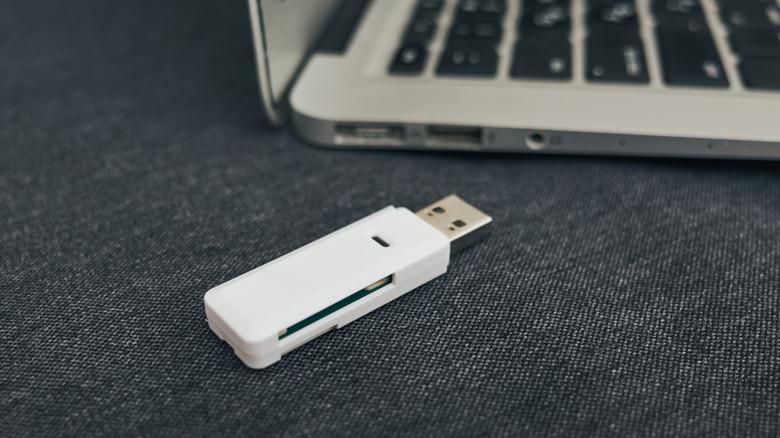
Adding to this complex technical decay is the phenomenon known as "bit rot." Because flash memory relies on maintaining an electrical charge to represent data, the passage of time is the enemy. Over years of storage without power, these cells will naturally leak electrons. As the charge dissipates, the binary data—the zeros and ones that make up your photos and documents—can spontaneously flip. While this process is slow, it is cumulative. On a long enough timeline, the probability of enough bits flipping to corrupt a file becomes a mathematical certainty.
Furthermore, while there are no moving parts, these drives are still intricate electronic circuits. They rely on micro-controllers and solder joints to bridge the gap between the USB connector and the flash memory chip. These components are susceptible to corrosion, especially if stored in humid environments, which can lead to mold growth on the internal circuit board. A simple impact or a sudden voltage spike when plugging a corroded drive into a computer can be enough to permanently bridge a connection or fry the controller, leaving the data trapped behind an unreadable interface.
The Strategy for Digital Preservation
If the data held on your old thumb drives holds any personal or professional value, relying on a single, aging device is no longer a viable strategy. The industry-standard approach to data preservation is the "3-2-1" rule. This protocol dictates that you should have at least three copies of your data: two stored on different types of local media, and at least one copy stored off-site, typically via a cloud service.
The implementation of this strategy is vital because no single storage medium is infallible. If you have precious photos or documents on a thumb drive, they should be copied to your primary computer’s internal drive, an external SSD, and a cloud-based backup service. For those who want to be exceptionally cautious, keeping a separate copy on a physical drive at a different location—such as a fireproof safe or a relative’s home—can protect against catastrophic local events like fires, floods, or theft.
It is important to acknowledge that the cloud is not a perfect panacea, despite its convenience. While it offers a layer of protection against local hardware failure, it introduces its own set of concerns. Users must contend with recurring subscription fees, the dependency on a stable internet connection, and the potential for service outages. Furthermore, some users maintain a healthy skepticism regarding the privacy policies and security practices of major data providers. Entrusting your data to a third-party corporation means you are subject to their terms of service, which can change without notice, and you are vulnerable to the potential for data breaches or external pressures on those companies.
For files that are not mission-critical but are still valuable to retain, the priority should be accessibility and reliability. If your current backup method involves keeping files on a computer that is rarely turned on or a hard drive that hasn’t been tested in years, you are not truly backed up. The most important step in this process is ensuring that your copies are easily identifiable and stored on media that is actively maintained.
The move away from thumb drives is not just about keeping up with modern technology; it is about acknowledging the vulnerability of our digital archives. As we continue to move our lives into the digital realm, the hardware we choose to store our memories on matters. By proactively migrating data off of these aging, temporary storage devices and onto a more robust, redundant system, you can ensure that the files you value today remain available for years to come. Do not wait for the inevitable moment when you plug in a drive and receive a "device not recognized" error; the best time to perform a data audit is before the hardware gives out.