









For years, content creators, educators, and developers have relied on Markdown as a clean, lightweight, and human-readable syntax for writing text on the web. However, transforming a simple Markdown file into a polished, responsive web page traditionally requires setting up a static site generator, configuring build pipelines, and managing web hosting environments. A new open-source project called Docsify-This aims to eliminate that overhead entirely, offering a direct pathway to publish, style, and embed Markdown content across disparate platforms without requiring any website setup or complex build processes.
Built on top of the popular Docsify.js framework, Docsify-This provides a streamlined mechanism to turn any publicly available Markdown file into a standalone web page instantly. Whether creators want to publish a single document or link multiple Markdown files together to form a cohesive, lightweight website, the tool handles the rendering dynamically via a web interface or customized URL parameters. Because the project is fully open source, individuals and organizations can host their own instances of Docsify-This on custom domains, ensuring complete ownership of their publishing workflows and avoiding the traps of proprietary platform lock-in.

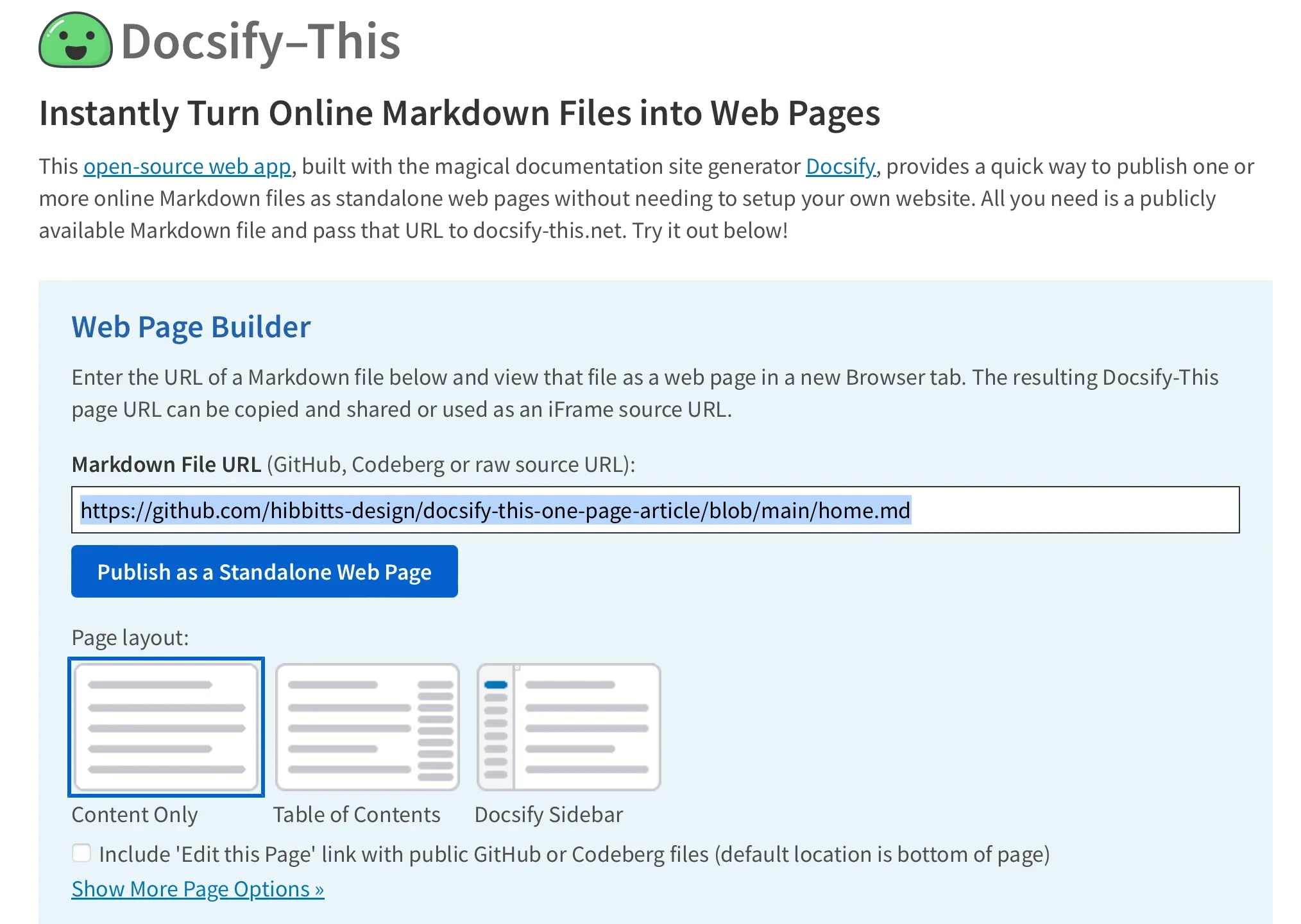
The core utility of the project lies in its Web Page Builder interface, hosted publicly and available for local deployment. By navigating to the Docsify-This website, users can input the direct URL of a Markdown file stored within a public repository on platforms like Codeberg or GitHub. Once submitted, the tool generates a clean, responsive web page complete with a unique, shareable URL. For collaborative writing projects hosted on GitHub or Codeberg, Docsify-This can automatically append an "Edit this Page" link to each rendered view, lowering the barrier for co-authors and contributors to make rapid updates directly through their version control systems.

Beyond basic document rendering, Docsify-This addresses a common challenge for digital publishers and educators: embedding consistent content across multiple content management systems (CMS) and learning management systems (LMS) without formatting breakdowns. Traditional copy-pasting of raw HTML or Markdown often results in style mismatches when content is moved from a writing environment to a destination platform. Docsify-This solves this issue by offering robust styling controls that allow creators to align the visual appearance of their published pages with the aesthetic of the target platform.
Administrators and designers can modify the visual appearance of any rendered Markdown file dynamically by appending specific URL parameters. Common CSS attributes such as font-family, font-size, link-color, and line-height can be adjusted on the fly directly within the URL string. This parameter-based styling enables precise typographic control when the content is viewed independently or embedded elsewhere.
In addition to global style parameters, Docsify-This supports a specialized set of Markdown CSS classes that enable advanced formatting elements within standard text files. For example, creators can append a designated button class to a standard hyperlink, transforming a plain text link into a styled button image automatically. For more advanced design requirements, authors are not limited to the pre-packaged classes provided by the system. They can define their own custom CSS styles directly inside their Markdown files using standard HTML style blocks, giving them granular control over visual presentation elements such as borders, padding, background colors, and hover states.
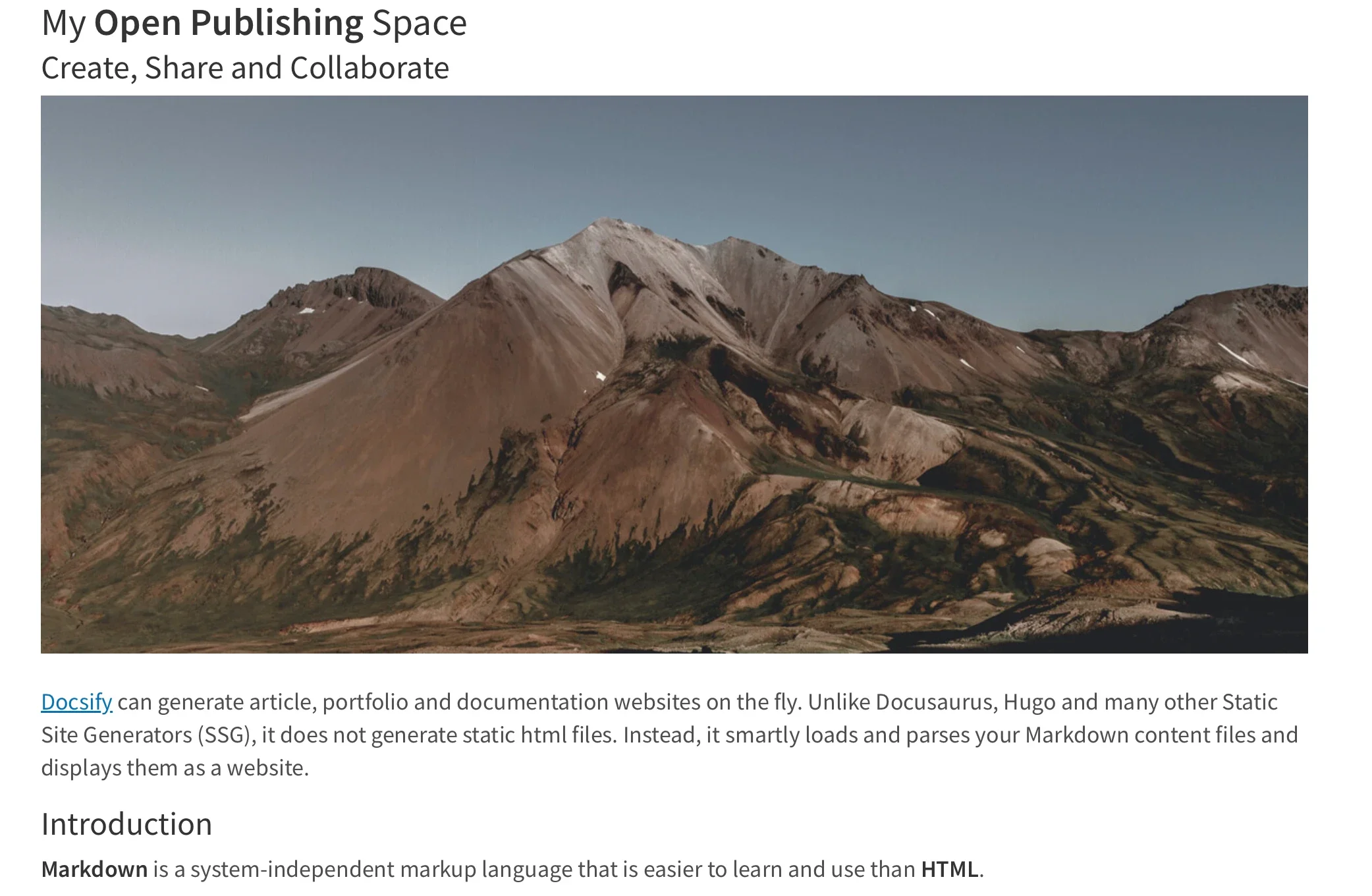
The platform also supports standard HTML snippets, allowing authors to incorporate layout elements like multi-column rows directly into their documentation. This flexibility makes Docsify-This particularly attractive for educators and instructional designers who need to publish rich course materials that look consistent whether viewed on a standalone browser tab or integrated within complex academic portals.
One of the most powerful deployment features of Docsify-This is its seamless support for iFrame embedding. Creators can embed Docsify-This web pages seamlessly into nearly any web platform or digital workspace using standard iFrame markup. By appending specific URL parameters—such as configuration settings to hide page credits or adjust base fonts—publishers can ensure that the embedded content blends naturally into the host site’s design framework without jarring visual inconsistencies.

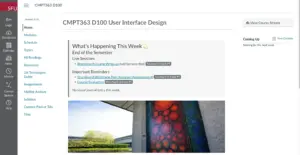
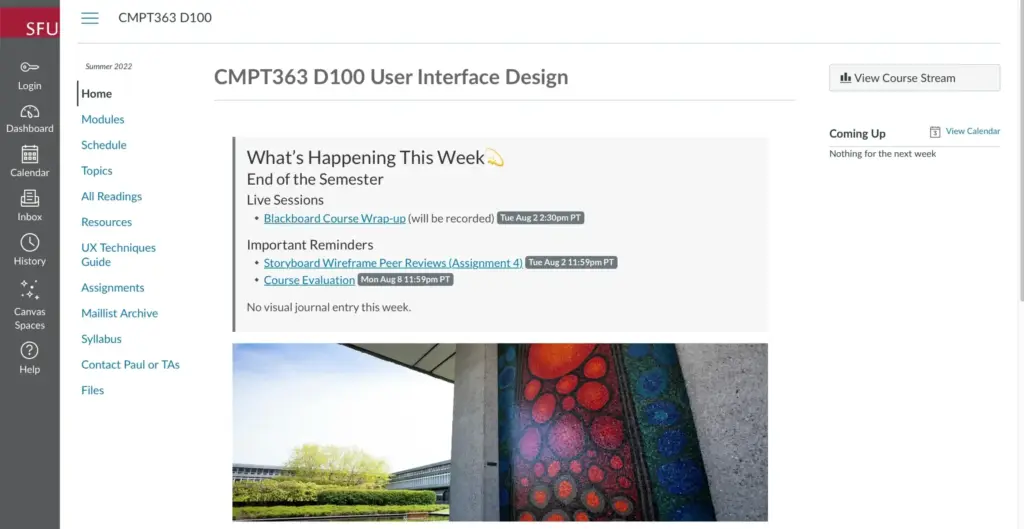
Furthermore, integration goes beyond simple iFrames in environments where external URLs can be bound directly to navigation menus. In popular learning management systems such as Moodle and Canvas, administrators and instructors can leverage external tool integrations—like the Canvas Redirect Tool—to surface Docsify-This pages natively inside course navigation menus. This allows course materials to be maintained securely in a version-controlled Git repository while rendering dynamically inside the official learning environment in real time.
To fully maximize the collaborative and version-control benefits of Docsify-This, publishers typically store their Markdown source files in Git repositories hosted on services like GitHub or Codeberg. A variety of open-source desktop clients and graphical interfaces make interacting with these repositories straightforward for non-technical users, including GitHub Desktop, Git-Cola, and SparkleShare. Additionally, popular modern text editors such as VSCode and Pulsar Edit feature robust, built-in Git integrations that simplify the writing and committing process.

By bridging the gap between lightweight text-based authoring and dynamic web delivery, Docsify-This democratizes advanced publishing techniques for a wide range of users. Whether used to manage single-page instructional handouts, collaborative documentation, or complex multi-document course repositories, the tool removes technical hurdles and lets writers focus entirely on their content.