



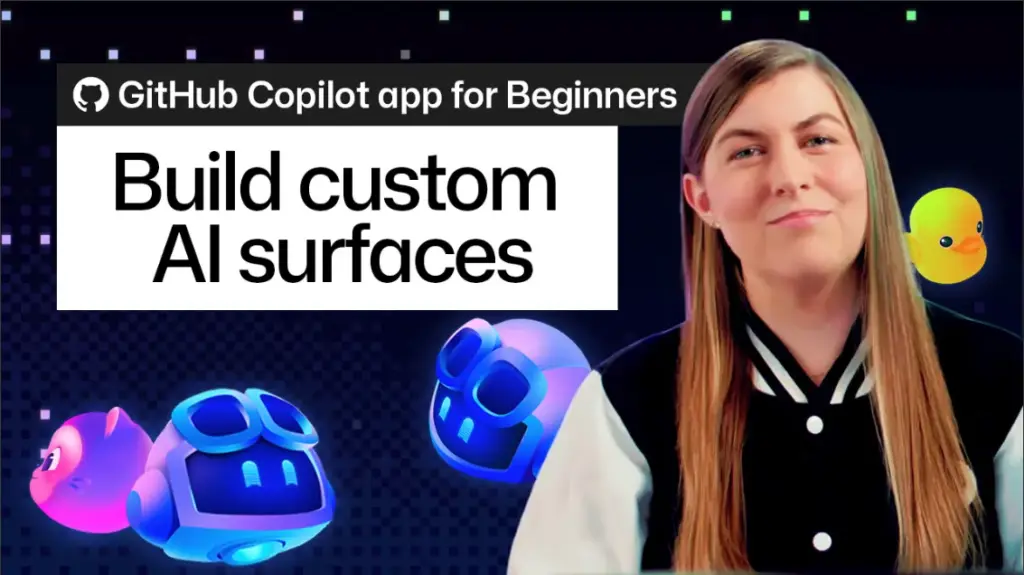
In the rapidly evolving landscape of developer tooling, the relationship between software engineers and their interfaces has remained largely static. For years, developers have been forced to adapt their cognitive processes to the rigid, predefined screens provided by their integrated development environments (IDEs) and project management platforms. These tools offer fixed layouts, static dashboards, and prescriptive workflows that often prioritize the tool’s design over the developer’s specific project needs. GitHub is now aiming to fundamentally invert this dynamic with the introduction of "canvases" within the GitHub Copilot app, a feature that allows developers to generate custom, interactive interfaces that evolve alongside their code.
The concept behind canvases—often referred to as canvas extensions—is to treat the user interface as a fluid, malleable asset rather than a static container. Instead of squeezing complex, multi-layered workflows into generic task trackers or rigid spreadsheet views, developers can now describe the interface they require in plain English. The Copilot agent then constructs a live, interactive surface tailored to that specific workflow. Whether a developer needs a specialized kanban board for sprint management, a release checklist that syncs with recent commits, a dynamic dashboard for monitoring system health, or a custom form for issue triage, the interface takes shape around the work itself, rather than the work being forced into the interface.
The Philosophy of Fluid Interfaces
The introduction of canvases marks a departure from traditional "command and wait" interactions with AI assistants. In most current AI workflows, a developer sends a prompt, waits for a response, and then manually integrates that information into their project management tools or documentation. This friction—the constant context switching between the chat interface and the project tracking interface—is a significant drain on productivity.

A canvas functions as a shared, bidirectional whiteboard between the developer and the Copilot agent. Because the canvas is interactive, it acts as a persistent, evolving environment. When the agent processes data or completes a task, it updates the canvas in real-time. Conversely, when a developer interacts with the interface—by checking a box, moving a card, or applying a filter—those changes are immediately registered by the agent. This creates a state of continuous collaboration where the developer is no longer just issuing commands but is instead steering the workflow within a shared visual space.
Generating Tools via Natural Language
The barrier to entry for building these custom interfaces is remarkably low, as it eliminates the need for manual coding, complex configuration, or tedious UI design. To initiate the creation of a canvas, a developer simply opens an active Copilot session and invokes the /create-canvas skill. This command serves as the bridge between intent and implementation.
The process relies entirely on natural language. By providing a clear description of the desired workflow—defining what the interface should track, what controls it needs, and how the agent should interact with it—the developer can instantiate a functional tool in seconds. For instance, a developer might request a release notes canvas designed to aggregate work completed across various Copilot app sessions. By specifying that the interface should include controls for reviewing entries and allowing the agent to append or update those notes, the developer provides the necessary parameters for the agent to construct a bespoke application.
Once the command is processed, the agent builds the interface and renders it in the side panel of the development environment. This happens without the developer needing to touch a single configuration file or wrestle with layout code. The result is a high-functioning, custom-built utility that is ready for immediate deployment.
Iterative Design and Workflow Integration
One of the most significant advantages of this approach is that the generated canvas is never truly "finished." Because the UI is generated from a description, it remains a living document that can be modified on the fly. If a developer realizes halfway through a project that their kanban board lacks a specific tag or that their release checklist needs a new validation step, they do not need to rebuild the interface from scratch. They can simply ask the agent to refine the canvas.
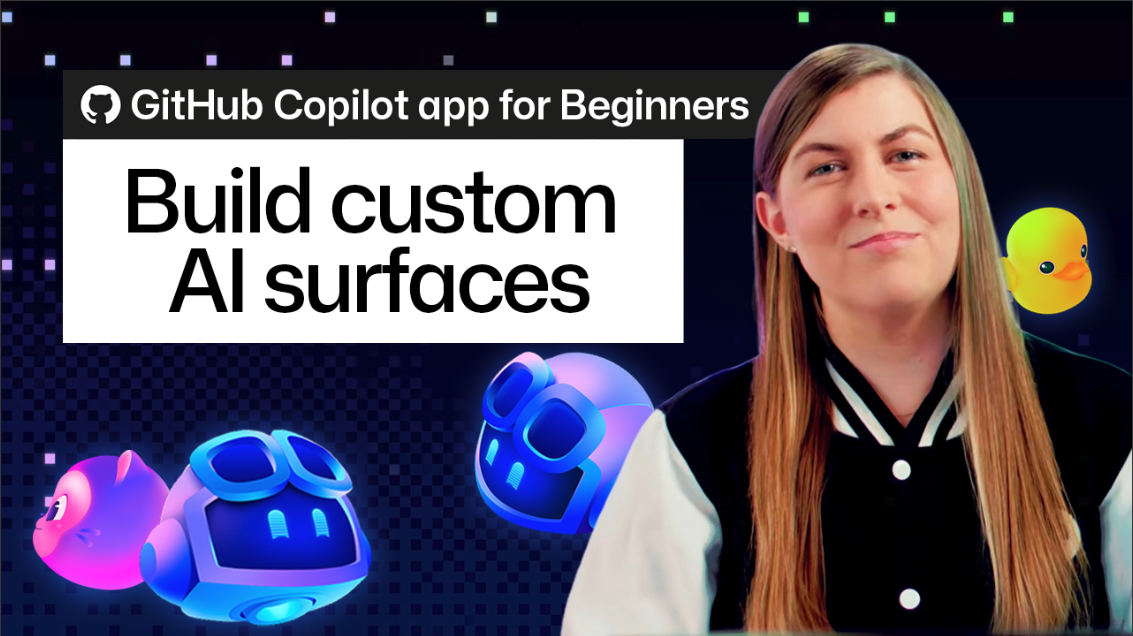
The agent can add new columns, integrate data from active pull requests, or reformat the entire view to suit a changing priority, such as shifting from a broad project view to a daily checklist. This flexibility ensures that the tool remains relevant as the project’s requirements shift, preventing the "tool rot" that often occurs when static project management software becomes out of sync with the actual development process.
Furthermore, once a canvas has been refined to meet a specific team’s needs, it can be saved as an extension. This allows developers to maintain these custom interfaces alongside their codebases, enabling teams to share standardized workflows across different projects. Alternatively, developers can keep these tools as personal extensions, creating a highly personalized workspace that follows them across different repositories.
Redefining Collaborative Efficiency
The core value proposition of the canvas feature is the removal of the "command and wait" bottleneck. In a traditional setup, the latency between requesting a task and seeing it reflected in one’s project management software creates a mental pause that can break focus. By providing a shared state, canvases collapse that latency.
When a developer performs an action on the canvas—such as moving a task from "In Progress" to "Review"—the agent is aware of that state change instantly. This means that if the developer subsequently asks the agent to "summarize the status of my current sprint," the agent already possesses the full, updated context of the canvas without requiring a separate sync step. The agent operates within the same visual reality as the human, which fundamentally changes the dynamic from a one-sided query to a collaborative partnership.
This collaborative model also extends to how the agent handles tasks. Because the agent has the authority to manipulate the same UI elements as the developer, it can proactively manage the workflow. A developer might ask the agent to "triage the latest incoming issues into the new release checklist," and they can watch in real-time as the cards are created and organized within the canvas. This provides a level of transparency that is often missing from automated workflows, allowing the developer to maintain agency and oversight while offloading the mechanical aspects of project organization.
Getting Started with the Ecosystem
For those who may be unsure of how to structure their first canvas, the broader GitHub community is already building a library of resources. The "Awesome Copilot" repository provides a collection of pre-made canvas extensions that cover common developer needs, such as issue triage, kanban boards, and automated release documentation. These templates serve as a starting point; developers can install these existing extensions and then use the same natural language prompts to customize them further.
The recommendation from developers at GitHub is to start small. Rather than attempting to build a comprehensive project management suite on the first try, users are encouraged to identify a single, repetitive task—such as managing a daily checklist or tracking a specific set of bugs—and use the /create-canvas command to automate it. By observing how the agent structures these smaller, focused interfaces, developers can gain a better understanding of how to describe more complex, multi-functional workflows.
As development environments become increasingly complex, the ability to build, iterate, and customize one’s own tooling directly within the IDE represents a significant shift in developer productivity. By prioritizing the fluidity of the interface and the immediacy of the human-AI partnership, GitHub is providing a glimpse into a future where the tools we use are as dynamic and adaptive as the code we write. For the modern developer, the canvas is not just a new feature—it is a move toward a more intuitive and less fragmented way of getting work done.