







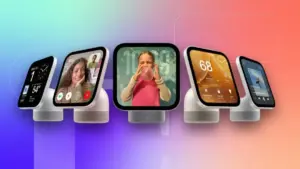


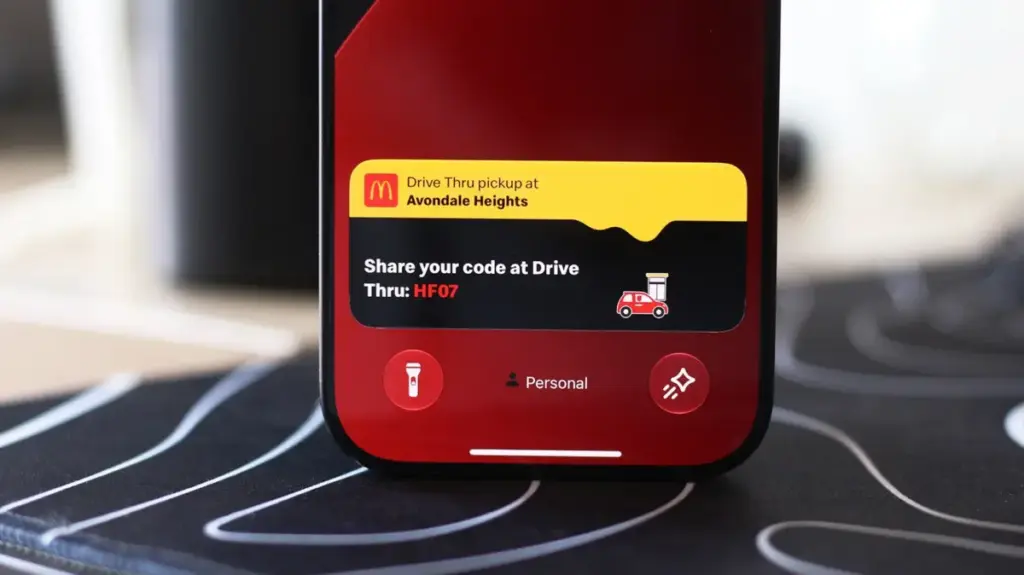
In the modern digital landscape, the smartphone has evolved from a simple communication device into a sophisticated command center that manages an ever-increasing stream of information. For iPhone users, staying informed—whether it is tracking the arrival of a ride-share vehicle, monitoring a flight’s status, or keeping tabs on a live sporting event—often meant toggling between multiple applications. This constant context switching can be disruptive, particularly when one is on the move or driving. To address this, Apple introduced "Live Activities," a feature designed to provide real-time updates directly on the user’s interface without the need to constantly unlock the device or manually refresh individual apps.
The evolution of this feature is inextricably linked to the physical design of the modern iPhone. When the iPhone 14 Pro was first unveiled, it signaled a departure from the industry-wide trend of the hole-punch camera cutout. While many Android manufacturers opted for minimalist, circular cutouts to house front-facing sensors, Apple introduced a distinct, pill-shaped cutout. This design choice was not merely aesthetic; it was a pragmatic response to the complex hardware requirements of Face ID, which necessitates a suite of infrared sensors and cameras. Rather than attempting to hide this hardware, Apple leaned into the design constraint by creating the Dynamic Island—a clever, software-driven interface that expands and contracts around the camera cutout to display system alerts, background activities, and ongoing tasks.
This integration transformed the "awkward" pill-shaped cutout into a central hub for user interaction. Live Activities are perhaps the most practical application of this design philosophy. By surfacing pertinent data directly within the Dynamic Island, Apple allows users to maintain a high-level view of their digital life at a glance. Whether it is a countdown timer, navigation instructions, or a live score for a game, the information is presented in a non-intrusive yet highly accessible format. The utility of this feature has only grown as third-party developers have embraced the technology, with food delivery services, travel platforms, and fitness trackers now routinely utilizing the Dynamic Island to provide seamless, up-to-the-second updates.

While Live Activities are designed to function automatically, their efficacy relies on proper configuration. For users who find that certain applications are failing to report information, a brief audit of the device’s settings is often required. By navigating to the system settings and reviewing individual app permissions, users can ensure that the Live Activities toggle is engaged. It is important to note that while these activities often share space with standard notifications, they operate independently. Consequently, ensuring that general notifications are also enabled for a specific app can help bridge the gap if data is not appearing as expected.
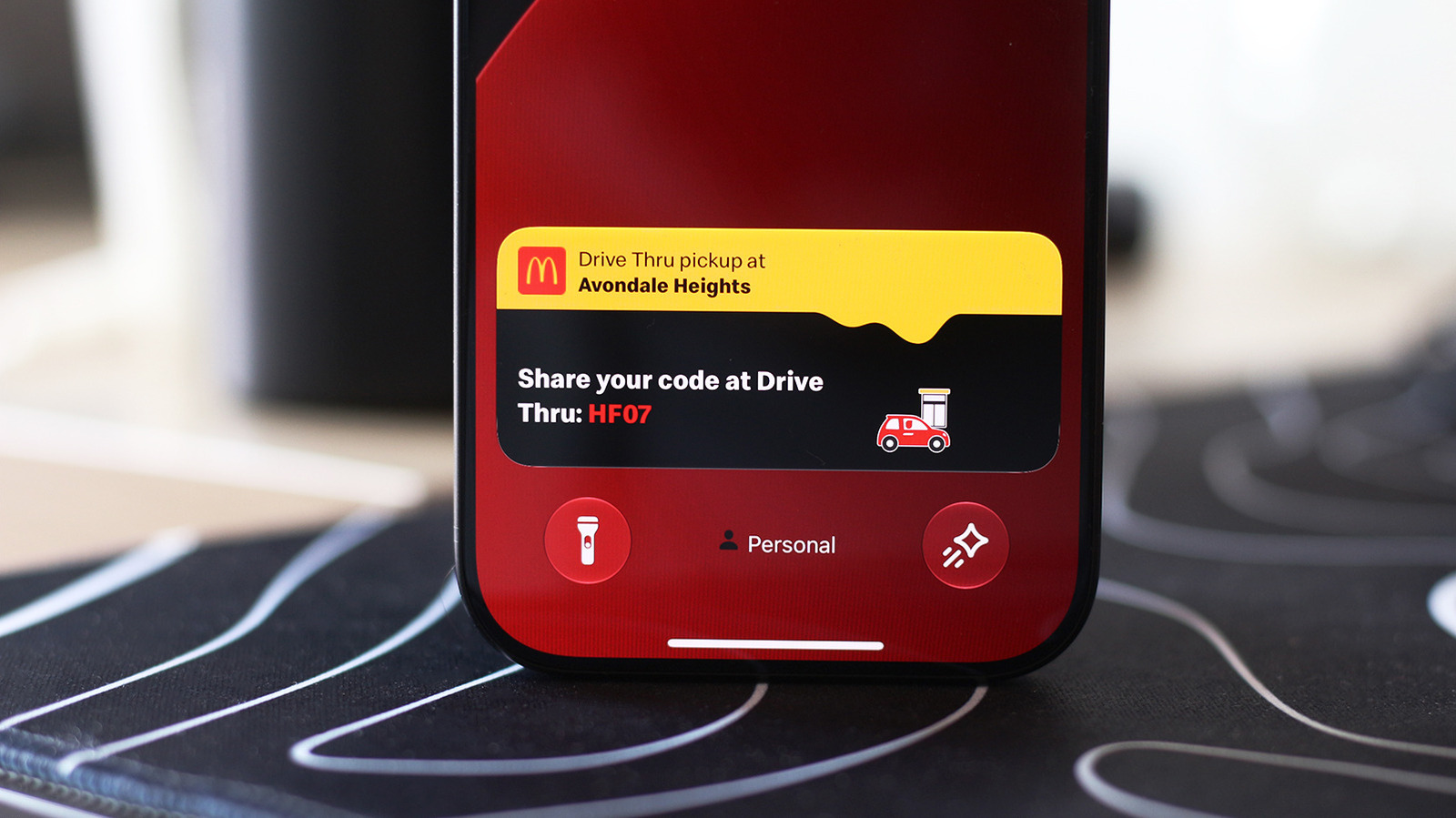
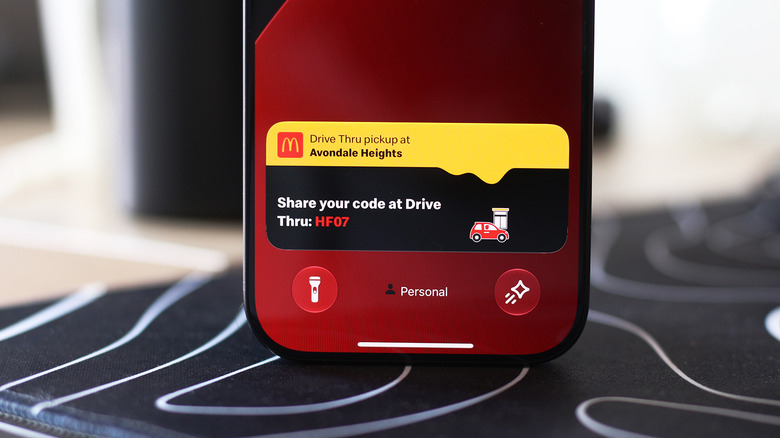
Beyond the Dynamic Island, the Lock screen serves as a secondary, highly visible home for these real-time updates. This ensures that users can monitor their status even when the phone is resting on a table or in a pocket. Configuring this requires a visit to the security and privacy settings, specifically under the Face ID and Passcode section. By confirming their credentials and ensuring that Live Activities are permitted under the "Allow Access When Locked" section, users gain a persistent, at-a-glance dashboard that functions even when the device is secured.
Expanding the Experience to the Dashboard
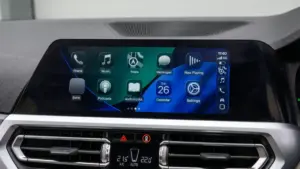
The utility of Live Activities is perhaps most critical when a user is behind the wheel. Apple’s CarPlay platform was engineered with the core philosophy of minimizing driver distraction while providing essential tools for navigation, communication, and media control. By integrating Live Activities into the CarPlay environment, Apple has further streamlined the driving experience, allowing users to keep track of vital information—such as a delivery order or a gate change for a flight—without reaching for their phone or navigating complex menus on the vehicle’s touchscreen.
In a standard CarPlay setup, Live Activities are designed to surface automatically on the Dashboard. The Dashboard is the signature split-screen interface that offers a consolidated view of navigation, music, and calendar events. When a Live Activity is active, it occupies a space within this layout, providing updates that are relevant to the journey or the user’s immediate needs. For instances where a user is utilizing a full-screen application—such as a dedicated maps interface—these updates are intelligently demoted to a notification banner at the bottom of the display, ensuring the information remains visible without obstructing the primary navigation task.
For users who find these alerts intrusive or distracting, Apple has provided granular control. The feature can be toggled off entirely within the CarPlay settings, or disabled on a per-app basis, allowing for a customized balance between connectivity and safety. Furthermore, if a user finds that Live Activities are not surfacing on the vehicle’s display, it is worth verifying that the "Suggestions in CarPlay" or "Suggestions in Dashboard" options are active. In some cases, if the iPhone’s "Driving Focus" mode is engaged—a safety feature designed to mute non-essential alerts—it may suppress these live updates. Disabling this mode or adjusting the focus settings can often resolve connectivity discrepancies.
Beyond the specific functionality of Live Activities, CarPlay offers a robust ecosystem of widgets that allow for further personalization. These widgets, which reside in the leftmost section of the Dashboard, provide quick-access controls for media playback or home automation, further reducing the need to interact with the device. As users become more familiar with the settings menu within CarPlay, they often discover that the interface is highly malleable, allowing for a display that prioritizes the information most relevant to their daily routines.
The integration of Live Activities across both the iPhone and the CarPlay ecosystem represents a shift toward more proactive computing. By moving away from a model where the user must actively solicit information from an app, and toward one where the system intelligently presents relevant data when it matters most, Apple has managed to solve one of the most common friction points of modern technology. As the hardware continues to evolve, as seen with the recent refinements to the Dynamic Island on newer Pro models, the software experience will likely become even more fluid, further embedding these real-time streams into the fabric of the user experience. Whether navigating city streets or monitoring a package, the goal remains the same: to provide clarity and context without adding to the cognitive load of the user. Through careful configuration and an understanding of how these systems interact, users can transform their devices into more capable, less demanding assistants, ensuring that they stay informed while remaining focused on the tasks that require their immediate attention.