










For many households, the experience of a sluggish internet connection or a "dead zone" in a far corner of the bedroom is often met with immediate frustration toward their internet service provider or the assumption that their hardware has become obsolete. However, technical experts suggest that the culprit is frequently much simpler and entirely within the user’s control: the physical placement of the Wi-Fi router. Too often, routers are relegated to the dark, cramped confines of a cabinet, tucked behind a television, or shoved into the corner of a room to keep them out of sight. While this may provide a cleaner aesthetic for a living room, it essentially neuters the device’s capabilities, forcing the signal to struggle against physical obstructions before it ever reaches your devices.
A Wi-Fi router functions by broadcasting radio waves in a spherical or hemispherical pattern. When that device is buried inside a media console or hidden in a corner, the vast majority of that signal is either absorbed by the materials of the cabinet or sent directly through the exterior wall of the house, where it serves no purpose. Because signal strength degrades naturally over distance and through physical barriers, the environment in which you house your router is just as important as the speed of the plan you pay for from your ISP.
Finding the Optimal Home for Your Router
To achieve the strongest possible connection throughout your residence, the golden rule of router placement is to prioritize a central, elevated location. By placing your router in the middle of your living space rather than at its periphery, you allow the radio waves to propagate evenly in all directions. Elevating the device—perhaps by placing it on a bookshelf, a dedicated wall-mount, or a side table—further ensures that the signal is not absorbed by furniture or flooring.

The logic behind this is straightforward: obstacles are the enemy of high-speed data. Modern homes are filled with materials that attenuate Wi-Fi signals. Concrete walls, thick drywall, metal appliances, and even large mirrors can act as significant barriers. Beyond physical structures, electronic interference is a silent killer of network performance. Devices that communicate over the same frequency, such as Bluetooth speakers, cordless phones, and even kitchen microwaves, can wreak havoc on the 2.4GHz Wi-Fi band. Keeping your router away from these high-interference zones is essential for maintaining a stable, low-latency connection.
For those living in multi-story homes, the verticality of the router becomes a secondary, yet equally vital, consideration. If your router is positioned on the ground floor, moving it higher—perhaps onto a taller piece of furniture—can help the signal reach the upper levels more effectively. Conversely, if the router is located on the second floor, keeping it closer to the floor level can help the signal penetrate the ceiling and provide better coverage for the rooms directly below.
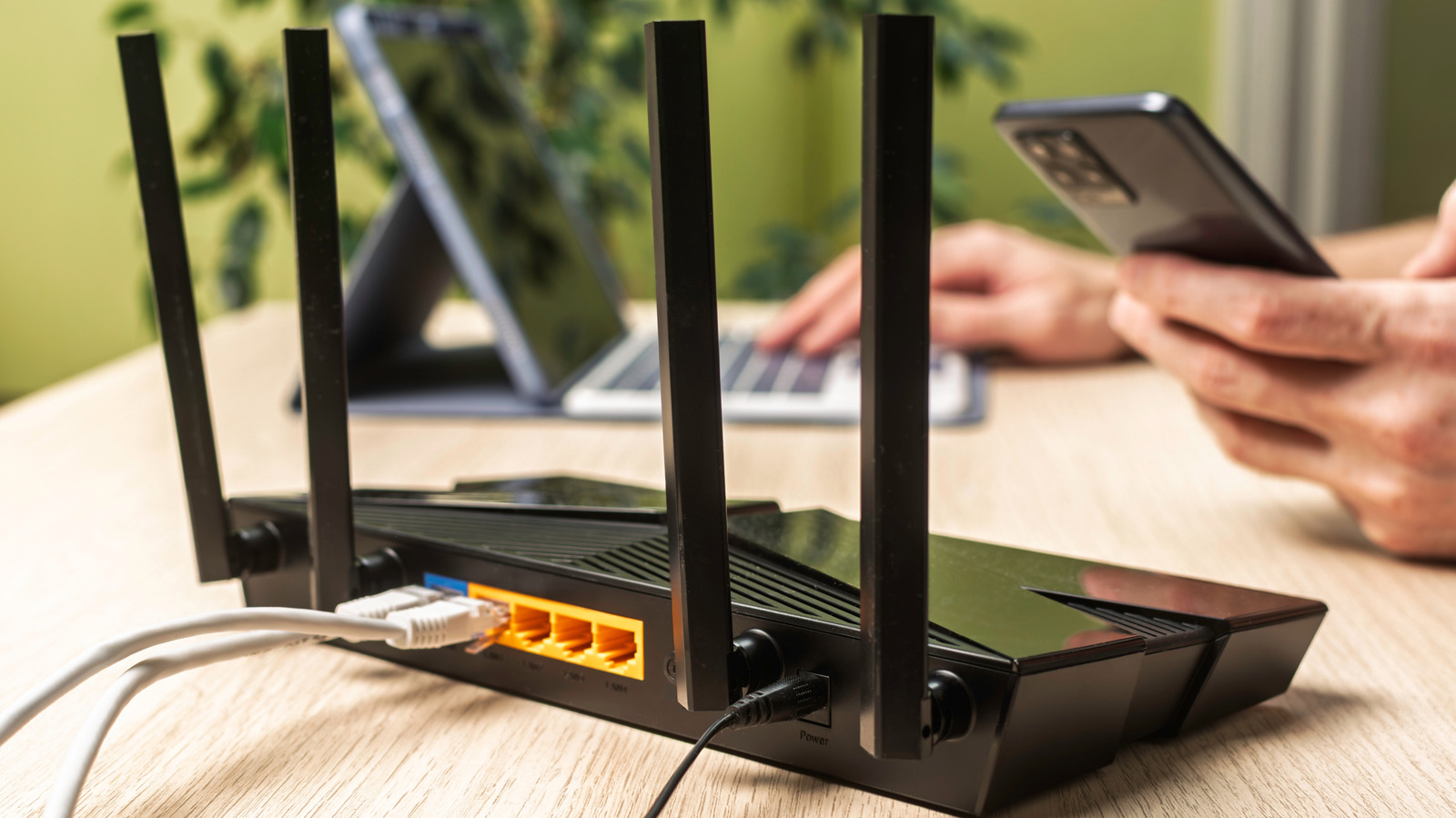
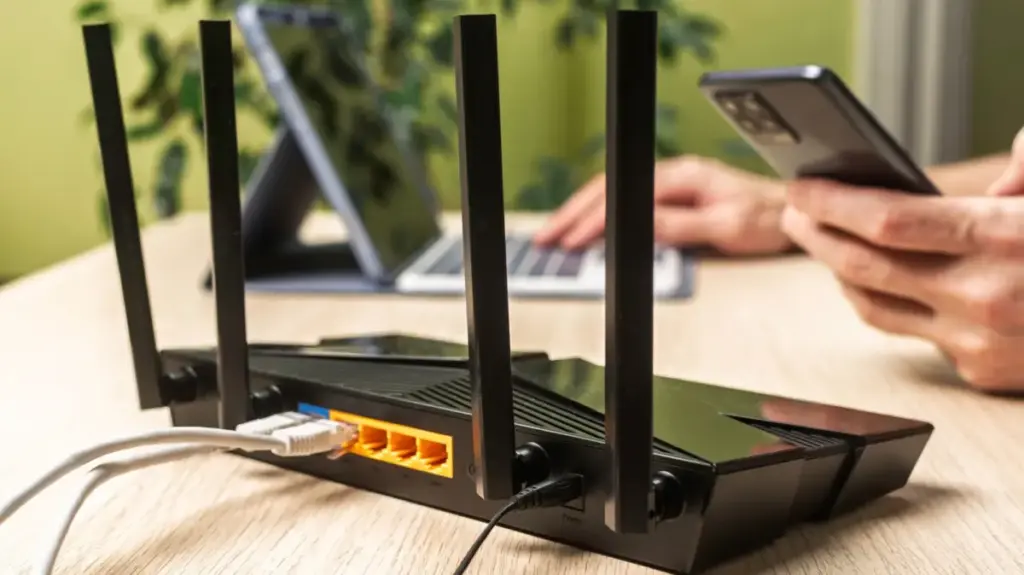
Antenna positioning also plays a nuanced role in how your network performs. While many modern routers feature internal antennas, those with external "rabbit ears" can be adjusted to influence coverage. In a single-story apartment, keeping all antennas vertical is generally the most effective way to cast a wide, uniform net. However, in a multi-level home, tilting at least one antenna to a 30-degree angle can help broadcast the signal more effectively between floors, while leaving the others in a vertical orientation to maintain horizontal reach.
Before committing to a permanent location, it is highly recommended to perform a series of empirical tests. By running speed tests in various rooms—first with the router in its current, potentially suboptimal position, and then again after moving it—you can quantify the impact of these changes. This iterative process of testing and adjusting ensures that you are making decisions based on your home’s unique layout rather than guesswork.
Understanding Frequency Bands and Device Management
Once the router is positioned optimally, maximizing the performance of the network requires a basic understanding of the two primary frequency bands: 2.4GHz and 5GHz. The 2.4GHz band is the workhorse of the home network; it offers a longer range and better ability to penetrate walls, making it ideal for devices that are physically distant from the router or for low-bandwidth tasks. However, it is also more prone to interference from household electronics.
In contrast, the 5GHz band is a high-performance lane. It delivers significantly faster speeds and lower latency, but it has a much shorter effective range and struggles to pass through solid objects. For users who rely on their home network for bandwidth-intensive activities like 4K video streaming, online gaming, or large file transfers, it is best practice to prioritize the 5GHz band for those stationary devices, such as gaming consoles or desktop computers. By reserving the 2.4GHz band for mobile devices or smart home appliances that move frequently or require less throughput, you can effectively load-balance your network for a more responsive experience.
Addressing Coverage Gaps with Mesh Technology
Even with perfect placement and thoughtful band management, the physical limitations of radio waves remain. In large homes or those with complex layouts—particularly those spanning three or more floors—a single router may simply be physically incapable of providing reliable coverage to every corner. When you find yourself facing persistent dead zones that no amount of repositioning can solve, it is time to look into secondary networking solutions, specifically Wi-Fi extenders or mesh systems.
Wi-Fi extenders, often referred to as repeaters, have long been the go-to solution for budget-conscious consumers. These devices operate by capturing the existing signal from your router and rebroadcasting it to a different area of the home. While they are easy to set up and generally inexpensive, they come with a significant technical trade-off: they often cut your bandwidth in half. Because the extender must receive data and then re-transmit it, the process introduces latency and effectively limits the speed of any device connected to the extender. Furthermore, they often create a secondary network name (SSID), which can force devices to disconnect and reconnect as you walk through your home.
For those who require a more robust solution, mesh networking systems have become the industry standard for home connectivity. Unlike a traditional extender, a mesh system consists of a primary router and several "nodes" placed throughout the home, all of which communicate with each other to create a single, seamless network. These nodes work in unison to hand off devices from one point to another without dropping the signal or requiring the user to manually switch networks.
High-end, tri-band mesh systems are particularly effective because they utilize a dedicated wireless "backhaul" to handle communication between nodes. This prevents the bandwidth-halving issue common with cheaper repeaters, ensuring that devices connected to a mesh node experience speeds comparable to those near the main router. While the initial investment for a quality mesh system is higher than that of a simple extender, the improvement in network stability, coverage range, and overall ease of use makes it the superior choice for modern, larger residences that suffer from structural signal degradation. Regardless of the solution chosen, the path to a better home network begins with the realization that your router is not just an appliance to be hidden, but the central nervous system of your digital home.