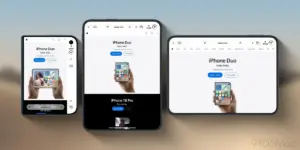











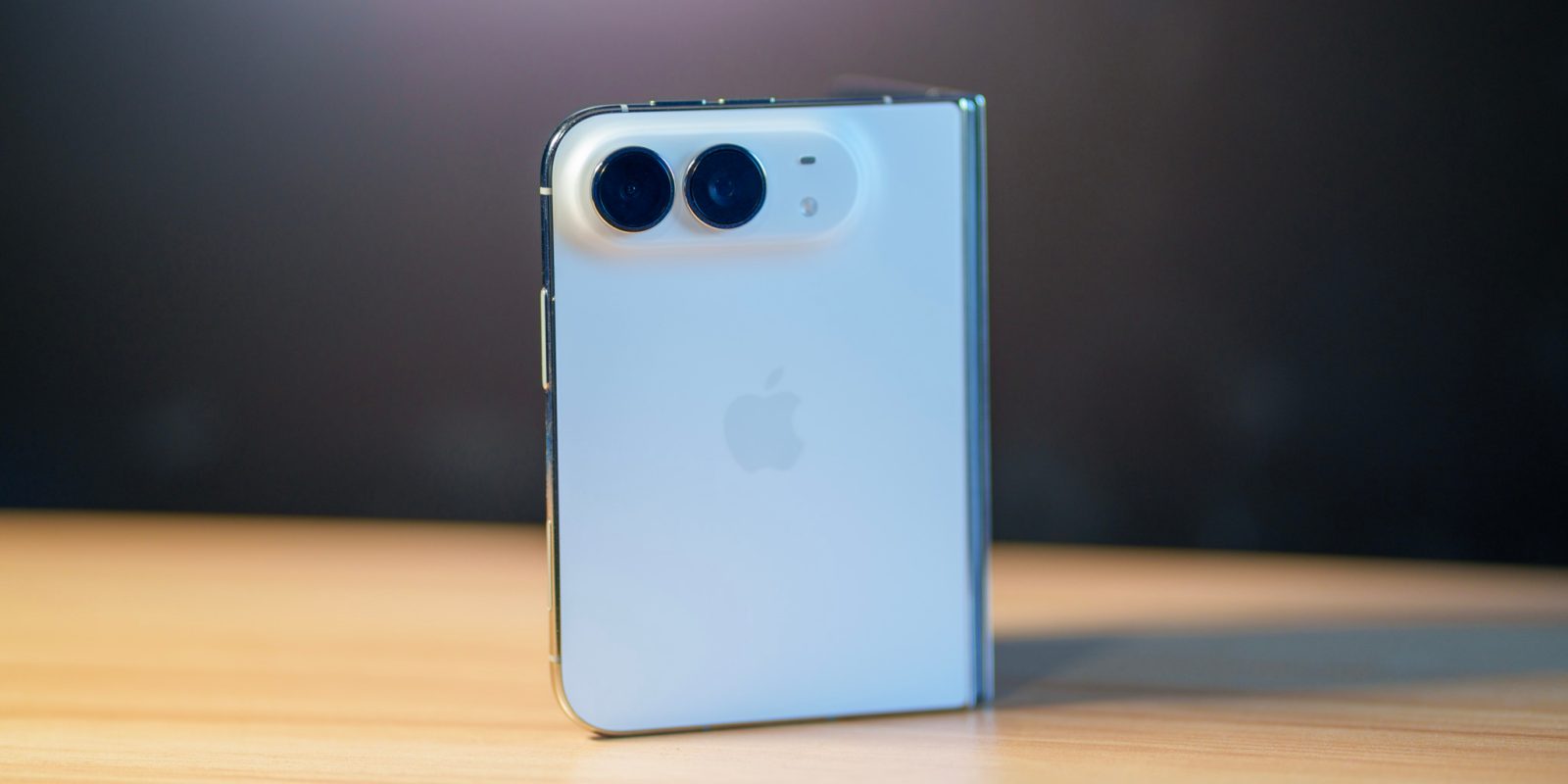
It has been three weeks since the iPhone Duo officially hit the market, marking Apple’s first major foray into the foldable smartphone category. Having used the device as my primary driver since launch day, I have found the experience largely positive. The transition to a folding form factor is a significant shift for the iOS ecosystem, and while initial discourse heavily scrutinized the "app situation"—specifically how legacy applications handle the expansive inner display—I have found that the vast majority of my daily essentials have been successfully updated for the nuances of iOS 27.0.
However, the transition is not yet perfect. A significant number of applications remain trapped in the legacy paradigms of iOS 26 and earlier. When opened on the Duo’s inner display, these apps default to a letterboxed state, surrounded by empty space that the hardware is clearly capable of utilizing more effectively. While Apple has reported that over 100,000 apps are already optimized for the iPhone Duo, the reality is that the library still has a long way to go. In my time living with the device, I have come to realize that a relatively straightforward software adjustment could drastically mitigate the frustration caused by this letterboxing, turning a temporary limitation into a more functional multitasking experience.
Leveraging the Power of Split View
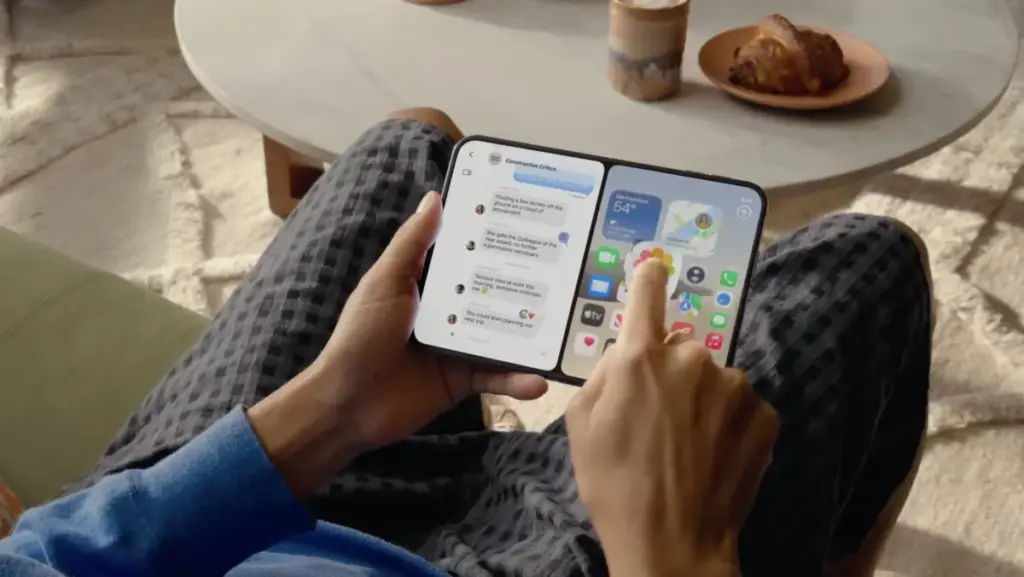
The current multitasking implementation on the iPhone Duo is surprisingly robust. From the home screen, users can long-press on an app icon to trigger a context menu, allowing them to instantly launch the application in Split View. One of the most elegant aspects of this design is that the system does not force the user to make a final decision regarding their screen layout immediately. When an app is placed into one half of the display, the other half remains occupied by the home screen or the app switcher, granting the user the flexibility to decide which secondary application should fill the remaining void.

This mechanism works regardless of whether the developer has explicitly compiled the app for iOS 27 or 27.1. Because the system is capable of forcing these apps into a side-by-side configuration, the foundation for a more automated experience is already present. The issue, however, is that this currently requires manual intervention for every non-optimized app.
A Proposal for Default Split View Optimization
Given that an application not optimized for the iPhone Duo effectively occupies only half of the inner display area by default—with the remainder being filled by black bars or empty space—it stands to reason that the operating system should offer a more intelligent default behavior. Rather than requiring users to manually initiate a Split View session every time they open a legacy app, Apple could introduce an option to have these non-optimized apps automatically launch in a Split View state.
By defaulting to this mode, the system would eliminate the visual annoyance of letterboxing while simultaneously encouraging users to engage with the multitasking capabilities of the device. Even better, Apple could provide a toggle in the settings menu that allows users to specify exactly which apps should always open in Split View. This would not only benefit legacy applications but would also be a boon for fully optimized apps that, while technically compatible with the full screen, might feel awkward or less productive when stretched across the wide inner display.

There are many applications that simply do not benefit from the full real estate of a foldable device. For such apps, being locked into a half-screen split is often a more natural, comfortable, and productive way to work. Allowing users to pin these apps to one side of the screen would turn a software limitation into a curated personal workflow, significantly improving the user experience for early adopters of the hardware.
Enhancing Multitasking with Slide Over
While the current Split View implementation is a strong start, the iPhone Duo’s multitasking suite feels like it is missing one key component: Slide Over. For those familiar with the iPad multitasking experience, Slide Over offers the ability to keep a smaller, secondary app floating on top of a full-screen or split-screen application. Bringing this functionality to the iPhone Duo would be a game-changer for quick tasks—such as checking a message, looking at a calendar, or referencing a calculator—without having to disturb the primary workflow or manually rearrange the Split View layout.
The ability to quickly swipe in a side-panel application and then dismiss it is a hallmark of efficient mobile multitasking. On a device like the iPhone Duo, which aims to bridge the gap between a pocketable phone and a small tablet, such a feature would feel right at home. It would provide a layer of fluidity that is currently absent, allowing users to interact with their digital environment in a way that feels less rigid.

The Future of the Foldable Ecosystem
The "app situation" is a hurdle that every new hardware category must eventually clear. When Apple introduced the first iPad, it faced similar criticism regarding the lack of native tablet apps. Over time, developers adapted, and the ecosystem flourished. The iPhone Duo is currently in that same transitional phase. Apple’s rapid progress, with over 100,000 apps already updated, demonstrates that the developer community is committed to this new form factor. However, software-based quality-of-life improvements are just as important as developer adoption.
By giving users more granular control over how apps occupy the inner display, Apple could do a great deal to bridge the gap between now and the point where every app in the App Store is fully optimized for the Duo. Small, thoughtful adjustments to the user experience—such as default Split View toggles and the introduction of a Slide Over-style multitasking layer—would make the device feel significantly more mature.
For now, the iPhone Duo remains a fascinating piece of technology that rewards the user for learning its quirks and workarounds. The hardware is undeniably impressive, and the software is stable, but the next step for Apple must be to refine the multitasking logic. As we look ahead to future iterations of iOS 27 and beyond, the hope is that Apple will continue to listen to user feedback and iterate on these small but impactful interface elements. If they do, the iPhone Duo will not just be a technological marvel, but a truly indispensable tool for mobile productivity.

The current landscape of the foldable market is competitive, and Apple’s entry has certainly shifted the expectations of what a smartphone can and should be. While the hardware design is the most visible aspect of this shift, the success of the iPhone Duo will ultimately be determined by how well the software can handle the unique challenges of a folding display. As a user, I am optimistic. The foundation is solid, the performance is there, and with a few strategic software updates, the iPhone Duo could set the standard for what multitasking on a foldable device truly looks like.
For those who have already made the jump to the Duo, the experience is one of constant discovery. Every day, I find new ways to utilize the split-screen functionality to speed up my workflow, and every day, I find myself wishing for just a little more control over the system’s behavior. It is that sense of potential that keeps the iPhone Duo exciting. It is a device that is clearly evolving, and it is a device that, with the right software vision, could redefine the mobile experience for years to come.