








Publishing online content using lightweight markup languages has long appealed to writers, educators, and developers seeking an alternative to heavy content management systems and complex build processes. While writing in Markdown offers a streamlined way to draft text without worrying about HTML tags, turning those files into accessible web pages typically requires setting up a static site generator or configuring a dedicated web host. However, an open source project known as Docsify-This aims to remove these technical barriers entirely, allowing creators to instantly transform publicly hosted Markdown files into responsive, standalone web pages or seamlessly embed them across diverse digital environments.
Built on top of the popular Docsify.js framework, Docsify-This provides a flexible method for publishing, sharing, and reusing Markdown content without requiring any underlying website infrastructure. Creators can take any publicly available Markdown file hosted on platforms like GitHub or Codeberg and instantly generate a live web page complete with a unique, shareable URL. Beyond single-page documents, users can also link multiple Markdown files together to form a cohesive, lightweight website structure.
The project addresses a common challenge faced by educators and content administrators: how to display consistent, beautifully styled text across multiple platforms, such as enterprise content management systems or learning management systems like Canvas and Moodle, without running into formatting constraints. Because the software is open source, organizations and individuals can host their own instances of Docsify-This on custom domains, ensuring complete ownership of their publishing workflows and avoiding the risks of platform lock-in.


What is Docsify-This?
At its core, Docsify-This acts as a dynamic bridge between raw markup files and fully rendered web presentations. Designed with flexibility in mind, the tool offers multiple ways to alter the visual presentation of displayed pages. Designers and content creators can adjust the styling using either a point-and-click Web Page Builder interface or by appending specific parameters directly to the destination URL. Furthermore, the project includes a specialized set of Markdown CSS classes that enable users to incorporate interactive elements directly into their text files.
For collaborative writing teams, Docsify-This integrates smoothly with popular Git hosting services. When Markdown files are stored in public repositories on platforms such as Codeberg or GitHub, the system can automatically generate an "Edit this Page" link for each rendered document. This feature lowers the barrier to entry for co-authors, reviewers, and students who want to suggest corrections or contribute improvements directly through version control workflows.
The project also provides broad compatibility with standard web technologies. Content creators are not restricted to plain text and headers; they can incorporate standard HTML snippets, custom CSS styles, and responsive layout elements directly within their Markdown source files. This capability allows for sophisticated page layouts, multi-column designs, and custom-styled interface components that render cleanly wherever the Docsify-This page is displayed.
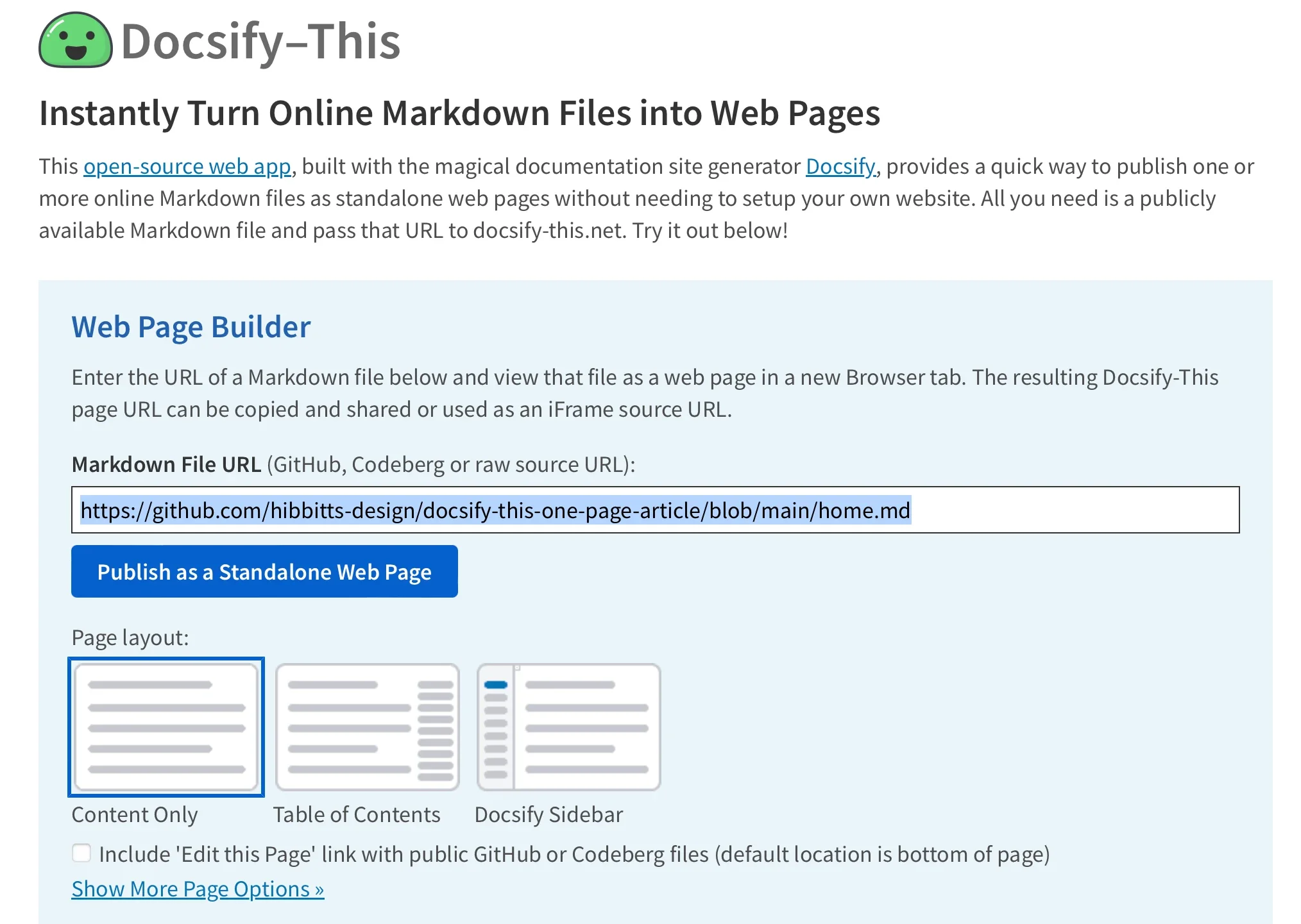
Use the Docsify-This Web Page Builder
For users who prefer a graphical interface over manual URL construction, the Docsify-This Web Page Builder offers a straightforward entry point. By navigating to the official Docsify-This website or a locally hosted instance, users are presented with a clean interface where they can input the URL of any public Markdown file stored on Codeberg or GitHub. Additional Git hosting providers can also be utilized through direct URL parameters, though the web interface is specifically optimized for these two platforms.
Once the source file URL is entered into the builder and the publish action is triggered, the system instantly compiles the Markdown into a responsive web page and generates a permanent link. This resulting URL can be distributed via email, shared on social media, or integrated into broader digital communications. For instance, a typical rendering URL points the Docsify-This engine toward a designated base repository and homepage file, dynamically assembling the view on the fly without requiring the recipient to access the underlying repository directly.
This dynamic rendering model also simplifies document management. Creators can easily display different files within the same repository by modifying a single parameter in the URL structure. By changing the target filename assigned to the homepage parameter, a publisher can point readers to entirely different documents without needing to generate new deployment scripts or modify server configurations.
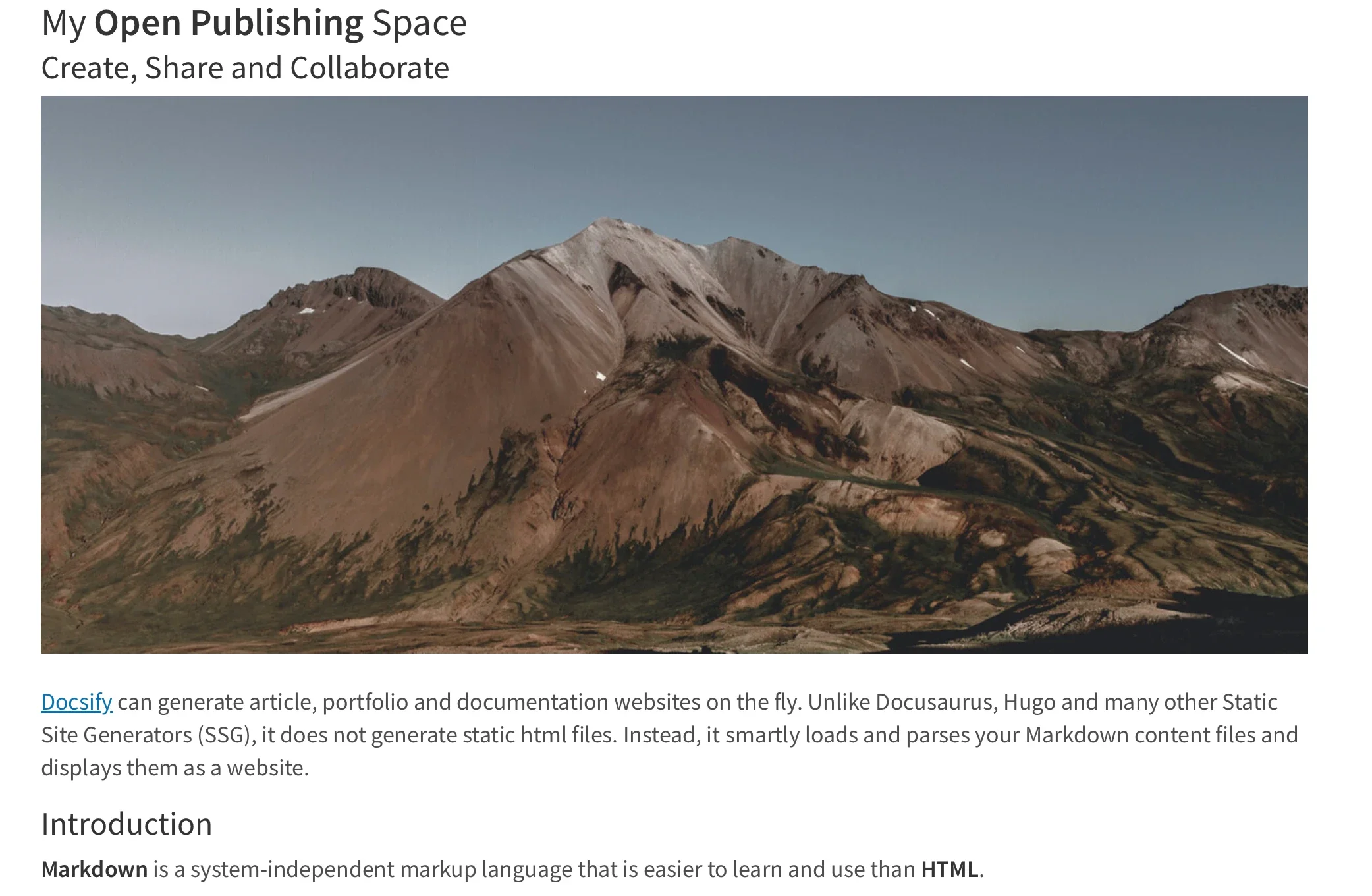
Modify the Web Page’s Appearance
Customization is a central pillar of the Docsify-This architecture, allowing publishers to tailor the look and feel of their content to match specific branding guidelines or institutional requirements. Rather than forcing a rigid stylesheet onto every document, the project permits real-time appearance modifications through standard URL parameters. Common CSS attributes such as font family, font size, link color, and line height can be passed directly into the web address, instantly updating the typography and layout of the rendered page.
In addition to global style adjustments via URL parameters, publishers can leverage a curated library of special Markdown CSS classes. For example, assigning a specific class to a standard hyperlink can automatically transform a plain text link into a styled button image. This is particularly useful in educational settings, where course announcements, assignment links, or external resources need to stand out clearly against standard body text.
Beyond the built-in classes provided by the project, authors have the freedom to define their own custom CSS styles directly inside their Markdown files. By embedding standard style tags, creators can craft bespoke interface elements—such as custom call-out boxes, stylized buttons, or highlighted text containers—that inherit the responsive nature of the underlying platform. When parsed by Docsify-This, these custom styles are applied dynamically, giving advanced users near-total control over the final visual presentation.

Include HTML Snippets and Platform Integration
Because Docsify-This respects the flexibility of standard Markdown parsers, authors can seamlessly incorporate HTML snippets to achieve complex layouts that go beyond linear text flow. This capability is especially valuable for structuring content into multi-column rows or embedding specialized media elements. Writers can structure their thoughts using standard structural division tags, ensuring that their content remains adaptable across various screen sizes and viewing devices.
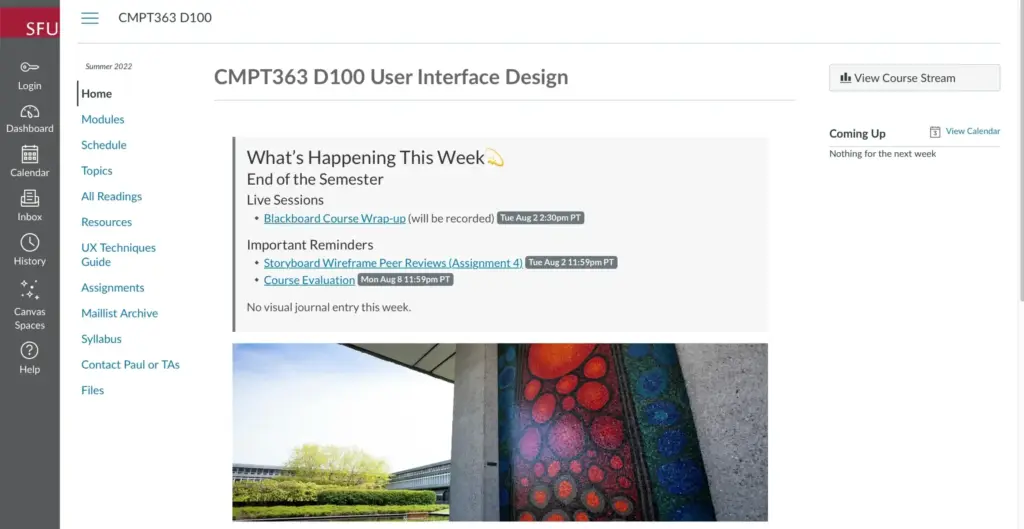
The utility of Docsify-This extends far beyond standalone web pages through its robust support for iFrame embedding. Publishers can take any rendered Docsify-This page and embed it directly into external web applications, content management systems, or learning management environments. By utilizing URL parameters specifically designed for embedded views—such as adjusting font sizes or hiding unnecessary header credits—administrators can ensure that the embedded content blends naturally into the host platform’s user interface.
In many modern learning management systems, such as Canvas and Moodle, integrating external resources usually requires complex API configurations or restrictive native authoring tools. Docsify-This offers an alternative by allowing administrators to link external web pages directly into course navigation menus using tools like the Canvas Redirect Tool. By pointing the LMS navigation directly to a styled Docsify-This URL, educators can maintain their course materials in a version-controlled Git repository while presenting them seamlessly inside the official student portal.

Integrate Docsify-This and Git
The true strength of the Docsify-This publishing model lies in its integration with modern version control systems. By storing Markdown content in Git repositories on platforms like Codeberg or GitHub, writers and educators gain access to a complete history of revisions, branching workflows, and effortless backup mechanisms. This approach shifts document creation away from proprietary word processors and into transparent, text-based formats that can be tracked and audited over time.
To interact with these repositories, a wide variety of open source graphical user interfaces and text editors are available to suit different technical skill levels. Tools such as GitHub Desktop, Git-Cola, and SparkleShare provide visual pathways for committing changes and pushing updates without requiring deep command-line expertise. Similarly, modern source code editors like VSCode and Pulsar Edit feature robust, built-in Git integrations that allow authors to write, edit, and synchronize their Markdown files within a single unified workspace.
By combining the simplicity of Markdown, the power of version control, and the dynamic rendering capabilities of Docsify-This, the project offers a compelling solution for anyone looking to publish and share content efficiently. Whether used for simple web publishing, collaborative writing, or embedding course materials into complex learning environments, Docsify-This demonstrates how open source tools can eliminate friction in everyday digital workflows.