








For years, technical writers, educators, and web developers have turned to Markdown as a lightweight, highly readable language for drafting text-based content. However, transforming those raw text files into polished, accessible web pages often required complex website setups, static site generators, and dedicated build pipelines. A new open-source project called Docsify-This aims to remove those traditional barriers, allowing creators to instantly publish, share, and reuse Markdown files without the overhead of maintaining a conventional website infrastructure.
Built on top of the popular Docsify.js framework, Docsify-This offers a streamlined solution for turning any publicly available Markdown document into a responsive, standalone web page. Beyond single-page publishing, users can link multiple Markdown files together to form a cohesive, lightweight website. The project provides content managers and designers with a flexible way to display content across various platforms—ranging from standard content management systems to complex learning management systems—without running into the typical constraints of proprietary formats.

What is Docsify-This?
At its core, Docsify-This operates as a dynamic rendering engine. When a user inputs the URL of a public Markdown file hosted on platforms like GitHub or Codeberg, the service generates a clean, responsive web page complete with a unique URL that can be easily shared or embedded elsewhere. Creators who want finer control over the visual presentation can alter the appearance of their displayed pages using a point-and-click Web Page Builder interface or by appending specific parameters directly to the URL.

Furthermore, the platform supports collaborative authoring workflows. When Markdown files are stored in supported Git repositories, Docsify-This can automatically generate an "Edit this Page" link for every document, inviting readers and co-authors to contribute updates directly through version control. Because the project is entirely open source, organizations and individuals can also deploy their own independent instances under custom domains, eliminating dependency on third-party services and mitigating the risks of platform lock-in.
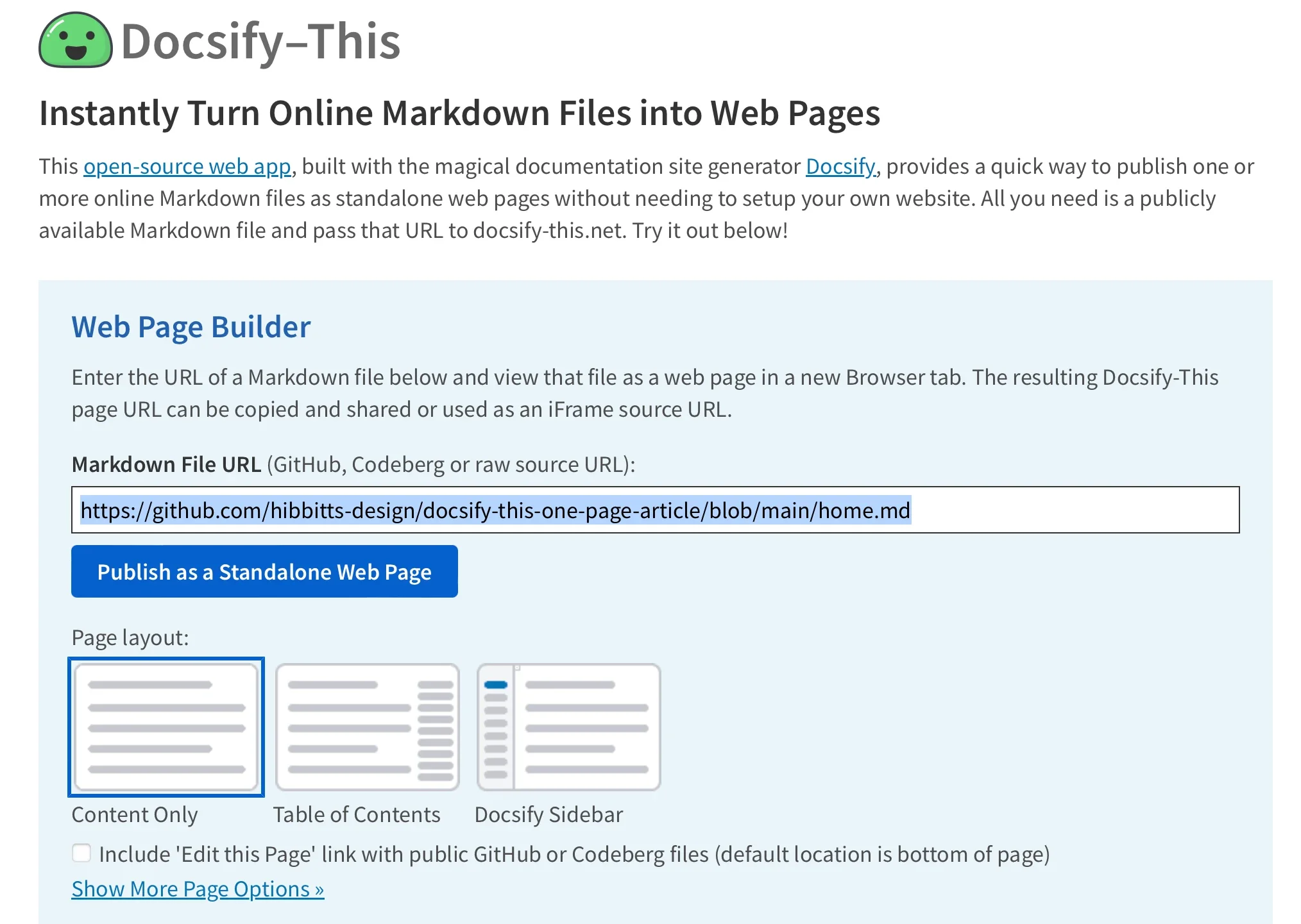
Using the Docsify-This Web Page Builder
Publishing a document through the service requires minimal effort. Users navigate to the primary Docsify-This website or a locally hosted instance and locate the Web Page Builder section. By pasting the raw URL of a Markdown file hosted in a public GitHub or Codeberg repository and clicking a single publishing button, the system immediately converts the text file into a fully rendered web page.
While the graphical builder interface officially supports GitHub and Codeberg repositories, advanced users can leverage custom URL parameters to pull Markdown files from other Git hosting providers. Once generated, the resulting web page URL can be distributed freely. For multi-file projects, publishers can navigate through different documents within the same repository simply by adjusting the URL parameters, specifically modifying the homepage variable to point toward alternate files such as resource guides, syllabi, or supplementary documentation.
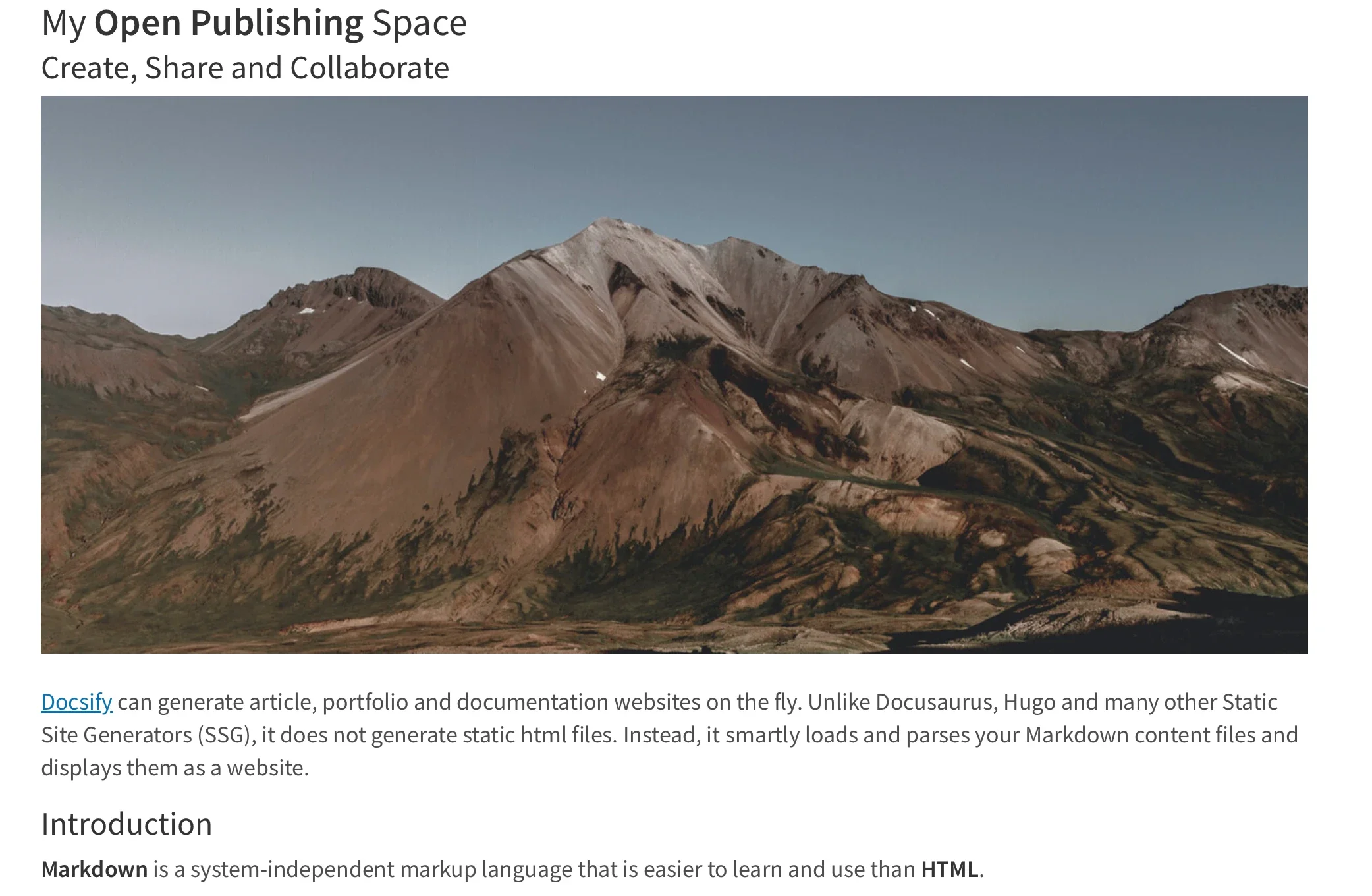
Modify the Web Page’s Appearance
Customizability is a central feature of the Docsify-This ecosystem. Creators are not locked into a single default visual theme; instead, they can modify the styling of any rendered Markdown file by applying standard CSS attributes directly through the URL parameters. Attributes such as font families, font sizes, link colors, and line heights can be adjusted on the fly to match the aesthetic requirements of a broader project or host site.
In addition to global style parameters, Docsify-This recognizes a specialized set of Markdown CSS classes that enable creators to introduce interactive elements into their plain text documents. For instance, appending a specific class parameter to a standard hyperlink transforms a plain text reference into a styled button image. Creators are also empowered to define their own custom CSS classes directly within their Markdown files using embedded style tags, opening up extensive design possibilities for specialized layouts, custom color schemes, and unique UI components without altering the underlying publishing workflow.

Include HTML Snippets and Platform Embedding
True to standard Markdown specifications, Docsify-This supports the seamless inclusion of raw HTML snippets. This capability allows authors to introduce advanced layout elements—such as multi-column grids and structured containers—directly into their documents, ensuring that content presentation is never strictly limited by basic text formatting constraints.
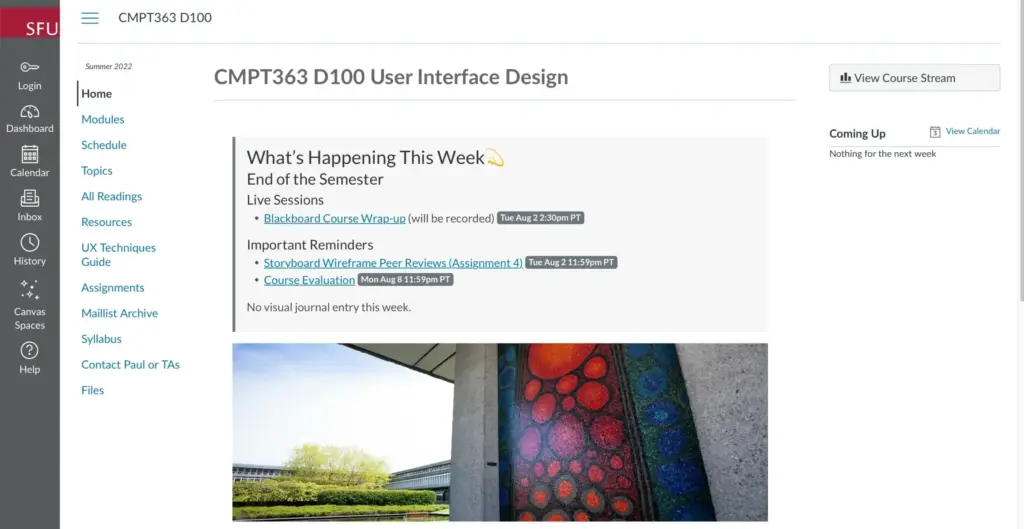
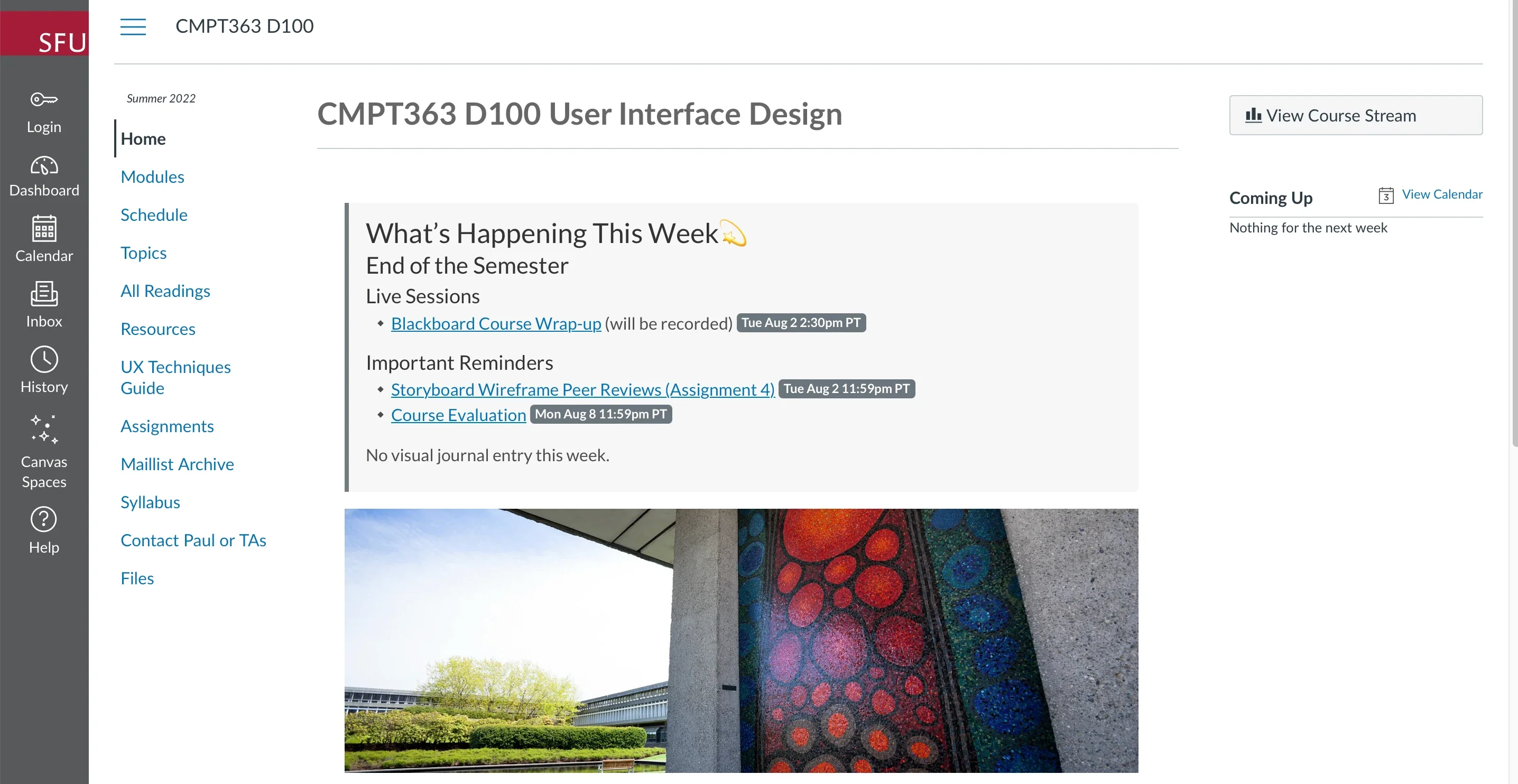
The platform’s versatility truly shines when integrated into external digital environments. Docsify-This pages are specifically engineered for effortless embedding, making them ideal for integration into learning management systems and external portals. Using standard iFrame elements, administrators can embed fully styled documentation, course materials, or announcements directly into third-party platforms. By appending styling parameters to the embedded URL, administrators can ensure that the rendered text seamlessly matches the visual language and font hierarchy of the host platform, hiding unnecessary credits and optimizing layout dimensions for restricted viewports.

Beyond traditional iFrames, certain educational and enterprise platforms allow Docsify-This pages to be integrated via external URL tools. For instance, open-source learning systems like Moodle and proprietary environments like Canvas permit administrators to link external web pages directly into course navigation menus or redirect tool modules, allowing students to access richly styled Markdown content without ever leaving their primary learning dashboard.
Integrate Docsify-This and Git
To maximize the benefits of version control, transparent revision histories, and collaborative editing, Docsify-This is designed to integrate cleanly with standard Git workflows. Storing documentation in repositories hosted on GitHub or Codeberg unlocks the platform’s full potential, enabling automated edit links and structured revision tracking.
A wide variety of open-source and cross-platform tools exist to help users manage their Git repositories without needing to rely strictly on the command line. Graphical interfaces such as GitHub Desktop, Git-Cola, and SparkleShare provide intuitive ways to commit and push changes. Similarly, modern extensible text editors like Visual Studio Code and Pulsar Edit feature robust, built-in Git integrations that allow writers to draft, stage, and publish Markdown updates directly from their editing environment.
By bridging the gap between raw text authoring, version-controlled storage, and dynamic platform embedding, Docsify-This provides a flexible, open-source pathway for modern digital publishing. Whether powering a lightweight documentation site, distributing course materials across disparate learning platforms, or sharing notes with collaborators, the project demonstrates how simple text files can be transformed into responsive, professional web resources.