







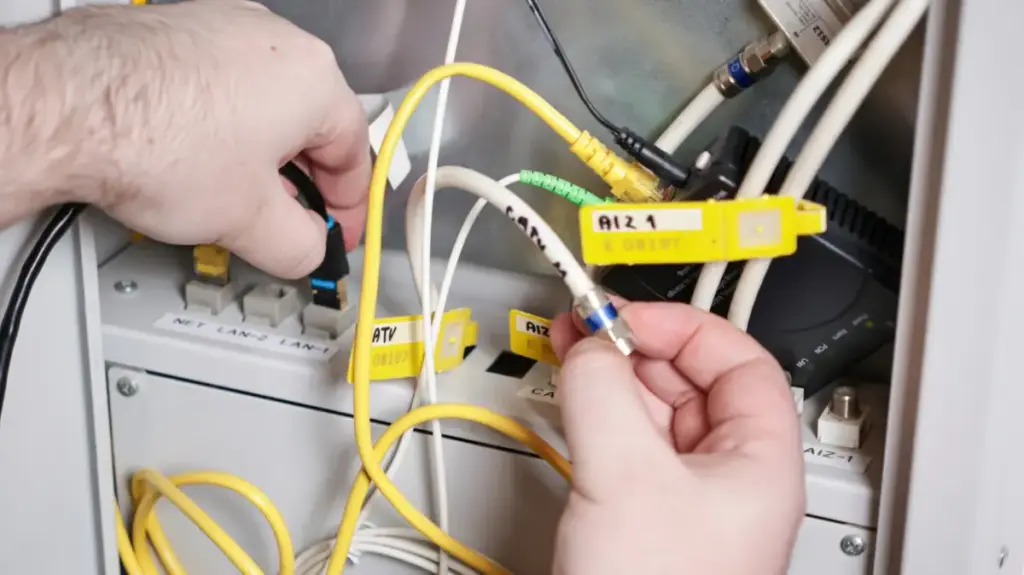
For the average consumer, the collection of plastic boxes and blinking lights tucked away in a closet or sitting on a bookshelf remains one of the most enigmatic aspects of modern life. Home networking equipment—the essential hardware that bridges the gap between the vast, chaotic expanse of the internet and the laptops, phones, and televisions in your living room—is often treated as a "set it and forget it" utility. Much like the complex internal combustion engine of a car or the chemical processes inside a battery, we prefer our home network to exist in the background, functioning silently without requiring a master’s degree in computer science to maintain.
However, a lack of familiarity with these devices often leads to unnecessary frustration when connectivity issues arise. While the goal of any robust home network is to remain invisible, having a basic grasp of the equipment is essential for effective troubleshooting. Beyond just fixing a sluggish connection, understanding your network is a financial and functional imperative. It dictates what you are paying for every month, the security of your data, and the actual performance capabilities of the high-end devices you own. As internet service providers (ISPs) continue to evolve their hardware offerings—and their fee structures—the choice between leasing equipment and investing in your own has become a significant decision for the modern household.
Routers, Modems, and Gateways: Defining the Players
To navigate the world of home networking, one must first distinguish between the three primary types of hardware: the modem, the router, and the gateway. While marketing departments and service providers often conflate these terms, they perform distinct, vital roles.

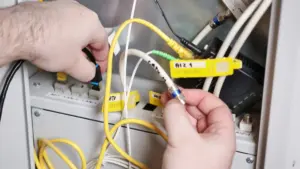
The modem, short for "modulator-demodulator," is the foundational piece of hardware for the vast majority of internet connections. Its primary job is translation; it takes the analog or encoded signals coming from your ISP’s infrastructure—whether that is a coaxial cable, a telephone line, or another transmission medium—and converts them into a digital format that your home devices can interpret. Conversely, it translates the digital data packets sent from your devices back into a signal that can be sent out to the internet. In a practical sense, the modem is the device that "talks" to the outside world. While the technology changes based on the delivery method, the principle remains the same. Even with pure fiber-to-the-home connections, the modem is replaced by an optical network terminal (ONT), which performs essentially the same function by bridging the fiber optic signal to your home network.
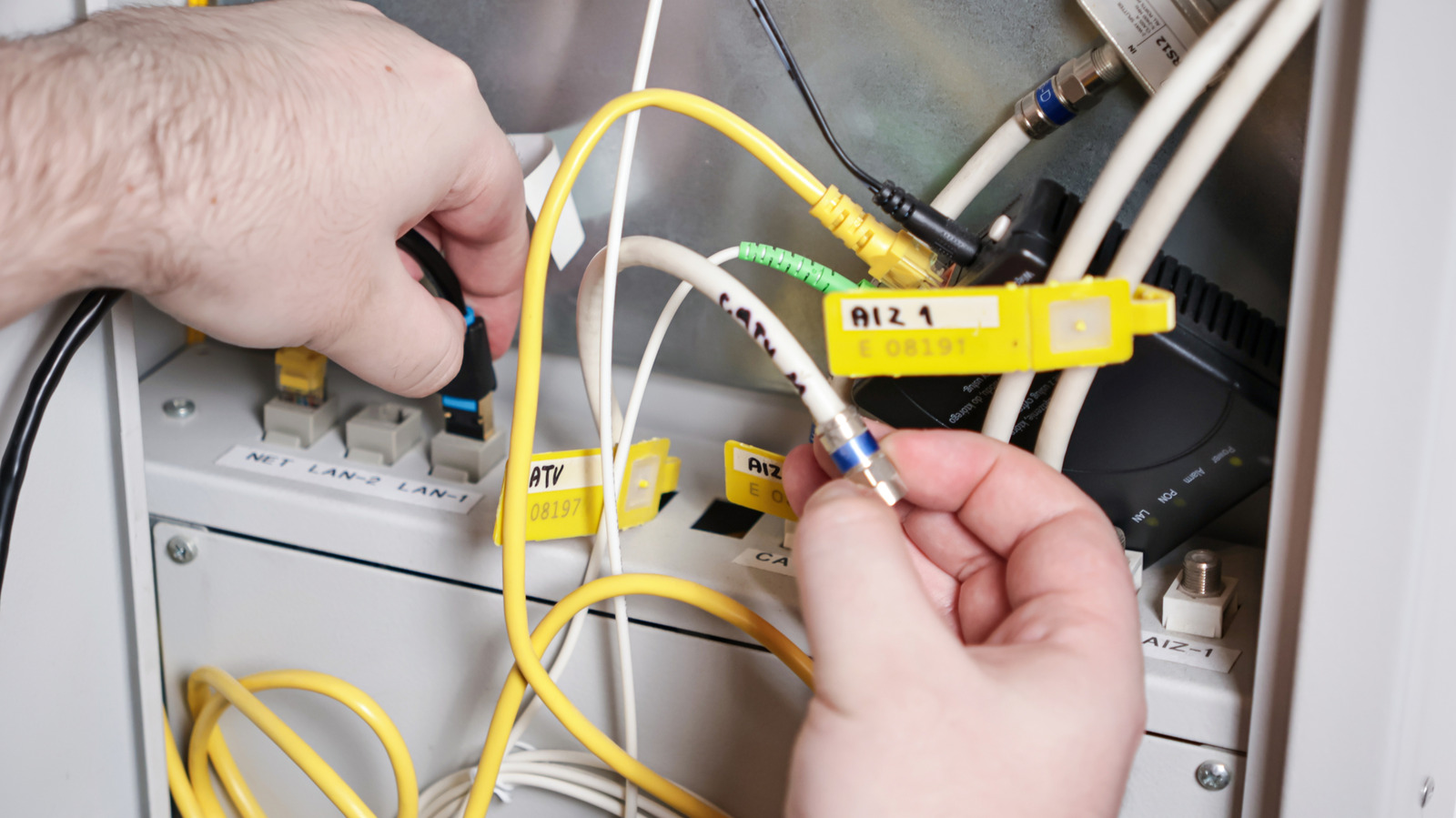
Once the connection has been established by the modem, the router takes over. If the modem is the translator, the router is the traffic controller. Its responsibilities are multifaceted: it receives the data stream from the modem and directs it to the specific devices requesting that information, whether via a wired Ethernet connection or a wireless Wi-Fi signal. Furthermore, the router manages the "local" traffic within your home. If you are streaming a movie from a local Plex server to your living room TV, that data doesn’t necessarily need to touch the wider internet; the router ensures that traffic flows efficiently between those two local points.
Modern routers have also become increasingly sophisticated, often serving as the primary gatekeeper for your home’s security. They maintain firewalls that defend against external intrusions, block malicious traffic, and allow users to implement parental controls or guest networks. In the age of the smart home, some high-end routers have even evolved to act as central hubs, managing Matter controllers or bridging Thread-based devices, thereby acting as the nervous system for your entire digital ecosystem.
The third term, the "gateway," is where the confusion often begins. A gateway is effectively a hybrid device that merges a modem and a router into a single physical unit. ISPs frequently prefer these all-in-one boxes because they are simple to deploy, reduce the number of support calls related to cabling between two separate units, and allow for easier remote management by the provider. While they are convenient, they are rarely the best choice for users seeking peak performance. Outside of the ISP-provided ecosystem, gateways are less common in retail, typically aimed at enterprise environments that require centralized, high-level control over data traffic.
The Case for Owning Your Networking Gear
For years, a standard frustration for consumers was the "equipment rental fee" attached to their monthly internet bill. While many ISPs have moved toward including hardware at no extra cost, this shift has often come with a hidden caveat: the hardware provided is frequently the bare minimum required to satisfy a baseline service agreement.
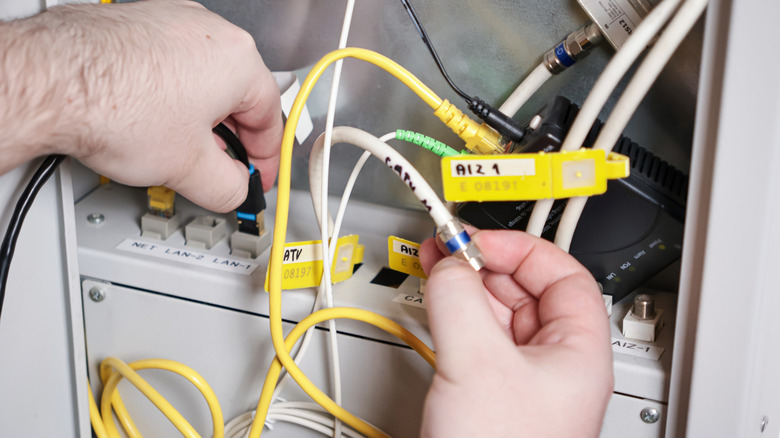
When you rely on an ISP-provided gateway, you are typically accepting a "lowest-common-denominator" device. While these units are often capable of Wi-Fi 6, they are rarely equipped to handle the demands of a truly modern, high-density household. Most ISP gateways operate in a single-unit configuration, which is fundamentally ill-suited for large homes or environments with thick walls. Without a mesh networking system—a setup where multiple nodes work in tandem to provide seamless, house-wide coverage—dead zones are an inevitable byproduct of a standard gateway.
The performance gap is even more pronounced when considering the latest wireless standards. While Wi-Fi 6 is sufficient for many users, the industry has already transitioned to Wi-Fi 6E and Wi-Fi 7. These newer standards introduce the 6GHz band, providing significantly higher throughput and lower latency, which is critical for high-bandwidth tasks like 4K streaming, online gaming, and large file transfers. Using an older, ISP-supplied gateway essentially acts as a bottleneck, preventing your expensive smartphones, tablets, and computers from reaching their full potential.
Some ISPs have attempted to address these performance limitations by offering "upgraded" equipment plans. For instance, providers may offer premium gateway packages that include Wi-Fi 7 capabilities and mesh extenders for an additional monthly fee. However, this model often leads to a cycle of perpetual rental costs. If a premium rental costs $25 per month, you are looking at an additional $300 expenditure over the course of a year. Within two years, you have spent $600—an amount that far exceeds the cost of purchasing a top-tier, high-performance mesh system outright.
Beyond the immediate cost savings, owning your equipment offers a significant degree of autonomy. When you own your own router, you are not tethered to your current ISP’s proprietary hardware ecosystem. If you decide to switch service providers to take advantage of better speeds or lower rates, you can simply take your networking equipment with you. You no longer have to worry about returning leased hardware or negotiating new equipment rental terms with a different company.
Transitioning to your own router is a straightforward process even if your ISP forces the use of their modem or gateway. Most ISP-provided gateways include a "bridge mode" setting, which effectively turns off the routing and wireless functions of the provider’s hardware, allowing it to act solely as a modem. This "passthrough" configuration enables you to connect your own high-performance router to the gateway, granting you total control over your network’s security, traffic management, and wireless coverage.
Ultimately, while the technical differences between a modem, a router, and a gateway might seem academic, they represent a meaningful divide in how you experience the internet. By moving away from the limitations of default, provider-issued hardware, you gain the ability to customize your digital environment to match your specific needs, ensure your privacy with better security features, and eliminate the persistent, unnecessary fees that often hide in plain sight on your monthly statement. Whether it is improving the stability of a home media server or ensuring your new smartphone can utilize the latest Wi-Fi standards, the decision to take ownership of your network is one of the most effective ways to optimize your digital life.