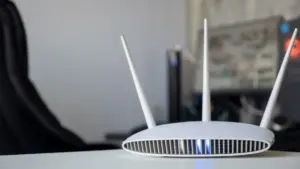











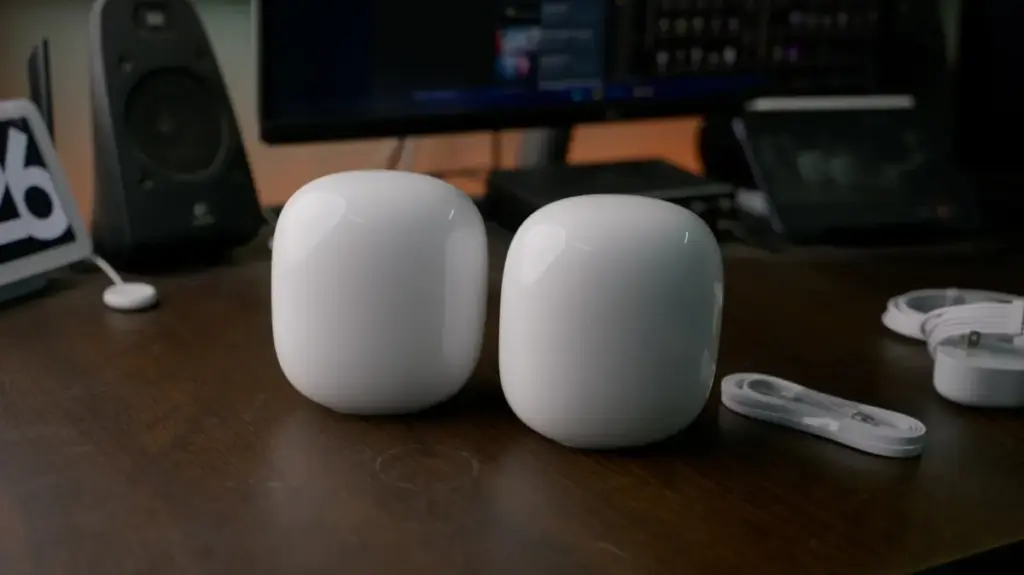
Think of your home Wi-Fi router as the central hub of a bustling metropolitan train station. It is the vital infrastructure through which all your digital traffic—from the streaming of 4K video to the quiet, intermittent pings of a smart light bulb—must pass. When everything is running smoothly, the "commuters" of your data network move in and out with efficiency. However, as the number of devices in our homes has exploded over the past decade, that station has become increasingly overcrowded, leading to the inevitable bottlenecks that result in sluggish internet speeds and frustrating connection drops.
Understanding why your Wi-Fi performance crumbles under the weight of a modern household requires a shift in how we perceive wireless networking. It is not merely about the speed of your internet service provider (ISP) plan; it is about the physical and logical capacity of your router to manage a complex, multi-lane highway of data.
The Evolution of the Connected Home
To understand the current state of home connectivity, one must look at how drastically our habits have changed since the early days of home networking in the 1990s. In that era, the average household might have possessed a single desktop computer, perhaps tethered to a bulky modem. Even as the early 2000s arrived, the connected ecosystem was relatively sparse, often limited to one or two PCs and, eventually, a dedicated gaming console.

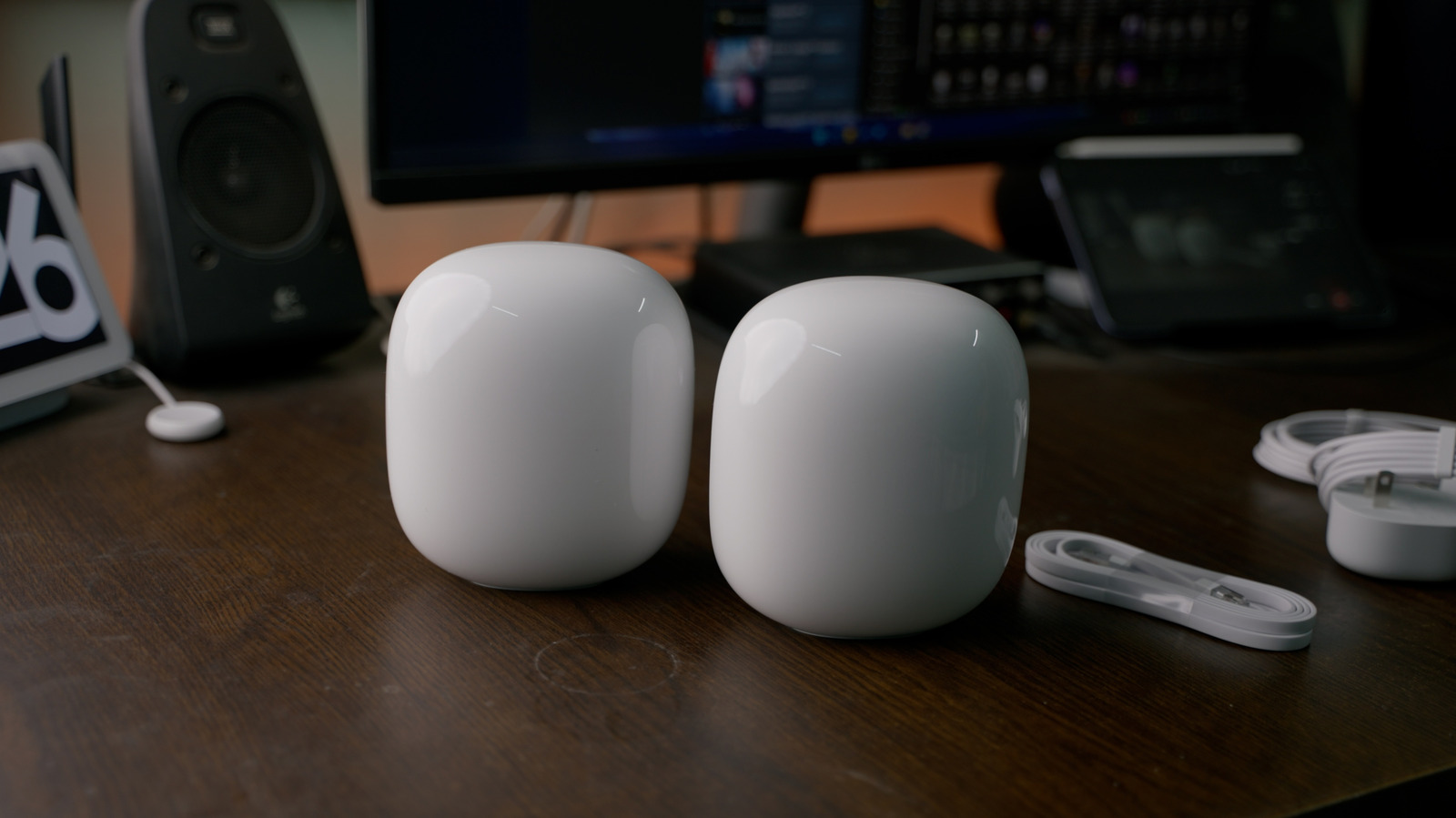
Today, the landscape is unrecognizable. A single modern home might house dozens of connected devices simultaneously. Between smartphones, tablets, laptops, smartwatches, and a growing array of "Internet of Things" (IoT) gadgets—smart thermostats, security cameras, voice-controlled speakers, and connected appliances—the sheer volume of endpoints vying for airtime has reached a critical mass. This creates a legitimate performance crunch that often has nothing to do with the strength of the signal from your ISP, but rather the internal limitations of your router.
The Hidden Limits of Throughput and Channels
While users often focus on the advertised speed of their router—such as the 9.6Gbps ceiling of Wi-Fi 6 or the impressive 46Gbps potential of Wi-Fi 7—these figures are often misleading in a practical setting. These numbers represent the theoretical total available bandwidth, which must be shared not just between your home and the internet, but also among every single device communicating within your local network.
When a user initiates a large local file transfer, such as moving high-definition video footage from a camera to a storage drive or a laptop, that traffic consumes a significant portion of the router’s internal throughput. If that transfer occurs while other family members are attempting to stream high-resolution video or engage in a competitive online gaming session, the resulting congestion can cause immediate performance degradation. The router, much like a traffic controller, must prioritize these requests, and when the volume exceeds its processing capacity, the "trains" start to back up.
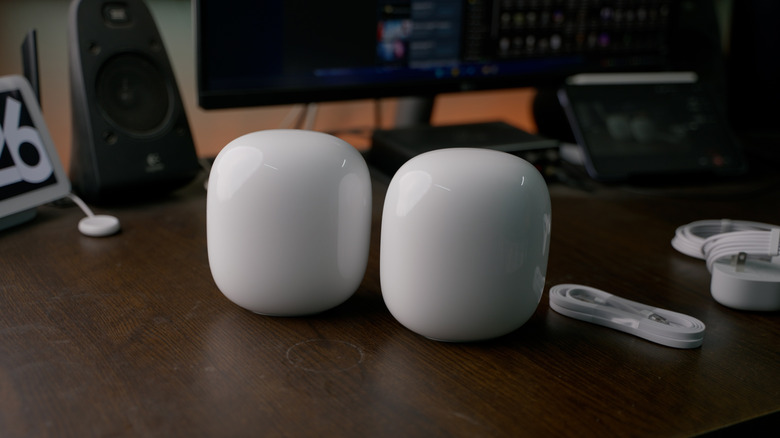
Further complicating this is the issue of radio frequency congestion. Routers operate across specific frequency bands: 2.4GHz, 5GHz, and, in newer standards like Wi-Fi 6E and 7, the 6GHz band. Each band is subdivided into channels. The 2.4GHz band, which is the most common for low-power smart home accessories, is notoriously crowded. With only three non-overlapping channels available, it is remarkably easy for the band to become saturated, leading to interference, dropped packets, and significant delays.
Many older devices or basic smart home accessories are restricted to the 2.4GHz spectrum because of its long range and lower power requirements. When a router is forced to manage dozens of these devices on a limited set of channels, the network effectively slows down for everyone. Furthermore, many older routers—specifically those operating on the now-outdated Wi-Fi 5 standard—have a finite limit on the number of simultaneous active connections they can maintain. Once that threshold is reached, which can be as low as 10 to 25 devices, the router may begin to drop older, idle connections to make room for new ones. This creates a frustrating cycle of devices constantly reconnecting and struggling to maintain a stable link.
Navigating the Congestion: Practical Strategies
Upgrading hardware is a natural instinct, and moving to a modern standard like Wi-Fi 7 can offer substantial improvements in how a network handles high-density traffic. Features such as "preamble puncturing" in Wi-Fi 7 allow a router to carve out a portion of a channel that is experiencing interference, ensuring that the remaining bandwidth remains usable. However, it is essential to manage expectations: upgrading to the latest router is not a universal panacea. For these advanced features to function, both the router and the connected client devices must support the new standard. Since most existing devices in a typical household are likely limited to Wi-Fi 6 or 6E, the performance benefits may not be fully realized immediately.

For those looking to optimize their current environment, there are several tactical approaches to managing congestion. If your router allows for the configuration of separate Service Set Identifiers (SSIDs) for different bands, it can be highly effective to steer high-bandwidth devices toward the 5GHz or 6GHz bands. While these higher frequencies have a shorter effective range and struggle more with solid obstacles like walls, they offer a significantly larger number of channels and reduced interference compared to the crowded 2.4GHz spectrum. By moving your streaming devices, PCs, and gaming consoles to the 5GHz or 6GHz bands, you leave the 2.4GHz band clear for the low-power accessories that require it.
However, this is not always possible. Many modern mesh networking systems simplify the user experience by "band steering," which automatically forces devices to the band the router deems most appropriate. While this is convenient for the average user, it removes the granular control necessary to manually alleviate congestion. In such scenarios, users may need to rely on the administrative tools provided by their router’s application. Most modern mesh apps include features to monitor traffic and, in some cases, to prioritize specific devices or pause the network access of non-essential gadgets during periods of heavy usage.
In the long term, the most effective way to manage a high-density home network is to reduce the reliance on Wi-Fi for every single peripheral. Smart home ecosystems, particularly those involving large numbers of light bulbs or sensors, can be shifted to hub-based architectures. By utilizing communication protocols like Zigbee or Thread, these devices communicate with a local hub rather than directly with the Wi-Fi router. This allows dozens of accessories to operate as a single unit, with only the hub itself maintaining a constant Wi-Fi connection. This approach drastically lowers the number of devices competing for airtime on your router’s wireless channels, effectively unclogging the station and allowing the primary, high-demand traffic to move with the speed and reliability it requires. By understanding the limitations of the hardware and managing how devices connect, users can ensure that their home network remains a robust backbone for their increasingly digital lives.