




For decades, software development has been defined by the rigid boundaries of the tools we use. Developers have long been forced to adapt their workflows to the fixed screen layouts, limited menu options, and static data representations provided by their IDEs and project management software. If a tool provided a kanban board, you used a kanban board; if it offered a spreadsheet, you worked in cells. This paradigm, while functional, often forces developers to spend more time managing their tools than actually writing code.
GitHub is now aiming to dismantle these constraints with the introduction of "canvases" in the GitHub Copilot app. This new feature represents a fundamental shift in how developers interact with AI agents, moving away from simple chat-based prompts toward a collaborative, visual, and highly customizable workspace. By allowing developers to describe their ideal interface in plain English, GitHub is enabling the interface itself to take shape around the specific needs of a project, rather than the other way around.
The Philosophy of the Adaptive Interface
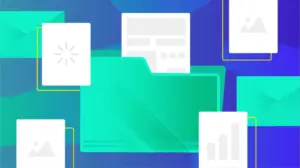
At its core, a canvas—or "canvas extension"—is a shared, interactive surface that exists between the developer and the AI agent. It is designed to be a living, breathing workspace that can manifest as a kanban board, an issue triage dashboard, a release checklist, a structured form, or even a dynamic spreadsheet. Because the canvas is built to be bidirectional, it effectively serves as a digital whiteboard where both the human and the machine can manipulate information in real time.
When a developer interacts with a traditional software tool, they are often relegated to a passive observer of the interface. With GitHub Copilot canvases, that relationship becomes active. The agent can push updates to the canvas as it processes information, while the developer can use buttons, cards, filters, and various UI controls to modify the state of the workspace. This synchronization creates a fluid, shared environment that reduces the friction usually associated with jumping between disparate applications to manage a project.
Creating Interfaces Through Natural Language
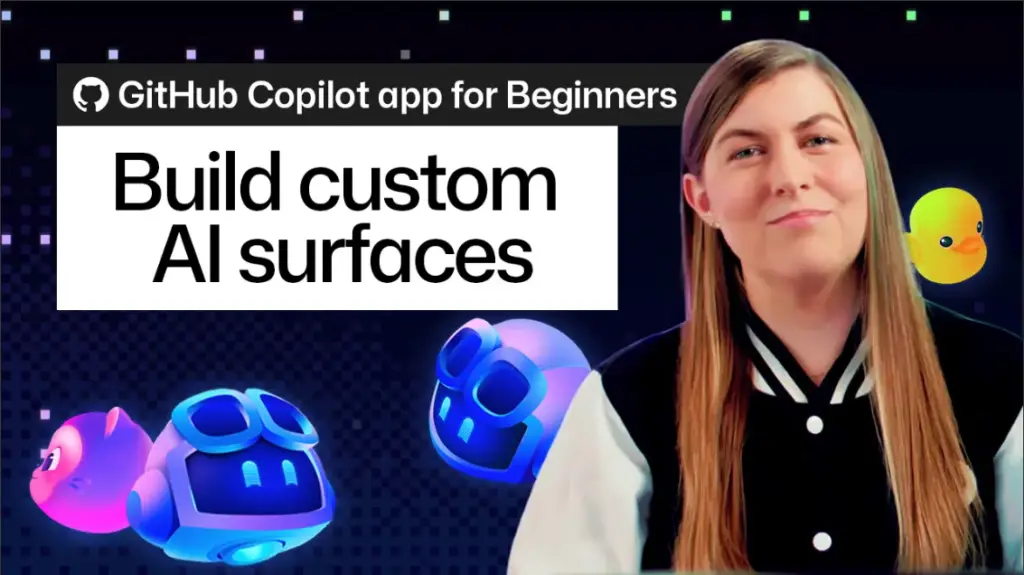
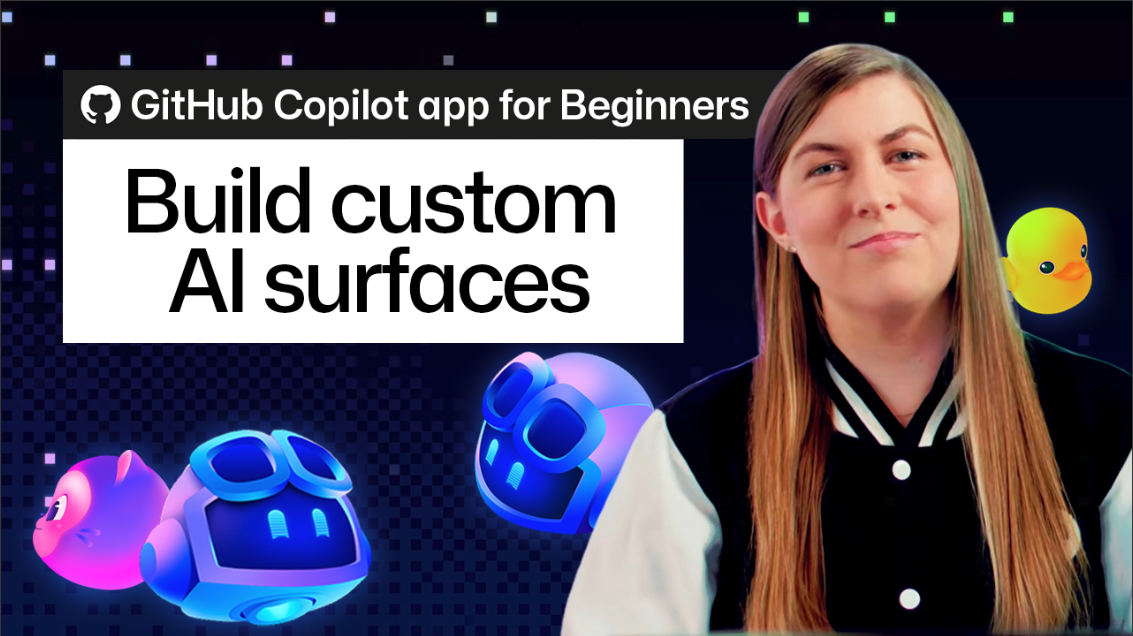
One of the most striking aspects of the new canvas feature is the removal of traditional design and development overhead. Developers no longer need to write custom UI code, configure complex layout engines, or spend hours tweaking CSS to create a functional dashboard. Instead, they can simply initiate an agent session and use the /create-canvas skill.
By issuing a prompt in plain English, a developer can articulate the specific requirements of their workflow. A well-crafted prompt generally includes the purpose of the canvas, the necessary data or tracking elements, and the desired level of interaction for the agent. For example, a developer might ask the system to "create a release notes canvas for tracking new feature work completed across GitHub Copilot app sessions," while explicitly requesting controls for reviewing entries and granting the agent permission to update those entries directly.
Once the prompt is submitted, the agent takes over, building the interface and rendering it in a right-side panel. This transition from a descriptive thought to a functional, interactive tool happens almost instantaneously, bypassing the need for manual file creation or layout management. What was once a static text response from an AI now becomes a custom-built utility that is ready for immediate use.
The Evolution of Workflow Integration
A significant advantage of this system is its inherent flexibility. The initial version of a canvas is rarely intended to be the final product; rather, it serves as an agile starting point. Because the interface is generated through language, it remains malleable. If a developer finds that their project requires an additional column to track status, a new filter for priority, or an entirely different layout to accommodate a shifting project deadline, they do not need to rebuild the tool. They simply ask the agent to refine it.
The agent interprets these follow-up requests and updates the canvas, adjusting the layout and functionality on the fly. This iterative approach allows developers to "grow" their tools alongside their projects. Because there is no fixed menu of layouts or rigid templates, the only limitation is the developer’s ability to describe their workflow. If a process can be defined verbally, it can be translated into a canvas. Furthermore, once a canvas is perfected, it can be saved as an extension. This allows teams to share standardized workflows across a project or enables individual developers to maintain personal, customized extensions that follow them from one task to the next.
Moving Beyond Command-and-Wait
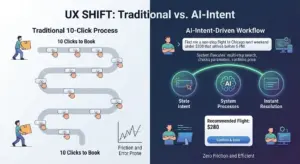
Perhaps the most transformative aspect of this update is the shift away from the "command-and-wait" model of AI interaction. In standard LLM implementations, a user sends a prompt, waits for a response, and then potentially takes manual action based on that text. This creates a disconnect between the AI’s output and the developer’s active work environment.
Canvases bridge this gap by enabling instant collaboration. When a developer clicks a button on the canvas or moves a card to a new column, the shared state of the interface updates immediately. The agent is aware of these changes in real time, eliminating the need for a separate "sync" or "send" step. Conversely, when the agent performs an action—such as adding a new release note or reorganizing tasks based on its own analysis—those changes appear instantly on the developer’s screen.
This creates a sense of "steering" the work rather than just directing it. The developer and the AI agent are looking at the same source of truth, interacting with the same UI elements, and moving in lockstep. This reduces cognitive load, as the developer does not have to mentally map the AI’s text-based suggestions onto their own project management dashboard.
Adopting and Expanding the Ecosystem
For those unsure of where to start, GitHub has fostered an ecosystem through "Awesome Copilot," where the community shares ready-made canvas extensions. Developers can browse through pre-built tools for common tasks—such as issue triage, kanban management, or release note automation—and install them as a foundation. Once installed, these templates can be further customized using the same plain-English refinement process, allowing developers to benefit from the collective wisdom of the community while maintaining the ability to tailor the experience to their specific requirements.
As the developer landscape continues to shift toward AI-assisted workflows, the ability to create dynamic, responsive interfaces represents a major leap forward. By moving away from the "one-size-fits-all" interface and toward a model where tools are as fluid as the code they help create, developers can spend less time struggling with the limitations of their software and more time focused on the creative work of engineering. Starting with a simple /create-canvas command for a daily checklist or a task board is, for many, the first step into a new, more integrated way of working.