










In an era where digital security and data privacy remain paramount concerns for individuals and organizations alike, developers are increasingly looking for ways to process sensitive files locally rather than relying on remote servers. Contracts, financial invoices, medical reports, and scanned identification cards are routinely converted to PDF files for daily administrative tasks. However, if a sensitive document inadvertently lands in the wrong inbox or on an unsecure shared drive, standard PDF configurations allow anyone with access to open and view the contents.
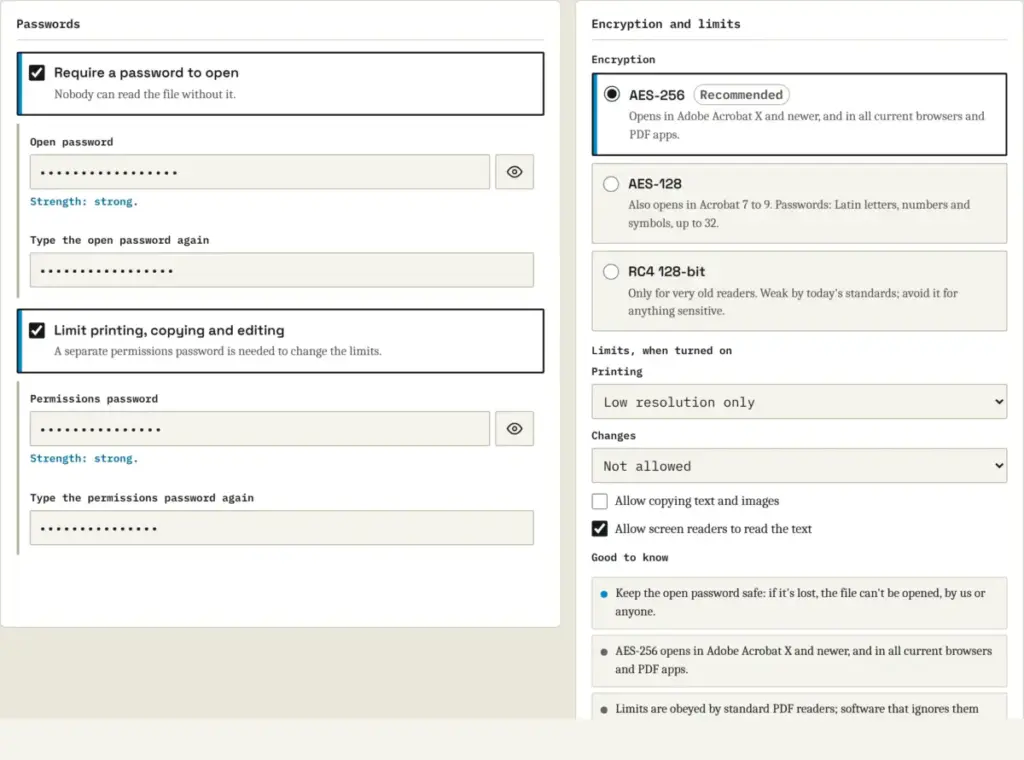
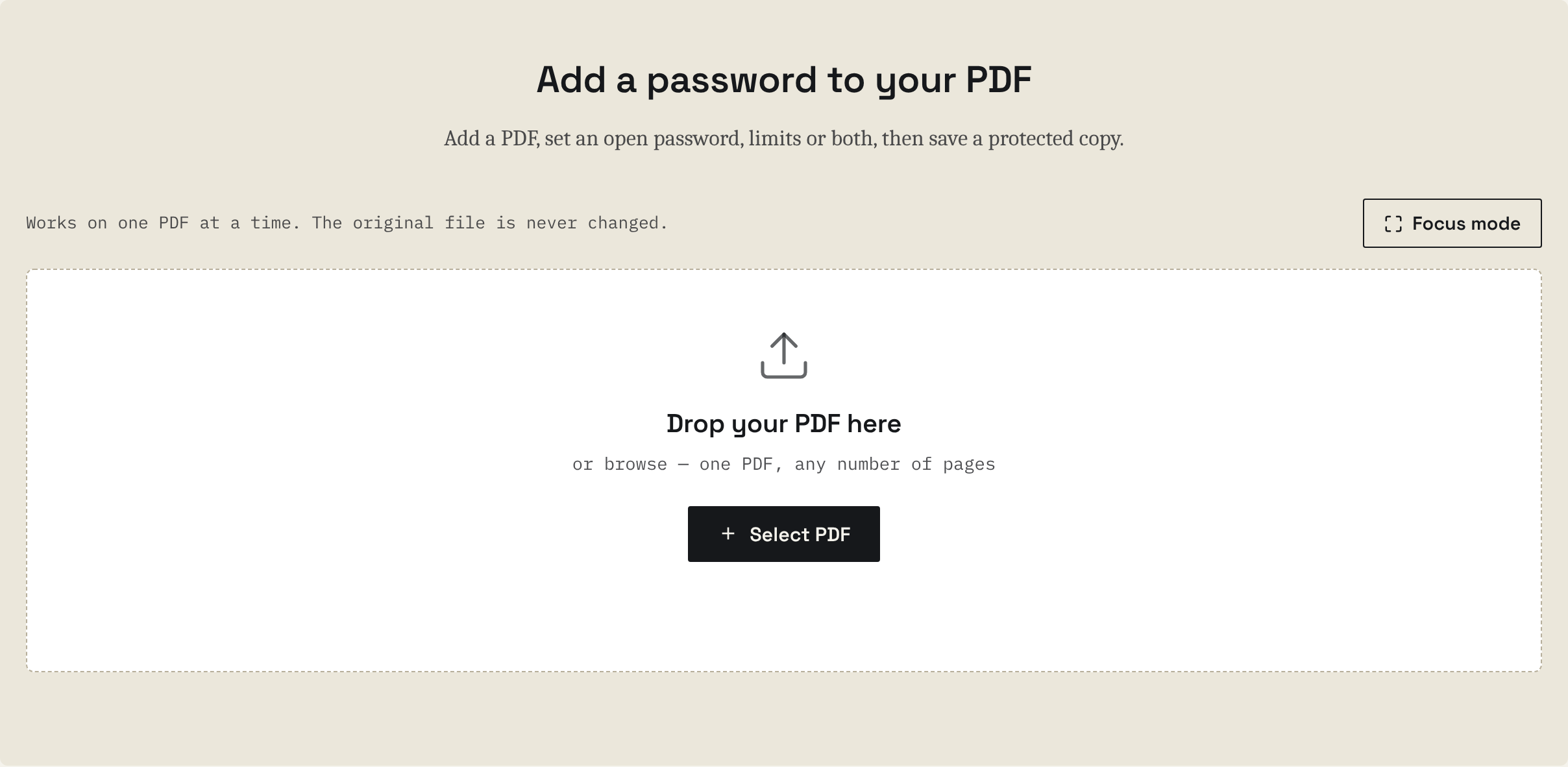
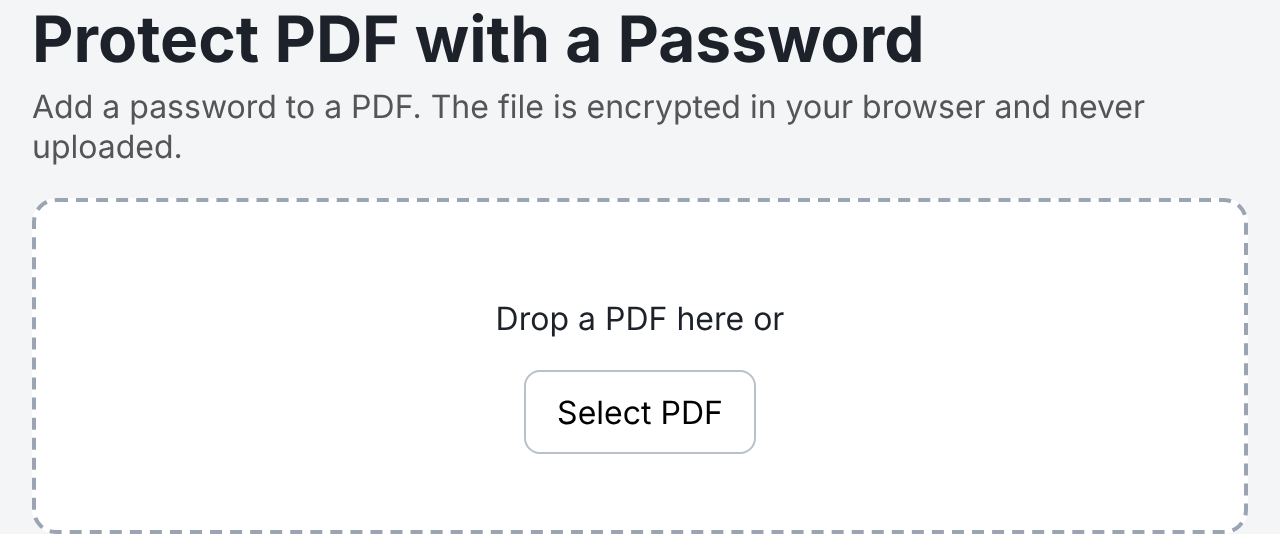
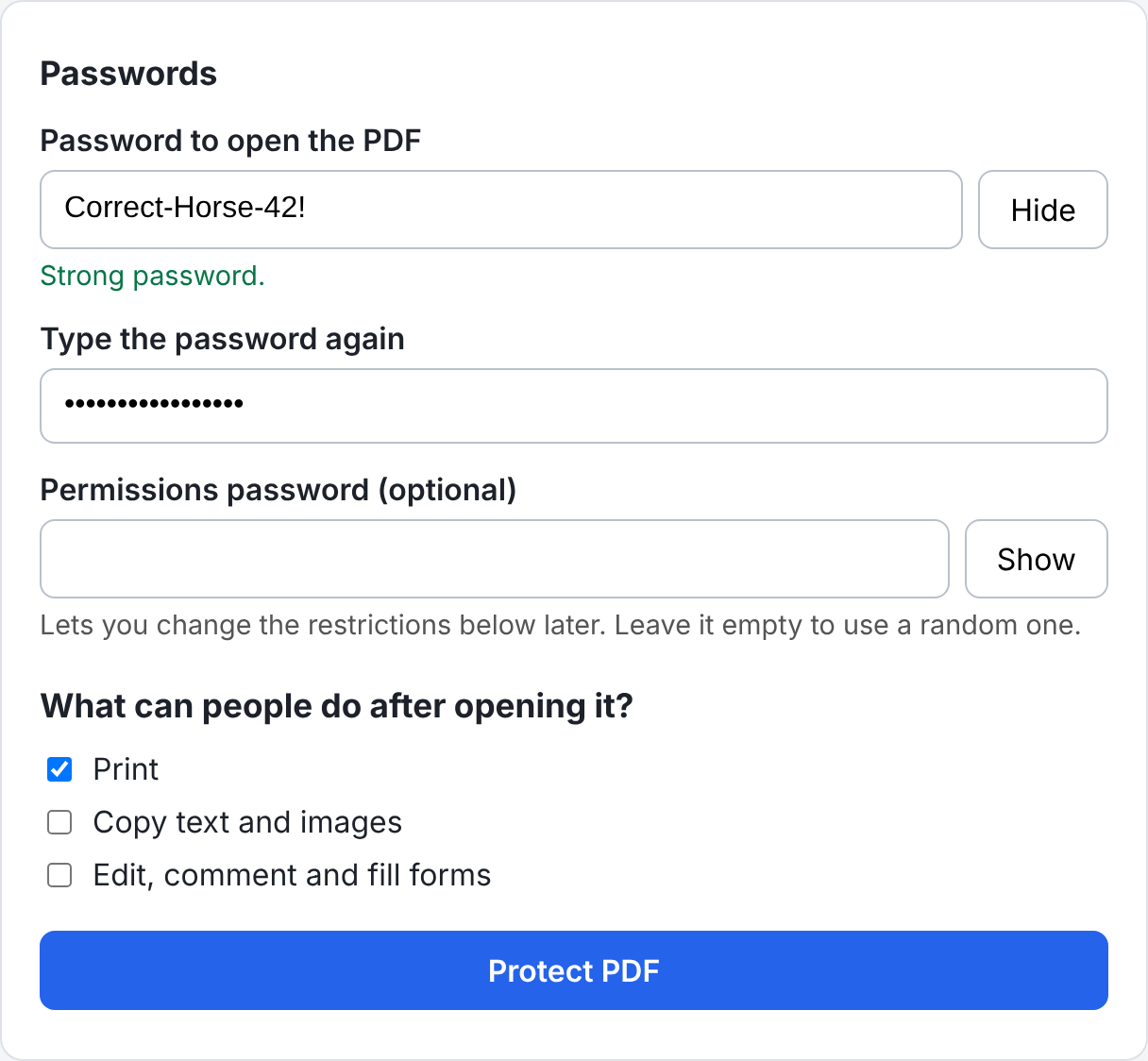
To mitigate this risk, developers have introduced a novel, browser-based PDF password protection tool built entirely with JavaScript. The system enables users to open a PDF document, assign a secure password, define document permissions such as printing and editing restrictions, encrypt the file using advanced AES-256 standards, verify the output, and download the protected copy directly from the browser without transmitting the underlying file to an external server.
The development addresses a fundamental gap in existing web utilities, which frequently require users to upload confidential documents to third-party cloud servers before applying encryption. By leveraging modern browser capabilities, the newly introduced tool ensures that the original file never leaves the user’s local machine, fundamentally altering how client-side cryptography can handle complex document workflows.

Understanding the Technical Framework and Limitations of Existing Libraries
One of the primary challenges encountered during the development of client-side PDF security applications is that popular JavaScript libraries, such as PDF-lib, lack native support for PDF encryption. While PDF-lib remains highly effective for reading document structures, modifying objects, and writing output files, it cannot natively apply encryption algorithms to protect document contents.
To overcome this limitation, developers must integrate the native Web Crypto API
alongside specialized cryptographic routines that follow the official PDF 2.0 specification. The resulting architecture relies on a lightweight, three-file project structure comprising an HTML layout, a stylesheet, and a core JavaScript script. Because the Web Crypto API requires a secure context to function correctly, the application must be hosted via a secure HTTPS protocol or a local development server such as localhost. Attempting to run the cryptographic functions through a direct file system path or an unsecure HTTP address results in undefined cryptographic interfaces.
The underlying project architecture utilizes specific versions of established libraries, including PDF-lib for document manipulation and Mozilla’s PDF.js library for verifying the encrypted output. PDF.js acts as an independent reader, enabling the application to test the newly generated protected file locally and confirm that it behaves correctly before presenting a download option to the user.
Mechanics of PDF Encryption and Document Structure
Gaining a clear understanding of how protected PDFs function internally is essential for appreciating the scope of client-side encryption tools. Unlike traditional file encryption methods that obscure an entire archive indiscriminately, the PDF specification maintains a distinct separation between document structure and document content.

When a PDF file is encrypted, every internal text string and binary stream—such as page drawing instructions or embedded images—is subjected to encryption protocols. Conversely, fundamental structural elements, including numerical references, object names, and the hierarchical pointers linking objects together, remain readable. This architectural design allows standard PDF readers to navigate the file structure efficiently while keeping the sensitive data payloads completely unreadable until the correct credentials are provided.
Modern implementations rely on a single, randomly generated 256-bit file key to encrypt all strings and streams using Advanced Encryption Standard (AES) protocols. The user-supplied password is never used directly as the primary encryption key. Instead, the document stores the file key twice within an encryption dictionary—encrypted with a cryptographic hash of each respective password—alongside verification values that allow a reader to confirm whether an entered password is correct. The file’s trailer then references this encryption dictionary via a designated encryption pointer.
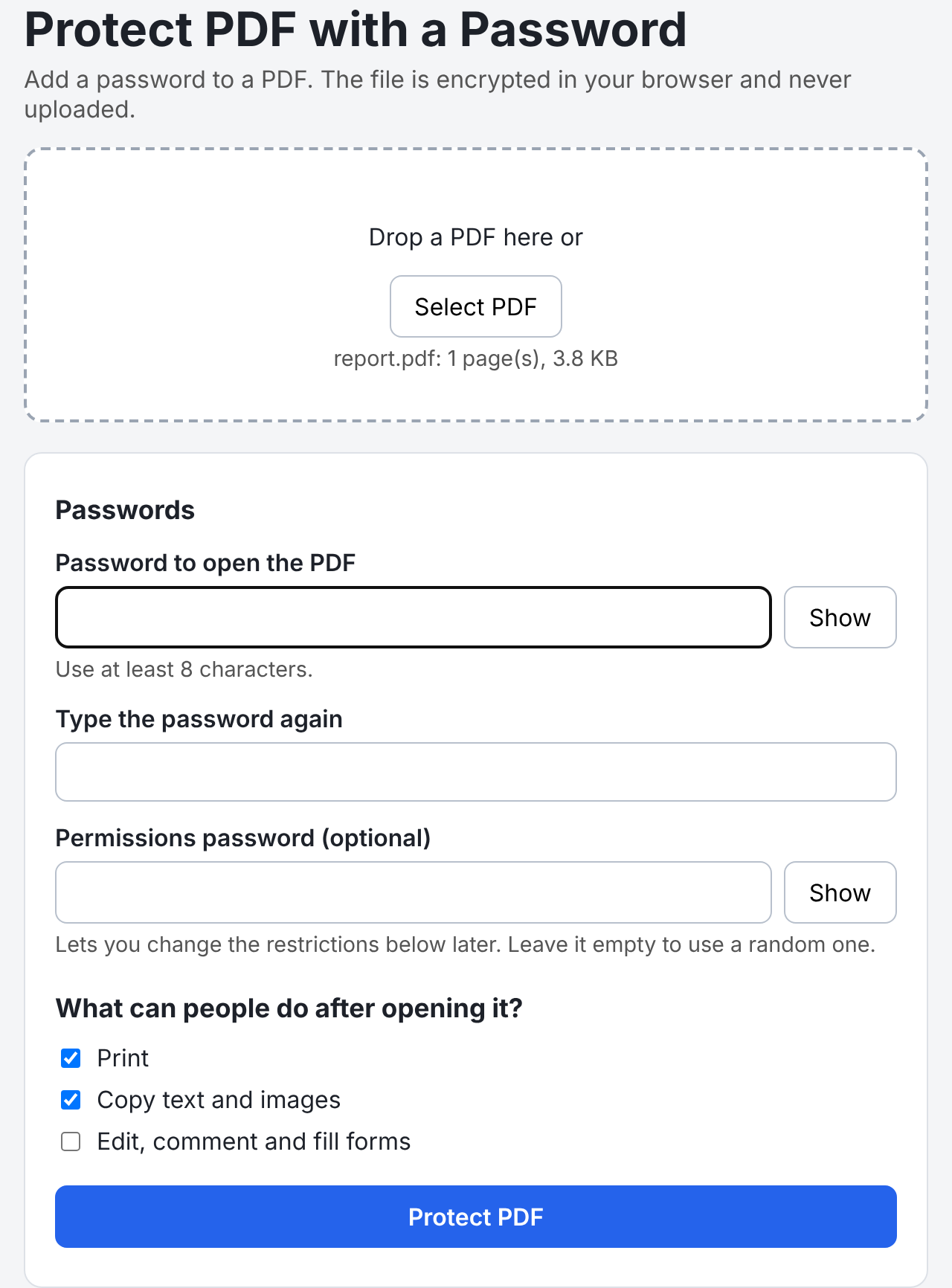
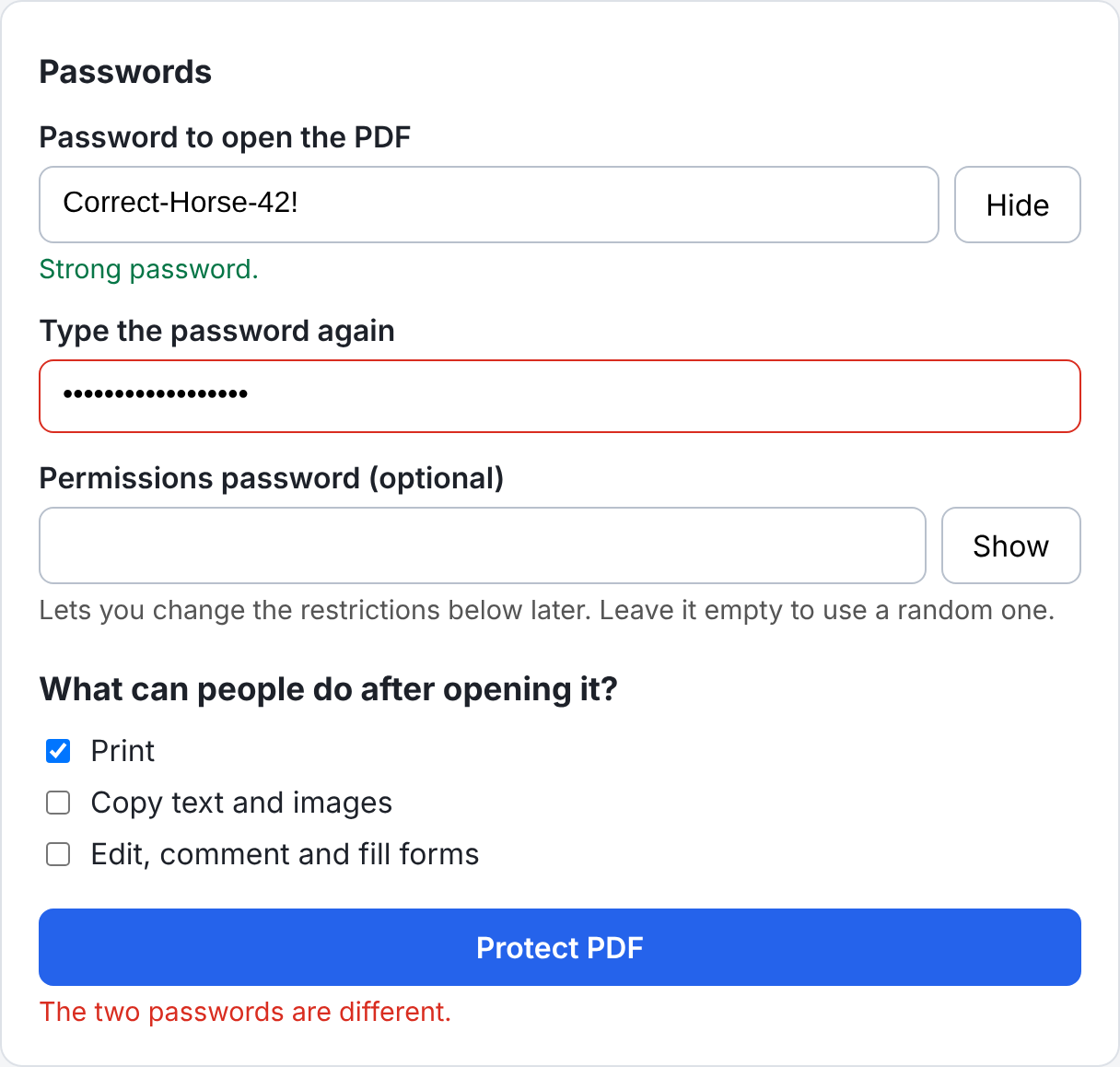
The PDF specification accommodates two distinct passwords: an open password required to view the document, and an optional permissions password that grants control over modification restrictions. Furthermore, document permissions regarding printing, copying text, and editing are stored as binary flags within a designated integer variable. While compliant PDF readers honor these restrictions, they serve primarily as a safeguard for cooperative users rather than an absolute security barrier, as specialized software can bypass them once the file is unlocked.
Implementing AES-256 Encryption and the PDF 2.0 Password Hash
Among the various encryption revisions developed over the years, AES-256 operating under revision six represents the current standard. It offers robust security while simplifying implementation details because every object within the document utilizes the identical primary file key.
To generate secure password hashes according to the PDF 2.0 specification, the application utilizes a multi-round algorithm that combines SHA-256 hashing with iterative AES-128 encryption blocks. This computational complexity is intentionally designed to make brute-force password guessing significantly slower for malicious actors while remaining virtually instantaneous for legitimate users operating within a modern web browser.
The tool incorporates robust byte-handling helper functions to manage array concatenations, secure random number generation via the browser’s cryptographic interface, and hexadecimal conversions required by PDF manipulation libraries. Crucially, developers emphasize that standard pseudo-random number generators must never be used for cryptographic keys, reinforcing the necessity of browser-native secure random number methods.
Verification and Deployment Considerations
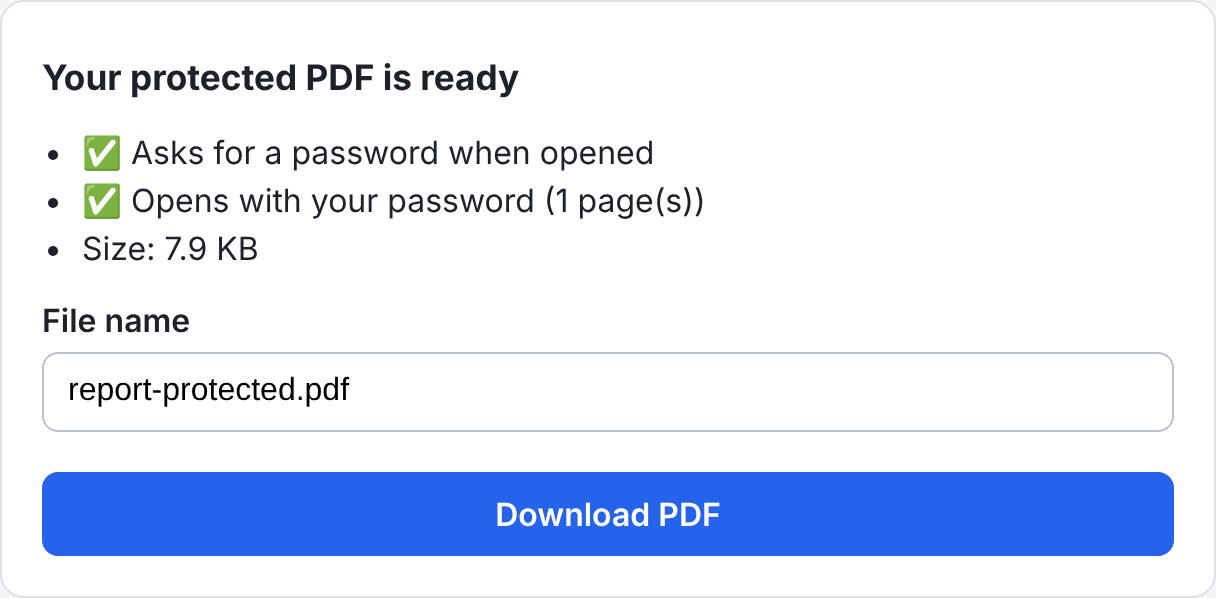
Once the encryption process concludes, the application executes a comprehensive verification phase using PDF.js. Before the user is permitted to download the protected document, the tool attempts to open the newly generated file programmatically. It validates that the document correctly prompts for a password when accessed without credentials, successfully unlocks when provided with the correct password, and retains the exact expected page count.
This automated validation step helps eliminate potential encryption bugs that could otherwise result in corrupted files or incompatible document structures. Independent command-line utilities can also parse the generated files to verify adherence to formal document standards and confirm that encryption dictionaries and permission flags are properly configured.
By processing documents entirely on the client side, developers can provide robust security solutions that respect user privacy and eliminate the risks associated with cloud-based file uploads. As client-side processing capabilities continue to expand, tools of this nature demonstrate the feasibility of bringing advanced cryptographic operations directly into standard web environments.