











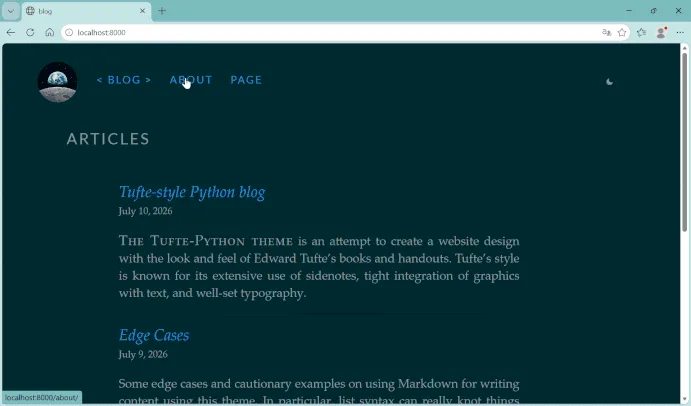
For software developers and writers who value minimalist design, Edward Tufte’s book layouts and information design principles have long served as a gold standard. Known for advocating high data density and the elimination of extraneous visual clutter, Tufte’s design philosophy translates to the web through projects like "tufte-css," which features generous whitespace, a distinct serif reading column, and marginal sidenotes for supplementary information rather than disruptive modals or pop-ups.
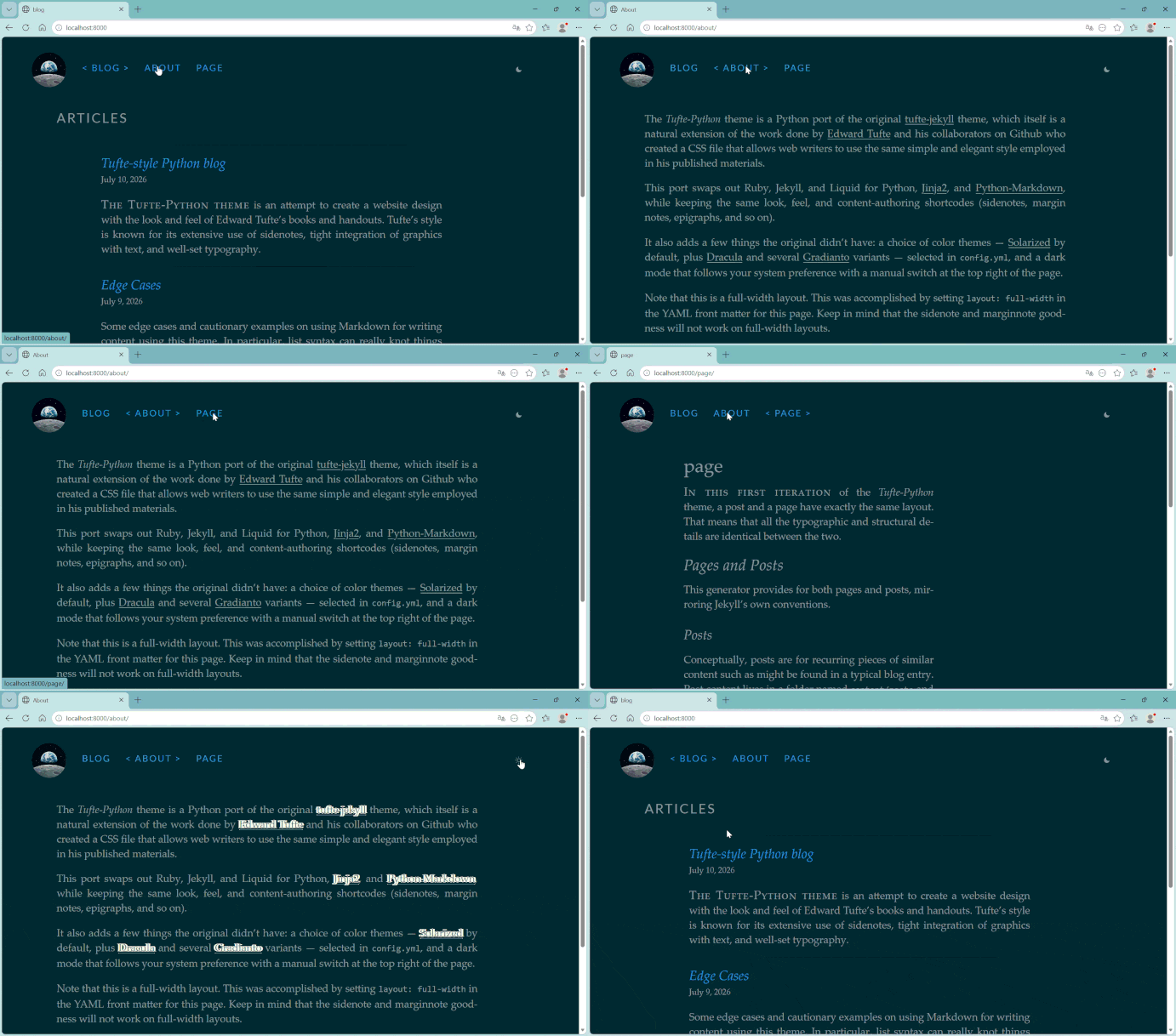
For years, many developers adopted these aesthetics via "tufte-jekyll," a popular blog theme powered by the Ruby-based Jekyll static site generator. However, for developers who do not otherwise work within the Ruby ecosystem, maintaining such a project can introduce friction. One developer recently detailed their experience migrating the entire complex theme from Ruby and Liquid to a custom Python-powered static site generator, shedding light on the broader challenges of modernizing legacy web tooling.

The motivation behind the rewrite was not a flaw in Jekyll itself, which remains a robust static site generator, but rather the desire for a unified, comfortable toolchain. For developers who write code in Python daily, maintaining an isolated Ruby environment solely to update a personal blog can turn a simple publishing task into an exercise in dependency management. The resulting project, dubbed "tufte-python," serves as both a practical publishing tool and a deep dive into the mechanics of static site generators.

Migrating a theme from one underlying programming language to another requires a meticulous inventory of moving parts. In a typical Jekyll setup, site metadata, configurations, page templates, custom tags, and styling partials are distributed across a specific directory structure. The source theme relied heavily on Liquid templates, Ruby-based custom tags, and a Sass compilation pipeline. Re-implementing this in Python required consolidating scattered configurations into a single YAML file, rebuilding custom template tags, replacing compiled Sass with swappable plain CSS, and implementing a custom build cache.

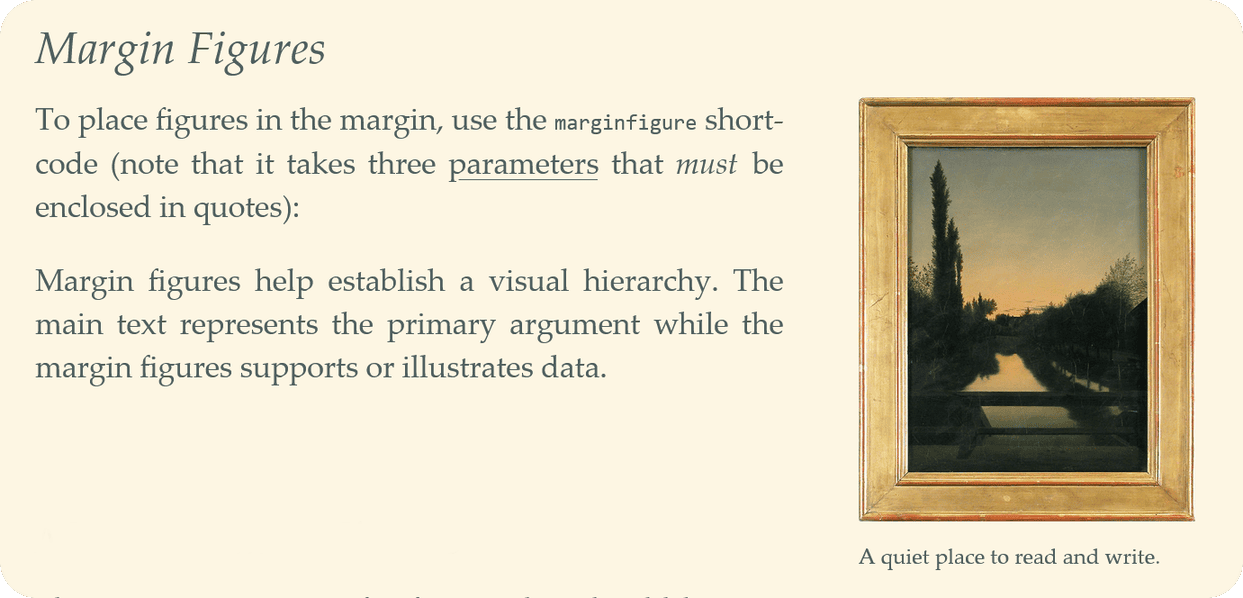
One of the most complex hurdles in the migration process involved handling custom Liquid tags, which the original theme used to generate signature features like sidenotes, margin figures, and epigraphs. In Jekyll, custom tags are processed by Ruby classes during a pre-rendering phase before Markdown is evaluated. Replicating this behavior in a Python environment using Jinja2 templates presented a challenge, as template engines are generally designed for layout logic rather than parsing arbitrary inline syntax embedded within raw Markdown files.
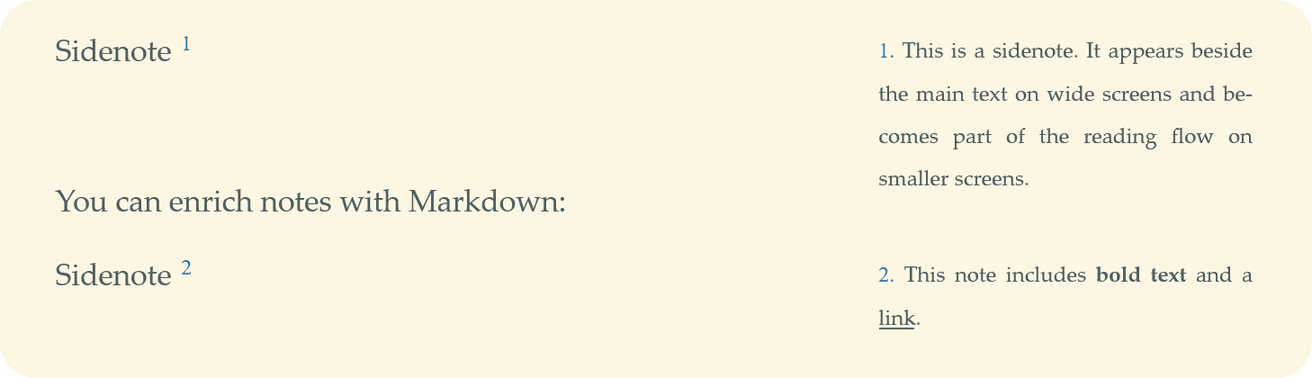
To solve this, the developer implemented a text-preprocessing pass that scans raw Markdown files for shortcode patterns using regular expressions before handing the content over to the Markdown renderer. By matching tags and parsing arguments using Python’s lexical analysis libraries, the engine successfully converts shorthand expressions into the required HTML markup. This method preserves the original content’s syntax, ensuring that existing posts do not need to be rewritten while successfully adapting the theme to a completely different backend architecture.

The migration also addressed the way styling and design themes are handled. Rather than relying on a build-time Sass compiler that bakes a single color palette into the final output, the Python port adopted a modular CSS approach. Structural styles are kept entirely separate from color definitions, allowing multiple color palettes to be maintained as standalone files. By leveraging modern CSS custom properties resolved at runtime by the browser, the new setup supports accessible color contrast variants and native light and dark mode toggling driven by user preferences, features that would otherwise require complex build-time recompilation steps.
To ensure efficient local development without sacrificing accuracy, the developer replaced standard filesystem watchers with an explicit build cache. Rather than tracking individual file modification times—which can inadvertently cause shared layout changes to be missed across unmodified posts—the system tracks global build inputs, such as templates and configuration files. If a global dependency is updated, the engine forces a full rebuild, preventing stale pages from slipping into production.
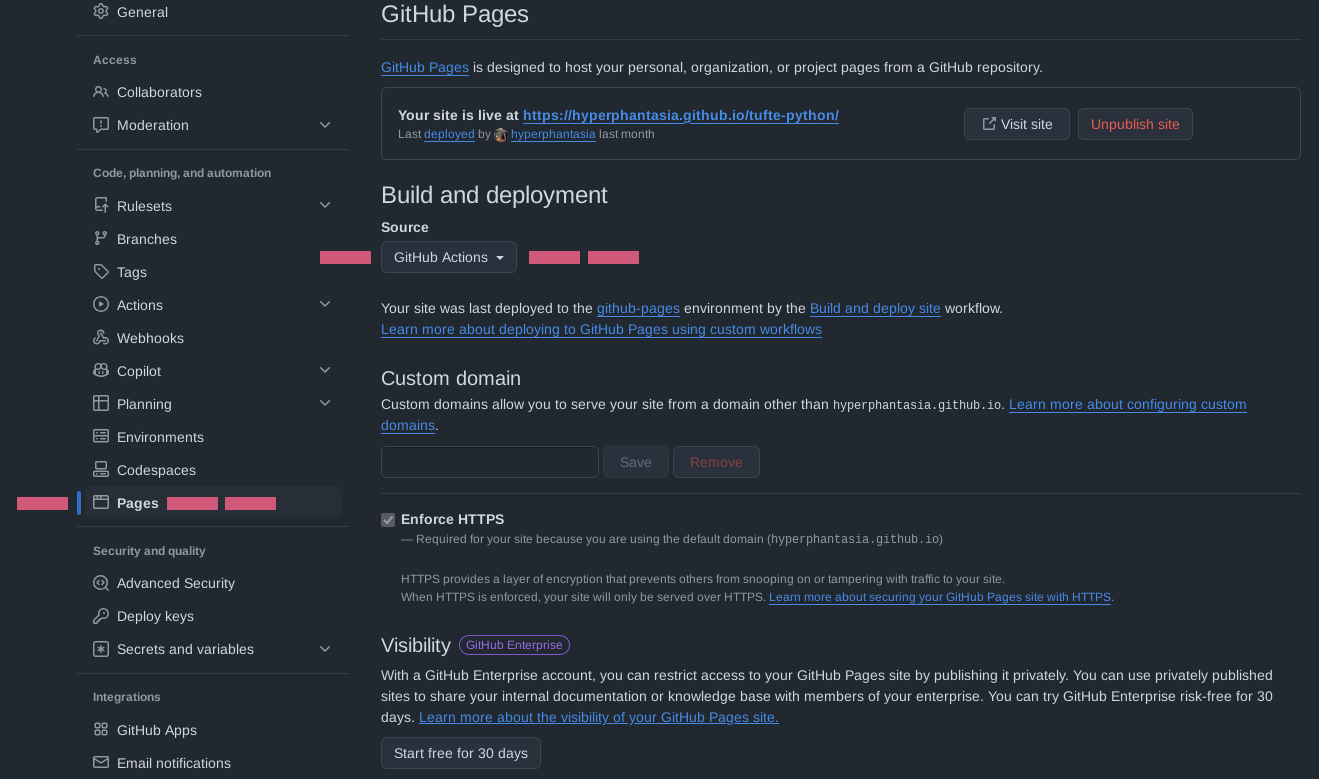
Because GitHub Pages natively understands Jekyll builds but lacks built-in support for custom Python build scripts, the migration required the implementation of a dedicated continuous integration pipeline. Using GitHub Actions, the repository is configured to automatically check out code, set up a Python environment, install required dependencies, execute the build script, and deploy the generated static output directly to GitHub Pages. This decoupled approach gives developers full control over their build process while leveraging standard hosting infrastructure.

The project highlights a broader lesson for developers contemplating similar migrations across ecosystems like Hugo, Eleventy, or custom generators. Porting a theme forces a deep engagement with every template, custom tag, and build step, offering a level of understanding that goes far beyond simply operating an existing tool. The completed project is now available as an open-source reference for developers seeking to adopt minimalist design principles within a Python-centric workflow.