









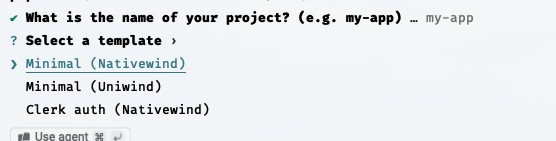
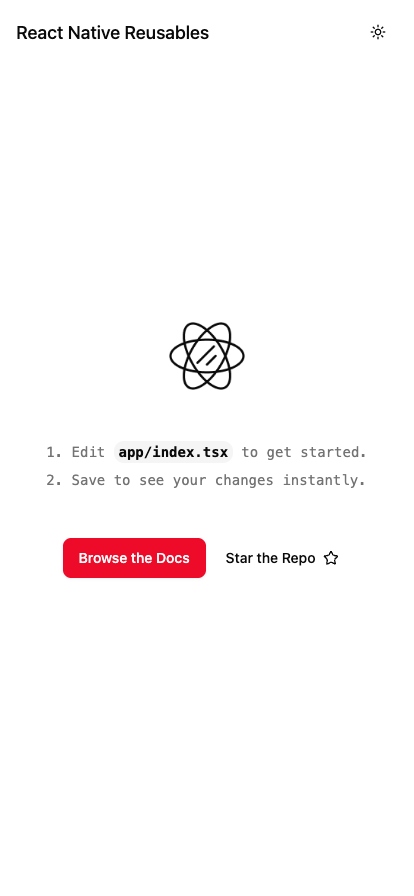
A popular alternative gaining traction within the mobile development ecosystem is the copy-paste component architecture popularized by shadcn/ui on the web. Rather than installing a traditional, immutable component package, this approach utilizes a command-line interface to pull source code directly into a project, granting developers full ownership and editing capabilities. For the React Native ecosystem, a specialized project called React Native Reusables bridges this gap, adopting the same philosophy for mobile applications using either Uniwind or Nativewind styling engines.
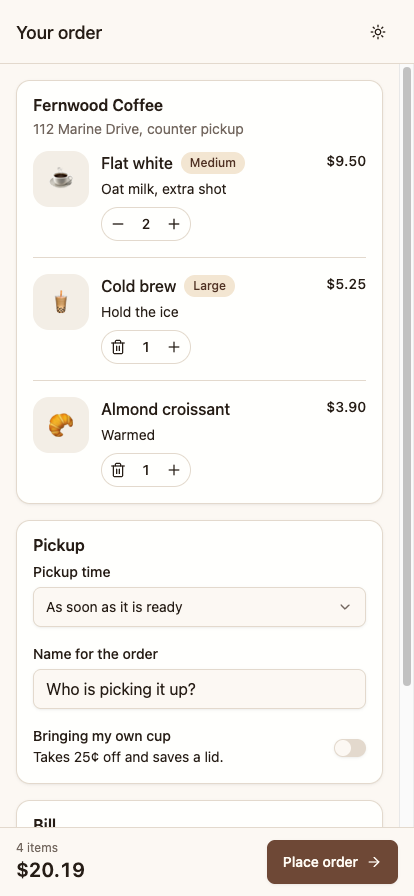
To demonstrate how these reusable pieces form complete, production-ready interfaces, developers have turned to building real-world application scenarios, such as a fully interactive cart and checkout screen for a local coffee shop’s pickup orders. This particular implementation integrates standard order items complete with dynamic quantity adjustments, a pickup-time selection menu, a customer identification field, a reusable packaging toggle, a real-time billing summary, a pinned checkout bar, and order
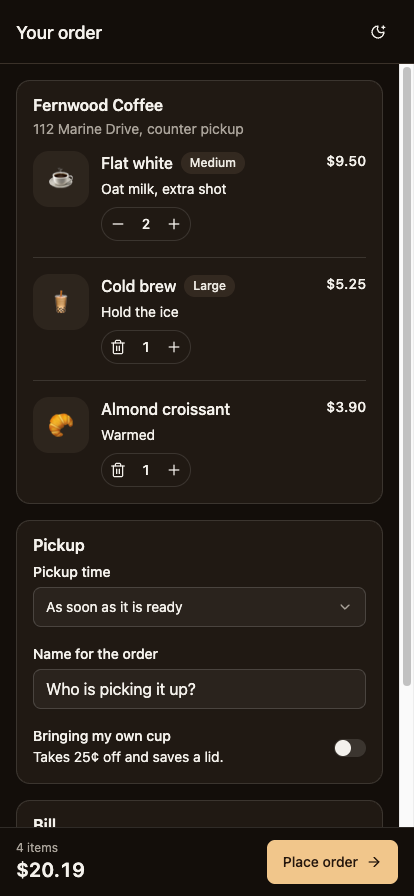
confirmation messaging.

The architecture relies heavily on a careful harmonization of tools, each serving a distinct purpose in the pipeline. shadcn/ui provides the blueprint for accessible, headless-behavior primitives combined with styling systems, while React Native Reusables adapts these design tokens for mobile platforms. Because web technologies like Radix UI cannot translate directly to mobile operating systems, the framework leverages React Native ports of underlying primitives that handle accessibility and touch logic without imposing visual constraints. Styling is managed via Uniwind, which translates Tailwind CSS class names into native React Native style objects during the compilation phase, ensuring zero performance overhead at runtime. Expo and Expo Router provide the underlying navigation structure and development environment, mirroring file-based routing frameworks familiar to web developers.
Adopting this architecture introduces several platform-specific considerations that differ significantly from web development. Because styles in React Native do not naturally cascade down the component tree in the manner of traditional CSS, specialized context providers are utilized to manage text colors across nested elements. Furthermore, the absence of standard web attributes requires components to manage state and styling variations through explicit props rather than dynamic DOM attributes. Additionally, layout primitives such as dropdown menus must utilize dedicated portal hosts to render correctly above other interface elements, compensating for the lack of a global document body in mobile environments.
Managing themes efficiently across a React Native application requires synchronizing configuration values across multiple layers of the project. While modern color syntax like oklch is processed seamlessly by styling engines during the build process, navigation headers and operating system elements—such as status bars—rely on explicit JavaScript configuration objects to maintain visual consistency. Developers must therefore ensure that custom color palettes are updated simultaneously across styling stylesheets and navigation theme definitions to prevent jarring visual discrepancies between the application interface and native UI chrome.

The practical implementation of these components highlights the necessity of addressing mobile-specific constraints, such as ensuring touch targets meet recommended sizing thresholds, managing input viewports when virtual keyboards appear, and securing interactive elements against system navigation bars. By maintaining direct ownership of component source code, engineering teams can adjust layouts, typography scaling, and accessibility properties directly within their codebases, eliminating the constraints often imposed by rigid third-party component libraries.