







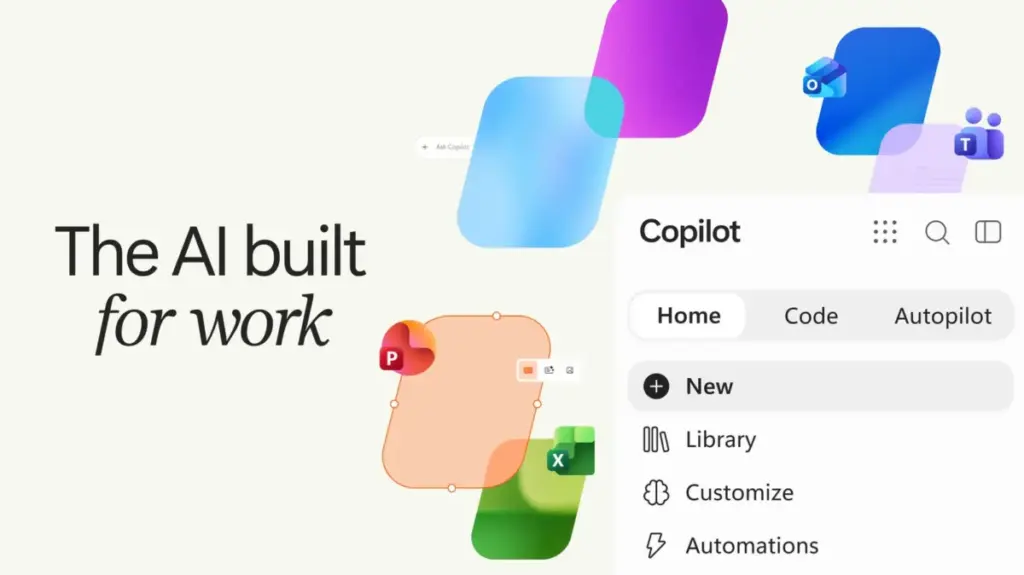
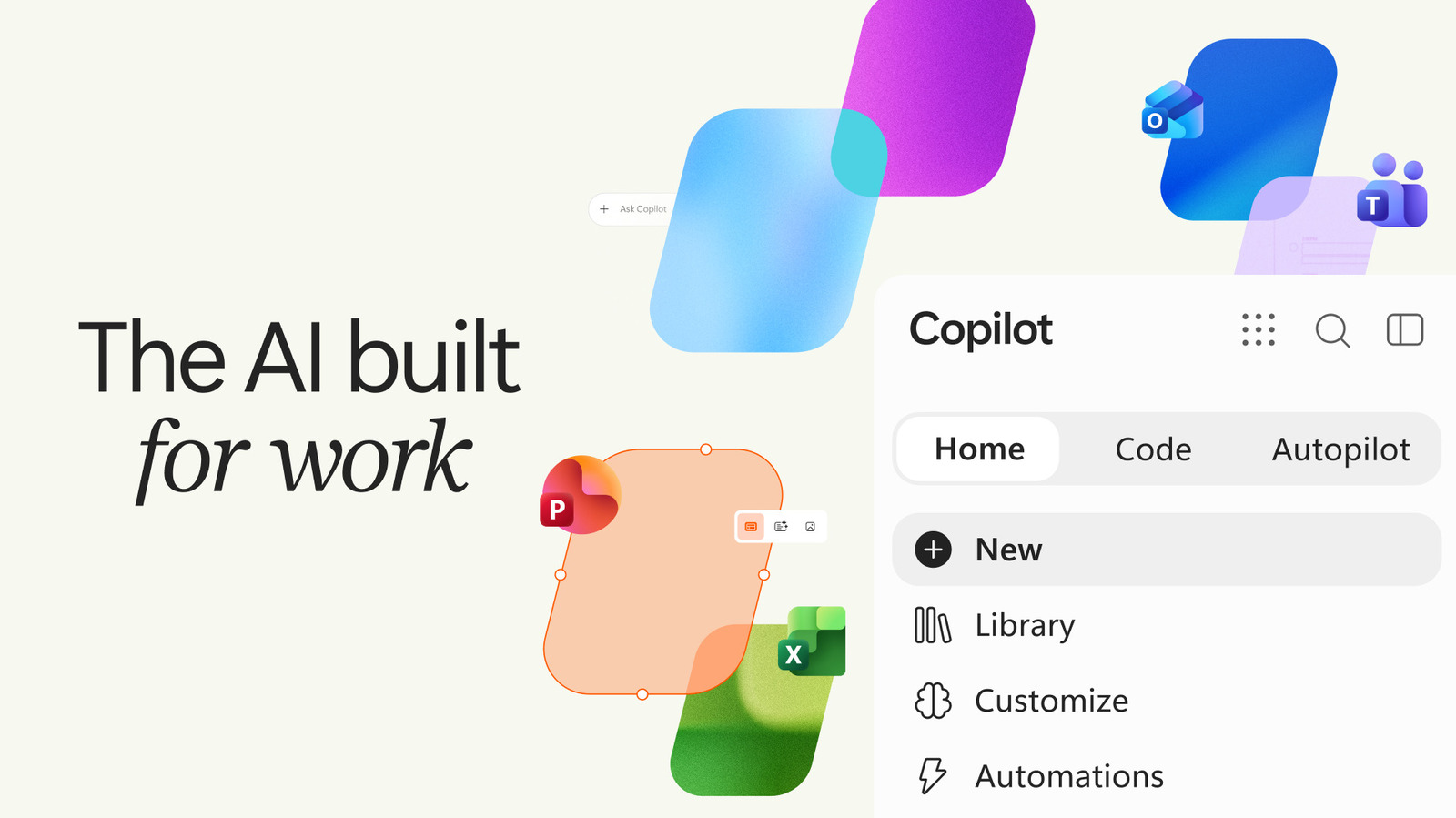
Microsoft is once again refining its approach to artificial intelligence, rolling out a significant update to its dedicated Copilot application that moves beyond simple chatbot functionality toward a more specialized, task-oriented workspace. This latest evolution, which introduces a tabbed interface and deeper integration with the company’s enterprise-grade tools, arrives at a moment when Microsoft appears to be recalibrating how it integrates AI into its broader Windows ecosystem. While the tech giant has recently scaled back some of the more aggressive, omnipresent AI placements within Windows itself, it is simultaneously doubling down on the Copilot app as a powerhouse for productivity, particularly for enterprise users and power consumers.
The update represents a strategic pivot. By moving away from a single, monolithic interface, Microsoft is attempting to categorize the ways in which users interact with machine intelligence. The new design organizes the experience into distinct functional areas: "Home," "Code," and "Autopilot." This shift reflects a growing maturity in the AI market, where users are no longer just looking for a search engine or a text generator, but are increasingly seeking tools capable of executing complex workflows, writing code, and managing recurring administrative burdens.
The "Home" tab serves as the primary hub for the user, acting as the landing page for everyday interactions, general inquiries, and standard AI chats. It is designed to be the familiar face of the application, but with an intelligent undercurrent. Microsoft has indicated that this tab will eventually house a smart routing system, a feature intended to manage the "cognitive load" of the user’s requests. By analyzing the complexity of a prompt, the application will determine the most appropriate mode to handle it. A straightforward question or a quick summary request might be processed within the standard chat interface, while a request requiring deeper integration with external data or complex task management will trigger a transition into the more advanced Copilot mode. This is a subtle but important move toward reducing user friction, ensuring that the technology adjusts to the task, rather than forcing the user to navigate through multiple menus to find the right tool for the job.

Perhaps the most significant addition for developers and technical users is the new "Code" tab. With this feature, Microsoft is lowering the barrier to entry for software development and data visualization. By utilizing natural language processing, the app allows users to describe an application, a dashboard, or an automation workflow in plain English, rather than requiring knowledge of a specific programming language. According to Jared Spataro, Microsoft’s Chief Marketing Officer of AI at Work, the intention is to democratize the creation of digital tools. Users can describe a tracker for project management, a dashboard for monitoring business metrics, or even simple desktop widgets, and the Copilot engine will determine the necessary architecture and generate the solution. This is a clear play for the enterprise sector, where employees often possess the domain knowledge to define a necessary tool but lack the technical expertise to build it. By acting as an intermediary between natural language requirements and functional code, Copilot is being positioned as a "force multiplier" for non-technical staff.
However, the most ambitious component of the update is the introduction of the "Autopilot" tab. This feature signals Microsoft’s move into the realm of "agentic" AI—systems that do not merely suggest solutions but actively perform tasks on the user’s behalf. While traditional chatbots operate on a request-response cycle, the agentic capabilities within the Autopilot tab are designed for autonomy. Users can delegate recurring, time-consuming tasks to the AI, allowing it to operate in the background or handle multi-step processes without constant supervision.
Spataro highlighted the potential of these agents to manage complex administrative cycles, such as a supplier review process. In this scenario, the agent would not only manage the calendar and schedule the necessary meetings but would also handle the preparatory work, manage the follow-up communications, and proactively reach out to various stakeholders to gather status updates. By automating the "grunt work" associated with professional collaboration, Microsoft is attempting to position Copilot as an indispensable assistant that manages the logistical overhead of modern business. For enterprises, this represents a potential leap in efficiency, moving AI from a helpful research tool to an active participant in the workflow.
The timing of these updates is particularly noteworthy. Microsoft has faced a mixed reception regarding its aggressive push to bake AI into every corner of the Windows operating system. Critics and some power users have expressed frustration with the obtrusiveness of these integrations, leading to a recent, moderated approach where Microsoft has begun to pull back some of the more pervasive AI placements. This pivot suggests that the company has learned a valuable lesson: the utility of AI is often best experienced in a focused, intent-driven environment rather than as a persistent background feature. By separating these high-level capabilities into the dedicated Copilot app, Microsoft is providing a "workspace" for users who want to engage with AI, while offering a cleaner experience for those who do not.
Despite these advancements, the challenge for Microsoft remains the same: proving the long-term value of Copilot to the average consumer. While the benefits for enterprise environments—where tasks are repetitive, data-heavy, and high-volume—are relatively easy to quantify, the use case for the average person is less defined. The company is currently banking on the idea that by providing professional-grade tools like code generation and automated scheduling to the general public, it can create a habit-forming experience that eventually justifies the cost and effort of adoption. The success of this strategy will depend on how reliably the agentic features perform under pressure and whether the "natural language" coding tools can consistently deliver functional results without requiring extensive troubleshooting by the user.
As Microsoft continues to refine the user interface and expand the capabilities of its AI suite, the Copilot app stands at the center of a broader transition. It is moving away from the era of the novelty chatbot and toward a future of functional, task-oriented intelligence. With the addition of the Home, Code, and Autopilot tabs, the company is attempting to create a unified environment that scales with the user’s needs. Whether the goal is a quick answer, a custom-built dashboard, or the delegation of an entire workflow, Microsoft’s vision for the future of work is one where the user acts less as an operator and more as a project manager, overseeing a fleet of digital agents capable of executing the heavy lifting of the modern digital workday. As these tools continue to evolve, the focus will likely remain on how well they integrate into the existing software stacks that businesses rely on, ensuring that the transition to an agent-led workflow is as seamless as possible.