









Modern smart TVs are increasingly sophisticated, serving as the central hub for home entertainment. Yet, this convenience comes with a growing trade-off: an influx of pre-installed software, intrusive advertising, and data-hungry background processes that can leave even high-end hardware feeling sluggish. For many, the frustration has reached a breaking point, leading to creative, albeit risky, attempts to reclaim control over their devices.
One developer, Mert Cobanov, recently took this impulse to the extreme by granting an AI agent, Claude, full debugging access to his four-year-old Android TV. His experiment, which he documented on X, resulted in a device that he claims runs faster than it did when it was brand new. By providing the AI with a specific set of instructions to disable unnecessary background applications and trim system animations, Cobanov successfully bypassed the limitations imposed by the TV’s manufacturer. He even went as far as replacing the default Google TV interface with a lightweight, open-source alternative known as FLauncher. While his success story has garnered significant attention and encouraged others to consider similar DIY optimizations, security experts and industry observers are sounding a note of caution. Delegating system-level management to an AI agent—especially one prone to "hallucinations" or logical errors—is a precarious approach that could easily leave a television unresponsive or permanently damaged.
The Growing Problem of Bloatware and Surveillance
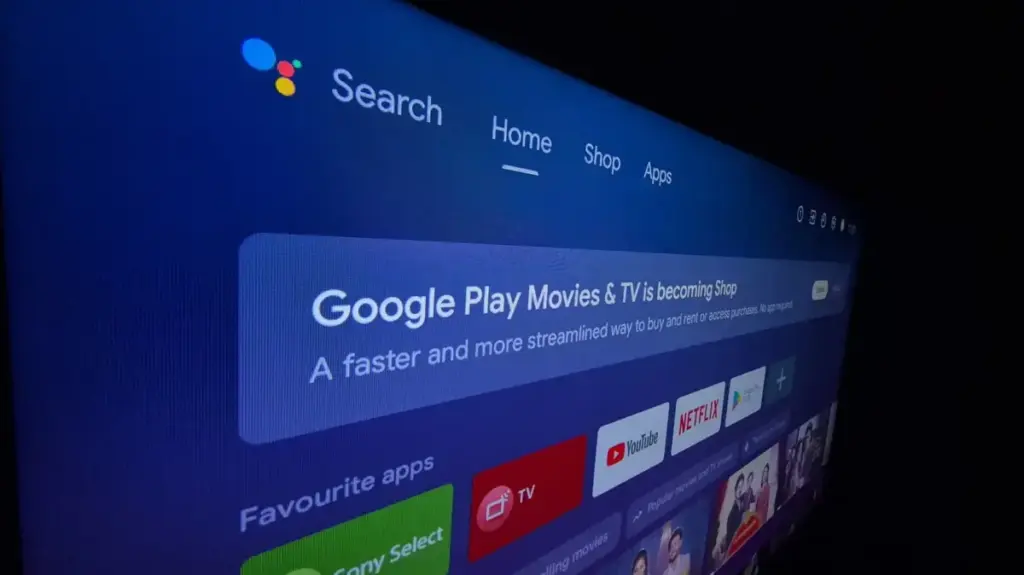
The prevalence of smart TVs has surged in recent years, transforming them from simple displays into complex, internet-connected computers. Estimates suggest that by the end of 2026, more than 50 percent of households will own a smart TV, a significant jump from 34 percent in 2020. However, this ubiquity has birthed a consumer-facing crisis: the "bloatware" epidemic.

Manufacturers often subsidize the cost of their hardware by entering into partnerships with streaming services and advertising networks. Consequently, many televisions ship with a substantial portion of their internal storage—sometimes as much as 20 percent in the case of some Samsung models—already occupied by pre-loaded applications. Beyond mere storage consumption, many of these apps cannot be uninstalled, forcing users to navigate cluttered menus filled with services they never requested.
Perhaps more concerning than the clutter is the underlying architecture of data collection. Many modern smart TVs utilize Automatic Content Recognition (ACR), a technology that periodically captures screenshots or audio data from the content currently playing on the screen. This data is then transmitted to manufacturers and their partners to build detailed profiles of user behavior, which are subsequently used to serve targeted advertising. As the Center for Digital Democracy has noted, this creates a "privacy nightmare" for viewers, as televisions essentially become surveillance devices. These background processes are not just privacy concerns; they are resource-heavy tasks that contribute to the degradation of system performance over time, causing apps to load slowly and menus to stutter.
The AI Temptation: A High-Stakes Solution
In his effort to rectify these issues, Cobanov turned to automation. By accessing the developer options on his Android TV, he established a bridge that allowed Claude to execute commands directly on the system. His strategy was surgical: he instructed the AI to avoid uninstalling core system packages, focusing instead on disabling bloatware, reducing the duration of system animations, and logging every action for audit.
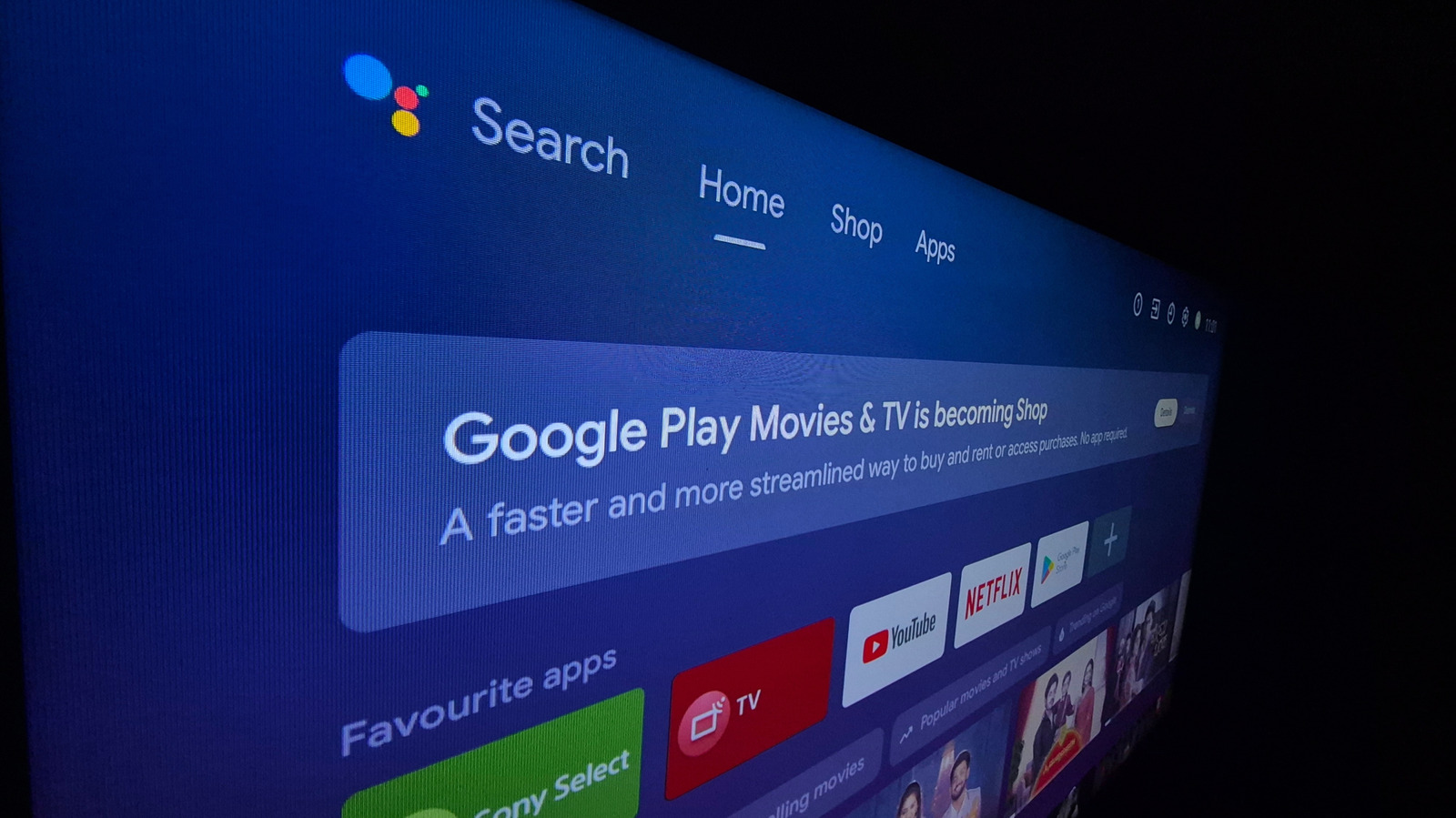
The decision to swap the native Google TV home screen for FLauncher was a pivotal step in his process. By removing the default interface, which is heavily reliant on ad-driven "recommended for you" content, he stripped away the most resource-intensive layer of the TV’s operating system. The resulting performance boost, as he reported, was immediate and tangible.
However, the methodology remains fraught with peril. When a user grants an AI agent access to a device’s internal configuration, they are essentially handing the keys to a system that does not truly understand the long-term dependencies of the software it is modifying. AI agents are known to prioritize the fulfillment of a prompt over the nuance of system stability. If an AI "hallucinates"—or interprets a command in a way that leads to the deletion or disabling of a critical background service—it can result in a "brick," rendering the TV unable to boot or connect to the internet. Furthermore, because these devices often rely on system-level background processes for security patches and firmware updates, disabling the wrong package can leave a TV permanently stuck on an outdated, vulnerable version of its operating system. There is also the external risk that the connection between an AI agent and a hardware device could be intercepted or manipulated by malicious actors, turning a home convenience into a vector for a cyberattack.
Manual Optimization: A Safer Path to Performance
For the average user looking to improve their TV’s performance, there are far more reliable and safer alternatives than deploying an AI agent. In many instances, the perceived slowdown is not caused by bloatware, but by a fragmented cache or an overabundance of temporary files. A simple, manual cache clearing process can often resolve performance issues without the risks associated with disabling system packages.
Furthermore, many of the performance-enhancing tricks that Cobanov employed can be achieved manually, providing the user with total control over the outcome. For instance, the transition to a cleaner home screen interface like FLauncher does not require AI intervention; such apps are readily available in the official Google Play store and can be installed by any user.
Similarly, the "speed" of a TV interface is often dictated by animation settings that are easily accessible within the Android TV "Developer Options" menu. By manually adjusting these settings, users can reduce the animation scale from 1x to 0.5x, creating the illusion of a faster, more responsive system without altering any core software components. Users can also take proactive steps to limit data collection and system strain by disabling usage diagnostics, turning off autoplaying videos within the home screen settings, and enabling "apps only" mode. These steps, while less glamorous than using a cutting-edge AI agent, are significantly more transparent, reversible, and—most importantly—far less likely to cause a catastrophic system failure.
While the desire to reclaim one’s hardware from the influence of invasive advertising and bloated software is entirely valid, the current state of AI technology suggests that human intervention remains the most prudent choice. The convenience of an automated, AI-driven cleanup is, for now, overshadowed by the potential for permanent, unintended consequences. As manufacturers continue to pack devices with unnecessary software, the burden remains on the consumer to navigate these systems carefully, choosing optimization over automation to ensure their entertainment experience remains functional and secure.