










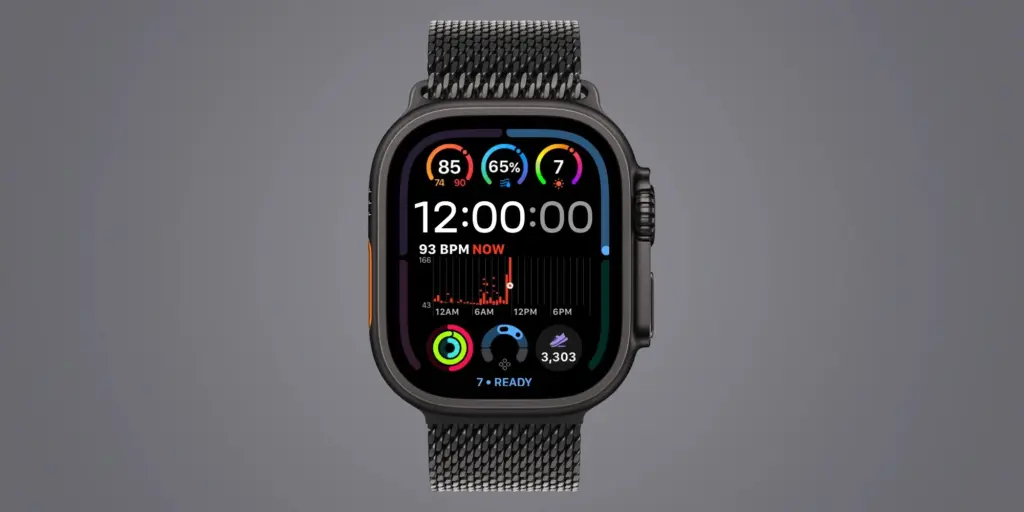
The release of the Apple Watch Series 12 and the latest Apple Watch Ultra 4 marks another significant milestone in Apple’s wearable technology journey. For many users, these devices represent the pinnacle of health monitoring and integrated intelligence. However, as with many generational hardware updates, the immediate experience of moving from a predecessor to the latest model can sometimes feel subtle. While the underlying silicon, sensors, and software optimizations offer a marked improvement in performance, the true value of these devices is often unlocked through intentional customization and a deeper understanding of the new features introduced in watchOS 27.
For those who have recently upgraded, the initial setup is just the beginning. To truly differentiate the Series 12 and Ultra 4 from previous iterations, users are encouraged to explore specific configuration changes that leverage the advanced capabilities of the new hardware. From sophisticated health complications that provide a more granular view of physical readiness to the integration of seamless, background music identification, Apple has provided a suite of tools designed to make the watch a more proactive assistant in daily life.
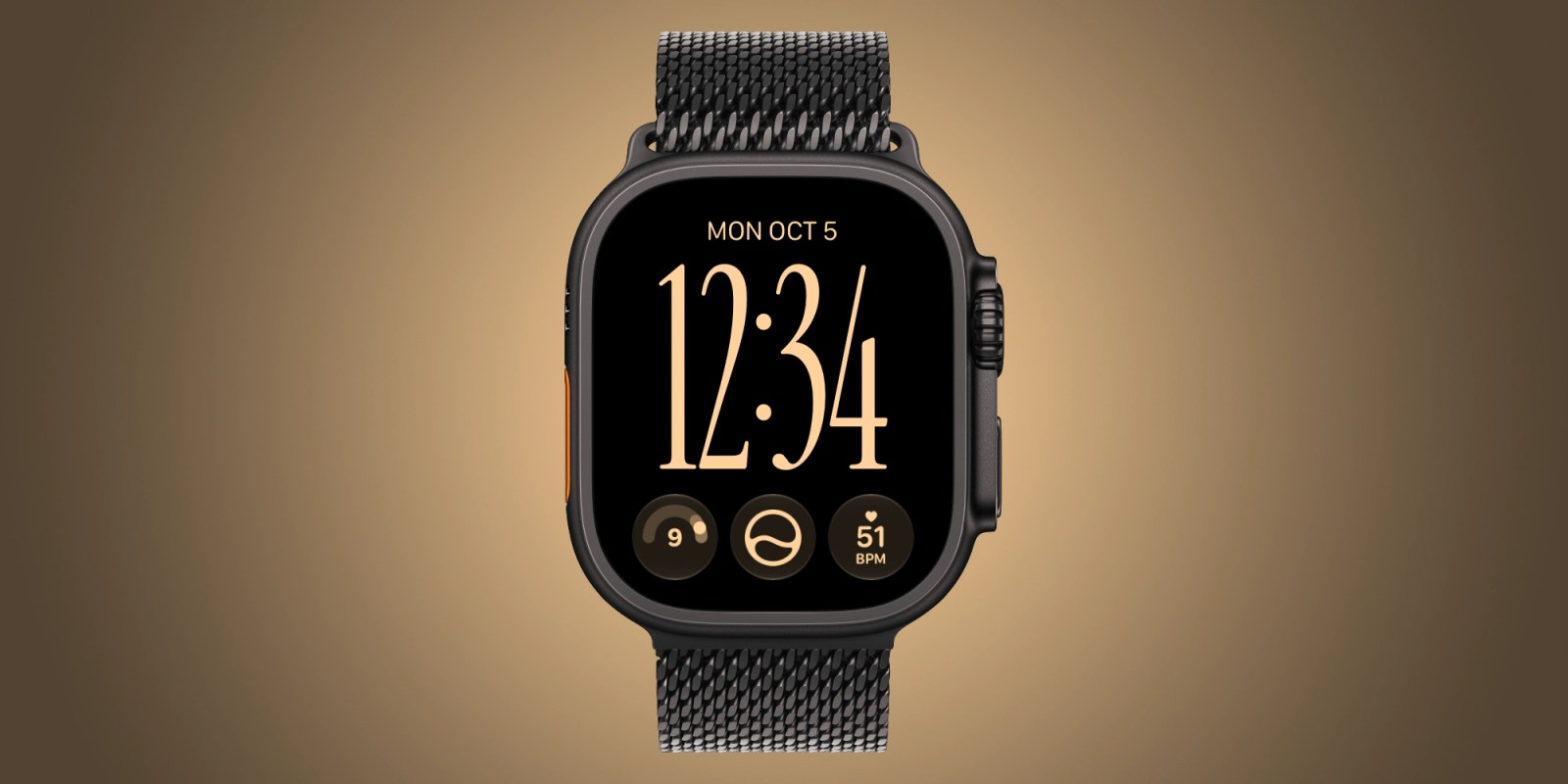
Refreshing Your Watch Face for Enhanced Insight
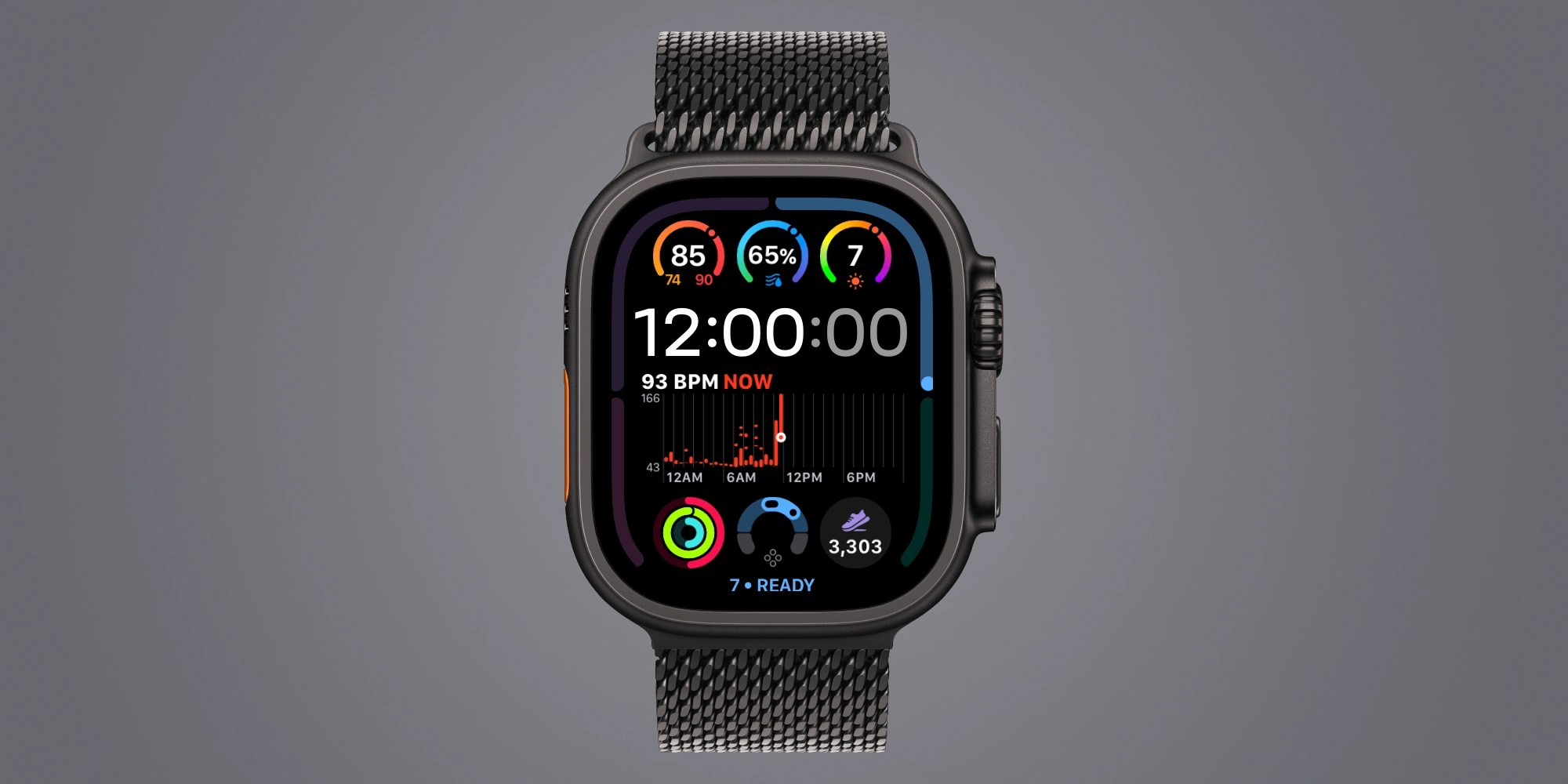
The most immediate way to personalize your experience and tap into the exclusive features of the new models is by reevaluating your watch face configuration. Apple has introduced a series of complication options that are hardware-exclusive, meaning they are designed to interface specifically with the enhanced sensor arrays found in the Series 12 and Ultra 4. Among the most notable of these are the live heart rate, real-time step counting, and the new readiness score, all of which can now be displayed directly on the primary watch face.

For many users, the ability to view live heart rate data in a dedicated, compact slot—rather than relying on the previously available wide-slot options—represents a significant improvement in utility. This refinement allows for a more dense, information-rich display without compromising the aesthetic or readability of the watch face. Similarly, the inclusion of an active step-tracking complication has proven to be a surprisingly potent psychological tool. By providing a constant, visible nudge toward daily activity goals, users have reported a greater propensity for logging movement earlier in the day, thereby fostering healthier habits.
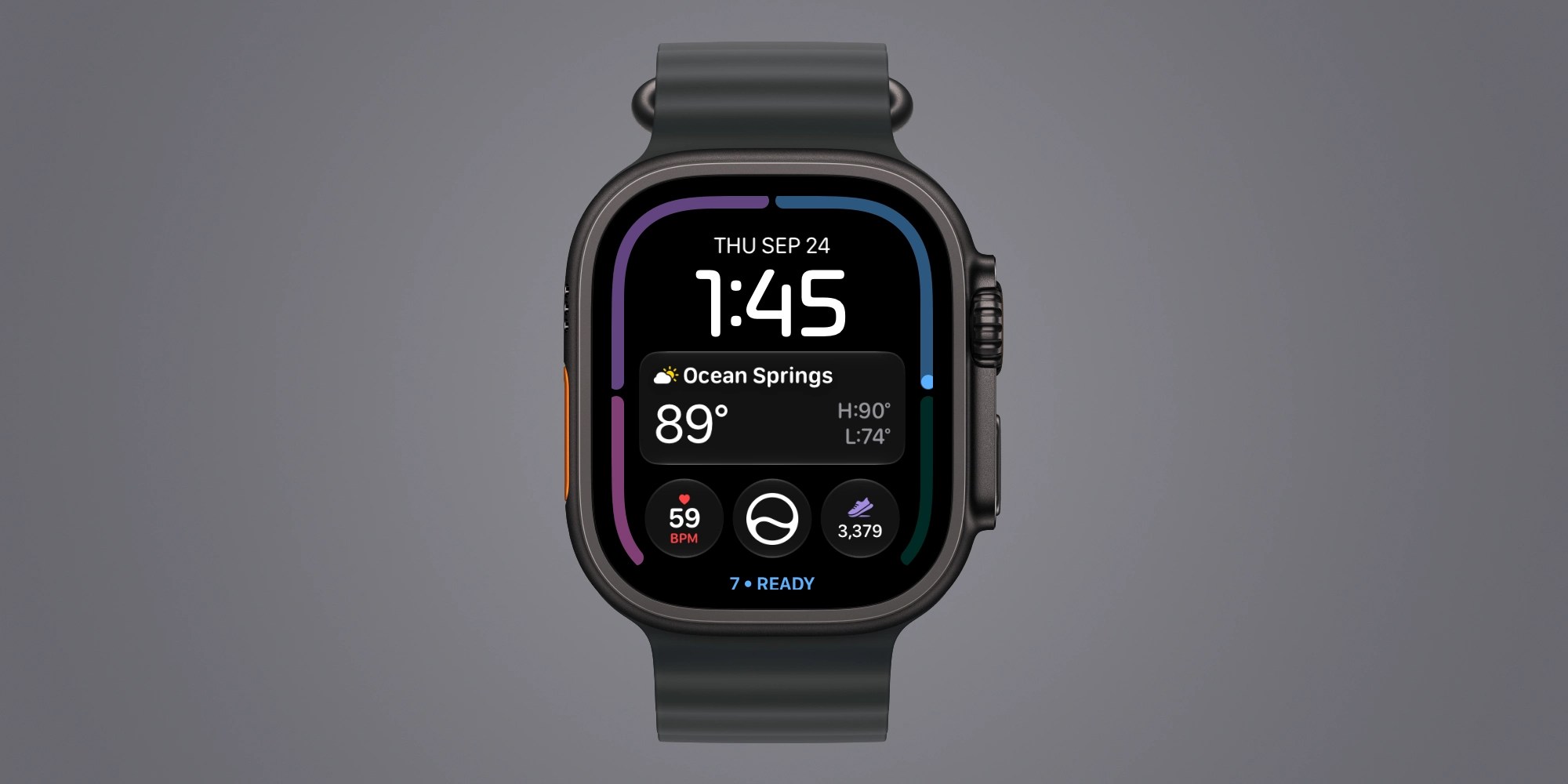
The integration of the readiness score is perhaps the most advanced of these new additions. Because this metric is dynamic and fluctuates throughout the day based on a complex interplay of vital signs and activity levels, having it accessible on the watch face provides a constant, at-a-glance status report on your body’s recovery state. While the watch face is the primary interface, those who prefer a cleaner look can also utilize the "Swipe to Switch" feature. Though often disabled by default, navigating to the Clock settings allows users to toggle this feature, enabling a quick, fluid transition between different watch face configurations tailored to specific environments, such as work, exercise, or sleep.
Intelligent Music Recognition: Automatic Shazam
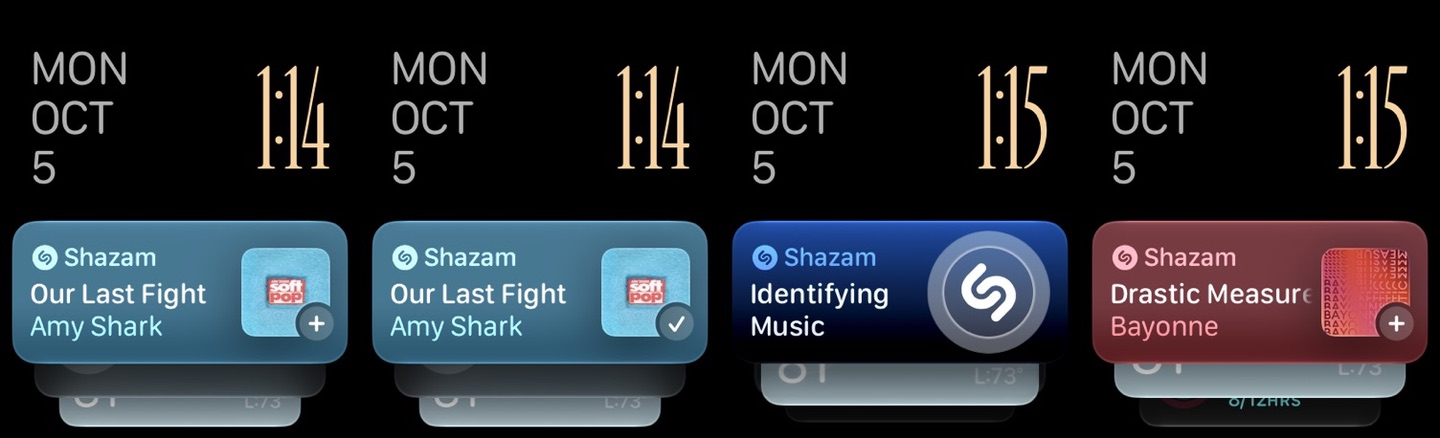
One of the more convenient quality-of-life improvements integrated into the latest watchOS update is the native, automatic implementation of music recognition. Historically, identifying a song playing in a public space—such as a coffee shop or a restaurant—required a deliberate action, such as invoking Siri or manually launching the Shazam application. With the Series 12 and Ultra 4, this process has been streamlined to occur in the background, minimizing the friction between hearing a track and identifying it.
By navigating to the Smart Stack settings on the watch, users can enable Music Detection. Once active, the Smart Stack becomes a repository for discovery. The next time an unfamiliar song plays, the watch can passively identify the artist and track title, which then appears as a card within the Smart Stack interface. This small, seemingly minor change removes the social awkwardness of needing to pull out a phone or interact extensively with a watch, providing an immediate payoff that highlights how Apple is refining its wearables to be more contextually aware of the user’s environment.
The Evolution of the Siri Modular Face
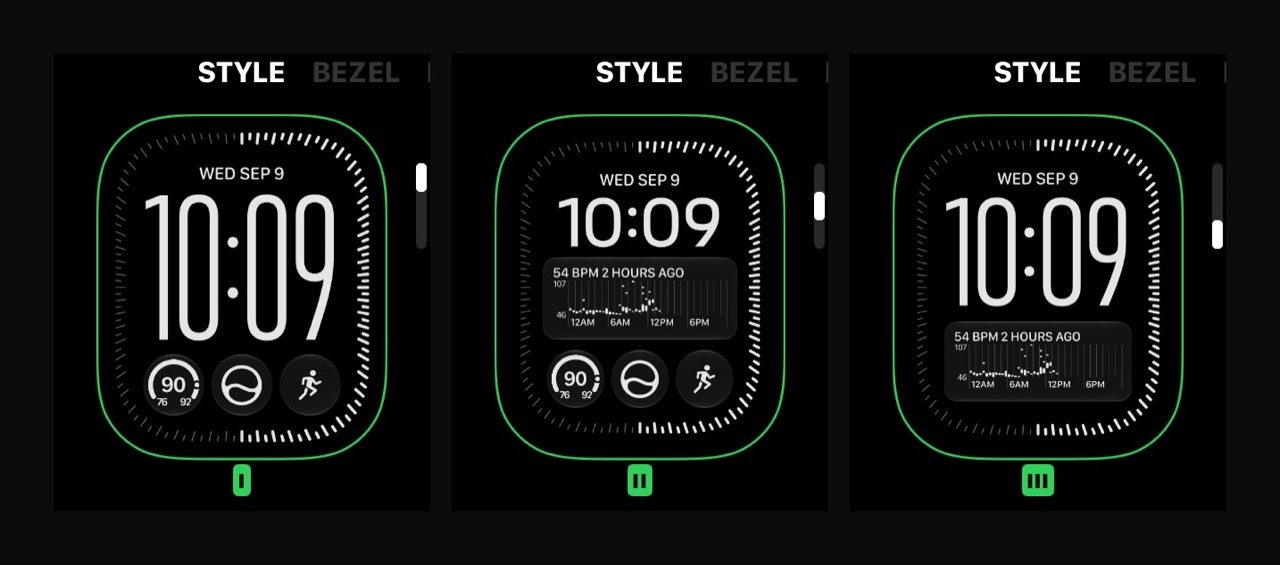
With the arrival of watchOS 27, the Siri Modular face has been made available to a wider range of devices, but it reaches its zenith on the Series 12 and Ultra 4. These flagship models possess the processing headroom and display fidelity to support a greater number of complication options, allowing for a level of customization that was previously unattainable.
The appeal of the Siri Modular face lies in its flexibility. Users can curate multiple versions of the face, each dedicated to a different facet of their life. By varying the color palettes, font styles, and layout densities, one can create a professional, data-heavy face for the workday and a more minimalist, focus-oriented face for the evening. This versatility ensures that the watch remains a functional tool regardless of the context, effectively allowing the user to rotate through several distinct "personalities" for the device throughout the day.
Understanding the Readiness Score
The introduction of the readiness score is not merely a software toggle; it is a data-driven feature that requires a period of calibration. For users hoping to utilize this metric to inform their training or daily exertion, it is essential to understand that the watch requires a significant baseline of data to function accurately. Apple has noted that for the most reliable results, users should ensure their Health Details are complete, and that they are consistently wearing the device during sleep cycles.
The system relies on a synthesis of overnight vitals and sleep data, meaning it is recommended that the device be worn for at least seven consecutive nights to establish a reliable personal baseline. The challenge for many remains the charging cycle. To maintain this level of consistent monitoring, users must be strategic about their charging habits, identifying a specific window during the day—perhaps during a sedentary period or while at a desk—to charge the device, thereby ensuring it remains on the wrist throughout the night. While the readiness score remains a relatively new metric, early adopters are finding it to be an intriguing experiment in bio-feedback, though its long-term utility is still being evaluated as users adjust to the data it provides.
Expanded Vitals and Future Outlook
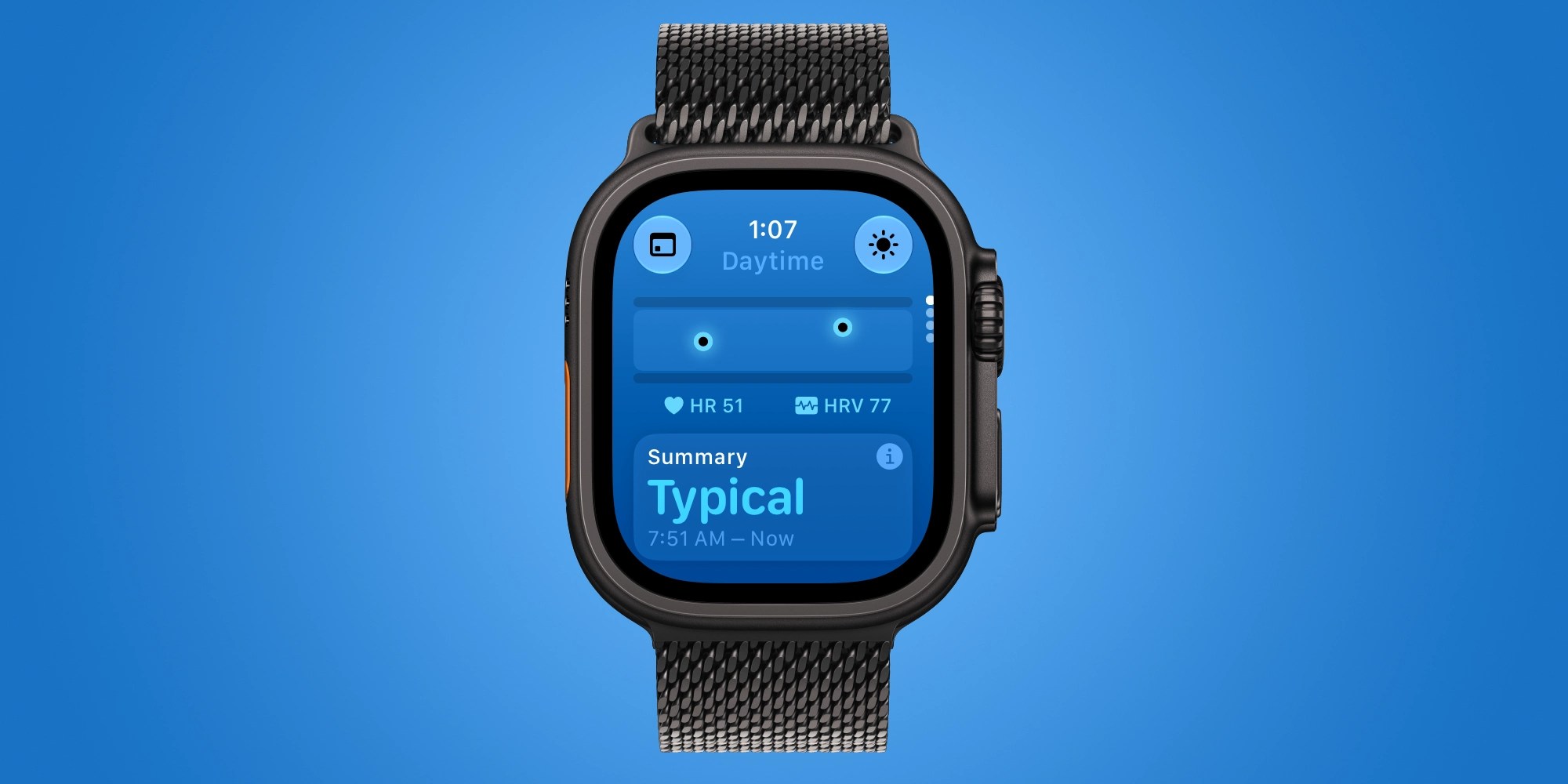
The Vitals app has also seen a significant upgrade in the Series 12 and Ultra 4, moving beyond its traditional role as an overnight monitor. The new hardware allows for the tracking of daytime vitals, providing a more comprehensive picture of physiological health. By analyzing heart rate and recovery heart rate variability throughout the day, the watch offers insights that were previously restricted to the hours spent in bed. When combined with the existing overnight metrics—such as respiratory rate and wrist temperature—this provides a more holistic view of the user’s physical state.
As the ecosystem continues to mature, further enhancements are expected. Apple has already indicated that additional intelligence features, including Siri Recap and Live Rewind capabilities, will be arriving on the Series 12 and Ultra 4 in the near future. These updates promise to further integrate the watch into the user’s digital life, reinforcing its role not just as a health tracker, but as a sophisticated, intelligent companion. For now, the combination of hardware-exclusive complications, advanced biometric tracking, and streamlined system-level integrations ensures that those who take the time to customize their experience will find a significant return on their investment.