









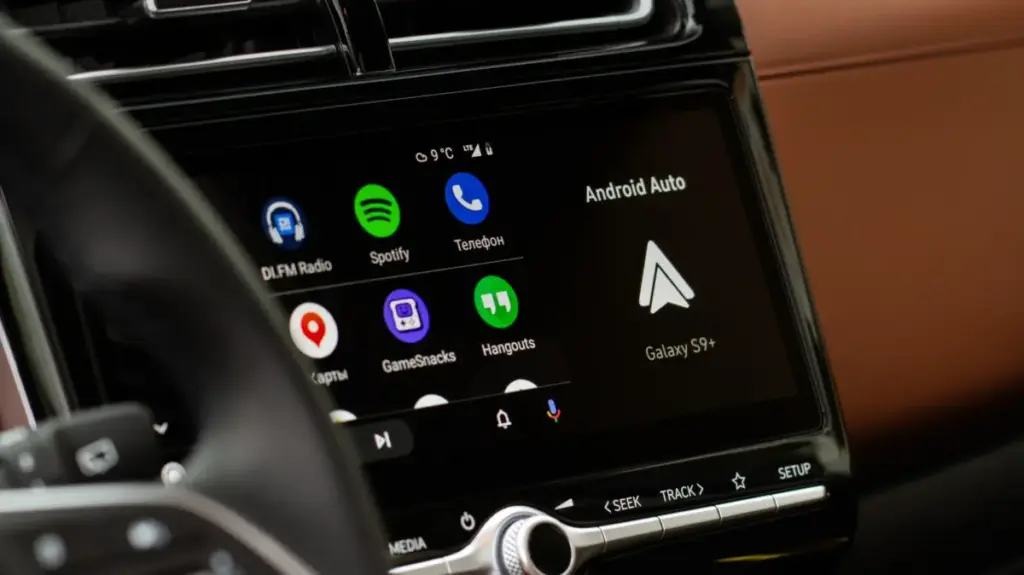
For millions of drivers, the morning commute is a delicate ritual—a quiet window of time to gather thoughts, sip coffee, or prepare for the day ahead. However, for those who rely on Android Auto to navigate or stay connected, this peaceful interval is often shattered by a sudden, jarring intrusion: a podcast, audiobook, or high-decibel music playlist that begins playing the moment the engine turns over. This persistent "autoplay" quirk has become a notorious point of frustration for the Android ecosystem, transforming a seamless piece of technology into an unwanted disruption.
The issue is straightforward but maddeningly consistent. Whether a user connects their phone via a traditional USB cable or through a modern wireless adapter, the vehicle’s infotainment system frequently defaults to the last state of the user’s media library. If you were listening to a high-energy playlist at full volume upon arriving at your destination the night before, that same intensity is waiting for you the next morning. For many, this is more than just a minor annoyance; it is a genuine distraction that forces the driver to fumble with dashboard controls before they have even exited their driveway. Furthermore, the content being resumed is not always appropriate for all passengers, creating an awkward or unwelcome surprise when driving children to school or commuting with colleagues.
For years, users have sought remedies for this behavior, often resorting to complex workarounds, third-party software, or convoluted adjustments to their phone’s notification settings. Many of these solutions were unstable, prone to breaking with system updates, or simply ineffective across different vehicle makes and models. Fortunately, as the Android Auto platform has matured, Google has begun to integrate more user-centric controls, acknowledging that the "always-on" nature of modern connectivity is not always a desired feature.

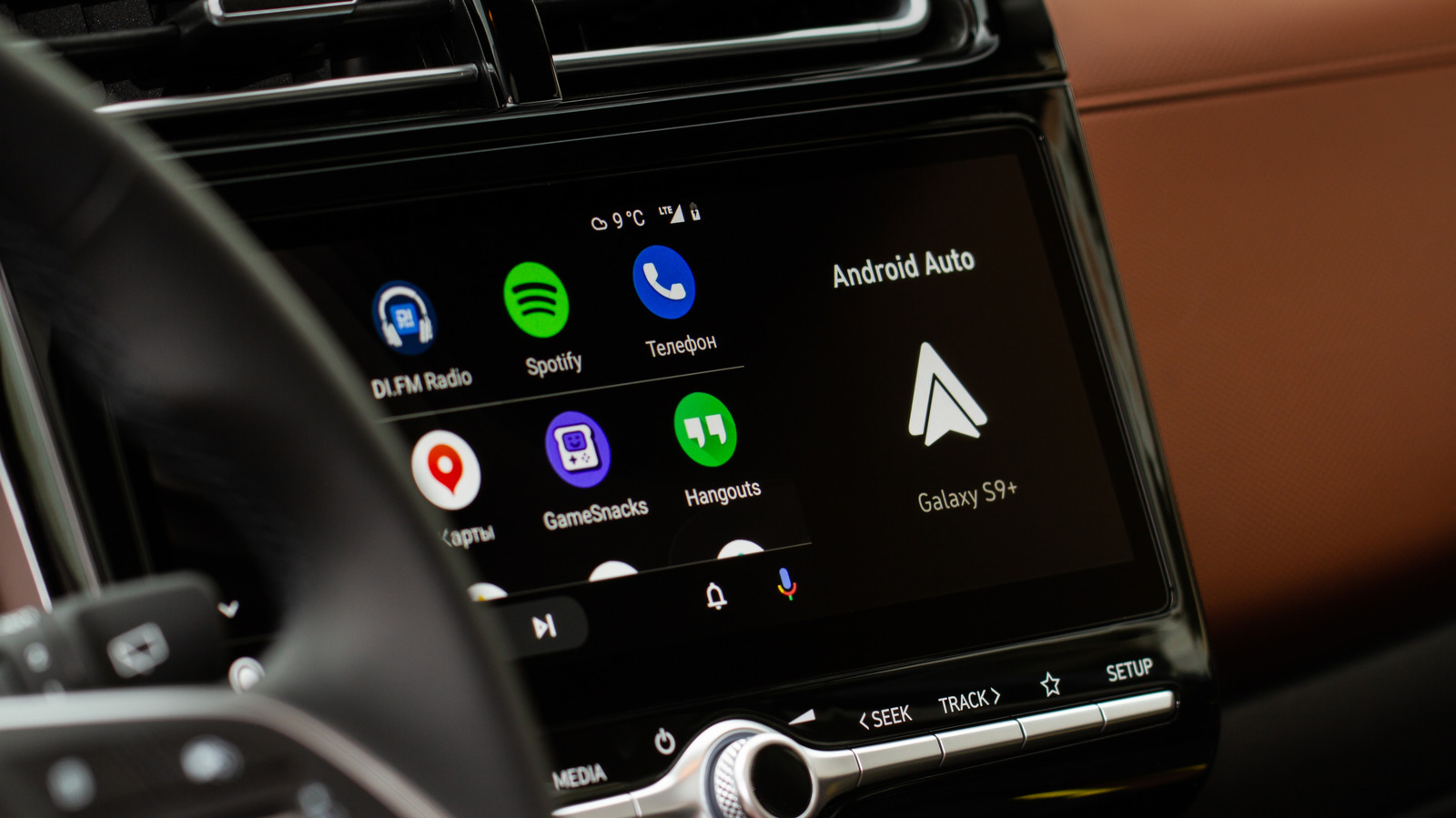
Navigating the Settings to Silence Unsolicited Audio
The most effective starting point for any driver looking to silence their car’s unsolicited audio is to look directly at the native settings within the Android Auto interface. Because the system is designed to prioritize convenience and accessibility, the settings are often tucked away within the broader menu structure of the smartphone.
To locate the control, users must navigate to the "Settings" menu on their Android device, proceed to "Connected devices," and select "Android Auto." Within this submenu, there is a dedicated section labeled "Startup." Here, users will find a toggle switch for a feature titled "Start music automatically." By default, this is often enabled, acting as the primary driver behind the automatic resumption of media. Simply switching this toggle to the "off" position instructs the software to wait for a specific user command before initiating any playback. For a significant portion of the driver population, this simple adjustment is sufficient to permanently resolve the issue. In fact, this is the first recommendation provided on community support forums, including those managed by Spotify, as it directly addresses the handshaking protocol between the vehicle and the phone’s media playback engine.
However, the reality of automotive technology is rarely uniform. The diversity of car head units, infotainment software versions, and smartphone hardware means that a "one-size-fits-all" solution is often elusive. If disabling the automatic music toggle fails to yield results, the problem may be rooted deeper in the way the phone communicates with the vehicle via Bluetooth.
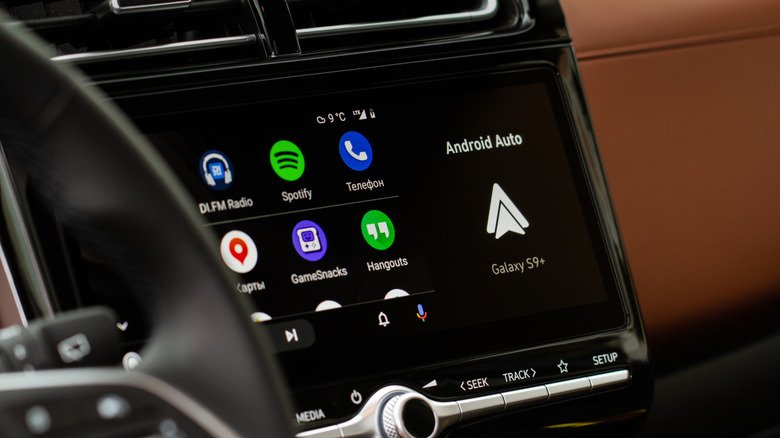
Android Auto relies on a dual-connection system: it uses Bluetooth to facilitate the initial "handshake" and handle voice calls, while Wi-Fi or USB connections manage the heavier data lifting required for navigation and media streaming. Because Bluetooth is designed to automatically reconnect to known devices, it can occasionally send a signal that mimics a "play" command. For those who find that the settings toggle does not provide relief, a common diagnostic step is to remove the phone from the vehicle’s list of paired Bluetooth devices and attempt to rely exclusively on a wired USB connection, provided the specific vehicle hardware supports this configuration. While this can sometimes mitigate the issue, it is a variable fix; the success of this method depends entirely on how the car’s infotainment firmware interprets the connection protocol.
Understanding the Role of Third-Party Applications
If you have navigated the Android Auto settings, toggled the startup features, and even explored Bluetooth pairing, yet your music still starts unbidden, you are likely experiencing a deeper systemic issue involving third-party media applications. Spotify, in particular, has been the subject of thousands of user complaints regarding this behavior, with active forum threads dating back as far as 2022.
It is important to understand that in many of these cases, the car itself may not be the primary culprit. The interaction between a smartphone and a peripheral device is governed by the application’s API (Application Programming Interface). When a device—whether it is a car, a pair of wireless headphones, or a home smart speaker—powers on and establishes a connection, it sends a signal to the phone’s operating system. If an app like Spotify is registered as an active media player, it may interpret that connection as a command to resume the most recent stream.
According to technical support documentation from major streaming services, the behavior is largely dictated by how a specific Bluetooth accessory interacts with the application’s API. Because Spotify must maintain compatibility across thousands of hardware configurations, ranging from budget head units to high-end luxury vehicle systems, it cannot always prevent a connected device from triggering a play command. The command originates from the peripheral, not the app, making it difficult for developers to create a universal kill switch.
For the frustrated driver, this means that simple app updates or operating system patches might not provide a guaranteed resolution. Some users have found success by adjusting the app’s background data permissions or battery optimization settings, though these methods are often inconsistent. There are even instances where users have resorted to removing the Spotify integration from Android Auto entirely. While this successfully stops the autoplay, it carries the significant trade-off of losing the ability to control music through the car’s native dashboard interface, effectively forcing the driver to rely on their phone screen while driving, which is a safety concern in its own right.
Ultimately, the issue of unwanted audio playback serves as a stark reminder of the complexities involved in modern vehicle integration. As cars become more like rolling computers, the layers of communication between the phone and the vehicle continue to multiply. For the time being, drivers are encouraged to start with the official Android Auto settings, as that remains the most reliable path to silence. If the problem persists, a process of elimination involving Bluetooth devices and app permissions is the only remaining avenue. Given the fragmentation of the automotive market, it is likely that "trial and error" will remain the standard procedure for those who value a few moments of silence before hitting the open road. As developers continue to iterate on these systems, one can only hope that a more robust, user-controlled override becomes a standard feature, allowing drivers to reclaim the quiet of their morning commute.