






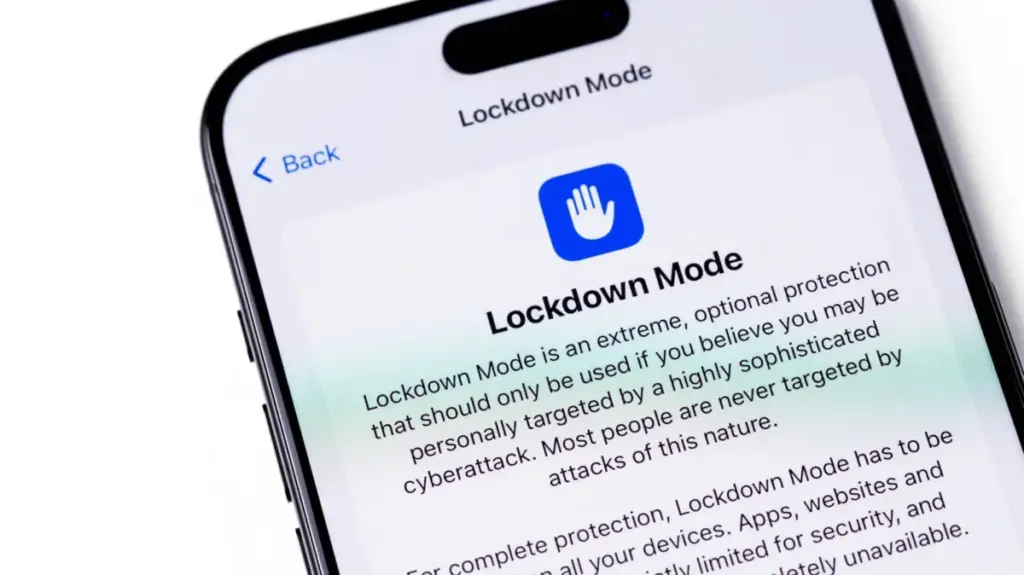
In the evolving landscape of digital privacy, the threat posed by sophisticated, government-grade commercial spyware has forced a fundamental shift in how personal computing devices are defended. Since 2022, Apple has offered a specialized, high-security feature known as "Lockdown Mode" for users of its ecosystem. While it stands as one of the most formidable barriers against state-sponsored digital surveillance, it remains a largely misunderstood and underutilized tool. Designed specifically for the tiny fraction of the population facing high-stakes cyber threats, Lockdown Mode represents a stark trade-off: it prioritizes ironclad security at the expense of nearly every modern convenience a smartphone user expects.
For the average consumer, Lockdown Mode is likely an unnecessary burden, a set of digital shackles that renders a high-performance device remarkably limited. However, for those in the crosshairs of malicious actors—such as journalists, human rights activists, and high-profile politicians—it serves as a crucial digital armor. The tool was developed in direct response to the proliferation of powerful spyware like Pegasus, created by the NSO Group, which has been documented globally as a mechanism to compromise the devices of public figures, dissidents, and members of the press.
The Mechanism of Extreme Protection
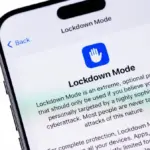
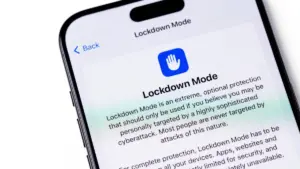
Lockdown Mode is not a feature meant to be toggled on by accident. It is deeply embedded within the Settings application, shielded from casual interaction to ensure it remains a deliberate choice. It is currently available for any iPhone running iOS 16 or later, as well as on iPads running iPadOS 16, Apple Watches on watchOS 10, and Macs operating on macOS 13 Ventura or newer. Activating it is a straightforward process: users navigate to the Privacy & Security section within their settings, select the Lockdown Mode option, and confirm the activation, which necessitates a system restart. Disabling the feature follows the same path, returning the device to its standard, full-featured state.

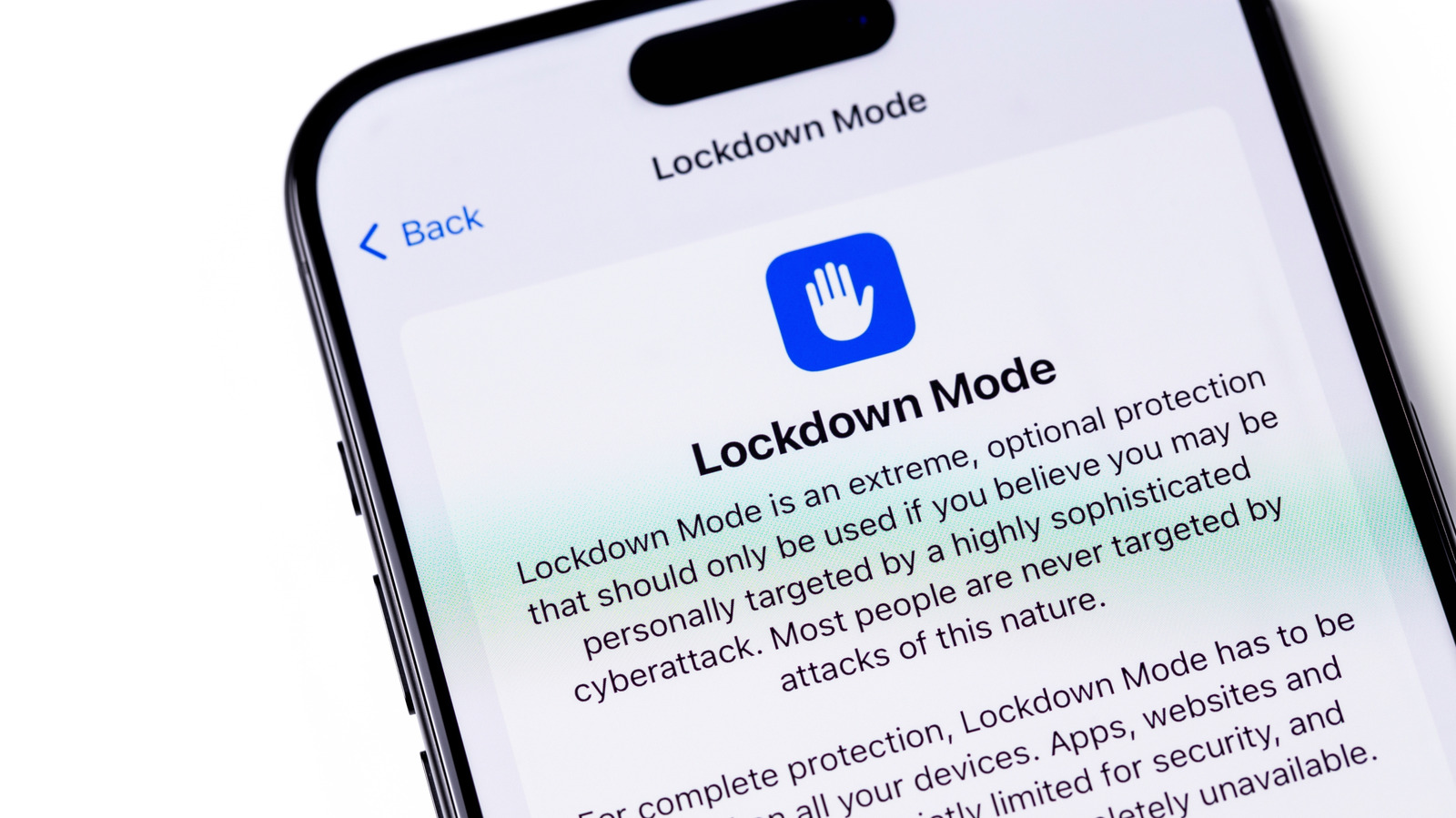
The core philosophy behind Lockdown Mode is the reduction of "attack vectors"—the specific pathways through which malicious code can infiltrate a device. By default, an iPhone is a gateway of constant connectivity, eagerly previewing links, parsing complex image formats, and allowing background processes to run seamlessly. Lockdown Mode takes a scorched-earth approach to these conveniences.
When enabled, the Messages app—a primary target for "zero-click" exploits—is severely restricted. Most attachments are blocked, and link previews are disabled entirely, as these features have historically served as entry points for spyware to execute code without any user interaction. Furthermore, the Safari web browser undergoes a significant transformation. Advanced web technologies, particularly certain complex JavaScript compilations, are disabled or severely limited. This often results in a degraded browsing experience where websites may load sluggishly, break entirely, or fail to render interactive elements.
Connectivity is similarly restricted. If a user’s iPhone is locked, it will refuse to establish a wired connection with a computer or external accessory, preventing unauthorized data exfiltration or the installation of malicious software via a physical port. Even wireless connectivity is scrutinized; the device will no longer automatically join insecure or untrusted networks. In regions where legacy cellular standards remain active, the device will disable support for 2G and 3G, preventing "downgrade attacks" where a device is forced onto an older, less secure cellular network that is easier for interceptors to exploit.
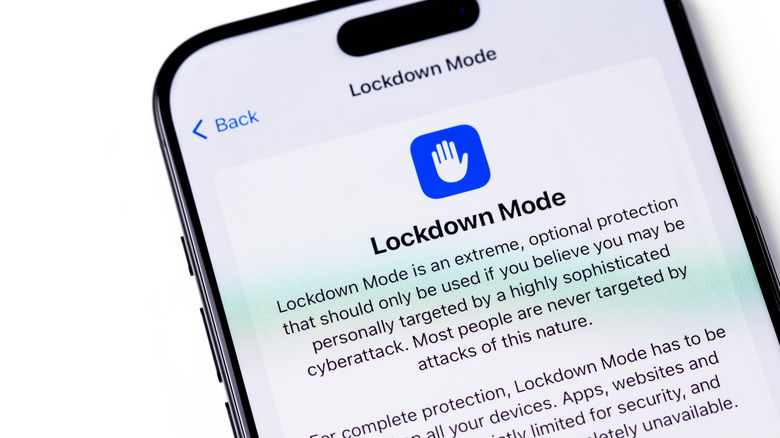
The impact extends to the wider Apple ecosystem. Users will find that they cannot install configuration profiles, a feature often used by corporate or educational institutions to manage devices. For those who rely on an Apple Watch, the integration is partially severed; incoming phone call notifications from the iPhone will no longer be mirrored on the wearable device. Other services, including the acceptance of new Home invitations and access to Game Center, are either restricted or completely disabled. Photo sharing is also heavily curtailed, limiting the ability for the device to automatically sync or receive shared albums.
Assessing the Necessity of a Digital Fortress
The existence of such a restrictive mode is a direct result of the "arms race" between Apple’s security engineers and developers of mercenary spyware. In 2023, for instance, researchers identified an exploit dubbed "Blastpass," which used the iMessage platform to deliver the Pegasus spyware to iPhones. Subsequent analysis revealed that devices protected by Lockdown Mode were completely immune to this specific attack. This success has bolstered Apple’s confidence in the feature, leading the company to offer a 100 percent bonus on its standard Security Bounty rewards to any researcher who can successfully circumvent the protections offered by the mode. This financial incentive underscores the importance Apple places on the feature’s integrity.
Despite this robust defense, the question remains: who actually needs this? Apple has made it clear that the feature is not intended for the general public. The inconveniences—from the inability to see a simple link preview to the degradation of web performance—are profound. For most users, the standard, multi-layered security protections already baked into iOS and macOS are sufficient. These include sandboxing, encryption, and regular security patches that address vulnerabilities before they can be widely exploited.
There is some flexibility built into the system for those who require a middle ground. Users can choose to exclude specific trusted contacts from the messaging restrictions, allowing them to receive attachments from family members or colleagues without disabling the mode entirely. Similarly, specific websites can be whitelisted to allow for a smoother browsing experience. However, security experts warn that every exception made to these rules creates a potential crack in the armor. If a user is truly being targeted by state-sponsored spyware, the safest course of action is to keep all default protections fully engaged.
For the vast majority of users, the decision to leave Lockdown Mode off is a rational one. It is a choice to prioritize the seamless, integrated experience that defines the modern Apple experience over a level of security that addresses threats most people will never encounter. However, for the small group of individuals who are, or believe they are, under surveillance, the tool provides a rare and necessary line of defense. Apple has even implemented a notification system to alert users if it believes their device has been targeted by state-sponsored mercenary spyware, providing a clear signal that it may be time to activate the protective barrier.
Ultimately, the existence of Lockdown Mode is a testament to the changing nature of the digital world. It serves as a reminder that for a small, vulnerable subset of the population, the smartphone is not just a tool for communication and entertainment, but a device that must be actively defended against sophisticated, well-funded adversaries. For everyone else, it remains a powerful, albeit extreme, feature that stands ready should the threat landscape ever shift to their doorstep. While it is rarely the right choice for the average user, its presence provides a vital safety net in an era where digital privacy is increasingly fragile.