










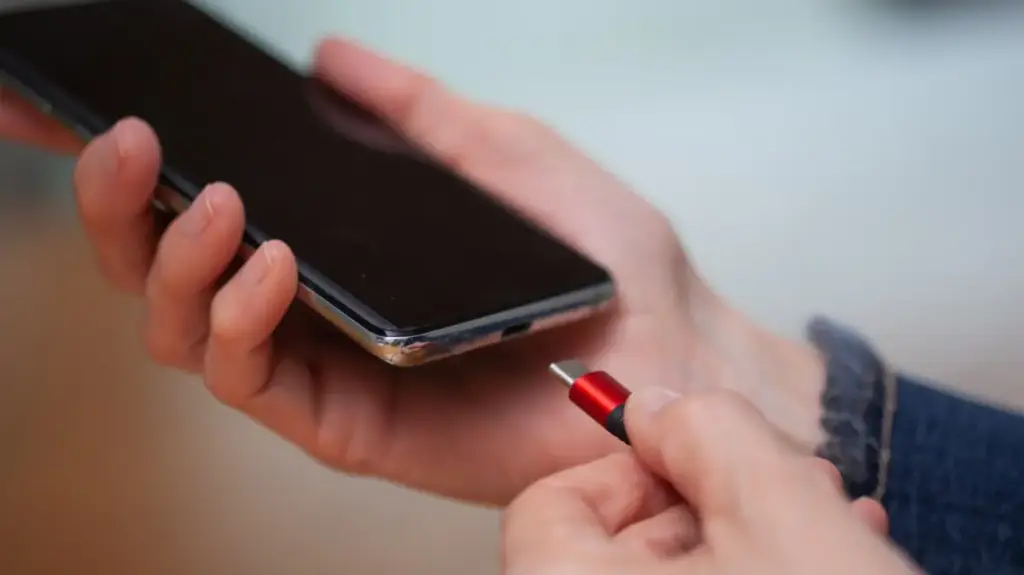
In an era defined by rapid technological evolution, the Universal Serial Bus—or USB—has become the invisible backbone of our digital lives. From the chargers powering our smartphones to the high-speed data links connecting our workstations to external monitors, USB is ubiquitous. Yet, despite its prevalence, one specific iteration continues to invite speculation: the USB-C connector. As the standard has moved toward a single, unified interface, consumers have frequently asked, "What does the ‘C’ actually stand for?"
The internet is rife with creative theories. Some argue that "C" stands for "connectivity," a nod to the port’s versatility across a wide array of devices. Others are convinced it represents "charging," given the high wattage now pushed through these cables to keep laptops and tablets running. A third, perhaps more intuitive group, assumes the letter refers to the physical shape of the plug—the rounded, symmetrical design that distinguishes it from its predecessors.
The reality, however, is far more mundane. Despite the fervor of online forums and tech-support threads, the "C" does not stand for anything. It is not an acronym, nor is it a descriptive shorthand for a specific function. It is simply a sequential label, marking the next iteration in the evolutionary lineage of USB technology. Much like the progression from one version of software to the next, Type-C is the successor to Type-A and Type-B.
Dispelling the Myths of Modern Connectivity
The confusion surrounding the letter "C" is emblematic of a broader misunderstanding of what the USB-C standard actually represents. Because the connector is so versatile—capable of transferring massive amounts of data, delivering high-speed power, and outputting video signals simultaneously—users often conflate the physical shape of the plug with the internal capabilities of the cable and the device it is connected to.
Many consumers mistakenly believe that a USB-C port is a universal guarantee of high performance. A common myth suggests that any device featuring a USB-C port is inherently fast or capable of handling heavy-duty tasks like external 4K displays. This assumption frequently leads to frustration. A cable designed solely for charging a smartphone may look identical to a high-bandwidth cable capable of supporting the latest Thunderbolt standards, yet their internal wiring and data throughput can be vastly different.
The connector is merely the physical gateway—the "shape" of the interface. What actually flows through that gateway depends entirely on the specific protocol supported by the host device, the peripheral, and the quality of the cable connecting them. This disconnect between appearance and capability is why users may find that their new laptop, despite having a USB-C port, fails to drive their monitor at the desired resolution or charge at the expected speed. Understanding that the "C" refers only to the connector geometry is the first step in demystifying the complex landscape of modern peripheral hardware.
A Historical Perspective: From Type-A to Type-C
To understand why we have arrived at the letter "C," one must look back to the inception of the Universal Serial Bus in the mid-1990s. When USB 1.0 was introduced in January 1996, it brought with it two distinct connectors: Type-A and Type-B. These were designed with a rigid, one-way architecture that prioritized safety and ease of use for the average consumer.
The Type-A connector, characterized by its familiar flat, rectangular shape, was reserved for the "host"—the computer or the power brick that served as the source of data or energy. Conversely, the Type-B connector, with its chunkier, squarish profile, was intended for the peripheral, such as a printer, scanner, or external drive. By utilizing two different physical shapes, the designers ensured that users could never mistakenly connect two host devices together or attempt to plug a cable in the wrong direction, which could have led to electrical shorts or hardware damage.
As technology advanced, so did the need for smaller, more specialized connectors. The year 2000 brought the arrival of USB 2.0, which introduced the "mini" and eventually "micro" variants to accommodate the shrinking form factors of mobile phones, digital cameras, and portable music players. This era also saw the rise of color-coding as a way to denote capabilities—black for standard USB 2.0, blue for the faster USB 3.0, and various other colors like red or yellow to indicate "always-on" power ports that could charge a phone even while a computer was in sleep mode.
However, this system was never strictly standardized. Manufacturers were essentially free to implement these conventions as they saw fit, leading to a fragmented landscape where a red port on one brand of laptop might mean something entirely different on another. For years, consumers were forced to navigate a confusing sea of cables, carrying separate cords for their printers, cameras, and phones, all while dealing with the inherent frustration of non-reversible connectors.
The Innovation of USB Type-C
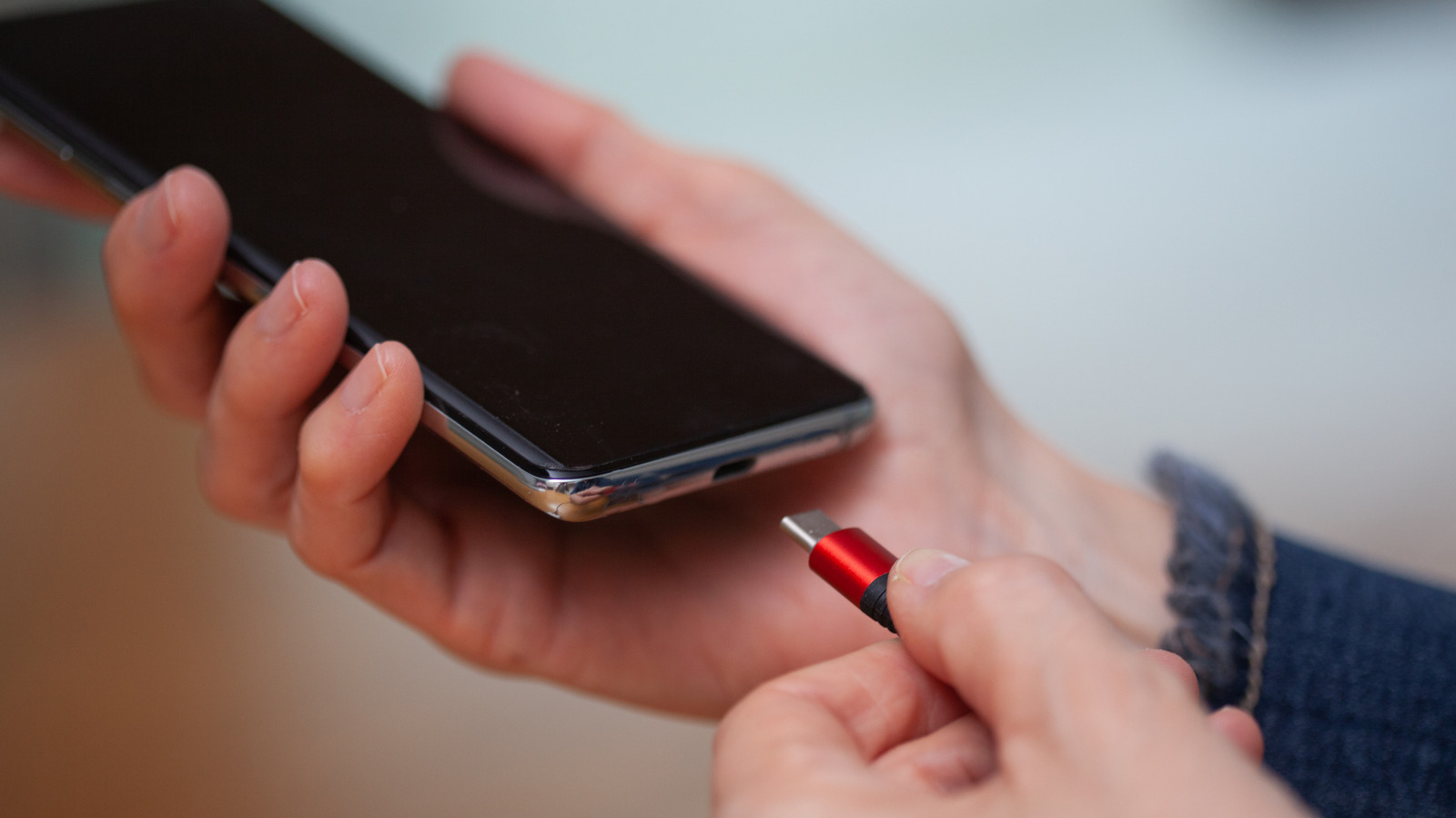
Finalized in August 2014, the USB Type-C standard was designed to rectify these long-standing issues. It addressed the primary complaints of the era: size, convenience, and complexity. By creating a thin, low-profile connector, engineers ensured that it could fit into the increasingly slim smartphones and ultra-portable laptops that were beginning to dominate the market.
Perhaps the most celebrated feature of Type-C was its symmetry. For the first time, users were freed from the "USB dance"—the experience of flipping a cable over multiple times because it wouldn’t fit, only to realize it was correct the first time. By making the connector reversible, the design significantly improved the user experience. Furthermore, Type-C moved the logic of power and data distribution away from the physical connector and into the hardware itself. Because the connector is uniform, there is no need for color-coding or specific shapes for hosts versus peripherals. The devices at both ends of the cable negotiate their relationship, determining how much power is transferred and at what speed data is moved.
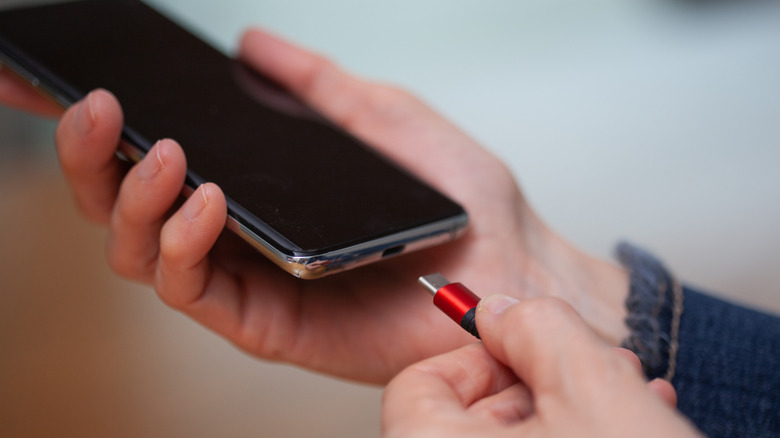
This flexibility has allowed the standard to scale remarkably well. Modern iterations, such as USB4 Version 2.0, can achieve speeds of up to 80Gbps through the very same connector geometry that was introduced a decade ago. It is a testament to the foresight of the designers that a connector created in 2014 remains robust enough to handle the bandwidth requirements of 2024 and beyond.
Looking Toward the Future
Despite its success, USB Type-C is not without its vulnerabilities. Its design relies on a delicate, thin plastic tab—often called the "tongue"—located inside the socket. This tab holds the electrical pins in place; if it is bent or snapped due to improper handling, the entire port can become unusable, often necessitating a costly repair. Additionally, as the standard has become more complex, the cables themselves have become more difficult to verify, leading to a market flooded with cables that look identical but perform at drastically different tiers.
As the industry continues to push the boundaries of what is possible with data transfer and power delivery, the question of what comes after Type-C occasionally surfaces. At present, there are no official plans for a "Type-D" connector. The current standard remains remarkably adaptable, capable of evolving alongside our hardware needs.
If one were to speculate on the future of connectivity, the ideal successor might move away from physical pins and tabs altogether. A magnetic, ball-shaped connector, for example, could theoretically offer a more durable, "snap-on" experience that eliminates the risk of broken tabs and simplifies the act of plugging in devices even further. For now, however, the "C" remains the standard, serving as a reminder that while technological progress is often defined by complex specifications and massive leaps in performance, the evolution of hardware is sometimes just a matter of changing the shape to fit the future.