







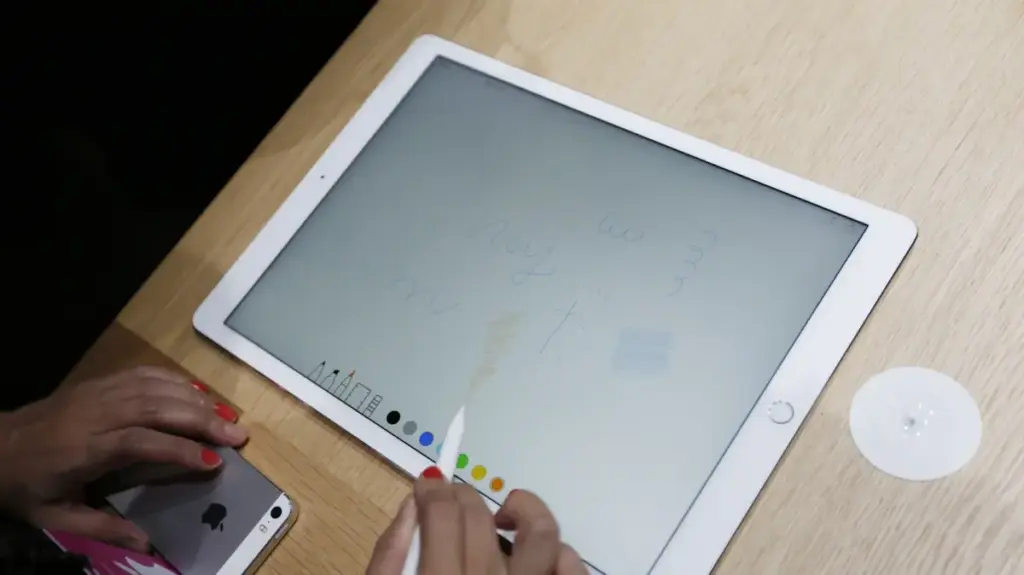
The Apple Pencil has evolved from a niche creative tool into an essential peripheral for a broad spectrum of users. Whether you are a professional digital artist, a student taking meticulous handwritten notes, or a casual user navigating the interface of an iPad, this stylus has become synonymous with the tablet experience. With the recent expansion of compatibility, including the integration of Apple Pencil functionality with newer iPhone models, the device’s footprint in the consumer tech landscape is larger than ever. However, despite its sophisticated internal hardware and seamless digital integration, the Apple Pencil remains a physical tool subject to the laws of friction and wear. Understanding the lifespan of its most vulnerable component—the removable tip—is critical to preserving both the performance of the stylus and the integrity of your device’s screen.
While the Apple Pencil does not require the traditional sharpening associated with graphite instruments, its maintenance requirements are no less significant. The tip, or nib, acts as the primary interface between the user and the glass display. Because this contact point is constantly subjected to pressure and lateral movement across a hard surface, it is designed to be a consumable component. Many users, particularly those new to the Apple ecosystem, may operate under the misconception that the stylus is a permanent, maintenance-free device. In reality, failing to monitor the condition of the tip can lead to suboptimal performance, inconsistent line weight, and, in extreme cases, potential damage to the screen itself.
Identifying the Signs of Wear and Tear
The degradation of an Apple Pencil tip is a gradual process that is often overlooked until it begins to impede workflow. Unlike a mechanical failure that manifests suddenly, the wear on a stylus tip is cumulative. When the nib is fresh, it maintains a smooth, rounded profile that glides across the iPad’s glass surface with minimal resistance. This design ensures that the pressure sensors inside the pencil can accurately translate the user’s intent into digital strokes. As the tip is used, the synthetic material begins to flatten, creating a more jagged or irregular surface.

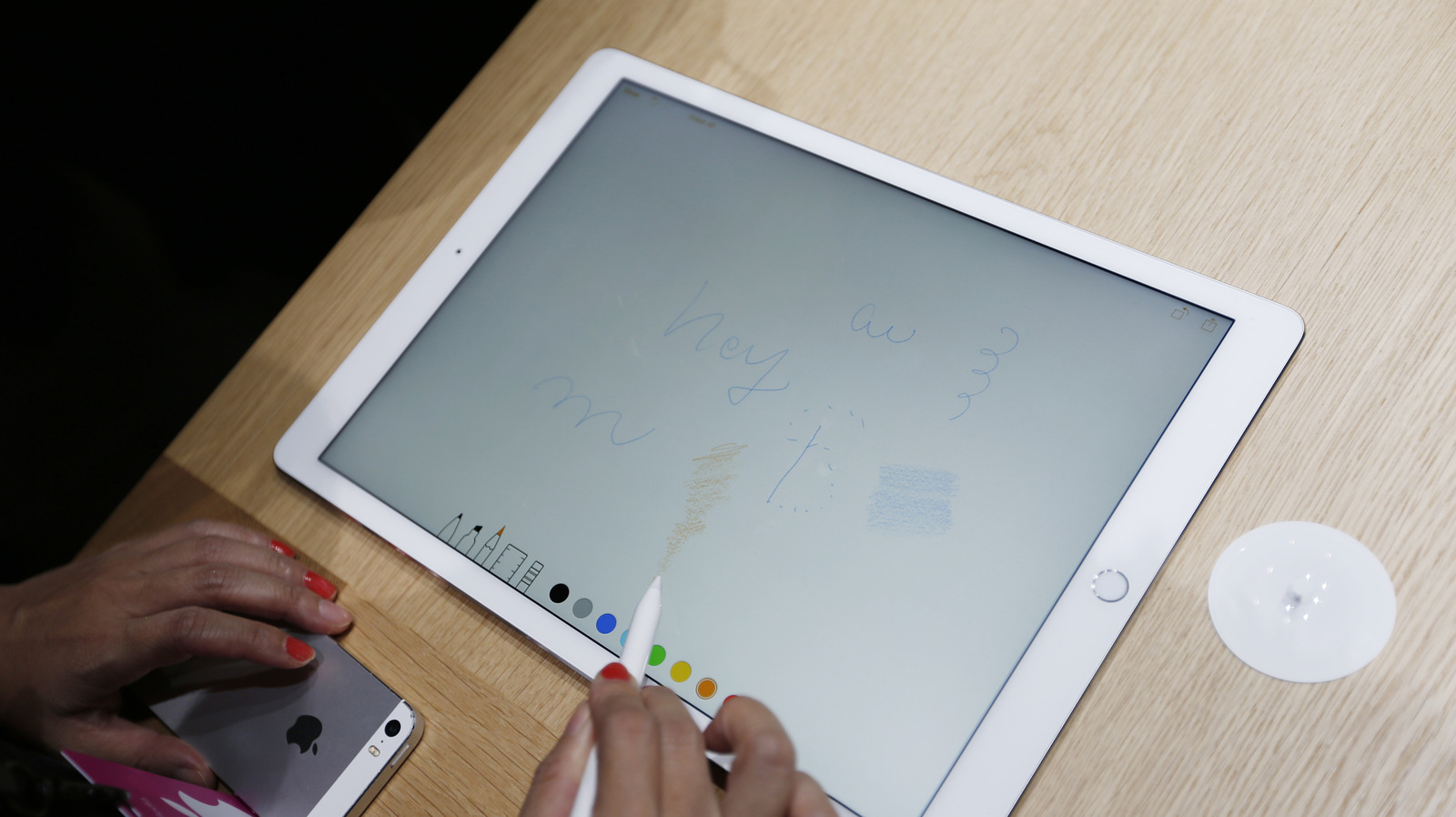
This transition from a rounded point to a worn, uneven edge is the first major indicator that a replacement is necessary. As the surface area of the tip changes, the user will likely notice an increase in friction. This added resistance can make the pencil feel "scratchy" or unresponsive, breaking the fluid connection between hand and screen. Furthermore, as the material thins, the internal structural integrity of the tip is compromised. If a user continues to press firmly while the tip is significantly degraded, they run the risk of exposing the internal metal assembly of the stylus. Once the plastic outer layer is worn down to the point where the hard underlying components are exposed, the risk of scratching the iPad’s display increases exponentially.
In addition to physical degradation, users should look for signs of connectivity or sensitivity issues. A worn tip may not register pressure with the same precision as a new one, leading to intermittent lines or "skipping" while drawing or writing. Because the Pencil relies on the tip to transmit signals regarding tilt and pressure sensitivity, any compromise to the physical shape of the tip can disrupt these delicate calibrations. While it is difficult to provide a one-size-fits-all timeline for replacement due to the vast differences in user habits, a general rule of thumb suggests that moderate users should look to replace their tips every two years. However, for professional artists or those who use their tablets for several hours a day, this window can shrink significantly, sometimes requiring a fresh tip in less than twelve months.
Navigating the Market for Replacements
The Apple Pencil product line has become increasingly diverse, spanning from the original first-generation model to the advanced Apple Pencil Pro and the budget-friendly USB-C variant. Despite these differences in internal technology, charging mechanisms, and latency performance, Apple has maintained a consistent approach to the tip design. This standardization is a significant benefit to the consumer, as it means that replacement tips are generally cross-compatible across the entire current lineup.
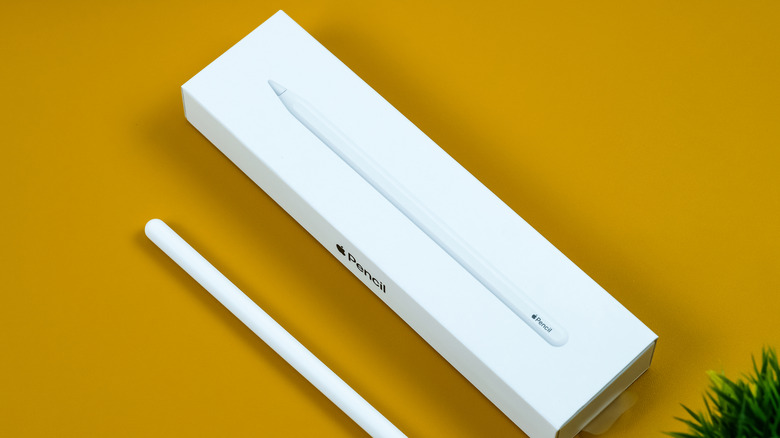
Apple addresses this need by offering official replacement tips directly to consumers. These are typically sold in packs of four, providing a convenient solution for those who want to ensure they have a backup ready before their current tip fails. Purchasing directly from the manufacturer guarantees compatibility and material consistency, which is often the safest route for the average user. However, the modular nature of the Apple Pencil has also fostered a robust third-party ecosystem. This market is driven by users seeking specific tactile experiences that may differ from the standard factory-issued nib.
For those who find the default Apple tip too slippery or not precise enough for their specific needs, third-party manufacturers have stepped in with a variety of specialized materials and designs. Brands such as PenTips and Delidigi have gained significant traction by focusing on the "feel" of the writing and drawing process. For example, some third-party options are engineered with different textures to mimic the drag of paper or the tactile feedback of a traditional ballpoint pen.
The PenTips Lite, for instance, has gained a reputation for high precision, catering to artists who require the accuracy necessary for professional-grade illustration. Similarly, manufacturers like Delidigi offer fine-point alternatives that are designed for longevity while providing a distinct feedback profile that some users prefer for note-taking. While these third-party options offer a degree of personalization, the fundamental principle remains the same: the tip is a replaceable, consumable part. Whether a user chooses to stick with official Apple components or branches out into specialized third-party alternatives, the responsibility remains with the owner to inspect their equipment regularly.
Maintaining the Apple Pencil is a simple yet vital part of the digital workflow. By staying vigilant for signs of friction, surface irregularity, or decreased sensitivity, users can ensure that their stylus remains a reliable extension of their creative or professional capabilities. Replacing a tip is a low-cost, high-reward intervention that protects both the longevity of the pencil and the pristine condition of the tablet display. As the reliance on digital handwriting and art continues to grow, treating the stylus as a precision instrument—complete with the necessary maintenance of its contact point—is the best way to ensure consistent, high-quality results.