








The modern smartphone landscape is defined by walled gardens. Apple, in particular, has mastered the art of creating a cohesive ecosystem where its hardware—from the iPhone and AirPods to the Apple Watch—functions with a level of seamless integration that competitors struggle to replicate. While the debate over which smartphone OS is superior continues to rage, the dominance of the Apple Watch as a refined, feature-rich, and highly polished wearable is difficult to dispute. However, this polish comes with a significant caveat: total platform exclusivity. For years, the Apple Watch has remained strictly tethered to the iPhone, effectively locking users into Apple’s hardware ecosystem. If you decided to switch your primary device to an Android smartphone, your Apple Watch would essentially become an expensive, high-tech paperweight.
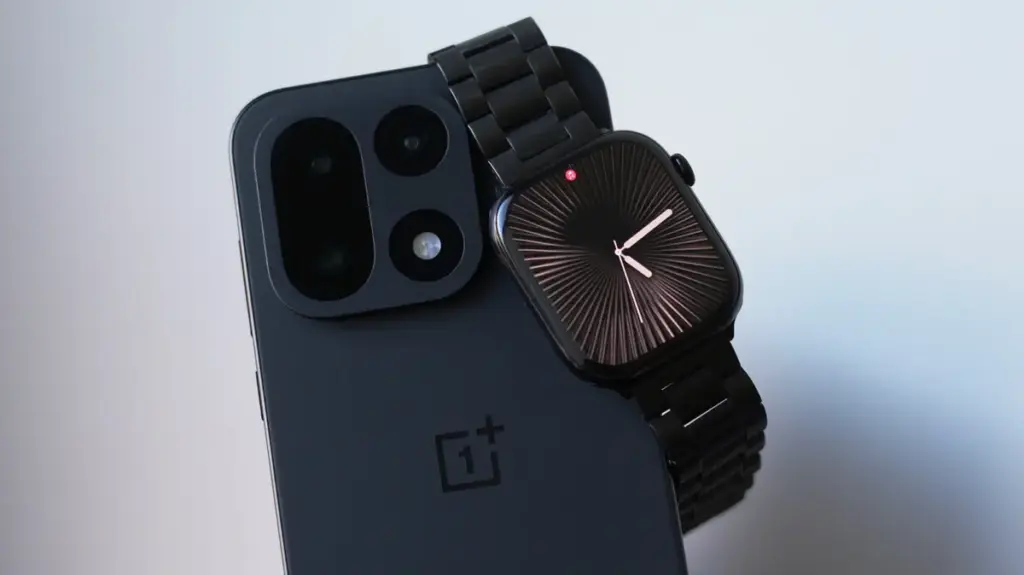
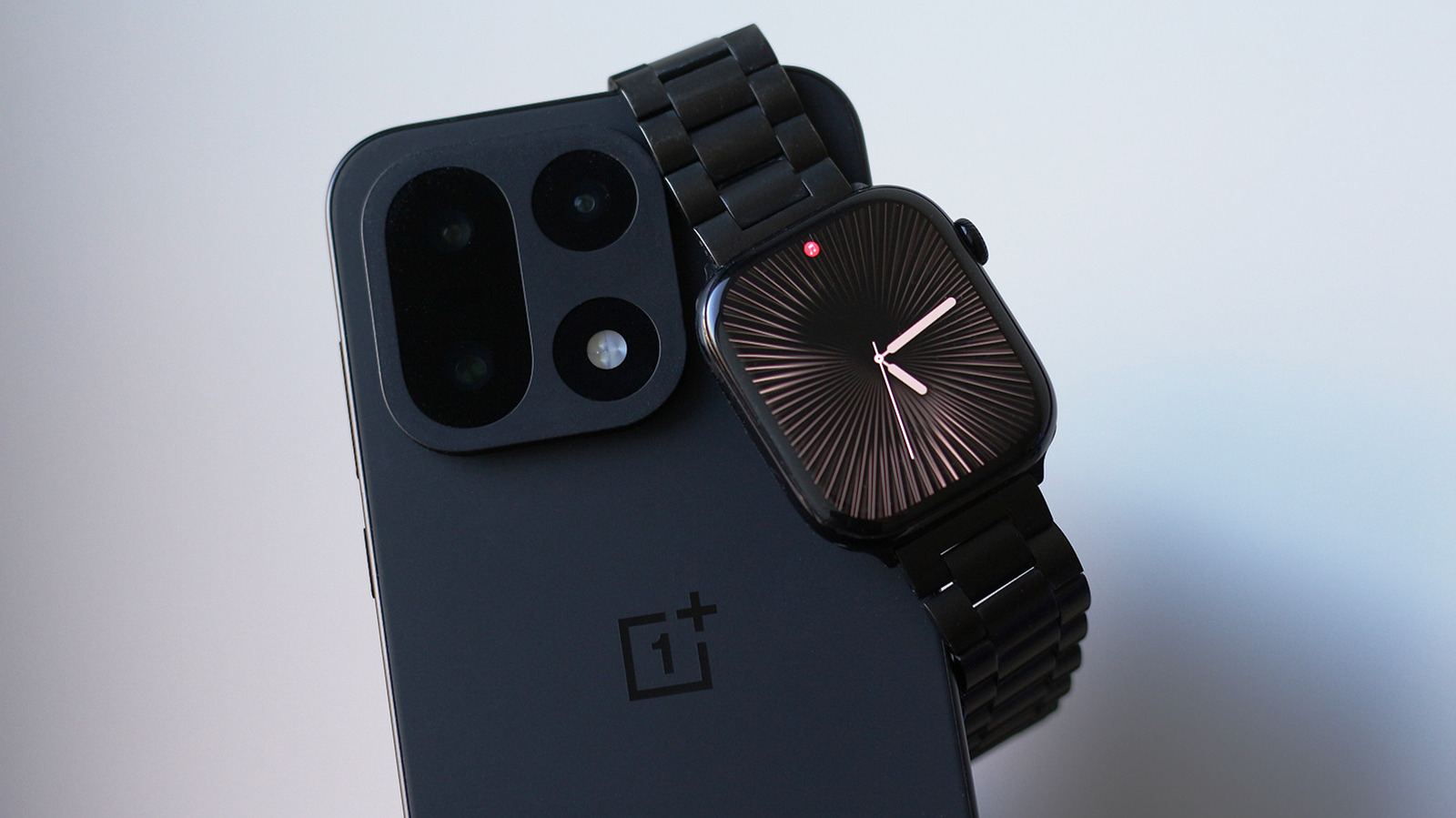
This rigid limitation recently became a personal hurdle for those looking to migrate to the Android platform. The desire to adopt a new device—such as a modern OnePlus smartphone—often hits a wall when the user realizes they are forced to keep their old iPhone active, carrying it around solely to maintain the functionality of their Apple Watch. It is a testament to the quality of the wearable that users are willing to tolerate such inconvenience, but it is an unsustainable arrangement for most. This frustration has recently led to the emergence of "Merge Watch," a third-party software solution that aims to bridge the gap between watchOS and Android, finally allowing the two disparate systems to communicate.
The concept of pairing an Apple Watch with an Android device is not entirely new; historically, enthusiasts have attempted various workarounds, typically involving cellular-enabled Apple Watch models. However, those methods were often cumbersome, unreliable, and failed to provide a cohesive experience, essentially forcing the user to juggle two disconnected devices. Merge Watch positions itself as a more streamlined software bridge, though it requires a specific initiation process. To begin, the Apple Watch must first be activated through an iPhone, as the initial setup remains a mandatory gatekeeping step enforced by Apple’s proprietary software architecture. Once the watch is configured, the user installs the Merge Watch application on both the wearable via the watchOS App Store and the Android handset via the Google Play Store.

The synchronization process requires the user to grant a comprehensive suite of permissions on the Android device, including access to Bluetooth, health data, notification management, and an exemption from the operating system’s aggressive battery optimization protocols. Once the permissions are secured, the user triggers the pairing process, which involves identifying the phone on the watch’s interface and confirming the connection via a six-digit verification code. Data integration is handled through Google Fit, which serves as the central repository for the health metrics captured by the watch. It is worth noting that this initial data sync can be somewhat sluggish, requiring a period of patience before the health dashboards on the Android device fully populate with information.
Evaluating the Real-World Experience of Merge Watch
While the technical hurdle of pairing the devices is successfully cleared by the software, the broader question remains: how much of the premium Apple Watch experience actually survives the transition to an Android environment? The results are a study in compromises. On the positive side, notification forwarding functions with surprising efficiency. Users are able to receive alerts on their wrist and even reply to messages, a feature that many consider essential for a modern smartwatch. Furthermore, when playing music through Spotify or other media applications on the Android phone, the Apple Watch provides functional playback controls, allowing for basic media management without needing to reach for the phone.
The integration with Google Fit is perhaps the most critical component for fitness enthusiasts. While the interface of Google Fit may not match the aesthetic polish of Apple’s Health app, it does successfully ingest the health data collected by the Apple Watch. This includes detailed sleep tracking and, notably, ECG recordings, which are seamlessly synced and viewable on the Android handset. However, the experience is not without its friction points. Because the system relies on notification mirroring rather than native integration, the user experience can feel slightly disjointed. Every notification that hits the watch arrives via the Merge Watch app, which can feel like navigating an application within an application, rather than the seamless, fluid notifications one expects from a native watchOS experience.
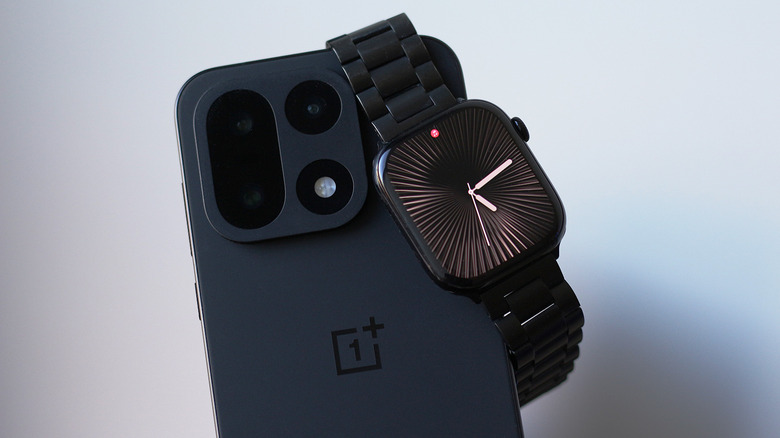
This lack of native OS-level integration creates other subtle frustrations. Unlike the Apple ecosystem, where the system intelligently determines whether a notification should appear on the phone, the watch, or both, the current third-party workaround is less discerning. Often, the Android phone will buzz with a notification even when the user is actively viewing it on their wrist, leading to a redundant and occasionally disruptive notification flow. It is a limitation that likely stems from the constraints placed on third-party developers by Apple’s proprietary software, which restricts the depth of access available to external applications.
The Trade-offs of Cross-Platform Wearables
The decision to use Merge Watch requires a degree of trust in the developer, particularly regarding the handling of sensitive health and personal data. According to the developer’s privacy policy, the majority of data is processed locally on the user’s hardware. For notifications that require an internet relay, the service employs end-to-end encryption to protect the transmission. Despite these assurances, the most significant barrier for many potential users will be the service’s subscription-based business model. To unlock the full suite of features and ensure a stable connection, users are expected to pay a monthly fee, currently set at $6.
Testing the setup under real-world conditions—such as switching off the primary iPhone entirely to rely solely on the Android-Watch connection—reveals the fragility of this bridge. While Merge Watch does not require the Apple Watch to maintain an active internet connection, relying primarily on Bluetooth, the stability of the connection is not infallible. There are documented instances where the watch simply stops receiving updates, necessitating a manual relaunch of the app on the wearable to re-establish communication. In some cases, this leads to a "notification dump," where the watch suddenly buzzes with a backlog of alerts once the connection is restored, which can be jarring.
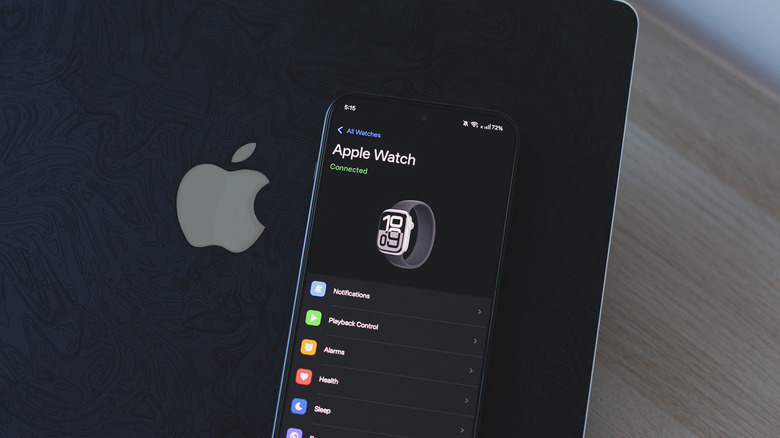
Furthermore, there is a measurable impact on battery longevity. Running a background process that is constantly polling for notifications and synchronizing health data inevitably draws more power from the Apple Watch’s battery. During testing with an Apple Watch Series 10 paired with a OnePlus 15 running Android 16, the increased power consumption was noticeable. Even with strict attention to battery optimization settings—ensuring that the Android operating system does not aggressively kill the Merge Watch background process—occasional delays in notifications remain a reality of the setup. Android’s tendency to manage background processes for the sake of battery endurance often conflicts with the constant connectivity requirements of the wearable, creating a tug-of-war that is difficult to perfectly calibrate.
Ultimately, Merge Watch represents an intriguing, albeit imperfect, solution for those who find themselves caught between two ecosystems. It provides a functional path forward for users who are unwilling to abandon their Apple Watch but are ready to move on from the iPhone. While the reliance on a subscription fee and the occasional stability issues prevent it from being a truly seamless, "set-it-and-forget-it" experience, it stands as a testament to the ingenuity of third-party developers working to overcome the intentional limitations of a closed ecosystem. For the dedicated enthusiast, it is currently one of the few viable options for keeping an Apple Watch alive in an Android world, even if the experience requires a little more patience and maintenance than a native pairing would demand.