








Publishing content on the web has traditionally required setting up a domain, configuring a content management system, or dealing with complex build processes. For writers, educators, and developers who simply want to share plain-text documents written in Markdown, these technical hurdles can often slow down the sharing of ideas. A new open source project called Docsify-This is aiming to change that dynamic by allowing users to instantly transform publicly available Markdown files into responsive standalone web pages or simple multi-page websites without any local build setup.
Built on top of the popular Docsify.js framework, Docsify-This provides a streamlined mechanism to publish, share, and reuse Markdown content across a wide variety of platforms. Whether an individual needs to display documentation on a custom server or embed constraint-free Markdown and HTML into a learning management system or a third-party content platform, the tool offers a versatile bridge between simple text files and modern web presentation. Because the project is fully open source, organizations and individuals can host their own instances of Docsify-This under a custom domain, entirely eliminating the risk of platform lock-in that typically comes with proprietary publishing services.

What is Docsify-This?
At its core, Docsify-This takes any publicly hosted Markdown file and instantly renders it as a responsive web page complete with a shareable URL. Creators can also link multiple Markdown files together to form a cohesive, lightweight website. Visual appearance is not locked into a single rigid template; designers can alter the look and feel of the displayed pages using either a point-and-click Web Page Builder interface or specific URL parameters. Furthermore, the project supplies a dedicated set of Markdown CSS classes that authors can incorporate directly into their source files to style elements like buttons and layout components.

For collaborative authoring environments, Docsify-This integrates smoothly with popular code-hosting platforms like Codeberg and GitHub. When Markdown files are stored in a repository on either of these platforms, the system can automatically generate an "Edit this Page" link for each rendered view, making it exceptionally easy for contributors to propose changes, correct typos, or update documentation on the fly.
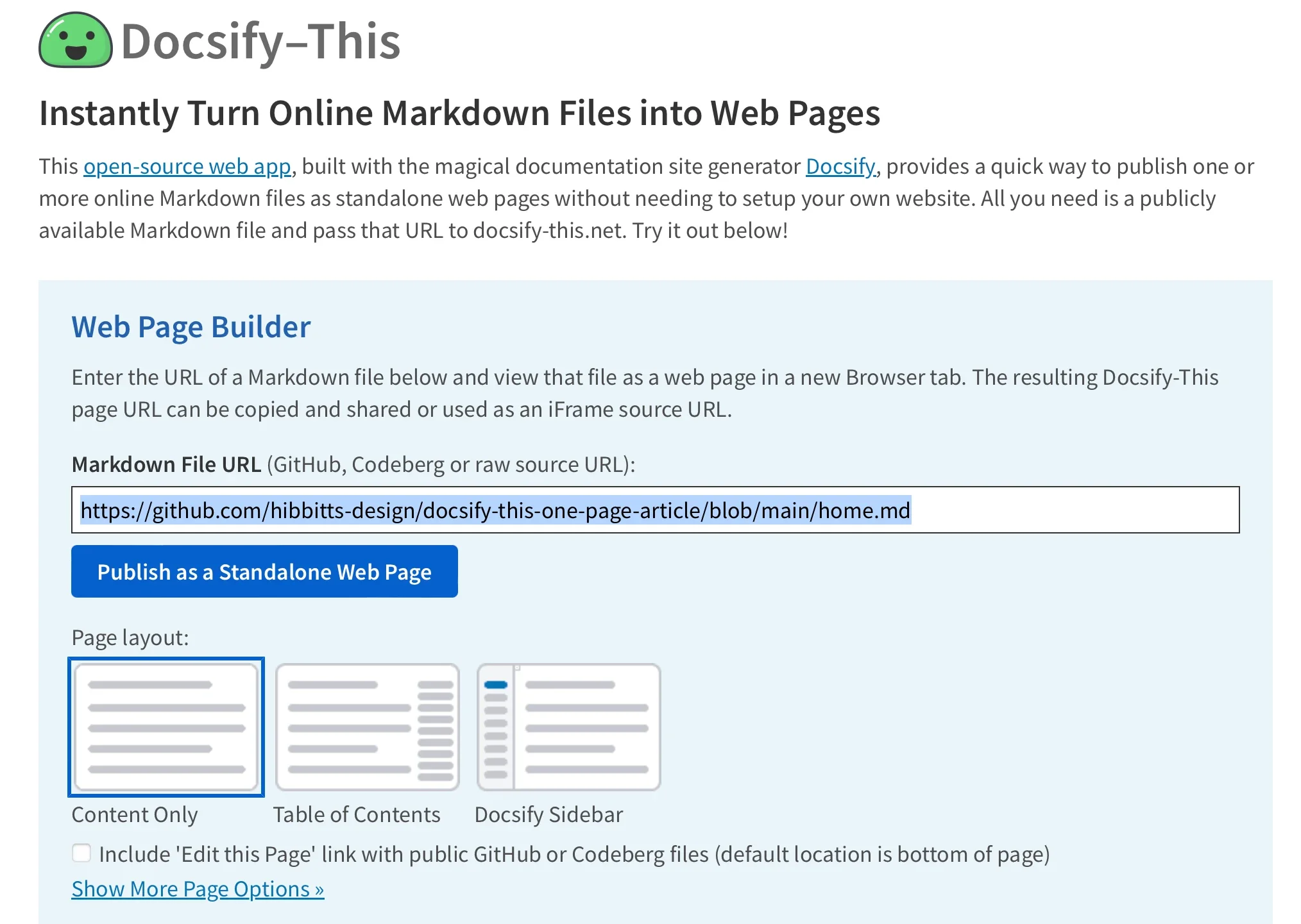
Use the Docsify-This Web Page Builder
Getting started with the rendering engine requires nothing more than a standard web browser. Users can navigate to the public Docsify-This website or access a locally hosted instance to utilize the Web Page Builder interface. By entering the URL of a Markdown file located in a public GitHub or Codeberg repository and clicking a single publishing button, the system instantly generates a standalone web page. While the web interface is optimized for GitHub and Codeberg, other Git hosts can also be accessed by constructing custom Docsify-This URL parameters.
The resulting web page comes with a dedicated URL that can be copied, distributed, and embedded into external sites. For example, pointing the engine to a raw repository file using a base path and a designated homepage parameter produces a clean, readable document that dynamically loads the underlying Markdown text in real time. This architecture makes Docsify-This pages uniquely suited for embedding into destination platforms where traditional web hosting is impractical or overly cumbersome.
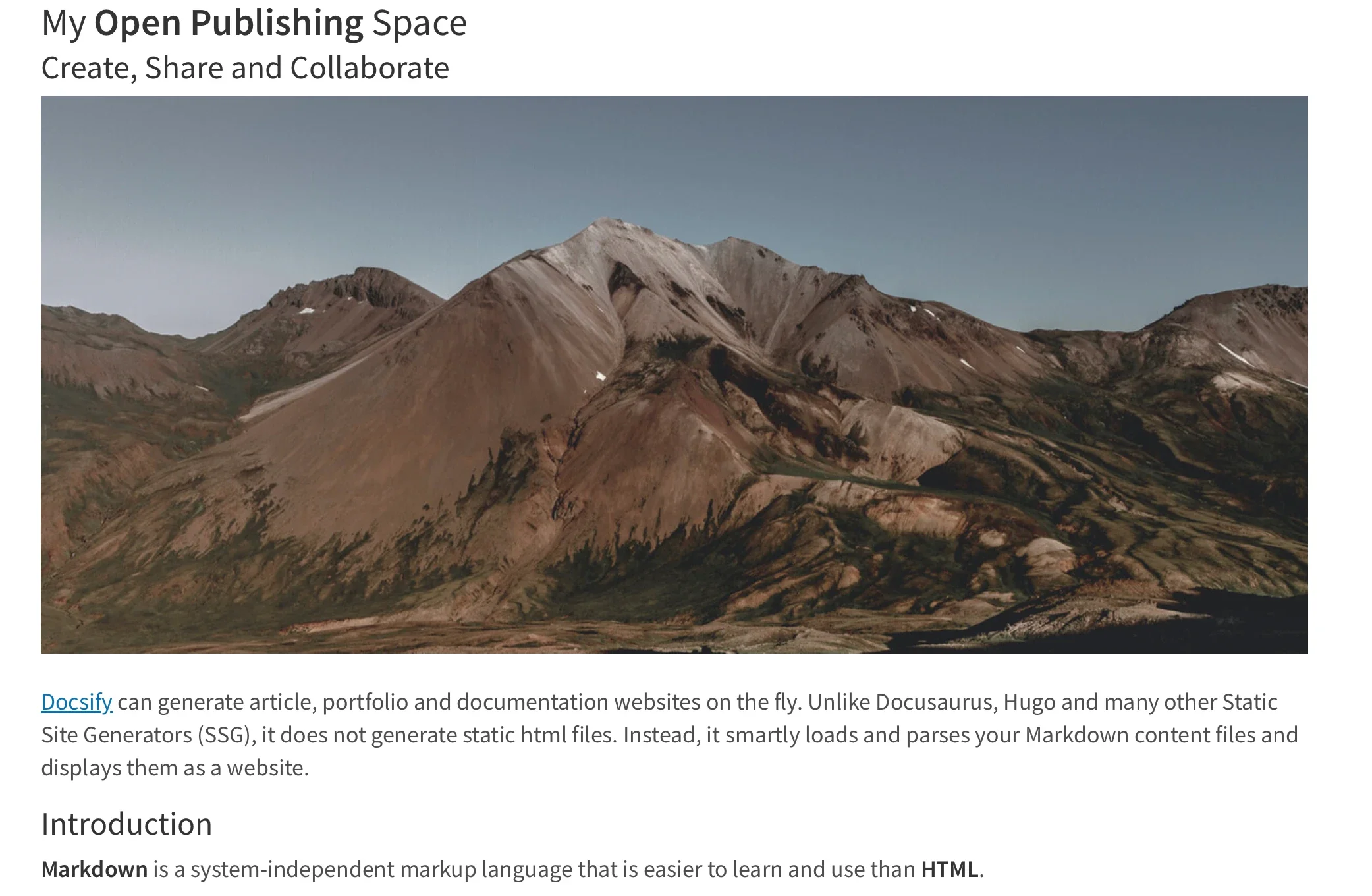
Render other files in the same repository
Managing multi-page content within a single repository is handled through straightforward adjustments to the URL structure. By directly editing the homepage parameter within a Docsify-This link, users can instantly switch the rendered view to display any other Markdown file contained within the same base repository path. This capability allows creators to maintain an entire library of documents, course materials, or project notes in a single Git repository while serving them as distinct, accessible web pages through dynamic URL routing.
Modify the web page’s appearance
Customizing the visual presentation of a rendered Markdown file does not require modifying style sheets on a server. Instead, Docsify-This supports a robust set of URL parameters that map directly to standard CSS attributes. Common styling properties such as font family, font size, link color, and line height can be adjusted dynamically simply by appending parameters to the web page URL.

In addition to global style overrides via URL parameters, authors can leverage specialized Markdown CSS classes to style individual elements within their documents. For example, adding a specific class attribute to a standard Markdown link automatically transforms plain text into a styled button image. Beyond the built-in classes provided by the project, authors are free to define their own custom CSS blocks directly inside their Markdown files using standard style tags, enabling highly tailored visual components like custom callout buttons and specialized layout elements without breaking the simplicity of the underlying text format.
Include HTML snippets
Because Docsify-This maintains compatibility with standard Markdown specifications, creators retain the ability to embed raw HTML snippets within their source files. This flexibility allows writers and educators to introduce advanced layout structures, such as multi-column containers, directly into their documents. By combining Markdown for readable text entry with HTML for structural arrangement, publishers can achieve complex page designs while keeping their primary content files lightweight and easy to edit.

Embed Docsify-This as an iFrame and External URL
One of the most powerful aspects of Docsify-This is its seamless embeddability. Rendered pages can be placed into virtually any third-party platform using a standard iFrame element. To ensure the embedded content harmonizes with the host environment, developers can pass styling and display parameters—such as font adjustments, scaling factors, and credit visibility toggles—directly through the iFrame source URL.
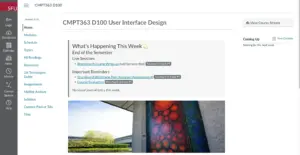
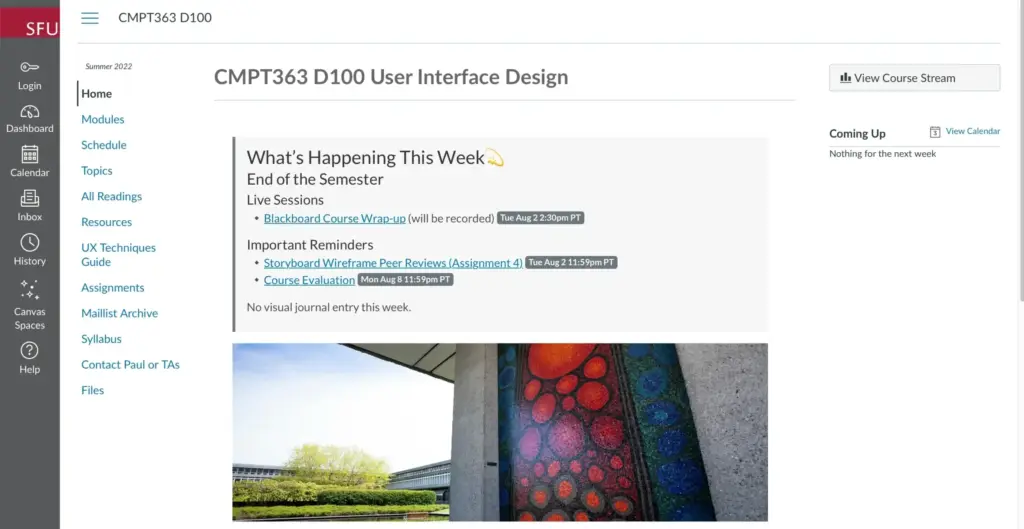
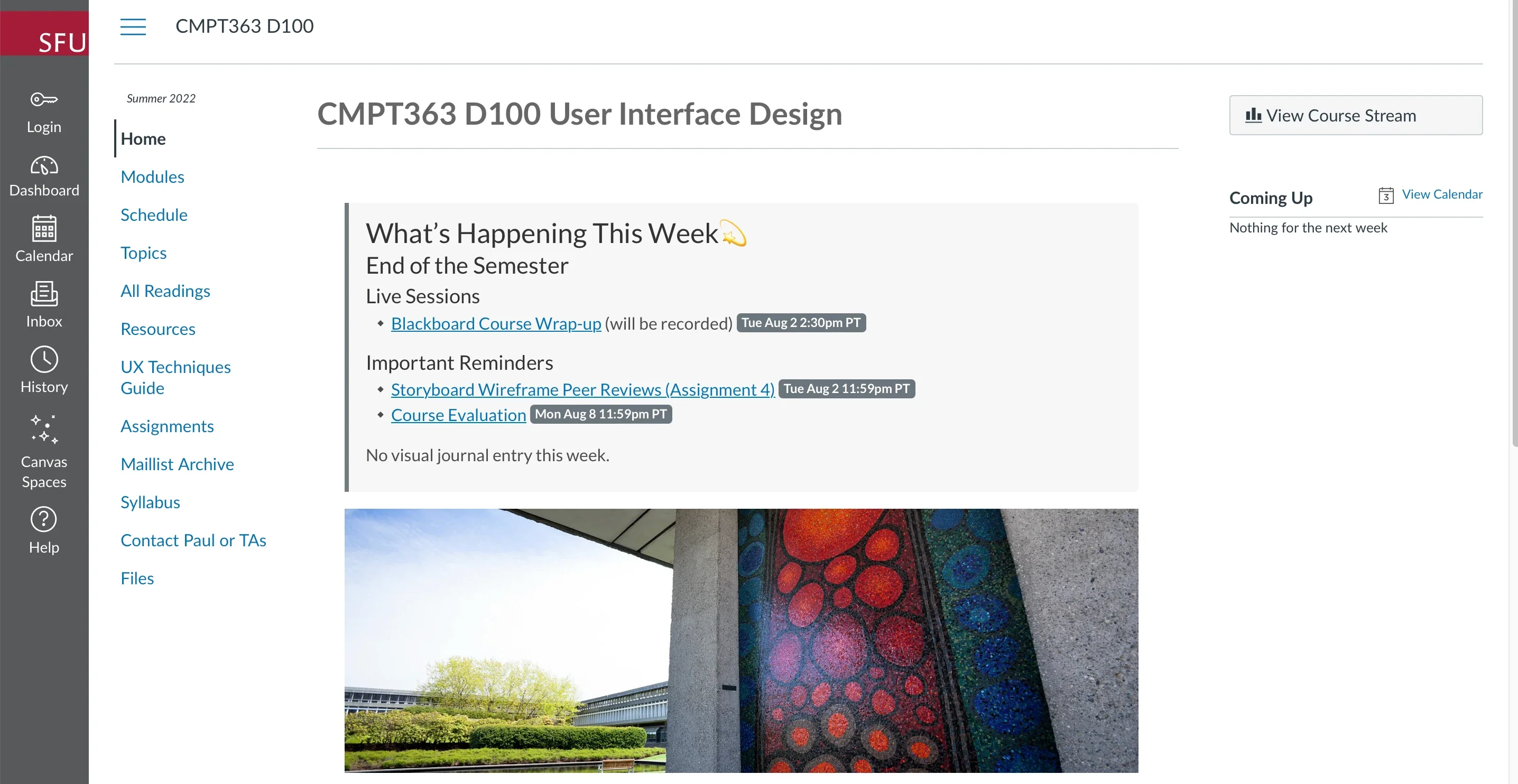
This embedding capability extends even further into specialized enterprise and educational environments. In learning management systems such as Moodle and Canvas, administrators and instructors can link external web pages directly into course navigation menus or content modules. By leveraging tools like the Canvas Redirect Tool, educators can display dynamic, Git-backed Docsify-This web pages natively inside their virtual classrooms, ensuring students always see the most up-to-date course materials without requiring manual file uploads or document conversions.
Integrate Docsify-This and Git
To take full advantage of version control and collaborative authoring workflows, Docsify-This relies on Git repositories hosted on platforms like GitHub or Codeberg. This integration connects modern documentation practices with a wide array of existing open source tools. Developers and technical writers can manage their content using graphical Git interfaces such as GitHub Desktop, Git-Cola, or SparkleShare. Additionally, popular extensible text editors like VSCode and Pulsar Edit offer robust, built-in Git integration, allowing authors to write, commit, and push updates to their published pages within their preferred editing environment.
Through this combination of lightweight text formatting, powerful styling parameters, and flexible embedding options, Docsify-This demonstrates how modern publishing can remain simple, open, and accessible to everyone.