


When the Fedora Design Team evaluated the logistics for a new virtual event in January 2023, organizers faced a philosophical and practical question: Could an entire conference run smoothly on a purely open source technology stack? Following the successful execution of the inaugural Creative Freedom Summit, the team found that the answer was a resounding yes, though the journey offered valuable lessons in balancing community-driven infrastructure with the demands of live broadcasting.
The event itself was born out of a surplus of enthusiasm. After reviewing talk submissions for Flock, the annual conference for Fedora users and contributors held in August 2022, organizer Marie Nordin noticed an exceptionally high volume of proposals centered on open source design and creativity. Far more great ideas were submitted than the main event could accommodate, prompting the creation of a specialized gathering dedicated entirely to creatives who utilize open source tools in their artistic workflows.
Brought to the Fedora Design Team in the fall of 2022, planning for the Creative Freedom Summit moved quickly toward a January 17-19, 2023 debut. Because it was a newly minted event, organizers relied on personal networks and previous Flock submissions to curate an invited speaker lineup rather than managing an open Call for Papers. Nearly every invited speaker accepted, filling the schedule entirely and leaving the team to plan for formal CFP management tools in future iterations.
Weighing Proprietary Platforms Against Open Source Ideals
For years following the onset pandemic-related lockdowns, Fedora’s flagship Flock conference utilized Hopin, a commercial online conference platform. While proprietary, Hopin had long provided a polished, professional event atmosphere with built-in expo halls, dedicated tracks, hallway chats, and moderation tools. Because the Creative Freedom Summit operated under the Fedora umbrella, access to this established Hopin infrastructure was readily available.
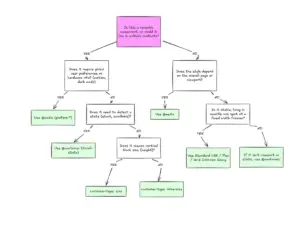
Yet, for a community rooted in open source principles for two decades, relying on closed platforms for an event championing open source creativity presented a notable contradiction. Deciding whether to utilize proprietary software involves navigating a complex matrix of constraints. Organizers must balance community values, technical capabilities, budgetary restrictions, and the sheer scale of the event.
For the Creative Freedom Summit, the budget was essentially zero. However, the organizing committee benefited from a dedicated pool of volunteer hours, supported infrastructure like the Fedora Matrix server, and a hosted WordPress website. Core contributors brought technical experience from running weekly video calls via PeerTube. With a preference for a low-key, single-track, and informal format, the team accepted a degree of rough edges in exchange for the opportunity to pilot a completely open source stack.

Constructing an Open Source Event Stack
The resulting technical architecture relied on a combination of decentralized and freely available platforms for both live production and post-event archiving.
For the live components, the infrastructure centered on a PeerTube instance hosted by LinuxRocks.online for livestreaming and instant playback, paired with Jitsi Meet as the virtual stage where speakers and hosts gathered. Coordination and backstage communication took place within Element, utilizing the Matrix protocol, while Etherpad and HackMD documents managed announcements, schedules, and live question-and-answer sessions. A WordPress site hosted on WPengine anchored the public web presence.
Post-event workflows leveraged LimeSurvey for attendee feedback, GitLab to organize volunteer video editing efforts, and Kdenlive for automated subtitle generation.
Livestreaming and Instant Replays with PeerTube
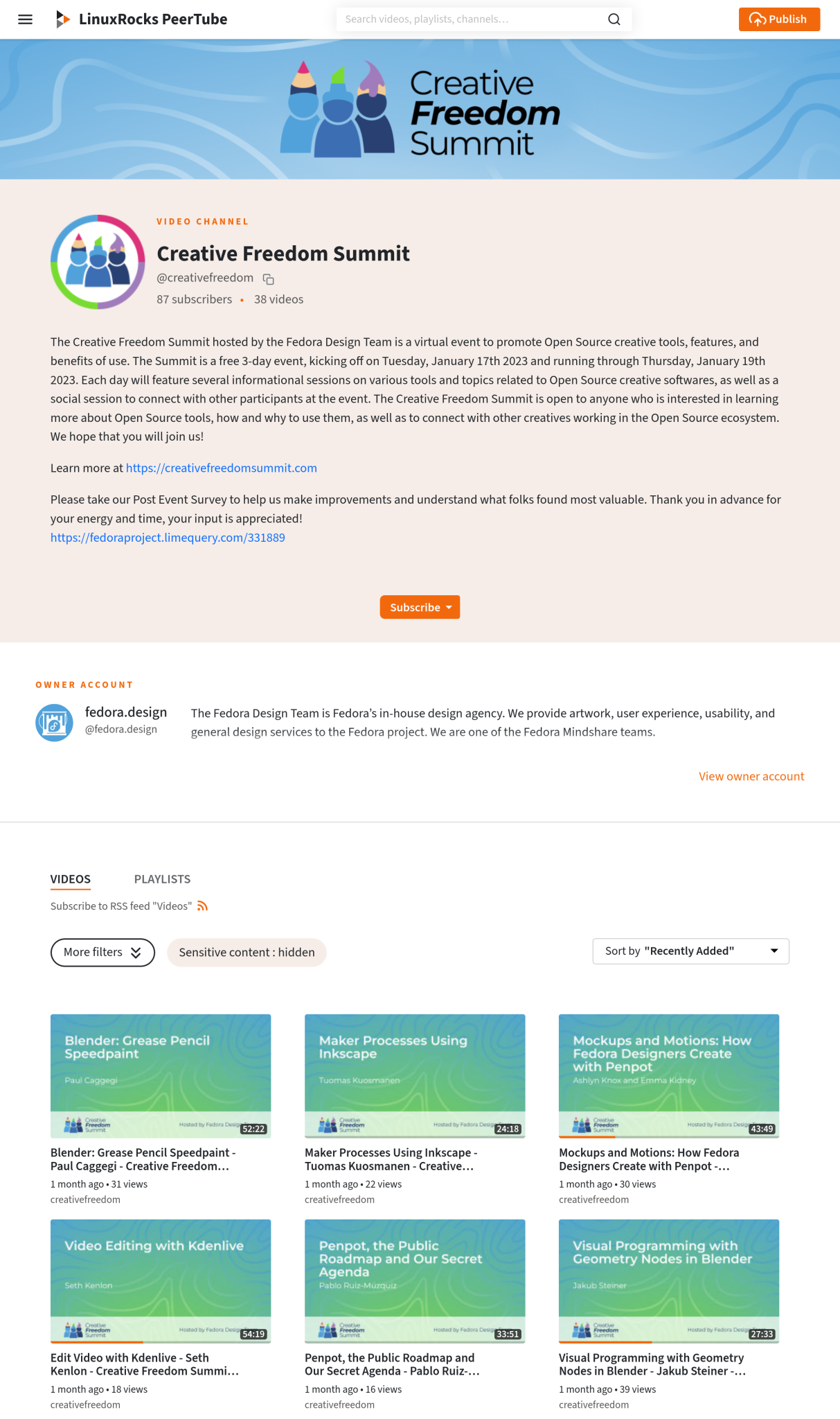
A cornerstone of the technical setup was PeerTube, a decentralized, free and open source video platform integrated into the Fediverse. Utilizing the LinuxRocks PeerTube instance, the team discovered a unique feature that set the platform apart from traditional streaming services: the ability to generate near-instant replay recordings immediately upon the conclusion of a livestream.
This automation removed significant overhead for the organizing committee. As soon as a livestream ended, the recorded session automatically populated the event’s PeerTube channel without requiring manual intervention, file conversions, or uploads from volunteers. Attendees navigating technical questions in the chat frequently highlighted this rapid turnaround as a major advantage, allowing participants to catch up on missed sessions within minutes of their conclusion.
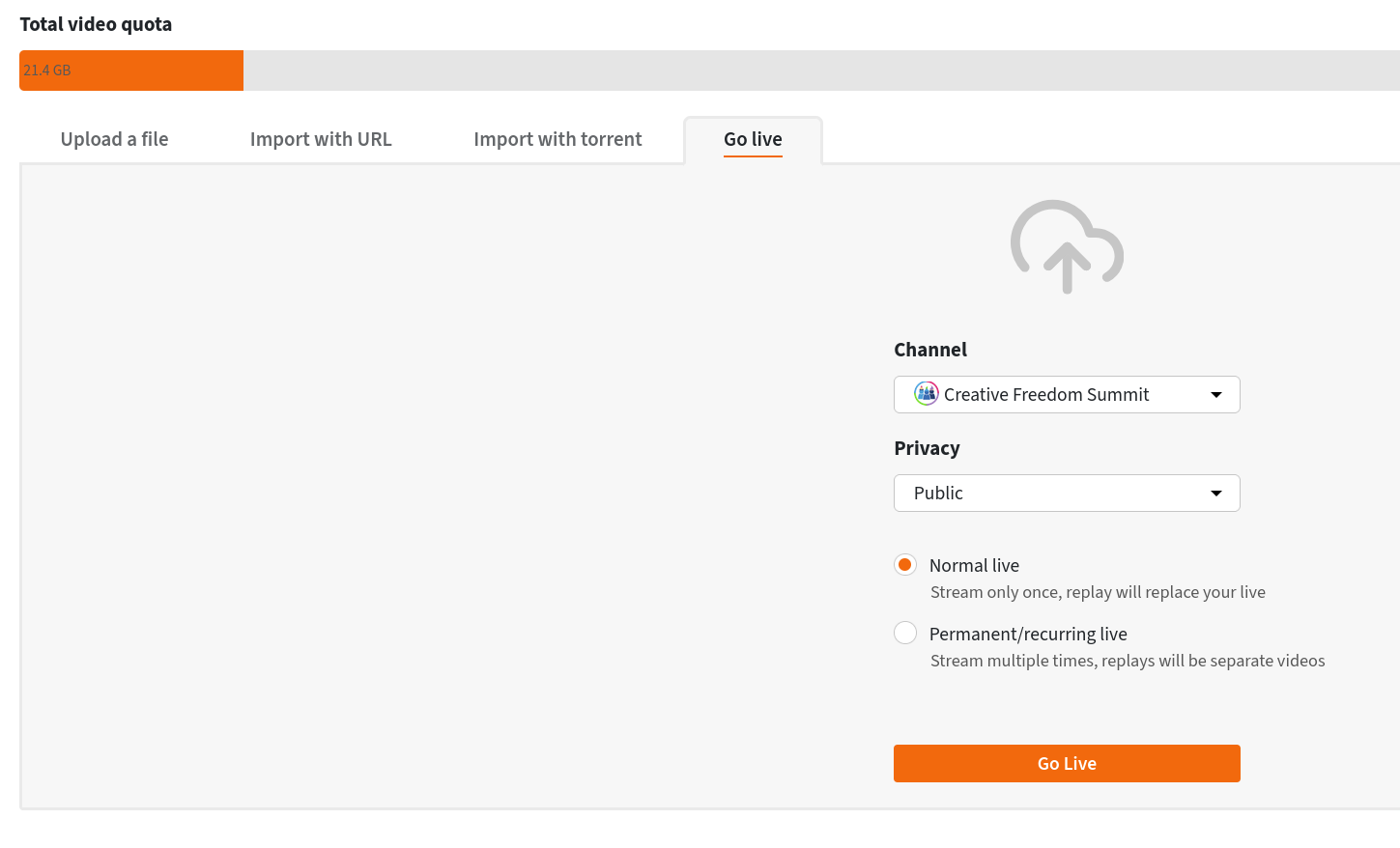
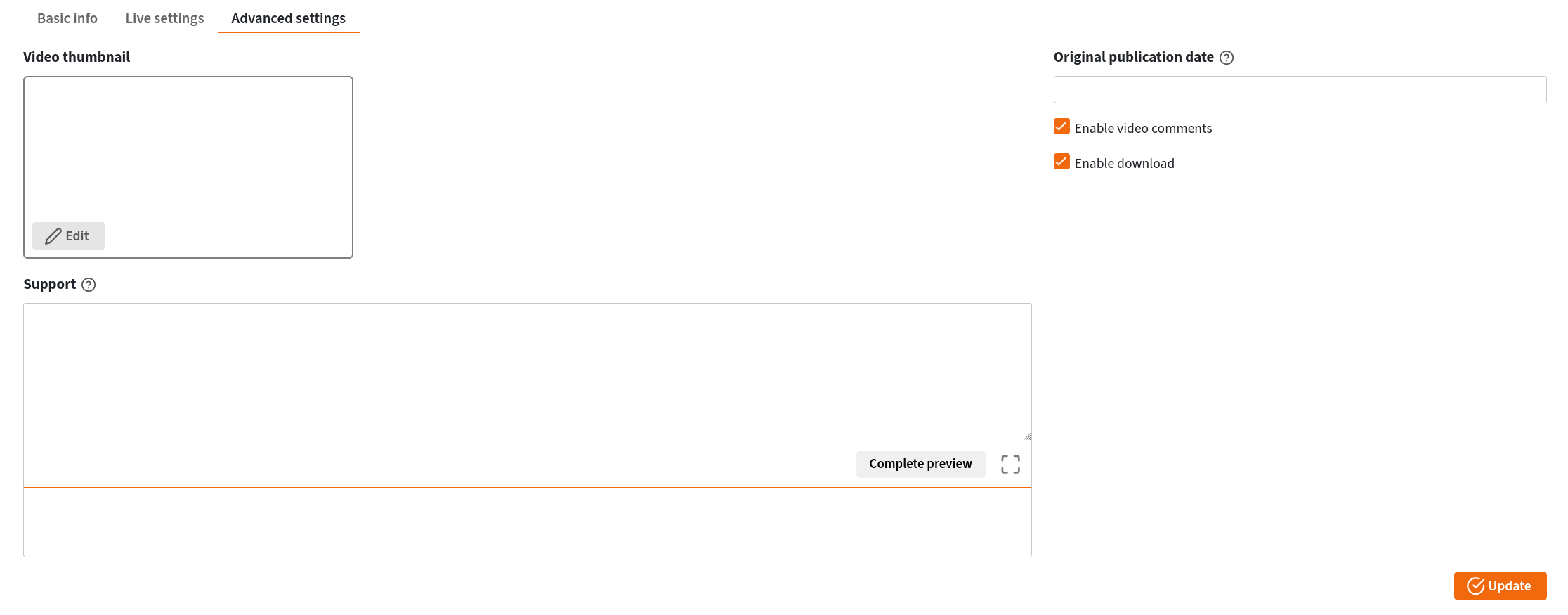
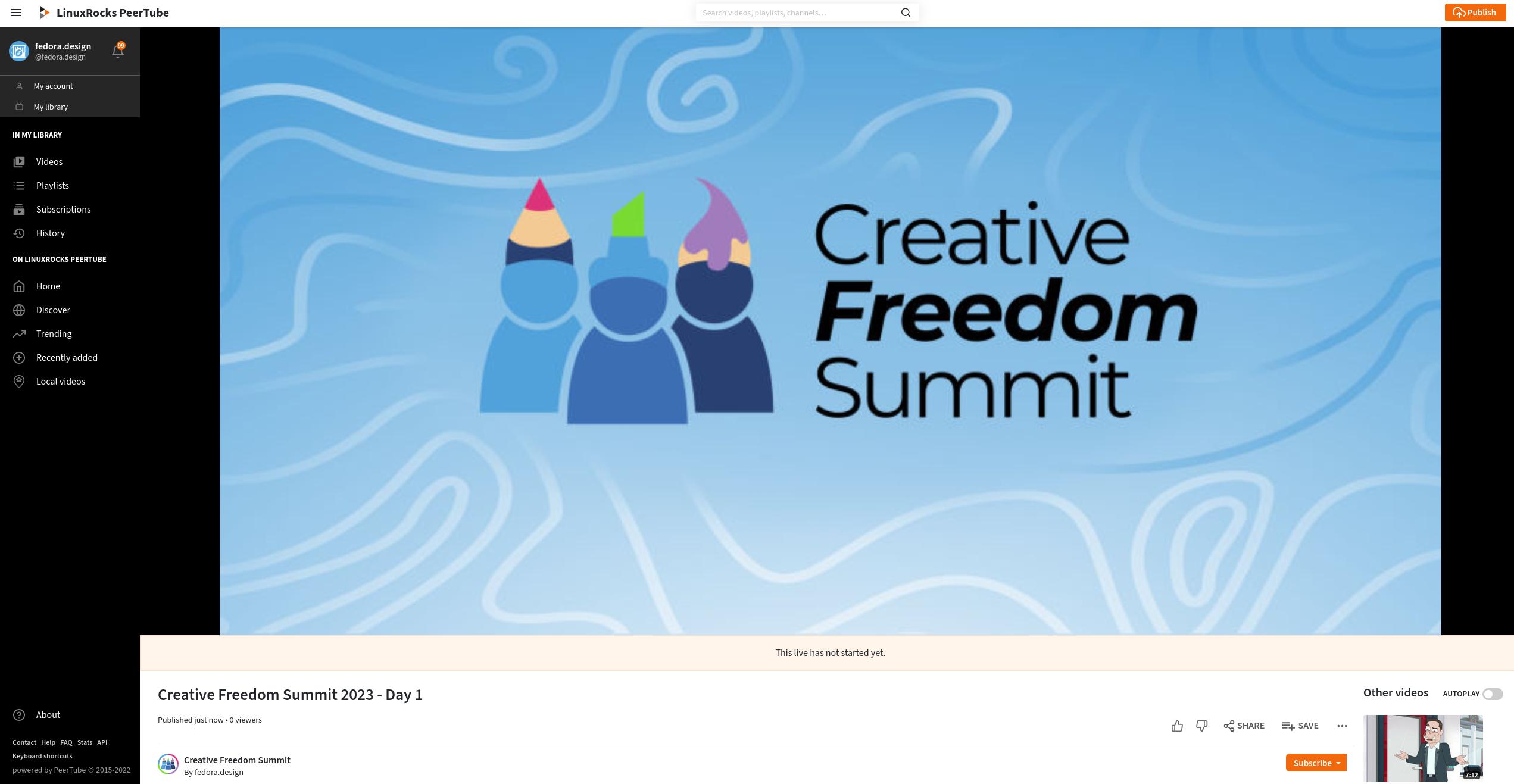
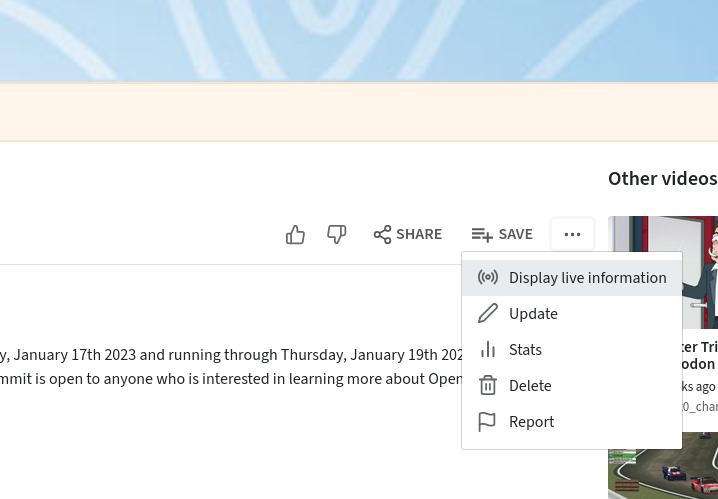
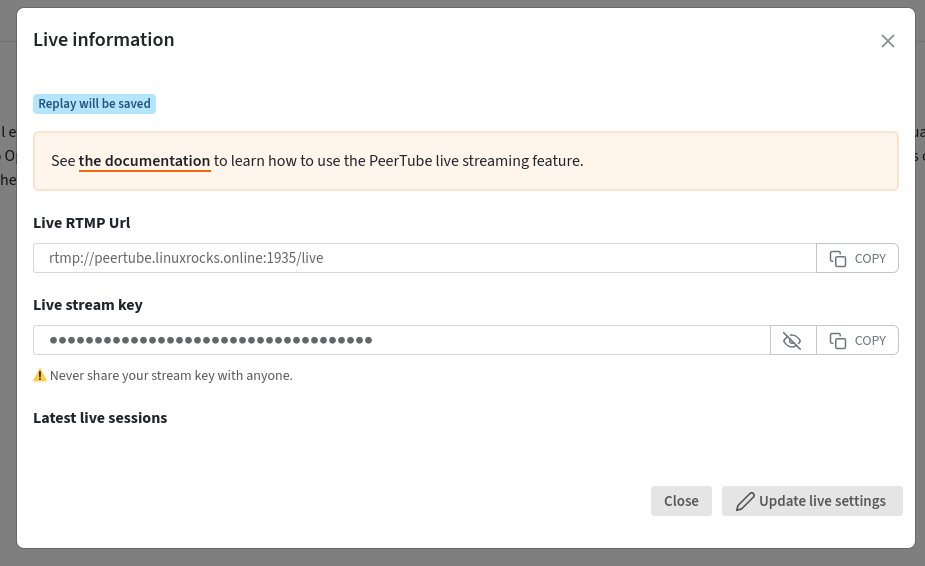
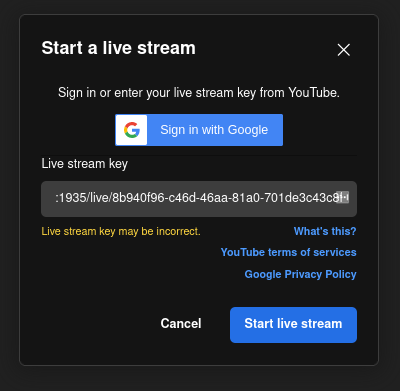
The workflow required organizers to generate a reusable livestream URL and authorization key within PeerTube. By configuring the stream settings to publish automatically following transcoding and establishing a standby holding image for transitions, the team avoided the administrative burden of generating unique streaming credentials for every individual talk. A shared document allowed rotating hosts to initiate streams seamlessly throughout the conference schedule.
Managing the Virtual Stage and Backstage Communication
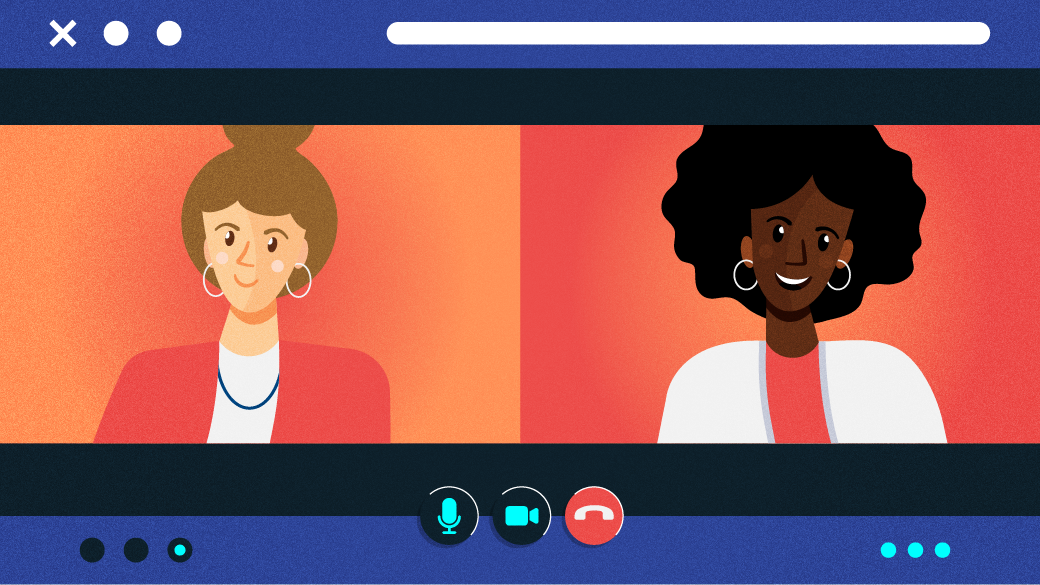
For the virtual stage where speakers delivered their presentations and shared their screens, the team utilized Jitsi Meet. By creating a custom meeting room and enforcing a virtual lobby, organizers maintained control over access, allowing speakers to enter quietly ahead of their scheduled time without disrupting ongoing presentations.
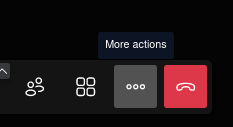
Jitsi’s native RTMP livestreaming integration allowed the video feed to broadcast directly to the PeerTube channel. However, real-world execution offered practical lessons for future improvements. During the opening day, streams were left running continuously across multiple presentations, resulting in lengthy video files containing several talks. Organizers subsequently realized that stopping and restarting the Jitsi stream between individual presentations created cleaner, single-talk video files on PeerTube, greatly improving the user experience for those seeking instant replays.
Live troubleshooting also underscored the importance of managing audio feedback loops. Because organizers monitored multiple windows, unmuted PeerTube tabs or background Matrix clients occasionally introduced audio interference during speaker introductions. Refining monitoring protocols and designating specific team members to handle audio feeds emerged as a key operational takeaway.
Behind the scenes, an invite-only Element chat room served as the green room for speakers. This backstage channel streamlined coordination, enabling organizers to provide technical checks, announce schedule adjustments, and swiftly manage last-minute speaker changes due to unforeseen emergencies.
Centralizing the Attendee Experience
Rather than scattering participants across disparate web pages, the organizing team leveraged the widget system within Fedora’s Matrix and Element infrastructure to create a centralized conference hub.
By embedding the PeerTube livestream directly into the main chat room alongside an interactive HackMD document containing the daily schedule and crowdsourced Q&A prompts, participants could watch sessions, post questions for hosts to read aloud, and converse with fellow attendees in a single interface. While occasional widget-loading issues prompted the team to provide fallback links in the channel topics, the integrated layout successfully simulated the centralized feel of a physical conference hall.
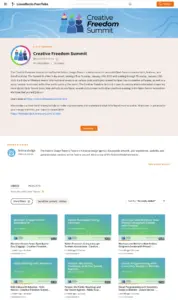
A single-page WordPress website developed by Ryan Gorley and hosted via WPengine provided public-facing information, integrating a schedule embedded from sched.org to keep visitors informed.
Post-Event Evaluation and Archival Work
Following the conclusion of the summit, organizers deployed an open source LimeSurvey questionnaire to gather feedback from attendees, utilizing insights from ongoing planning meetings to refine future events.
Accessibility emerged as a central theme in post-event discussions. While live captioning was not part of the initial technical stack, attendees actively advocated for its inclusion. Exploring open source tools like OBS combined with local captioning utilities or leveraging the automatic speech-to-text subtitle generation built into the Kdenlive video editor provided actionable pathways for improving accessibility in subsequent years.
The archival phase relied heavily on community collaboration. Volunteers from the event’s Element channel mobilized via a GitLab epic to edit raw PeerTube recordings, adding title cards, intro and outro music, and trimming transition dead space. Volunteers downloaded raw files, processed them using open source editors, and uploaded finished versions to a private repository for administrative review before publishing them to the main channel.
By demonstrating that a complex virtual conference can be successfully executed using community-driven technology, the Fedora Design Team’s experiment offers a practical blueprint for open source communities seeking to align their operational methods with their core philosophies.