










A newly developed browser-based application allows users to transform lengthy PDF documents into structured, multi-panel storyboard sheets entirely on their local devices. Designed to streamline the review of presentations, scripts, reports, lesson materials, and comic pages, the PDF Storyboard Generator eliminates the need to inspect multi-page documents sequentially. Instead, the application arranges selected pages into unified visual sheets complete with page numbers, visual previews, and customizable captions.
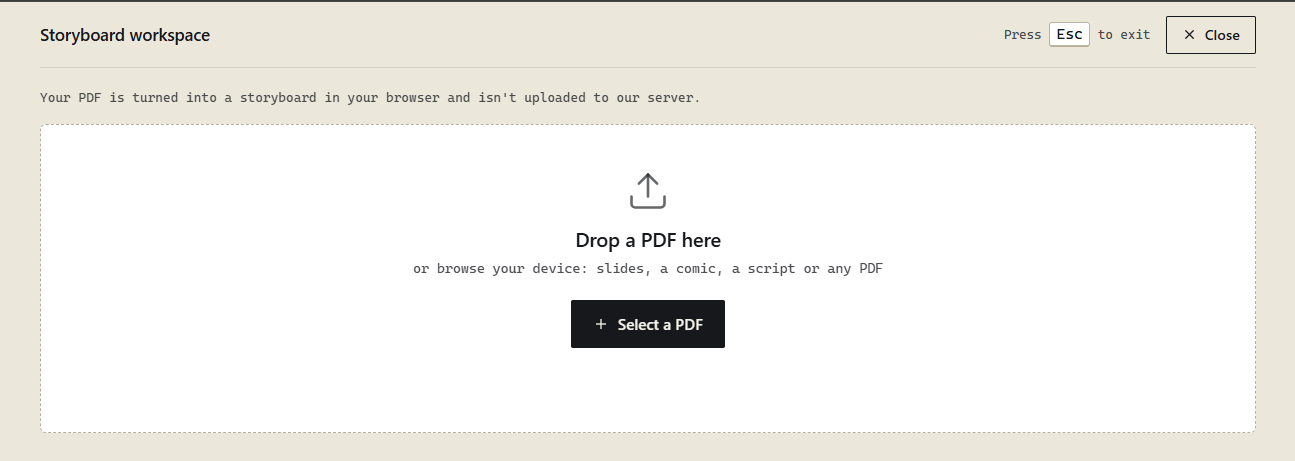
Operating directly within the web browser, the tool processes uploaded files locally without transferring sensitive documents to external servers. By integrating several JavaScript libraries and document-processing technologies, the application delivers a comprehensive workflow that spans PDF rendering, text extraction, optical character recognition, layout calculations, and multi-format file exports.
Streamlining Document Review and Visual Sequencing
Reviewing extensive PDF files page by page can be a time-consuming undertaking, particularly when stakeholders need to grasp the overarching sequence of scenes, slides, or visual designs. Storyboards offer an efficient alternative by consolidating multiple pages into a single sheet containing structured panels.

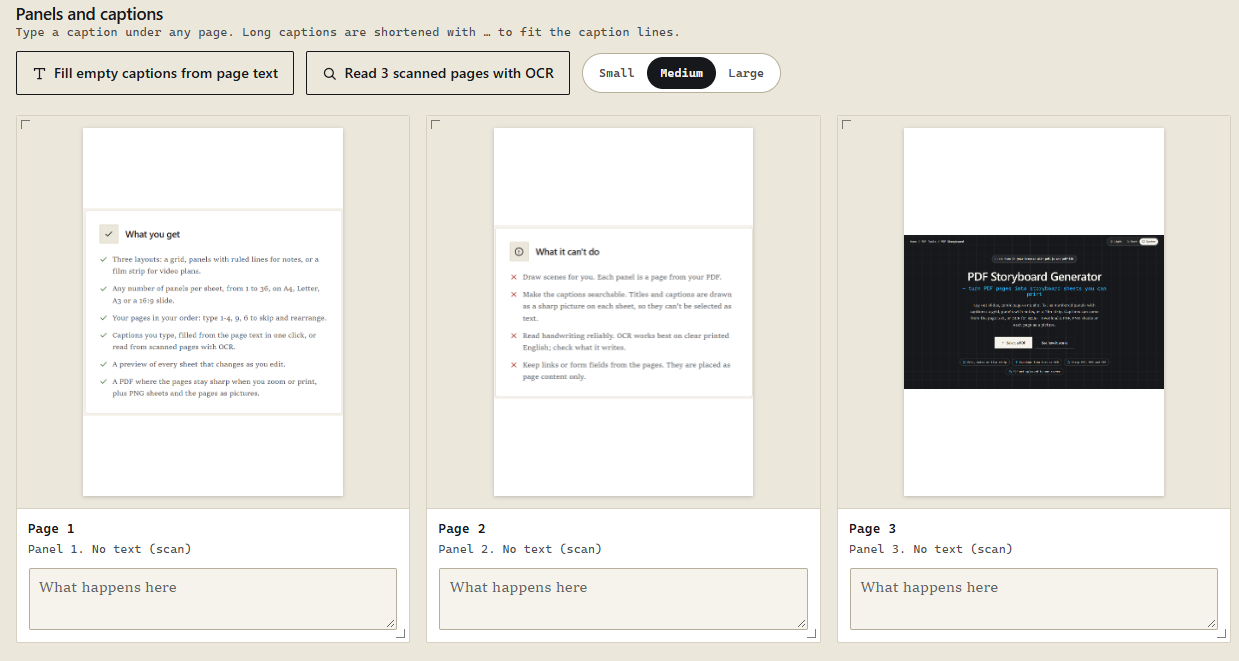
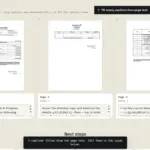
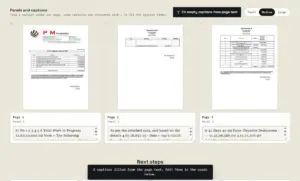
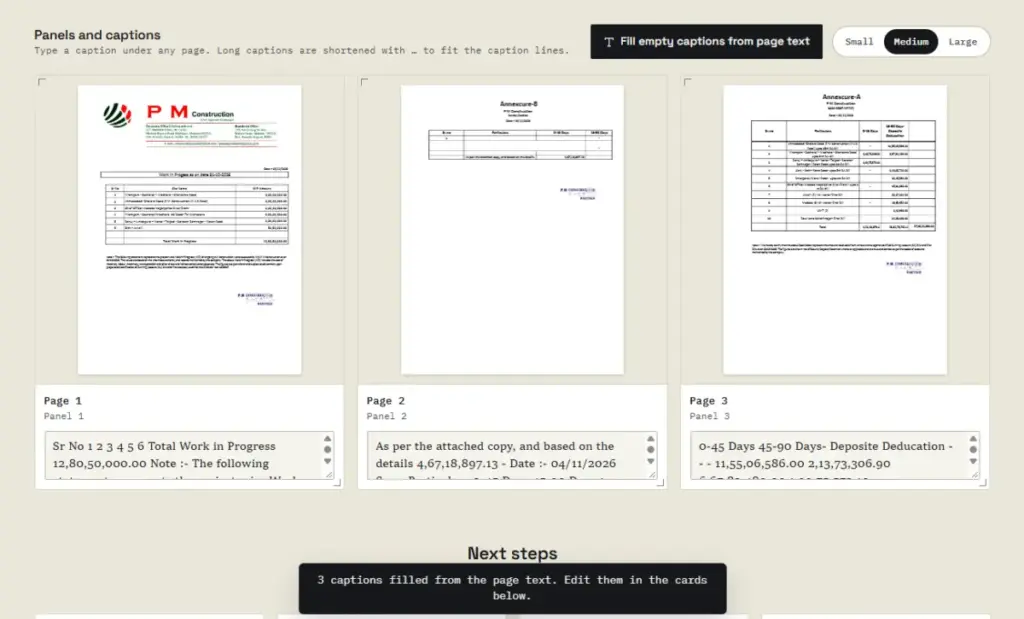
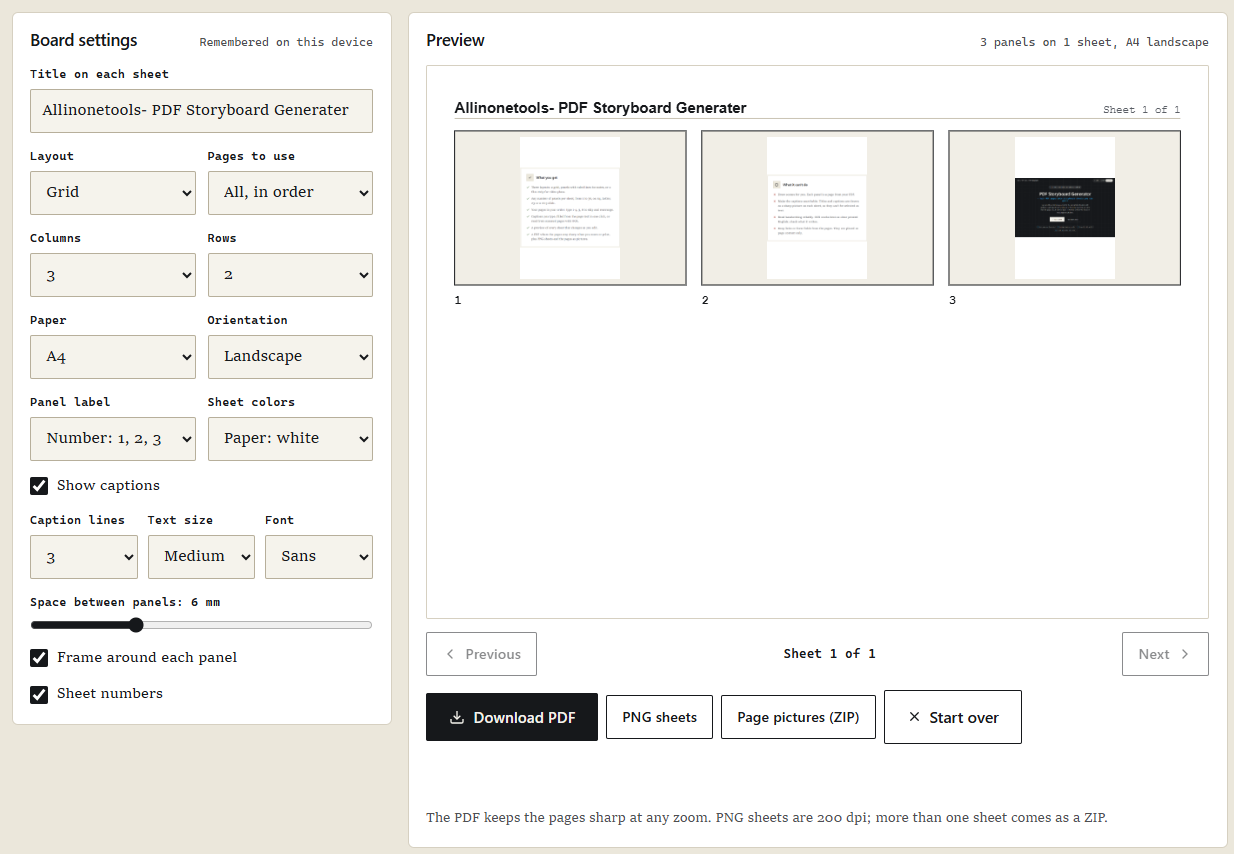
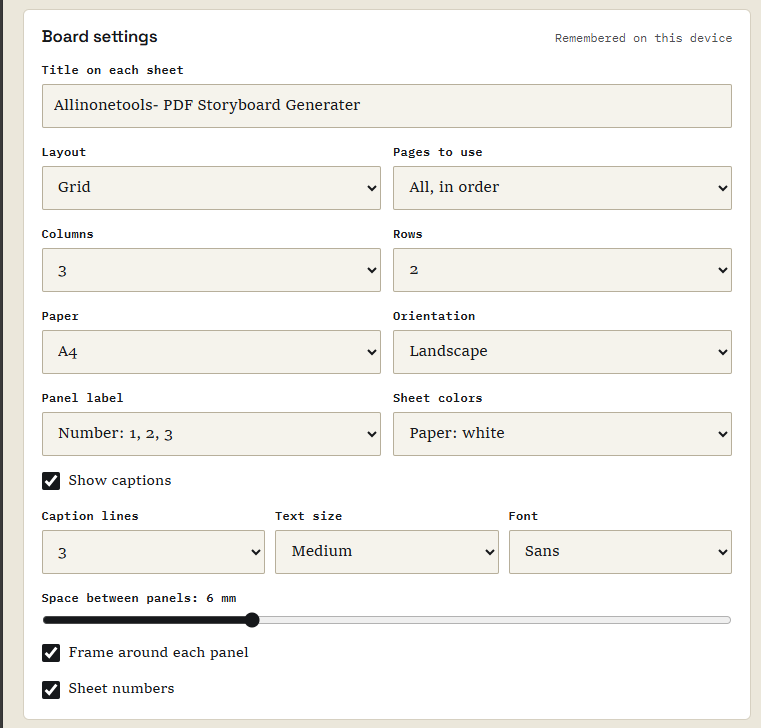
Rather than creating entirely new scenes or rendering hand-drawn illustrations, the application takes existing PDF pages and reorganizes them into printable storyboard layouts. For instance, a presentation spanning twenty slides can be condensed into a grid format featuring three columns and two rows across multiple sheets. Each panel features a scaled visual representation of the original page, accompanied by optional labels and descriptive captions underneath.
This approach proves especially valuable for creative professionals, educators, and presenters. Filmmakers and video producers can map out visual sequences, reels, and scenes, while educators can compile lesson materials into cohesive handouts. Similarly, comic artists and presentation designers can review page layouts and slide sequences at a glance without opening individual pages.
Core Features and Local Processing Workflow
The application incorporates a robust set of features designed to handle document ingestion, layout customization, and file export. Users can upload PDF documents either through a standard file picker or by dragging and dropping files directly into the browser workspace.
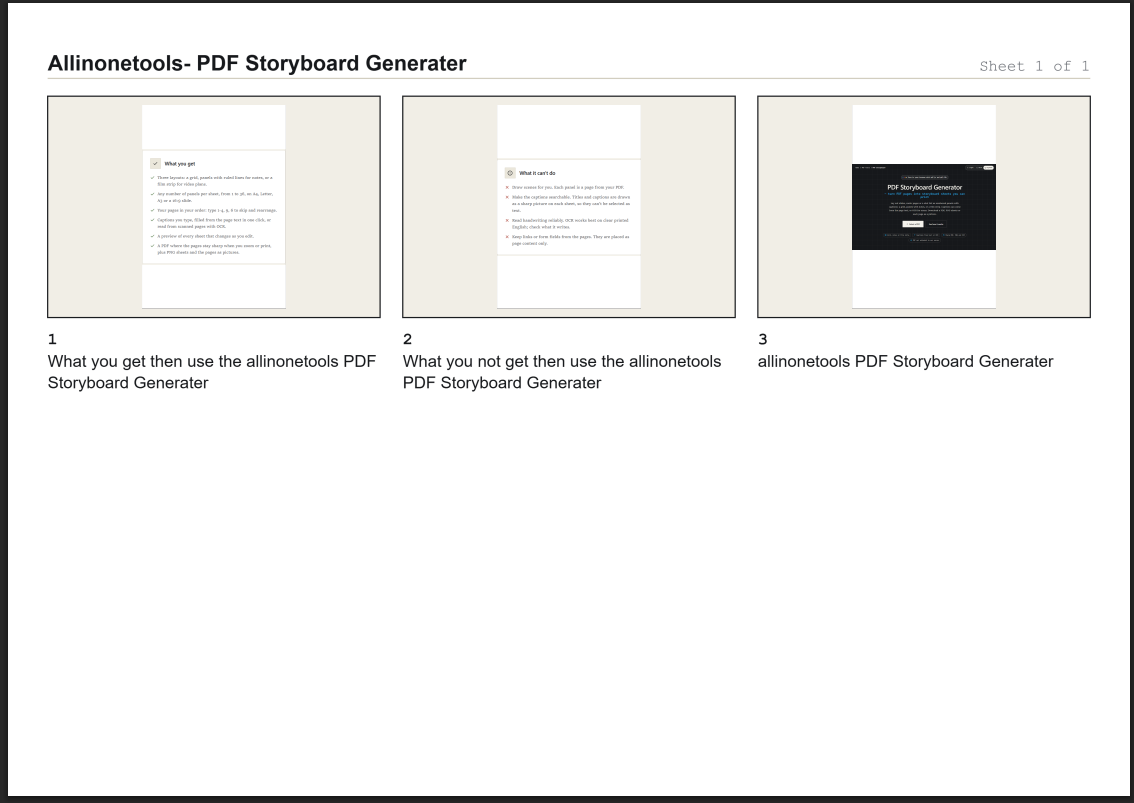
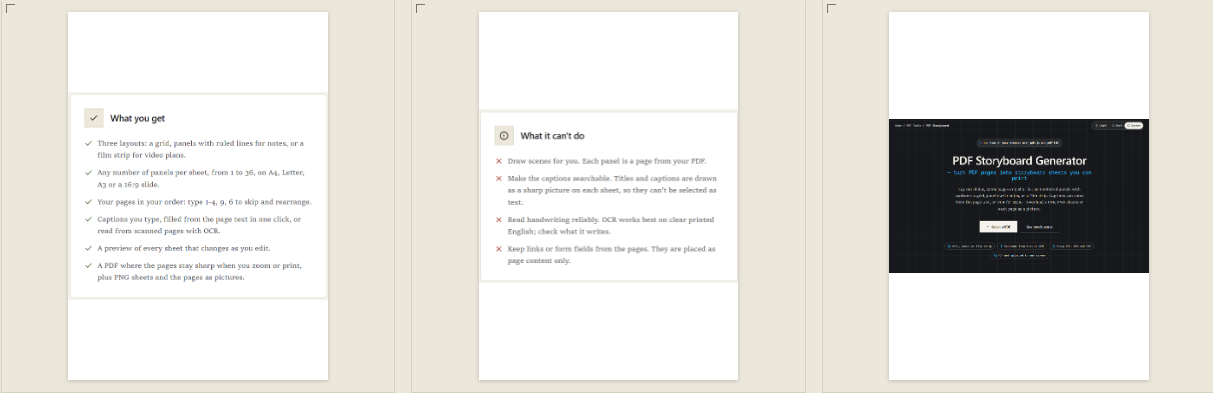
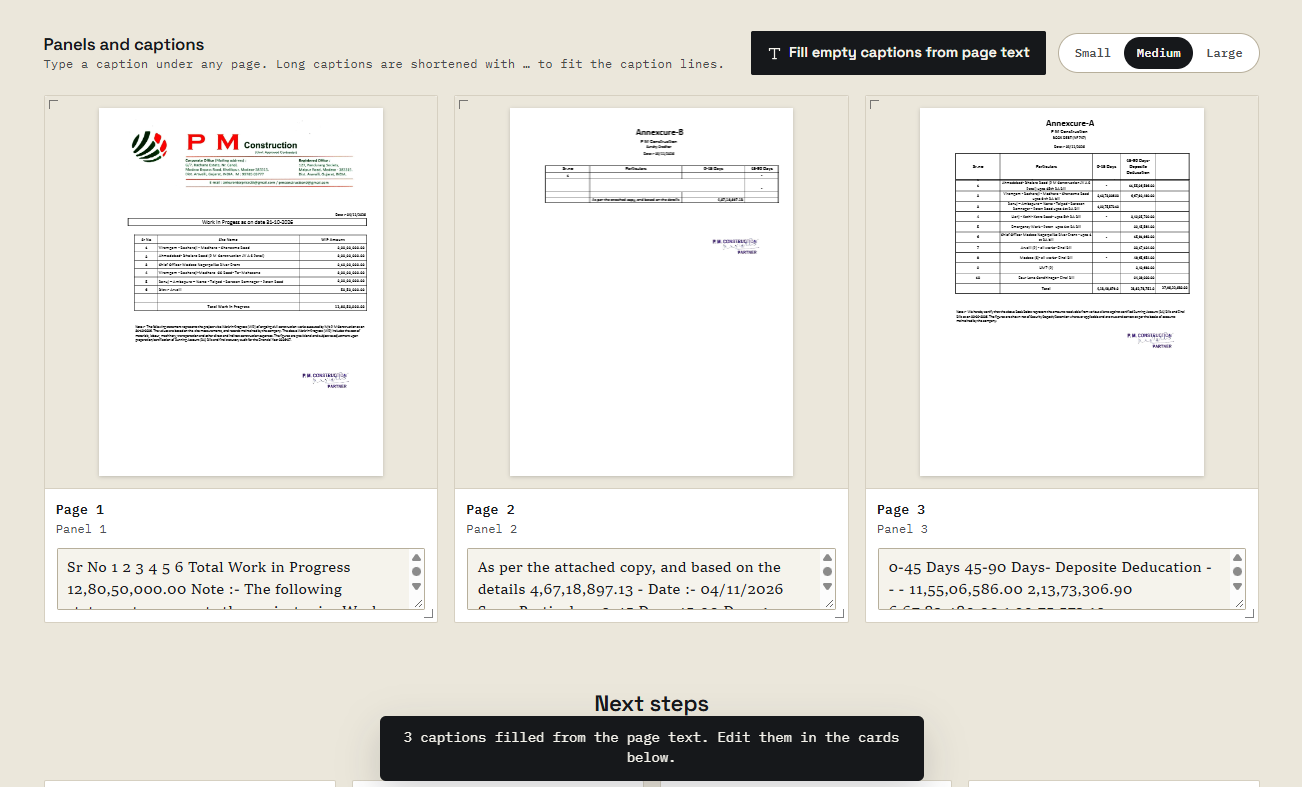
Once loaded, the application supports multiple storyboard layouts, including traditional grid formats, panel arrangements with dedicated note-taking space, and film strip sequences. Users maintain full control over page selection and ordering, enabling them to construct custom sequences rather than remaining bound to the original document structure. Captions can be entered manually, populated automatically from extracted PDF text, or generated using optical character recognition for scanned documents.
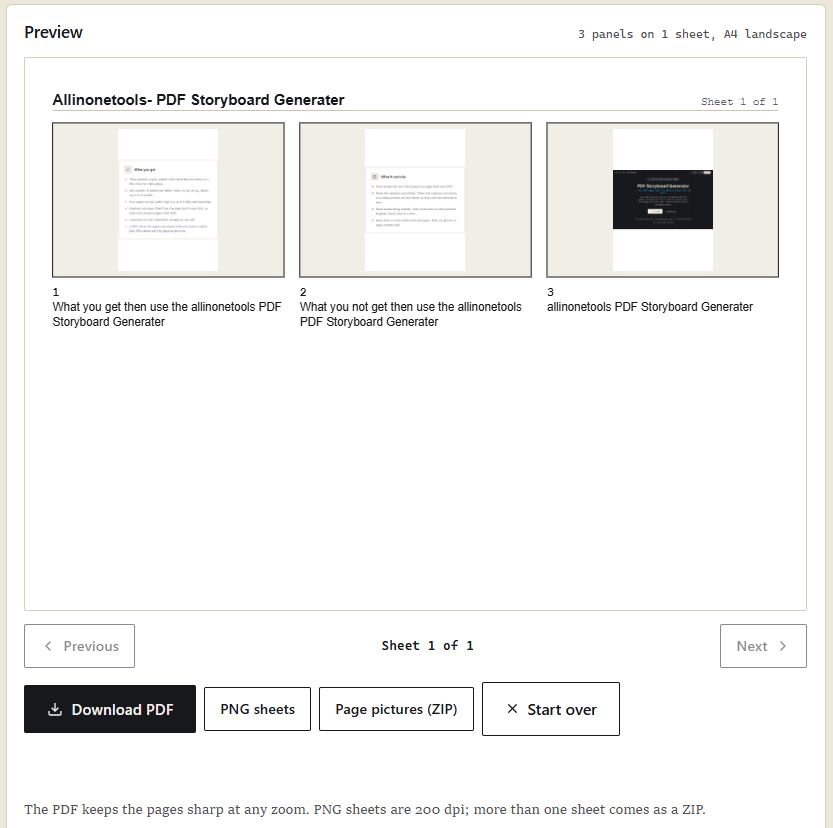
Customization options extend to paper sizes, orientations, column and row counts, panel labels, sheet colors, font selections, and spacing. Before downloading the final output, users can review the arrangement using a live preview interface that dynamically updates as adjustments are made. Export options allow users to download their work as high-quality PDF documents, individual PNG image sheets, or archived ZIP packages containing separate page previews.
Technical Architecture and Library Integration
The application relies on a combination of HTML, CSS, and JavaScript, leveraging specialized libraries to handle distinct document-processing tasks. PDF.js is utilized to open source documents, retrieve page dimensions, and render visual previews directly onto HTML canvases. Meanwhile, PDF-lib manages the generation of the final output documents, embedding original pages as vector content whenever possible to preserve text clarity and line quality during zooming or printing.
For documents containing scanned images rather than selectable text, the application integrates Tesseract.js to provide optional optical character recognition. This modular architecture ensures that each library performs a specific function, allowing the browser to execute complex document transformations efficiently while maintaining responsiveness across standard desktop environments.